TIME IS RUNNING OUT FOR 2026 TAX WRITE-OFFS

Find video transcription guides for your work

Start with the recording and the deliverable your job requires. These are possible workflows, not a list of Martel customer endorsements or a claim that every role needs a pedal.

Legal and court review

Legal transcriptionists, court reporters, scopists, transcript proofreaders, paralegals, attorneys and litigation-support staff.

Investigative and incident review

Investigators, records reviewers and authorized body-camera, dash-camera, security-video or workplace-interview reviewers.

Claims and insurance support

Claims adjusters, claims examiners and assistants reviewing recorded interviews and statements.

Academic and market research

Qualitative researchers, graduate students, research assistants, focus-group transcribers and authorized clinical-study teams.

UX and product research

UX researchers, usability analysts, product designers and research-operations staff reviewing screen recordings.

Archives and family history

Oral historians, archivists, librarians, museum staff, genealogists and community-history volunteers.

News, documentaries and online video

Journalists, fact-checkers, documentary researchers, assistant editors, video-podcast editors and content producers.

Education and professional training

Instructors, teaching assistants, students, instructional designers, corporate trainers and technical or clinical educators reviewing lessons.

Public meetings and community organizations

Municipal clerks, board administrators, association secretaries, nonprofit staff and faith-community media volunteers.

Accessibility and caption preparation

Accessibility editors and caption preparers checking speech, meaningful sound and necessary visual information before separate caption production.

Languages and specialist terminology

Translators, bilingual reviewers and technical transcriptionists preparing or checking source-language text and translation handoffs.

Freelance and shared transcription desks

Independent transcribers, transcription-service teams and editors correcting an existing draft or setting up a pedal workstation.

Use authorized, supported recordings. Specialist analysis, certification, translation, caption authoring and document saving remain separate from Martel playback and text timestamp insertion.

Martel video transcription resource library

Better review starts with a clear answer.

Thirty practical guides. One hundred and fifty questions answered. Learn the controls, choose useful timestamps and build a repeatable review workflow.

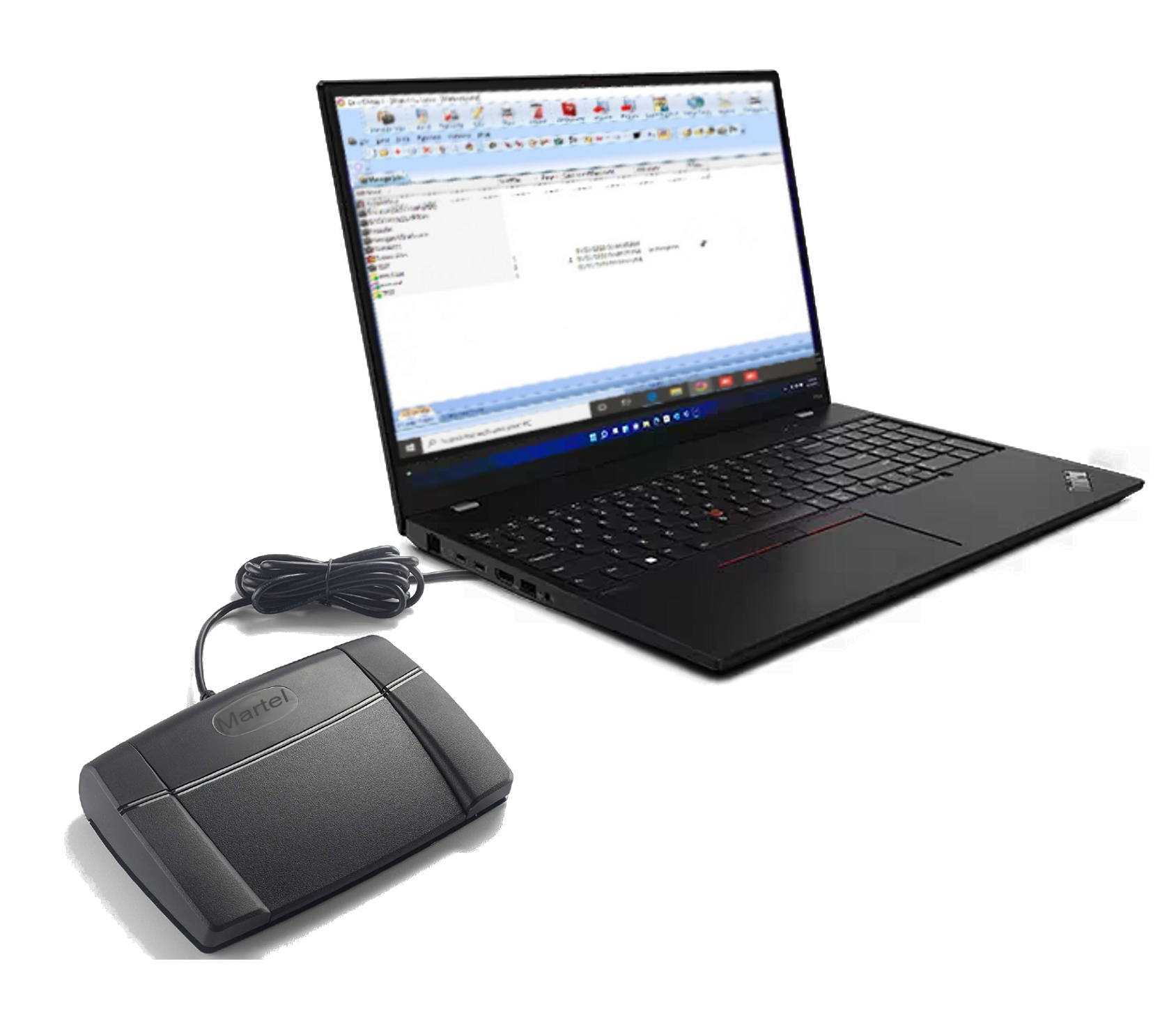
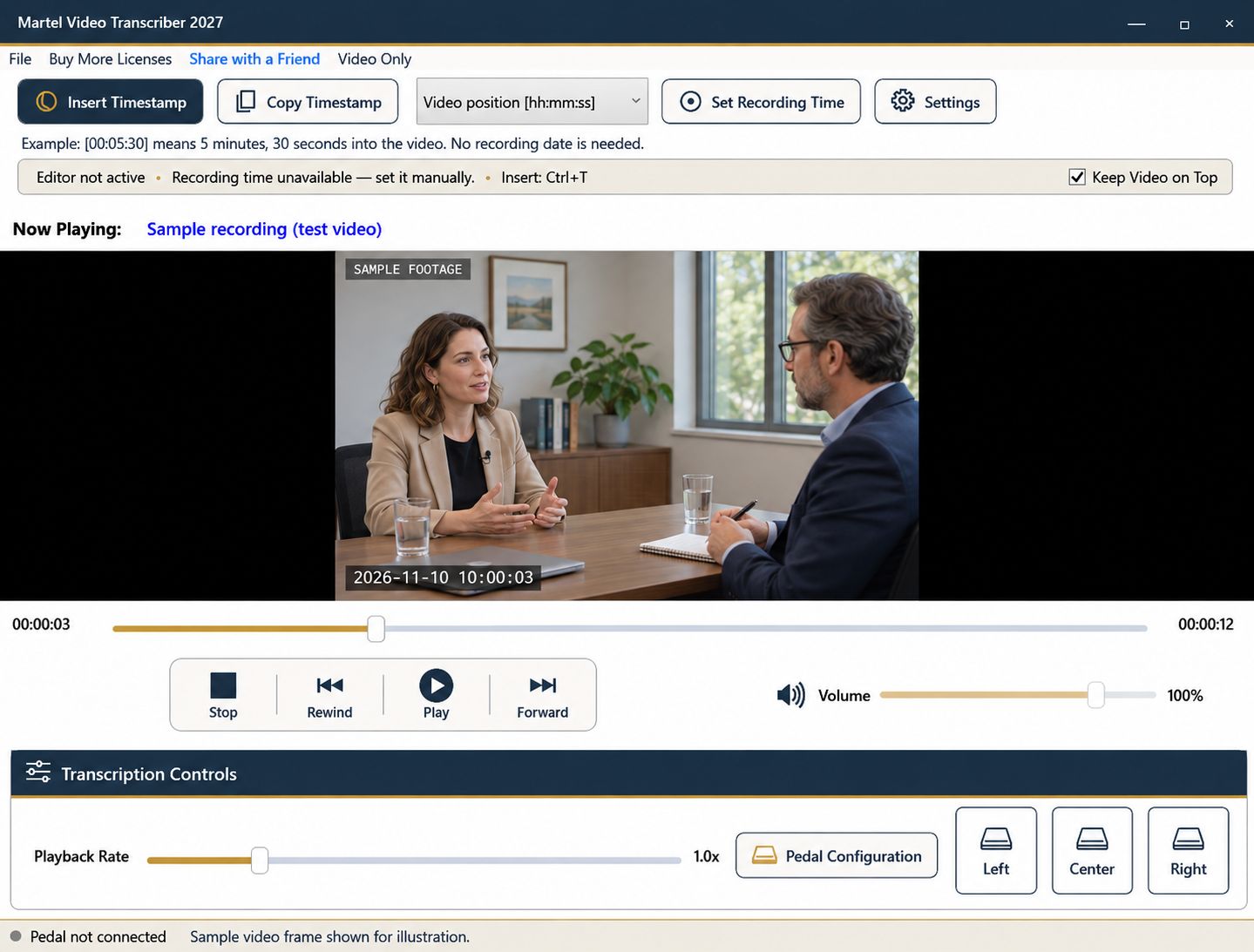
Martel Video Transcriber with new timestamp controls
Current interface; sample video frame shown for illustration.
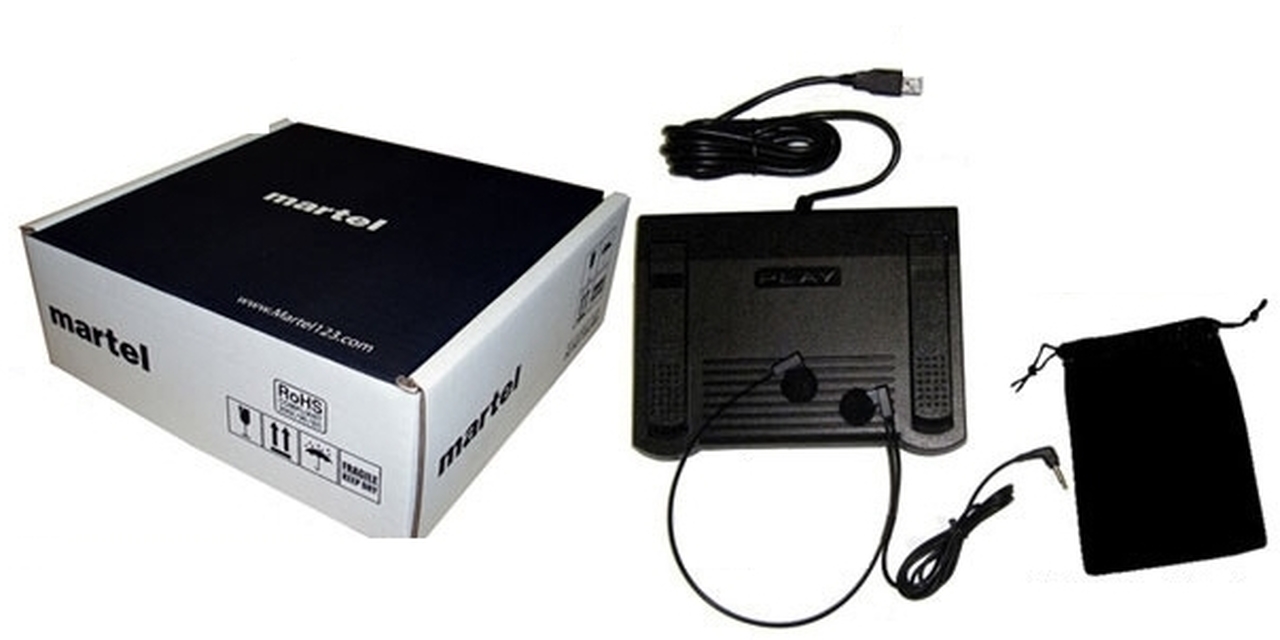
Martel foot pedal and headset kit
Choose a complete kit or software for existing equipment.

Find guides by job and recording type — legal review, research, education, journalism and more.

Explore the video transcription guide library

Practical answers for setting up timestamps, working with a pedal, reviewing difficult footage and choosing the right equipment.

Timestamp essentials · 5 guides

Set Recording Time in Martel: Match a Known Video Moment to the Clock

Set a verified camera date and time at a known video position. Learn how Martel calculates later recording timestamps and handles missing clock information.

Video Position, Recording Clock and Frame Timecode: Which Timestamp Do You Need?

Understand elapsed video timestamps, a verified recording clock and frame timecode before choosing a format for your transcript or review notes.

Recording Timestamps Across Midnight, Time Zones and Camera Clock Jumps

Handle recording dates across midnight, label unknown time zones, and reset a Martel timing reference when a recording contains a clock discontinuity.

Check a Timestamped Transcript Before You Hand It Off

Check source identity, timestamp meaning, playback navigation and document placement before handing off a video transcript or timed review notes.

Why Edited Video Clips Need a New Recording-Time Check

Learn how trimming, removed gaps and combined clips affect elapsed and recording-clock timestamps, and when to reset a Martel timing reference.

Keyboard, pedal and writing · 4 guides

Insert Video Timestamps in LibreOffice Writer with Ctrl+T

Set up Martel and LibreOffice Writer, insert a timestamp at the cursor with Ctrl+T, and check shortcut conflicts before a transcription session.

Copy a Video Timestamp into Word, Writer or Another Text Editor

Use Copy Timestamp and paste when direct insertion is unavailable. Compare the two workflows and keep video markers at the correct document position.

Assign a Foot-Pedal Button to Insert Timestamp Without Losing Your Playback Setup

Choose an optional timestamp pedal assignment in Martel, preserve your preferred playback controls, and test one-press insertion in your document.

Customize Martel Keyboard Shortcuts for Timestamps and Playback

Configure Insert Timestamp, play, rewind and fast-forward shortcuts in Martel, avoid document-editor conflicts, and test the finished keyboard layout.

Automatic timestamps and workspace · 4 guides

Add a Video Timestamp Each Time You Press Enter

Enable optional paragraph timestamps in Martel. Understand what Enter triggers, why wrapped lines are different, and how to check the result in Writer.

Choose a 10-Second, 30-Second or Longer Video Timestamp Interval

Compare 10-second, 30-second, one-minute and custom timestamp intervals. Learn how pauses, seeks and safe insertion affect automatic video markers.

Resume Transcription Where You Left Off: Video Position and Document Saving

Learn what Martel remembers when you close the player, how to resume the same recording, and why your transcript still needs its own document save.

Keep the Video Visible While You Type: A Compact Transcription Workspace

Use Martel Video Only and Keep Video on Top beside your document. Arrange a readable workspace without sacrificing playback or timestamp controls.

Legal, investigative and case review · 6 guides

Build a Clear Clock Reference for a Body-Camera Transcript

Create clear elapsed and recording-clock references for exported body-camera video, with source identification, visual notes and timing checks.

Create Timed Review Notes from a Court-Hearing Video

Organize court-hearing video review notes by source, speaker and elapsed position. Use foot-pedal playback without confusing working notes with a certified record.

Review Deposition Video with Timed Questions, Answers and Exhibit Notes

Build a practical deposition-video review workflow for questions, answers, objections and exhibit references using clear source and timestamp conventions.

Transcribe a Police Interview Video with Clear Speaker and Timing Notes

Organize police interview video transcription with consistent speaker labels, overlapping-speech notes, deliberate timestamps and a final playback check.

Keep Timestamps Unambiguous Across Multiple Video Clips

Organize a transcript that uses several video files. Keep clip identifiers, elapsed positions and recording-time references attached to the correct source.

Create Factual Timed Notes from a Claims Interview Video

Prepare claims-interview review notes that separate statements, visible details and interpretation, with clear video references for later checking.

Research, education and interviews · 8 guides

Make a Timed Index for an Oral-History Video Interview

Create an oral-history video index with topic markers, source identifiers, names to verify and a clear distinction between summaries and quotations.

Review Overlapping Speakers in a Focus-Group Video

Use video, repeat playback and clear timestamp notes to review focus-group speaker changes and overlapping speech without inventing attribution.

Turn a Usability Screen Recording into a Timed Event Log

Create a timed usability-review log that separates user speech, visible screen actions and researcher interpretation using video-position references.

Separate Visual Observations from Dialogue in Video Research Notes

Write video research notes that clearly distinguish spoken words, visible actions and interpretation, with timestamps that support later review.

Add Slide References and Useful Timestamps to Lecture Video Notes

Organize lecture video notes around concepts, slide changes and verified quotations. Use elapsed timestamps to return to explanations and examples.

Build a Webinar Topic and Q&A Index from the Recording

Create a useful webinar index with topic starts, audience questions and verified answer references, using elapsed timestamps and clear source notes.

Check Video Interview Quotations with a Repeatable Timestamp Workflow

Verify interview quotations against video, retain context and source identifiers, and use timestamps to make editorial review easier to repeat.

Create an Agenda Index for a Public-Meeting Video

Build an elapsed-time agenda index for meeting video, distinguish summaries from minutes, and verify motions, speakers and topic transitions.

Review and choosing your setup · 3 guides

Review an AI Transcript Against Video with a Foot Pedal

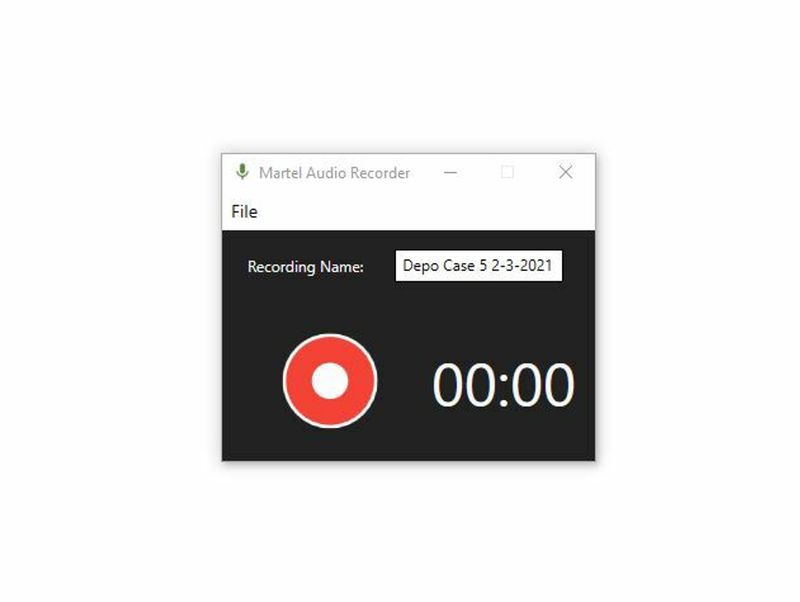
Use Martel to manually check an existing AI-generated transcript against video, correct wording and speakers, and add verified navigation timestamps.

Use Playback Speed and Rewind Without Distorting Video Timestamps

Understand why Martel timestamps follow media position through pauses, speed changes and seeks, then build an efficient manual proofreading routine.

Martel Video Transcriber Kit or Software Only: Choose the Right Setup

Compare Martel SKU 1515 with pedal and headset against SKU 1527 software with two licenses. Choose the setup that matches the equipment you already own.

Court Reporting, Dictation & Recording Equipment Guides

Browse buying guides, troubleshooting help, career information and equipment references by topic.

Explore the 15-part Dictaphone and dictation equipment series — buying guides, software, compatibility, remote work and everyday use. Updated October 28, 2026.

New: the complete 10-part transcription series — video, Zoom, MP3, software, foot pedals and kit compatibility.

Court Reporter Laptops: Buying, Setup and File Transfer

Original Martel laptop guides focused on reporting workflows, setup and support.

Shop the related Martel laptops

Voice Writing & VOX Laptops: Buying and Setup

Original Martel laptop guides focused on reporting workflows, setup and support.

Shop the related Martel laptops

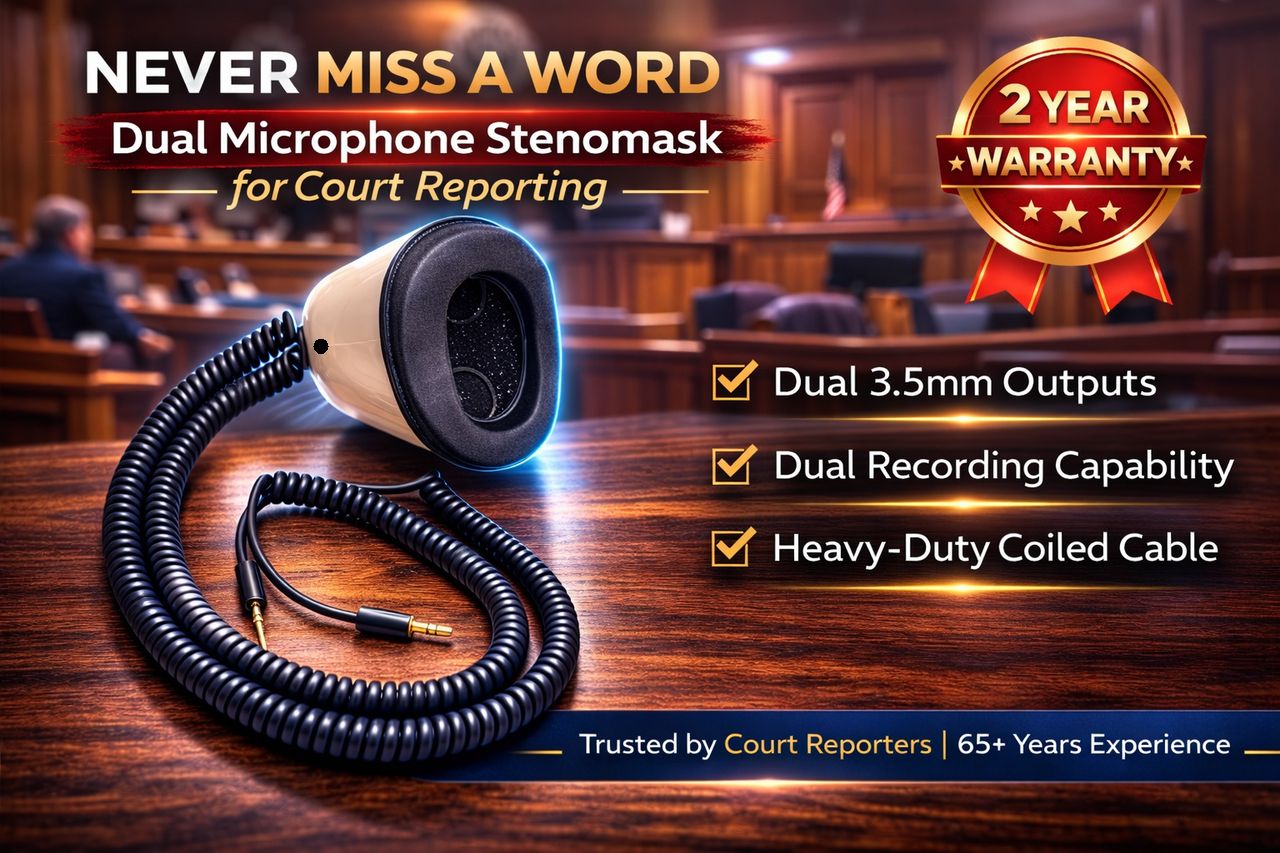
Stenomask articles and setup guides

Choose a Stenomask, match its microphone connections, prepare for voice writing school, and keep your equipment ready for recording.

MM-18 Stenomask setup: computers and handheld recorders

Check 3.5mm microphone inputs, USB adapter options, Windows input selection and saved practice recordings.

Category: Stenomask setup · Published November 9, 2026

Stenomask accessories: mouthpieces, foam filters, stands and adapters

Choose replacement parts and desk accessories around your mask model, working position and recording connection.

Category: Stenomask accessories · Published November 9, 2026

Stenomask prices and complete setup costs

Compare dated prices for all seven Martel models and plan the mask, computer input, software, recording, and accessory costs for your intended setup.

Category: Stenomask buying · Published November 9, 2026 · Includes 30 questions and answers

Stenomask vs. stenotype: compare court reporting methods

Understand voice writing and machine shorthand, compare equipment and training questions, and review the workflow before choosing a path.

Category: Court reporting methods · Published November 9, 2026 · Includes 30 questions and answers

More Stenomask guides

Shop Martel Stenomask microphones · Shop mouthpieces, foam filters and accessories

Court reporting, voice writing & careers

Dictation equipment: buying, setup and everyday use

Fifteen original Martel guides for choosing a dictaphone, matching recorder and transcriber equipment, and turning spoken instructions into a document you can review. Updated October 28, 2026.

Buying guides and complete systems

Software, compatibility and remote work

Using and upgrading your dictation system

Shop the Martel Dictaphone Machine · Browse dictation recorders
More dictation and transcription guides

Lecture, interview and oral history recording guides

Choose a recorder, match external microphones, compare recording modes and preserve clear spoken recordings.

Meeting and conference recording: the complete equipment series

Original Martel guides for choosing recorders and microphones, planning room coverage, and preparing recordings for minutes or transcription. Updated October 28, 2026.

Buying and choosing equipment

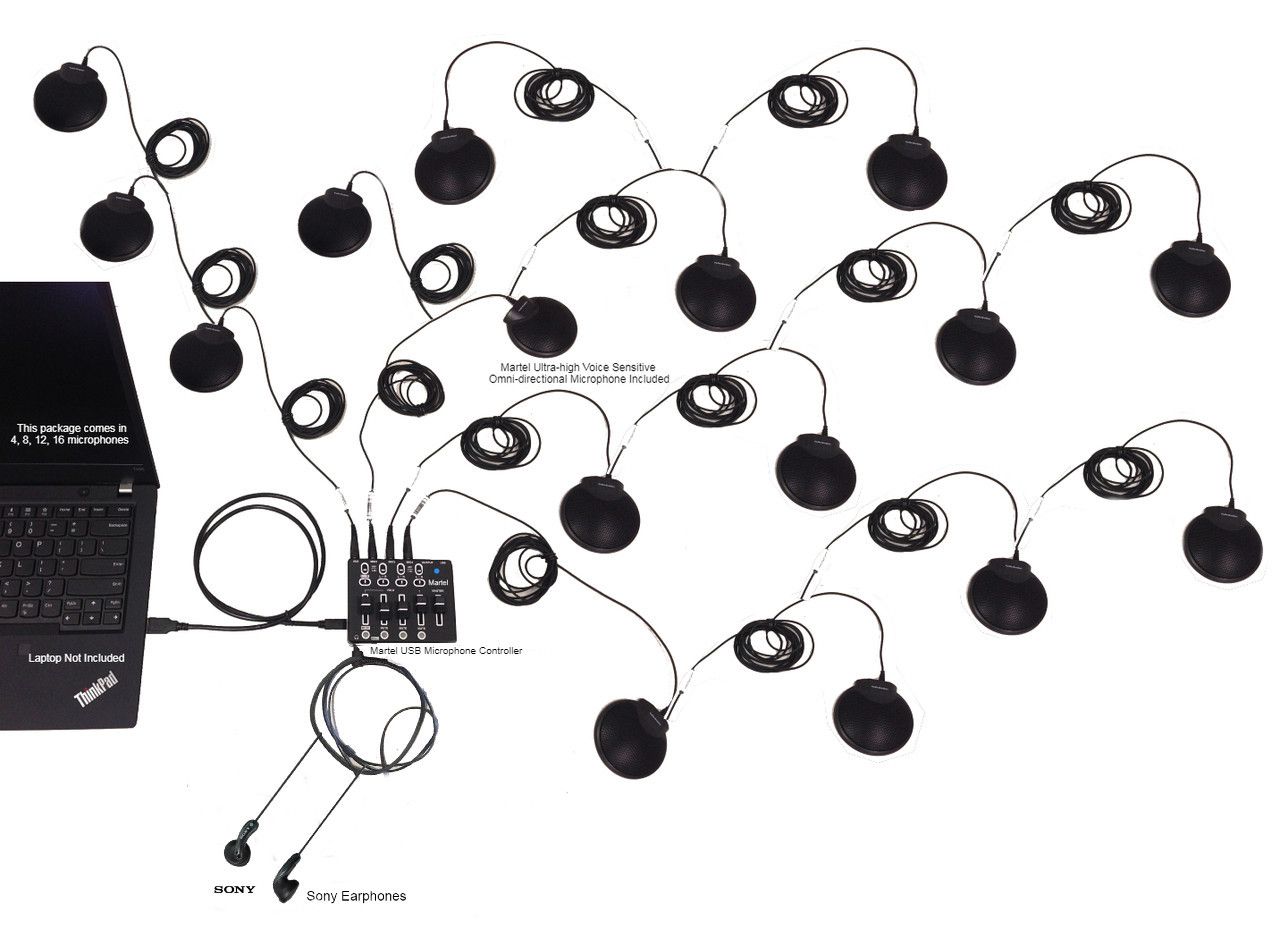
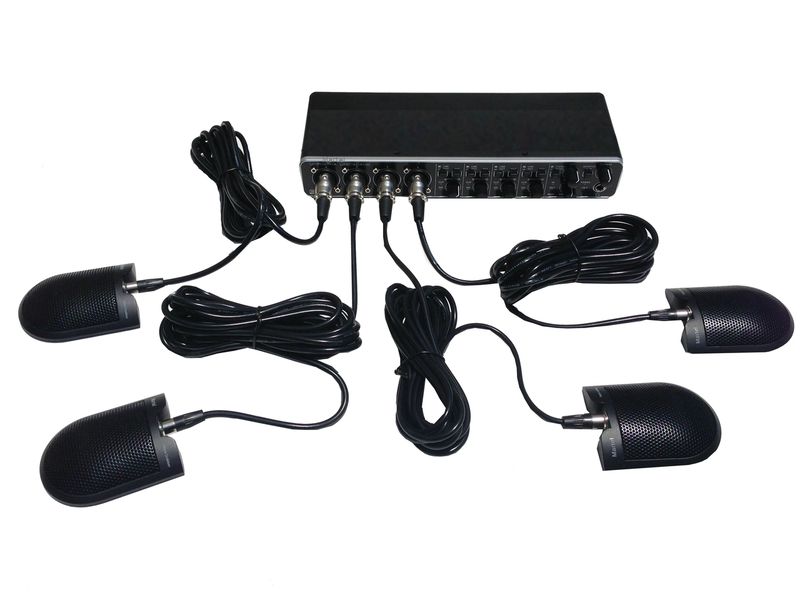
Microphones and room setup

Minutes and hybrid meetings

Shop meeting and conference recorders · Compare multiple-microphone systems

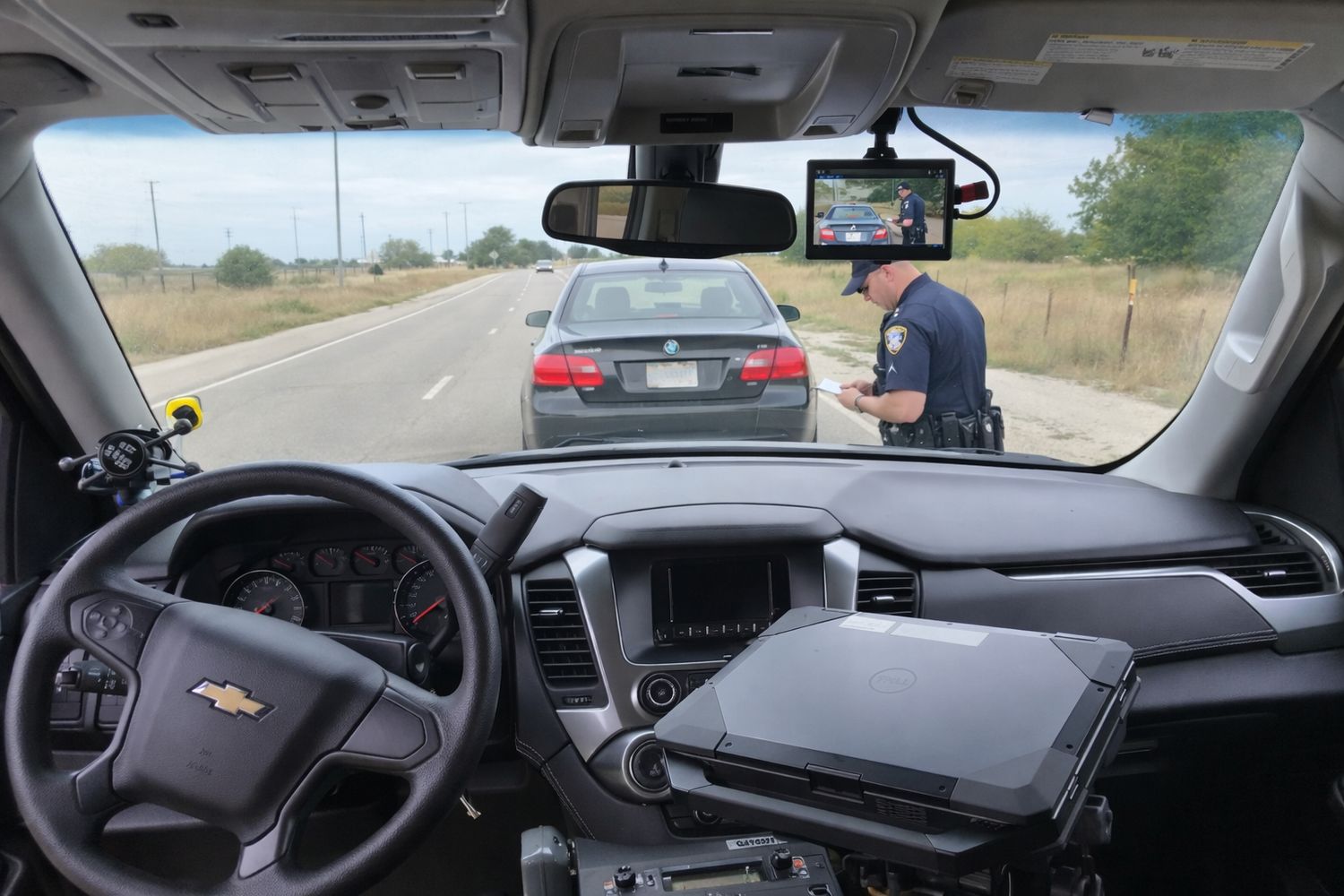
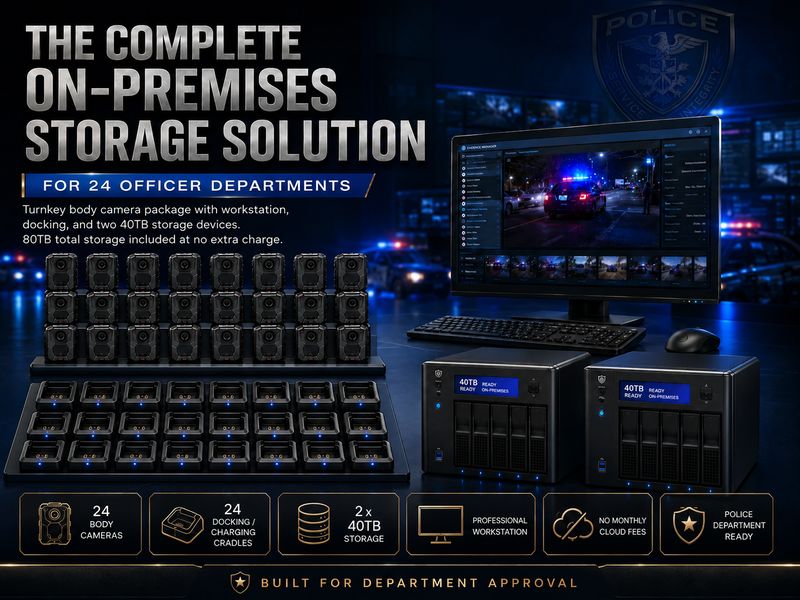
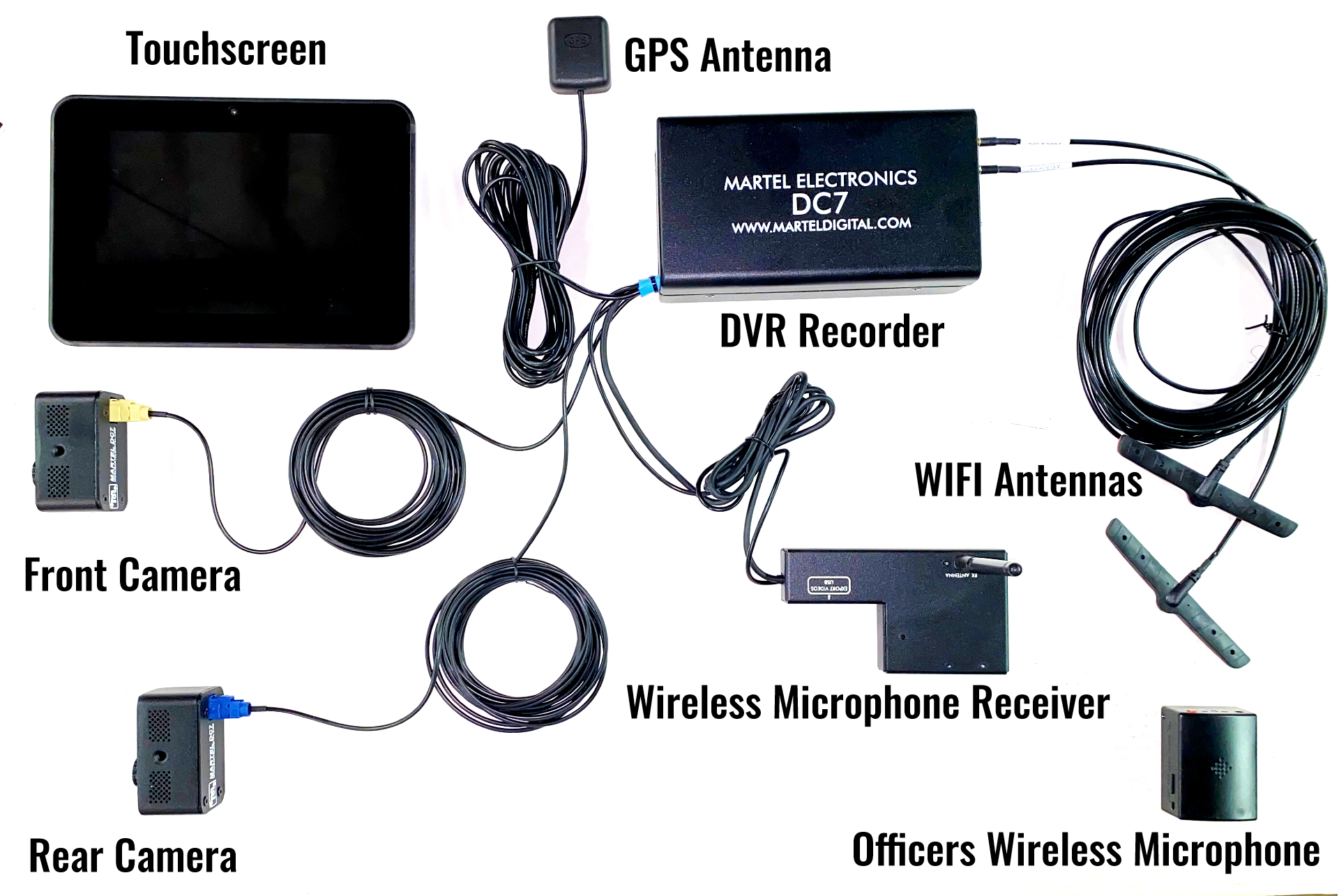
Police car cameras & in-car video systems

Compare equipment, audio, recording controls and local video storage. Browse Police camera systems.

Brands, support & company news

Transcription: the complete workflow series

Practical guides for choosing equipment, preparing recordings and producing a transcript you can check. Start with the overview, or choose the task in front of you.

Video and Zoom transcription

Audio files and transcription software

Foot pedals, meetings and kit selection

New equipment guides

Explore practical guides for court reporting, conference audio, police cameras, and equipment purchasing.

New court reporting and recording guides

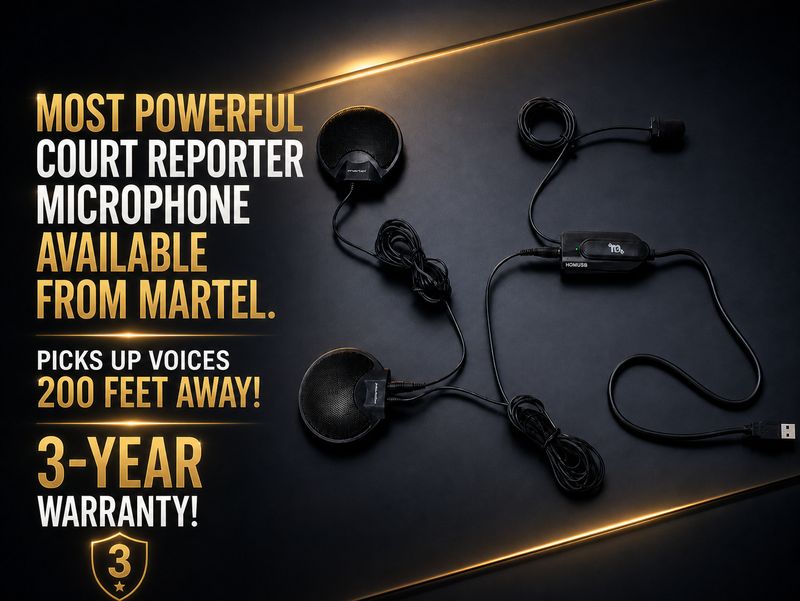
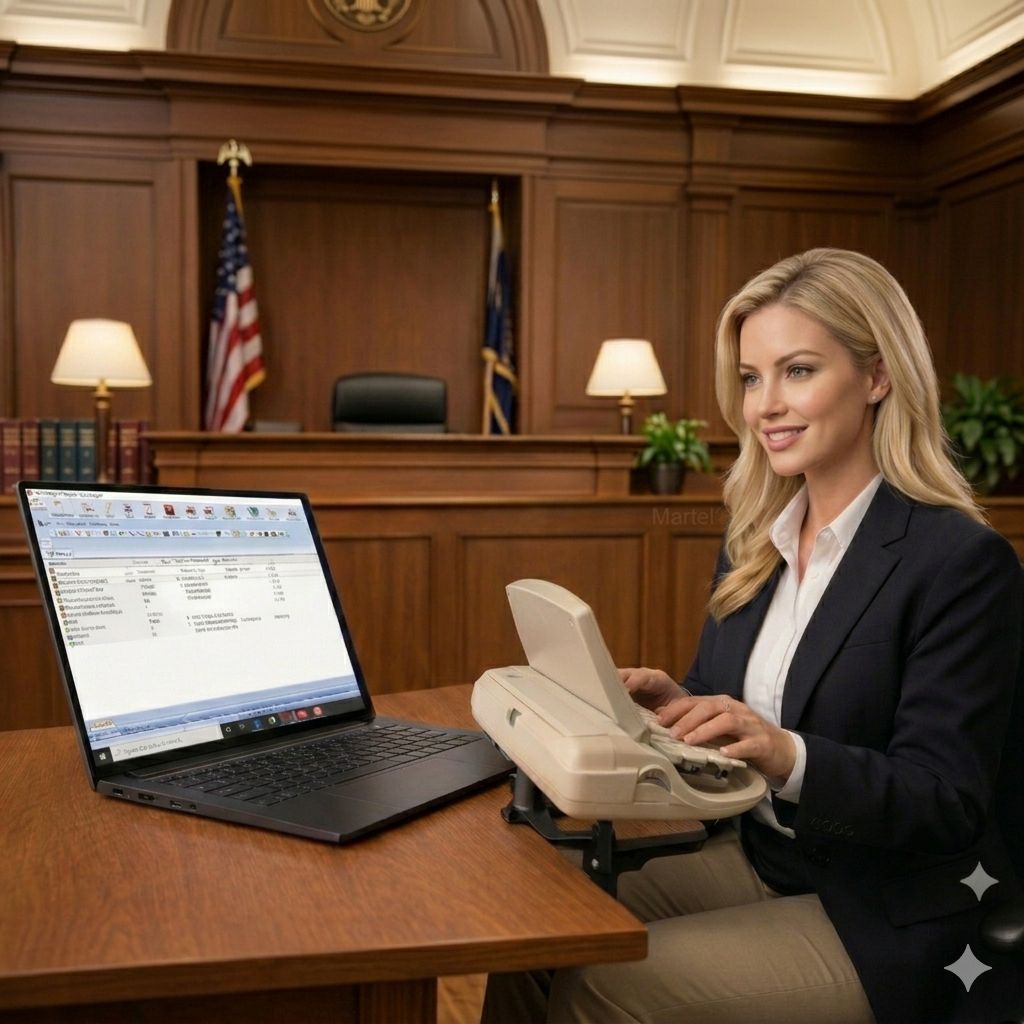
Courtroom recording

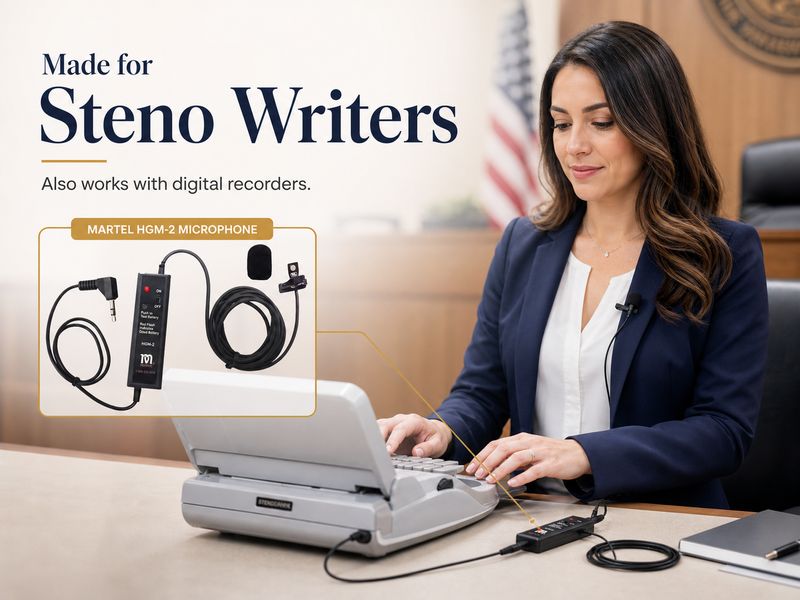
Microphones and voice writing

Recorder replacement and remote depositions

Video Transcription Software, Zoom Recordings and Transcriber Guides

Explore three complete Martel guides for choosing playback software, transcribing saved Zoom recordings, and building a video transcription workstation. Each includes practical workflows and 30 questions and answers.

Compare Martel transcription kits and foot pedals.