How to Dictate Unfamiliar Names So a Legal Assistant Can Verify Them
A clear recording can still leave a legal assistant with an uncertain name. The sound may support several spellings, two people may have similar names, capitalization may matter, or an address may contain an unfamiliar street or organization. The answer is not to pronounce the word repeatedly and hope the typist chooses correctly. Give the assistant an approved source, a short verification slip, and an explicit way to mark a detail that remains unresolved.
This guide uses invented people, organizations, addresses, assignments, recordings, times, and results. They are illustrative training material, not real clients or matters and not legal advice. The author remains responsible for checking the finished document and deciding whether it may be released.
Separate hearing a name from verifying a name
The assistant may hear every syllable and still be unable to verify the spelling. Mira Solen and Myra Solan can sound similar in a recording. A confident transcription of the wrong spelling is not better than a visible question.
Treat the task as two checks:
- Audio check: What sounds were captured in the recording?
- Source check: What spelling, capitalization, spacing, title, or address appears in the approved office record?
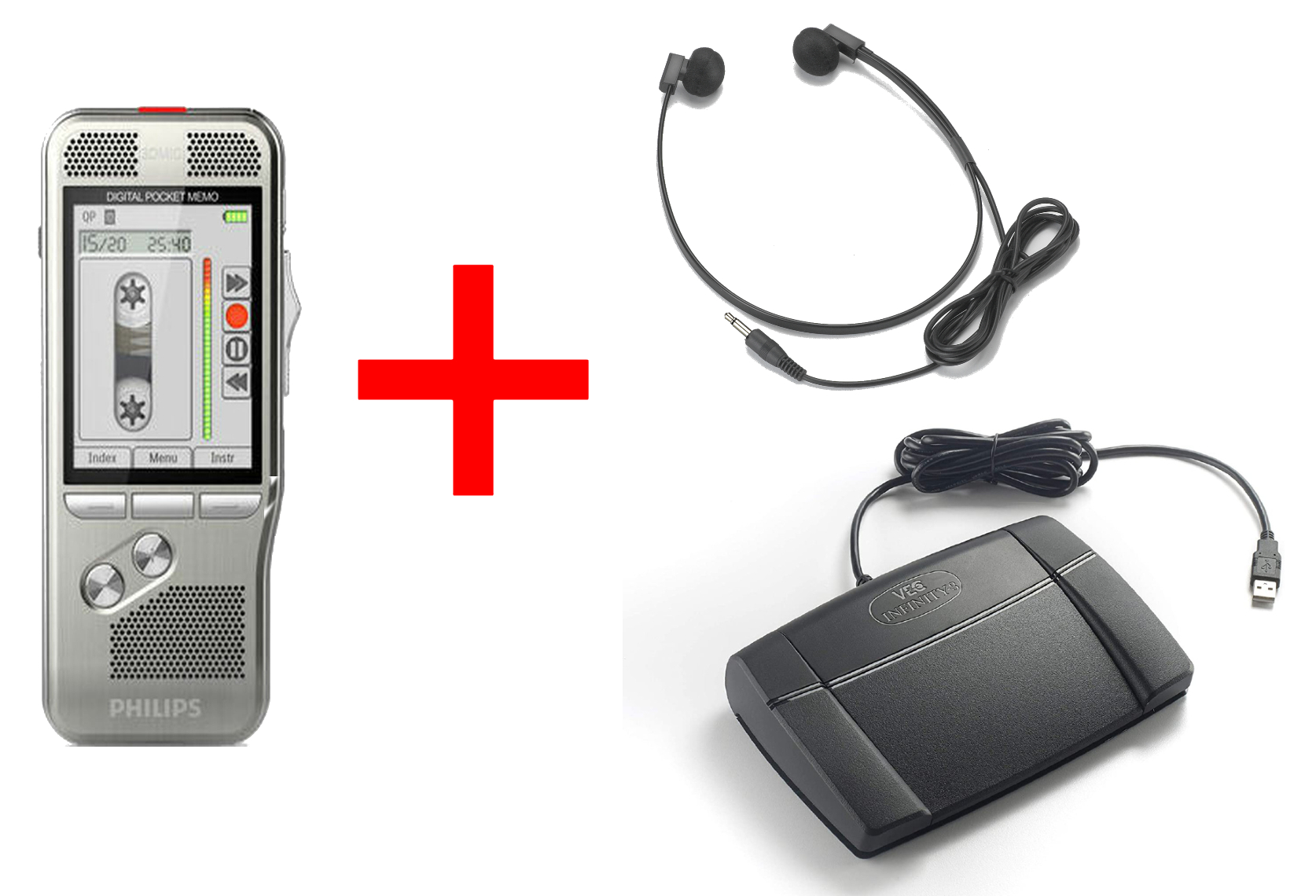
The recorder helps preserve the spoken assignment. The headset and playback controls help the assistant review it. Neither device proves that the author spoke the correct name or that the office source is current. Verification comes from comparing the dictated detail with an authorized source and having the responsible reviewer resolve any difference.
Use labels that preserve uncertainty. Verified means the spelling was compared with the named source. Heard, not verified means the audio is understandable but no approved source was available. Unclear audio means the relevant sound cannot be distinguished reliably. Conflicting sources means two authorized records disagree. Author confirmation required means the assistant has returned a specific question and has not silently chosen an answer.
Decide which details deserve a verification slip
Not every ordinary word needs a separate record. Create a slip when a mistaken detail could identify the wrong person, organization, place, document, or destination. Typical candidates include:
- a client, witness, attorney, expert, judge, vendor, or contact name;
- a business, agency, court, department, or property name;
- a street, city, building, suite, or attention line;
- a name containing a space, hyphen, apostrophe, suffix, or unusual capitalization;
- two people whose names sound alike or share the same surname;
- a reference that combines letters and numbers;
- a term the author says is unfamiliar or uncertain;
- any detail for which the assistant would otherwise have to guess.
The slip does not need to repeat the whole document. It should identify the assignment, the playback location, the exact item, the source to check, the result, and the person who must answer if the source does not settle it.
Use an invented training identifier such as NAME-048. Keep that identifier with the audio, the verification slip, the question, and the returned draft. Do not put unnecessary client information in a filename or an unapproved message subject.
Name the approved source before dictating
“Look it up” is not a source instruction. Tell the assistant which office record controls the spelling for this assignment. That might be an approved contact record, a filed document, a signed intake form, an authorized directory, a supplied exhibit, or another source designated by the office.
Use a source label that the assistant can locate without exposing private information in the dictation itself. For example:
Verification source for the recipient name and address: the approved training contact card labeled NORTHBRIDGE-7. Do not substitute an internet search result.
The source label must be specific enough to distinguish it from drafts, old exports, personal address books, or notes whose status is uncertain. If the source is available only to the author, say so before dictation and plan how the assistant will return the question.
Do not assume a public webpage is authoritative for a person’s current legal name, mailing address, professional title, or role. Do not use social media, an unapproved people-search service, or a general web search to fill a gap simply because it produces a plausible spelling. Follow the firm’s information-handling and source rules.
Build a six-field verification slip
The following compact structure keeps the assistant’s work visible:
| Field | What to enter |
|---|---|
| Assignment | Invented job identifier and document type |
| Audio location | Playback time or section marker where the item occurs |
| Dictated item | The name or address as heard, without pretending it is verified |
| Approved source | Exact office source label, or source unavailable |
| Verification result | Verified, heard not verified, unclear audio, conflicting sources, or author confirmation required |
| Return question | One complete question that identifies the item and the needed answer |
The slip may be a field in an approved work tracker, a private form, or a table attached to the assignment. It should not become an uncontrolled list of names copied outside the office process. Retain and dispose of it according to the same rules that apply to the related work.
The status should remain visible in the draft. A clean-looking document with an invisible guessed name is more dangerous than a draft containing an obvious verification marker. The author removes or resolves that marker during review.
Use one spoken pattern for unfamiliar names
A repeatable sequence is easier to follow than an improvised explanation. Use four parts:
- State that a verification item is beginning.
- Say the complete name naturally.
- Give the spelling or source instruction.
- Repeat the complete name and state the end of the item.
An invented example is:
Verification item one. The recipient is Myra Solan. Myra is spelled M-Y-R-A. Solan is spelled S-O-L-A-N. Compare both words with training contact card NORTHBRIDGE-7. Repeat: Myra Solan. End verification item one.
Spelling aloud is an aid, not the controlling source. The author can misspeak a letter. The assistant can mishear the spelling words. The approved record remains the comparison point.
Agree on a letter convention that both people understand. If the office uses words to distinguish letters, keep the convention consistent and repeat the full name afterward. Do not assume that a phrase intended for a human assistant is also a command understood by speech-recognition software.
Mark spaces, hyphens, apostrophes, and capitalization
Some differences are not obvious from pronunciation. Say whether two parts are separate, joined, or hyphenated. Identify an apostrophe when it is part of the approved spelling. For unusual capitalization, direct the assistant to the source rather than trying to encode every capital letter through speech.
Examples using invented names include:
- De Laro: two words, compared with the approved source;
- Marin-Kest: hyphenated, compared with the approved source;
- O’Ravel: apostrophe after the first letter, compared with the approved source;
- NorthBridge Learning: capitalization must match the named organizational record.
Do not treat a punctuation convention as universal. The source may show a person using different versions in different contexts. The author decides which form is appropriate for the document after reviewing the governing record and office practice.
If the source conflicts with the author’s spoken instruction, do not silently “correct” the draft. Record the conflict on the slip and return it for a decision.
Distinguish similar names before the document text begins
Two people with similar names require more than careful pronunciation. Give each person a role or neutral training identifier that remains consistent throughout the assignment.
For the illustrative NAME-048 exercise:
- Myra Solan is the fictional recipient and is labeled Recipient A.
- Mira Solen is the fictional copied contact and is labeled Copy Contact B.
The recording can begin:
This training assignment contains two similar names. Recipient A is Myra Solan, verified against NORTHBRIDGE-7. Copy Contact B is Mira Solen, to be compared with NORTHBRIDGE-8. Do not exchange the two spellings.
The labels are for the work process. They should not appear in the final correspondence unless the author intends them as document text. Use the broader legal correspondence dictation guide to separate instructions for the assistant from words that belong in the document.
Dictate an address as connected fields
An address is not one long sound. Separate it into recipient, organization if applicable, street line, suite or unit, city, state, postal code, country when needed, and attention line. Identify the approved source for the complete block.
Use fictional training content:
Verification item two. Use the address from training contact card NORTHBRIDGE-7. Recipient: Myra Solan. Street line as dictated: 184 Juniper Trace. Suite 7. City: Northbridge. State: California. Postal code: source unavailable; leave a visible verification marker. Repeat: Myra Solan, 184 Juniper Trace, Suite 7, Northbridge, California, postal code to verify. End verification item two.
This example deliberately leaves one field unresolved. The assistant should not invent a postal code, copy one from an unrelated address, or make the draft appear complete. The slip records which field is missing and who must supply it.
Before external delivery, the responsible reviewer must check the full address against the approved current source. Dictation records the instruction; it does not validate postal delivery.
Preserve the difference between source unavailable and source silent
These conditions lead to different questions:
- Source unavailable: the assistant cannot access the named record.
- Source silent: the record is accessible but does not contain the needed detail.
- Source ambiguous: the record contains more than one plausible version.
- Source conflicts with audio: the approved record and recorded instruction differ.
- Audio unclear: the assistant cannot determine what was said.
Write the exact condition. “Could not verify” is too broad if it hides an access problem that an administrator can fix. Likewise, “name unclear” does not reveal whether the audio is indistinct or the spelling source is missing.
Do not move the work to an unapproved account or service to get around an access problem. For a remote assistant, the remote legal secretary dictation guide explains why approved delivery, recipient access, playback, assignment questions, and draft return are separate checks.