How Can a Court Reporter Capture a Witness’s Speech-Generating Device?
Plan an audio check that preserves a witness’s access to a speech-generating device while capturing the device, spoken answers and counsel’s questions.
A witness may answer a question through a speech-generating device, use their own voice for the next answer, and indicate that they are still composing the third. A room microphone can pick up counsel with excellent clarity and miss all three distinctions. Plan a rehearsal around the ways this particular witness communicates. Ask how to invite an audio check without interrupting their use of the device. Then listen to a saved exchange containing a question, a device-generated answer and any spoken contribution the witness chooses to make. The test succeeds when a reviewer can follow the exchange in the correct order and the witness can communicate as they ordinarily would.
Ask the witness what the audio setup needs to accommodate
A speech-generating device is one form of augmentative and alternative communication, often called AAC. The user may select stored messages, enter fresh language, or combine device output with speech, gestures, spelling or another method. The name of an application tells you little about which of those will occur. A reporter needs a narrow piece of information. What sound, if any, will people in this room hear when the witness gives an answer? A participant who uses a communication board, for instance, may produce no device sound at all. That calls for an agreed way of communicating what happened, beyond anything a microphone can capture.
Address questions to the witness using their preferred means. Leave them room to respond. A useful invitation is, “I’d like to make sure the recording equipment hears you at your usual settings. How would you like us to do that?” If a support person helps, find out which requests should go through them and which the witness wants addressed directly. The audio check does not require a diagnosis, an account history or access to a vocabulary page. A neutral sound or practice word selected by the witness can be enough.
Describe your intended change in concrete terms. Moving a microphone two inches toward the free edge of a table is different from moving the device or a witness’s hand support. An assistant can demonstrate the proposed microphone position with an empty stand while the witness judges whether it interferes. Leave access to the device, its mount, charging connection and controls exactly as the user needs them. If the only open spot is part of the witness’s working space, find another place for the reporter’s equipment.
Draw the listening positions before choosing a microphone
On scratch paper, draw the witness, the place the device’s sound actually emerges, the questioning attorney and your reporting station. Make a mark for the proposed microphone. Ask someone who knows the setup to identify the sound outlet. A speaker might point toward the witness, someone across the table, or the wall behind a mount. A tablet screen facing counsel gives you no reliable information about which way sound leaves its enclosure. Never cover a grille to find out. Listen to a volunteered practice phrase from your seat, then from the proposed microphone position if that can be done without intruding.
Add what will occupy the table once work begins. A small loudspeaker can be easy to hear with a bare tabletop and difficult to hear behind a standing binder or a raised display. Put the actual document stand or a harmless stand-in where it will be used. Check what happens when counsel turns a page, slides an exhibit toward the witness, or speaks while facing the display. These actions change the result even when the witness, device and mic remain where they started. Record the layout as a sketch without photographing personal screens.
Look for two separate problems. Can your microphone hear the device at its normal output level? Can it also hear a human speaker who does not sit beside the device? If only the second task fails, moving everything closer to the device is a poor response. A second pickup position or a change to counsel’s microphone may be worth rehearsing. The drawing helps you explain exactly which voice is missing when asking for equipment.
Protect the time a person needs to compose an answer
A quiet interval can carry practical meaning in an exchange. The witness may be constructing an answer, changing a selection, waiting for the other speaker to finish, or simply choosing their words. Audio alone cannot tell you which. Agree in advance how the participants will recognize that the witness is composing and how the witness can indicate completion or ask for a pause. A sign or device display may help people in the room, but a microphone will preserve only sounds. Follow the responsible official’s agreed procedure for any visible communication that needs clarification.
In rehearsal, ask the questioning speaker to say a full short question and leave space. Invite a neutral answer at the witness’s own pace. On playback listen through the space without skipping ahead. Can you hear the first syllable when the sound resumes? Does the software shorten quiet passages on playback? If so, compare elapsed time in the underlying file with the player’s display before drawing conclusions about timing. Do not make a transcript decision based on a playback speed or silence-skip feature you have not checked.
Set the questioner up to succeed. Tell the practice partner that the witness will indicate when they are ready for a follow-up. Play one example in which the final word of the generated answer is followed immediately by a human voice and one that allows more separation. You often discover more from the last word than from the loudest part of the clip. If the next question masks an essential ending, a change in how turns are taken may help more than additional gain.
Choose a practice passage that tests exact meaning
Use language unrelated to the matter and let the witness choose what they want to generate. If they wish to use a prepared phrase to save effort, ask whether it exercises the kind of sounds you need to check. A simple rehearsal might use “The blue folder has sixteen tabs” followed by a separate question, “Which folder has sixty?” The similarity between sixteen and sixty creates a listening task with a known answer. Choose different words if numbers are cumbersome on the person’s device. The purpose is to learn about the equipment, and the participant decides what is comfortable.
Keep what the partner expects separate from what they actually hear. Give a listener who has not read the passage a slip asking for the folder color and number. Do not supply a choice between two numbers. If the listener writes “six” there may be a missing syllable. If they write the wrong word with confidence, the distinction is even more important to investigate. A short repeat at the usual output level, after shifting the microphone slightly, can tell you whether the setup improved without asking the witness to perform a long sequence.
Add one quiet human contribution if that fits the witness’s communication. It could be a volunteered word or an exchange between two staff members before the witness arrives. Compare the generated phrase with an ordinary voice in the same recording. A setting that lets a loud device play cleanly may leave a quiet remark below room noise. Conversely, raising the input to hear the remark can make the device harsh. Work on spacing the microphone relative to the two sound sources before asking anyone to change how they speak.
Listen at the point where your reporting equipment saves audio
Identify the destination you will depend on. It may be the local reporting computer, a writer that records its own reference audio, or a separate recorder. Each destination has its own input and may hear a different combination of voices. Name the destination aloud in a rehearsal slate. After the clip, close and reopen the saved item by the same route you expect to use while reviewing your notes. Someone across the table saying “I heard that” establishes what reached that person’s ears. It supplies no evidence about what the particular file contains.
During the first playback, listen once at an ordinary review level with no written script in view. Record your impression of the question, the answer and the transition. Then repeat the difficult passage while looking at the rehearsal key. Once the brain expects a particular word it can be hard to judge the recording independently. A fresh listener or a new practice phrase is a better check on the next adjustment. Keep your notes on the trial rather than asking the witness to repeat the same sentence until the listener memorizes it.
Use the file to distinguish a faint sound from an incomplete one. If the beginning is quiet but recoverable at a slightly higher playback setting, the saved phrase may be there with a poor balance. If the entire first word is absent while later words begin abruptly, consider automatic input processing, pause behavior or a late recording start. Confirm where in the chain the loss first appears. A successful test of a room recorder cannot establish that a remote attendee received the same first word.
Place the microphone without crowding the communication device
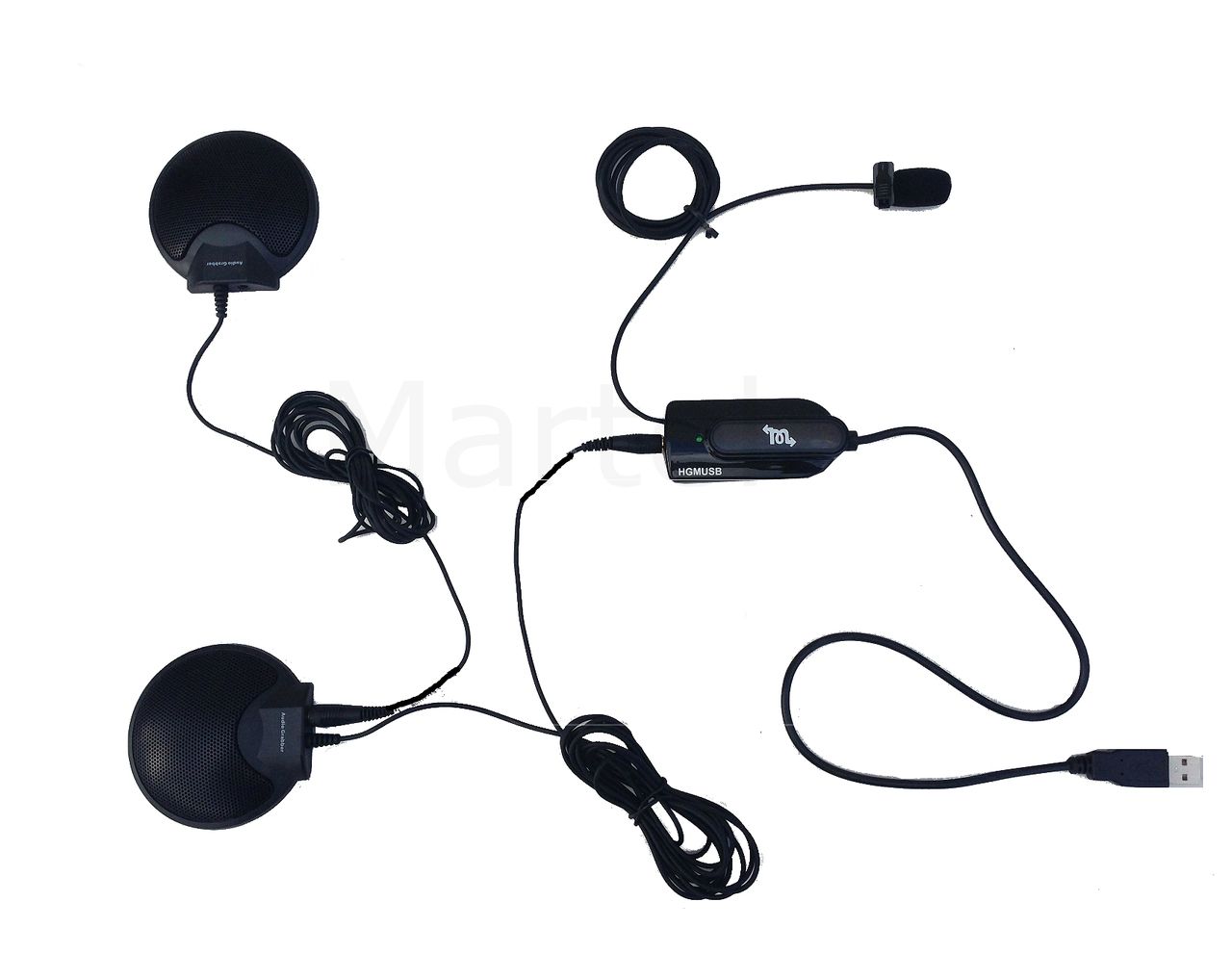
Start with a stable place on the reporter’s equipment or on the available table perimeter. Point or orient the microphone according to its own design. Preserve a clear path between the device speaker and the microphone while allowing the user to adjust their view, arm position or chair. Put the cable where it will not pull across the mount. If you need adhesive, clamps or a stand, use them on equipment you control or on a surface approved for that purpose. A microphone clipped to the witness or their device introduces a separate permission and access question.
Try two placements that differ in a single measurable way. Draw a line on your paper from the speaker outlet to position A. Move the microphone to position B along an open side of the same table, using a binder width or a handspan as a reproducible distance. Keep the output level and the questioner’s position steady. Listen for the cheapest useful difference. Sometimes clearer consonants result from moving a microphone out from behind a tablet stand, a change that requires no extra gain and no further equipment.
A closer microphone can also pick up operating sounds. If a switch or mount makes a significant click, ask the witness or support person what operating movements need to remain unobstructed. Test a neighboring surface for the microphone while keeping approximately the same distance to the speaker. Do not pad a switch, cover a surface or disable a feedback sound at the source. Preserving the user’s preferred configuration gives the reporter a stable baseline if the witness later changes position.