Zoom Court Reporting
Zoom Court Reporting Equipment
Build a Cleaner Zoom Court Reporter Setup
Shop Martel Zoom-compatible court reporting equipment for remote depositions, hearings, CAT software, Audiosync recording, backup audio, mute control, court reporter laptops, USB microphones, speaker monitoring, and hybrid proceedings.
Remote Depositions CAT Software Audio Audiosync Backup Recording Hybrid Proceedings
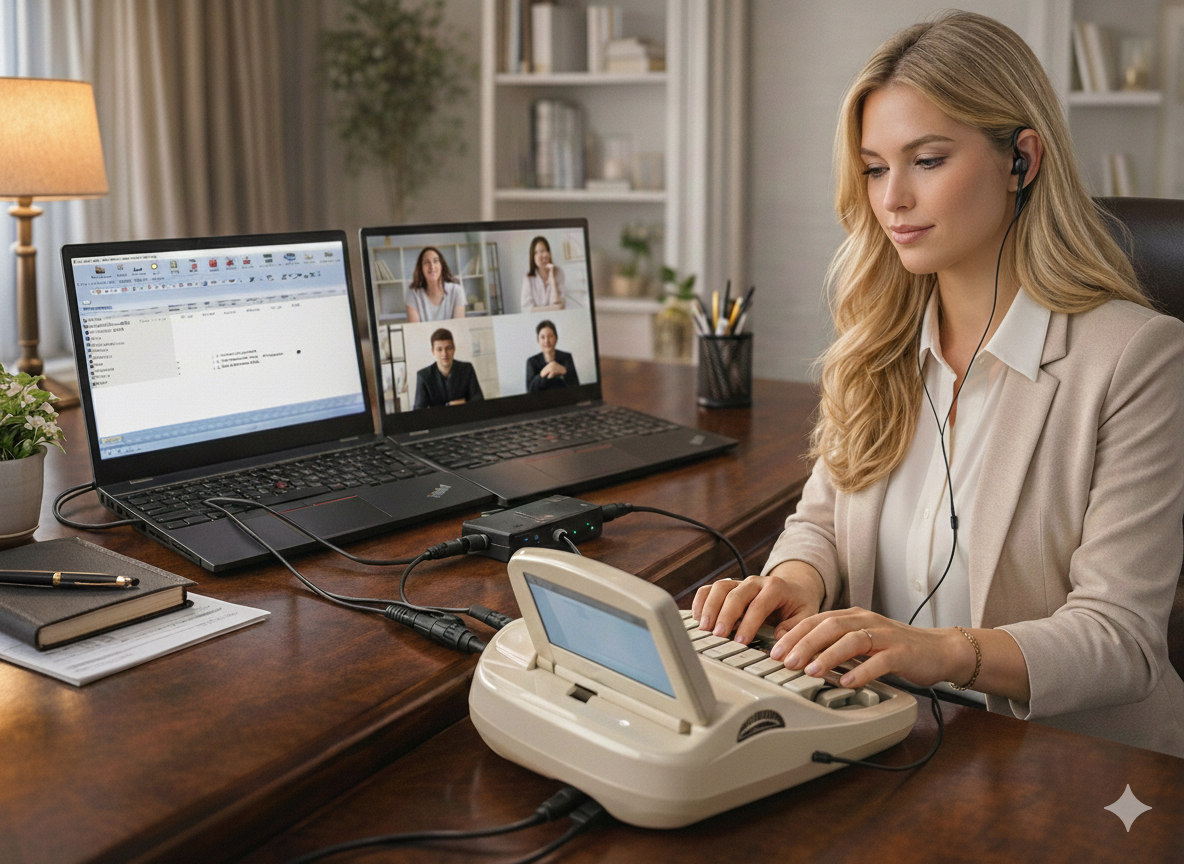
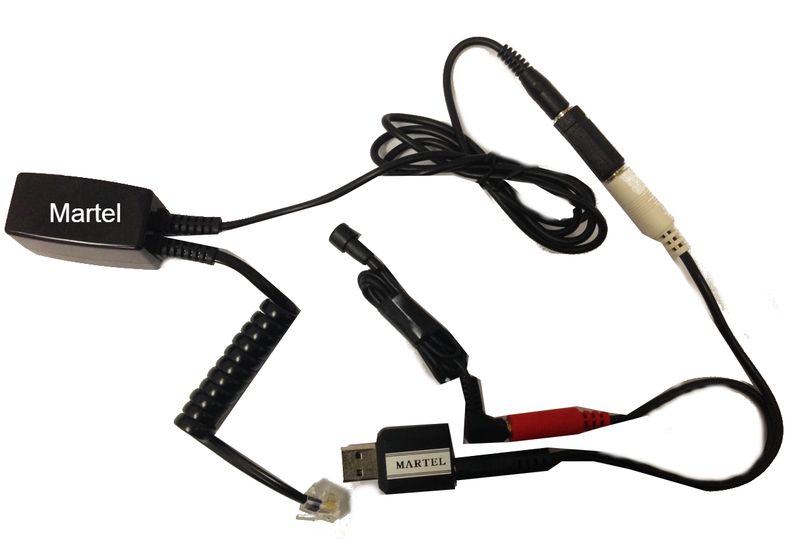
Zoom Compatible Court Reporter Kit
The main Martel kit for routing Zoom audio into CAT software and Audiosync workflows.
Choose by Workflow
What Do You Need Your Zoom Setup to Do?
Start with the task you need to handle, then choose the equipment for your workflow: Zoom audio, a court reporter laptop, hands-free mute control, or backup recording.
Start Here
Get Zoom audio into CAT/Audiosync.
Use the main Zoom Kit when you need a clean path from Zoom into your court reporter workflow.
View Zoom Kit — SKU 403Laptop Setup
Run Zoom, CAT software, and realtime.
Add the Elite Court Reporter Laptop when you need the main computer built for court reporting work.
View Elite Laptop — SKU 1978Hands-Free Zoom
Mute and unmute without the mouse.
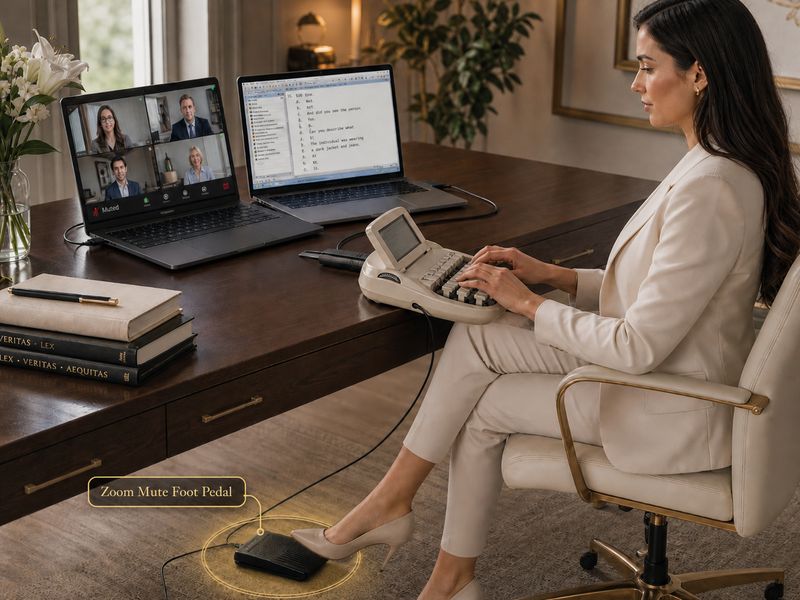
Use the Zoom Mute Foot Pedal on the Windows Zoom computer so hands stay on the writer.
View Foot Pedal — SKU 132Backup Audio
Make a separate backup recording.
Use the Backup Recording App when you want a separate recording path outside CAT software.
View Backup App — SKU 2072ZProduct Thumbnails
Recommended Products for Zoom Court Reporting
Compare connection kits, laptops, microphones, foot pedals, and recording software. Each option below explains what it does and where it fits into your Zoom court reporting setup.
SKU 403
Zoom Court Reporter Kit
Main connection kit for routing Zoom audio into CAT software and Audiosync.
Best for: remote depositions, hearings, Zoom proceedings, and daily court reporter Zoom jobs.
View Product
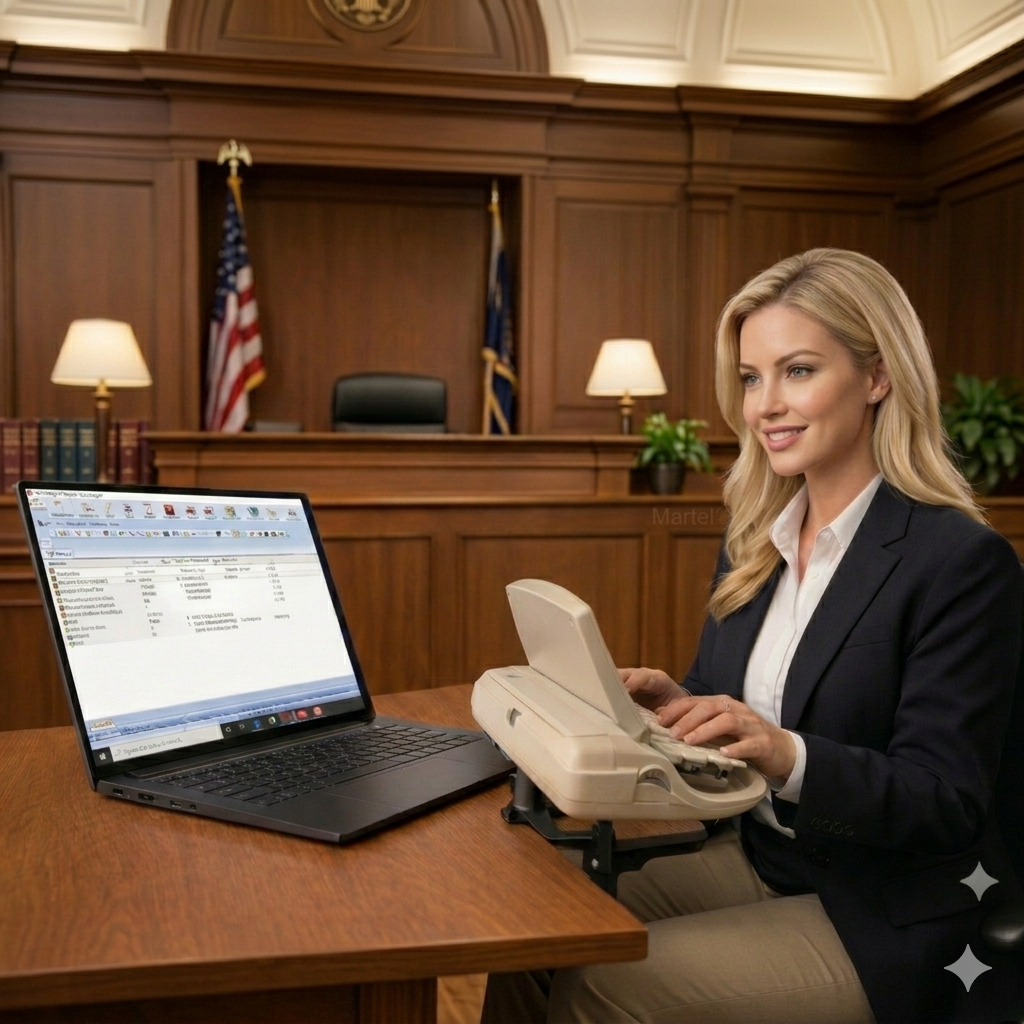
SKU 1978
Elite Court Reporter Laptop
Built for CAT software, Zoom, Audiosync, realtime, accessories, and Martel setup support.
Best for: full professional court reporter computer setups.
View Product
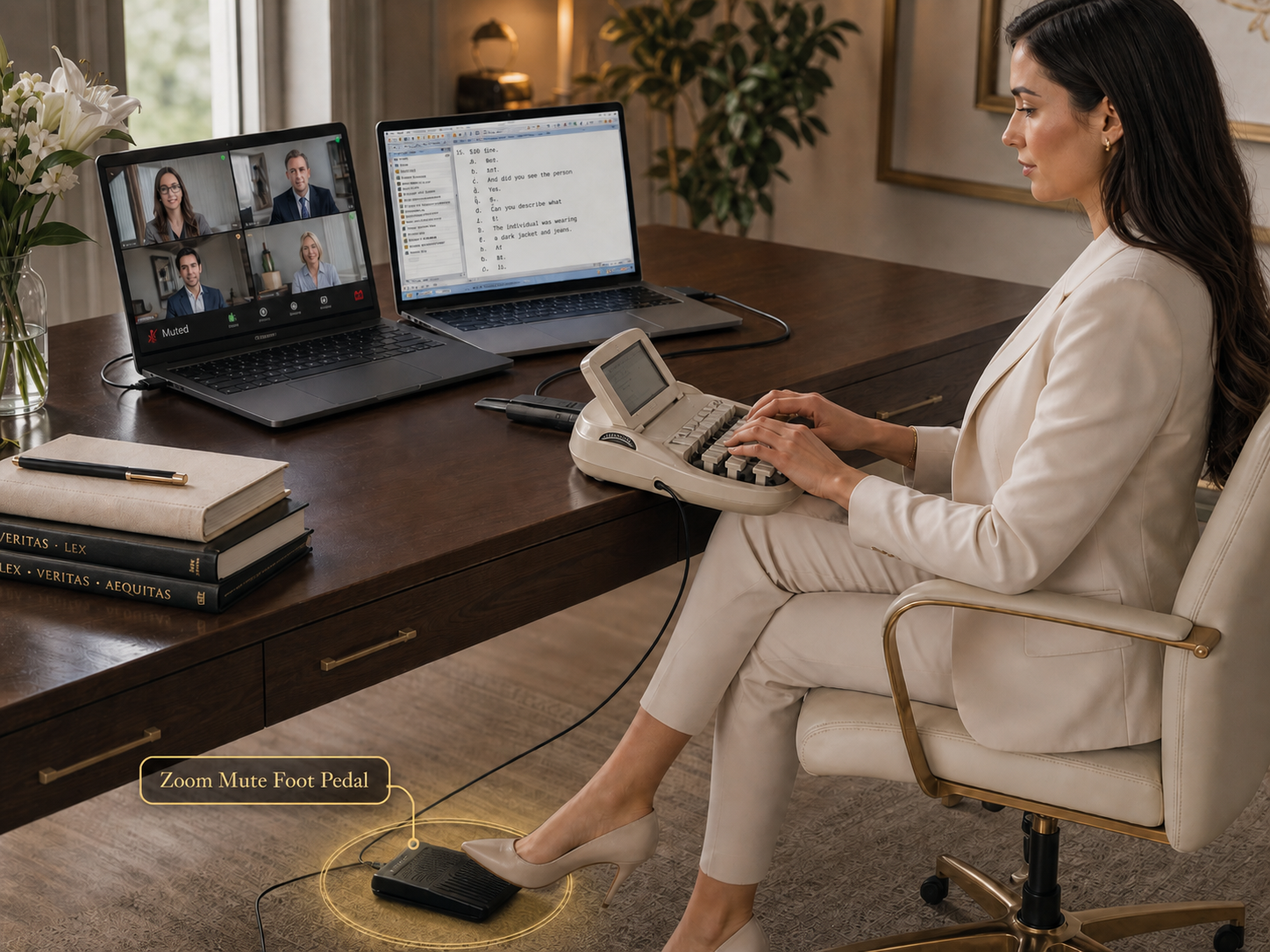
SKU 132
Zoom Mute Foot Pedal
Mute and unmute Zoom hands-free from the Windows computer running Zoom.
Best for: reporters who do not want to touch the mouse during testimony.
View Product
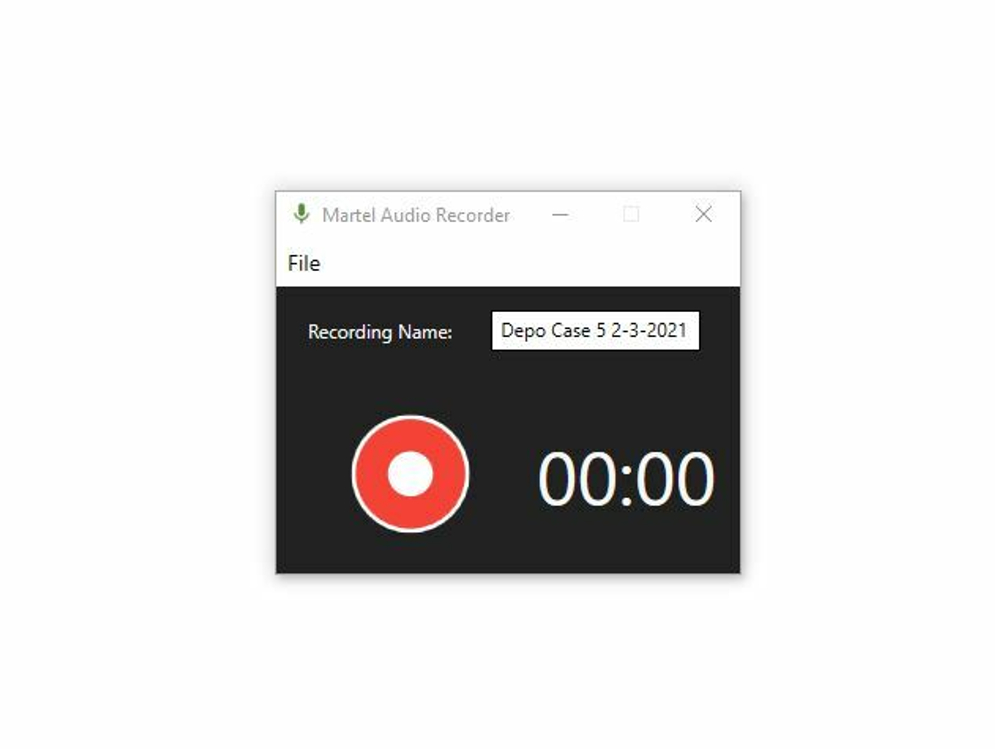
SKU 2072Z
Zoom Backup Recording App
Separate software backup recording path for Zoom jobs and remote depositions.
Best for: extra recording protection outside the main CAT audio.
View Product
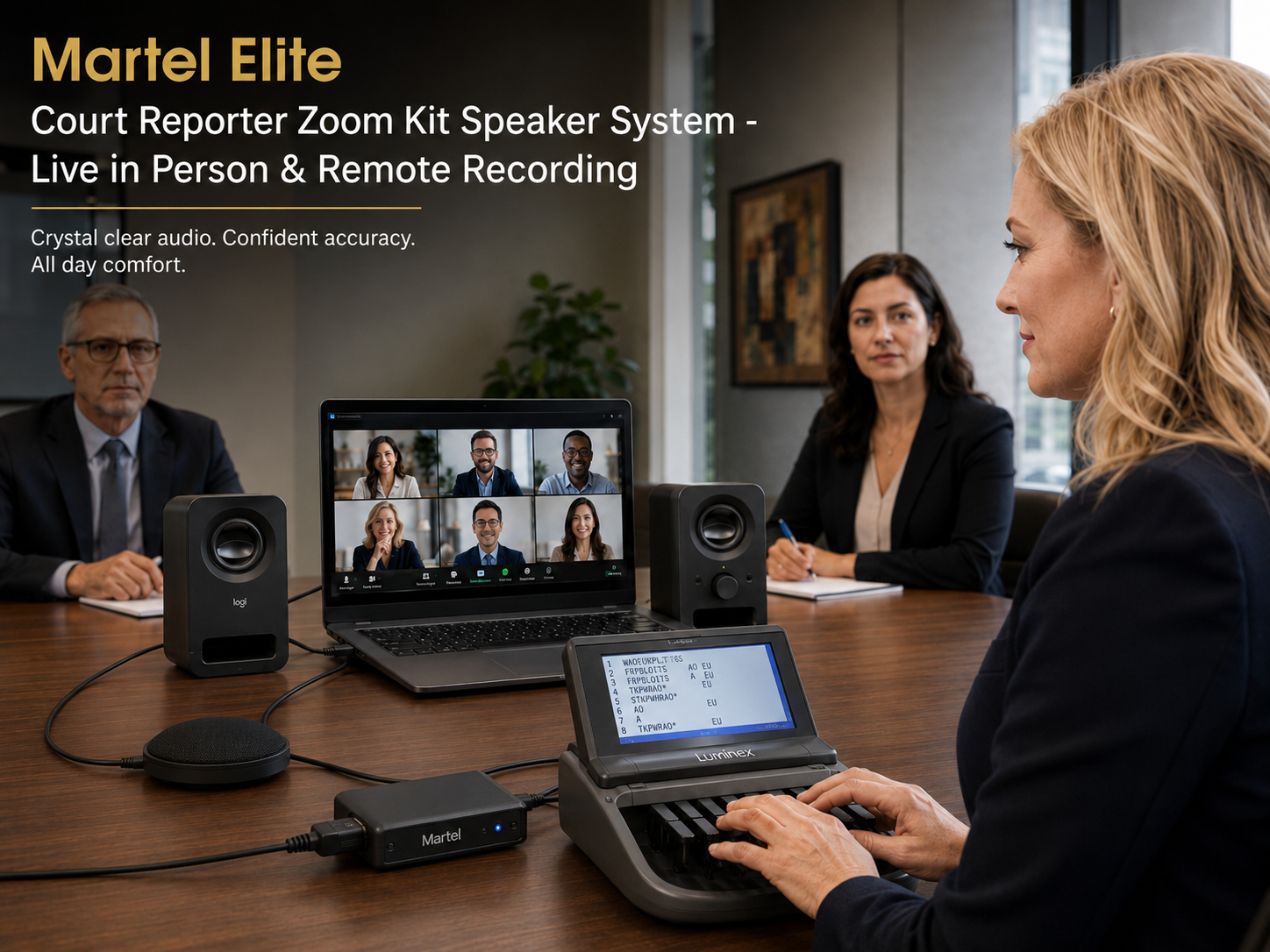
SKU 20
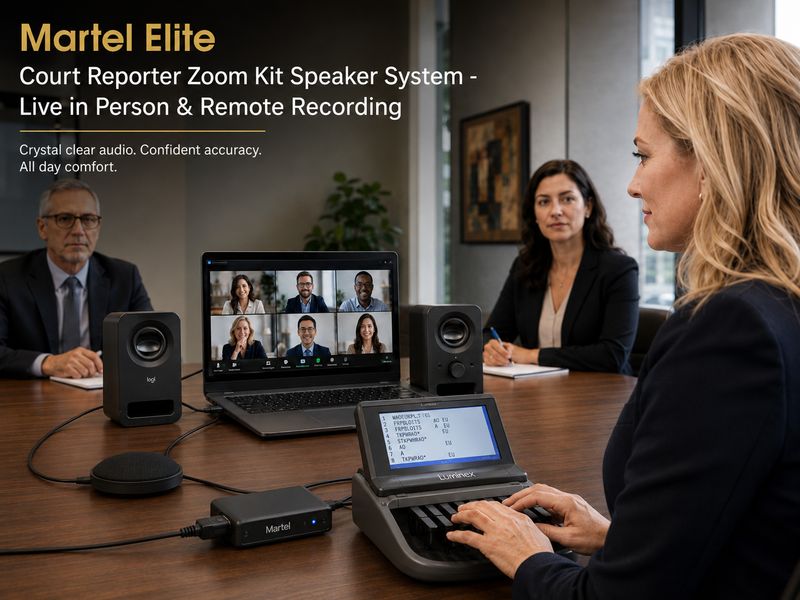
Elite Zoom Speaker Kit
Speaker monitoring for reporters who do not want headphones during long Zoom sessions.
Best for: office setups, long jobs, and no-headphone comfort.
View Product
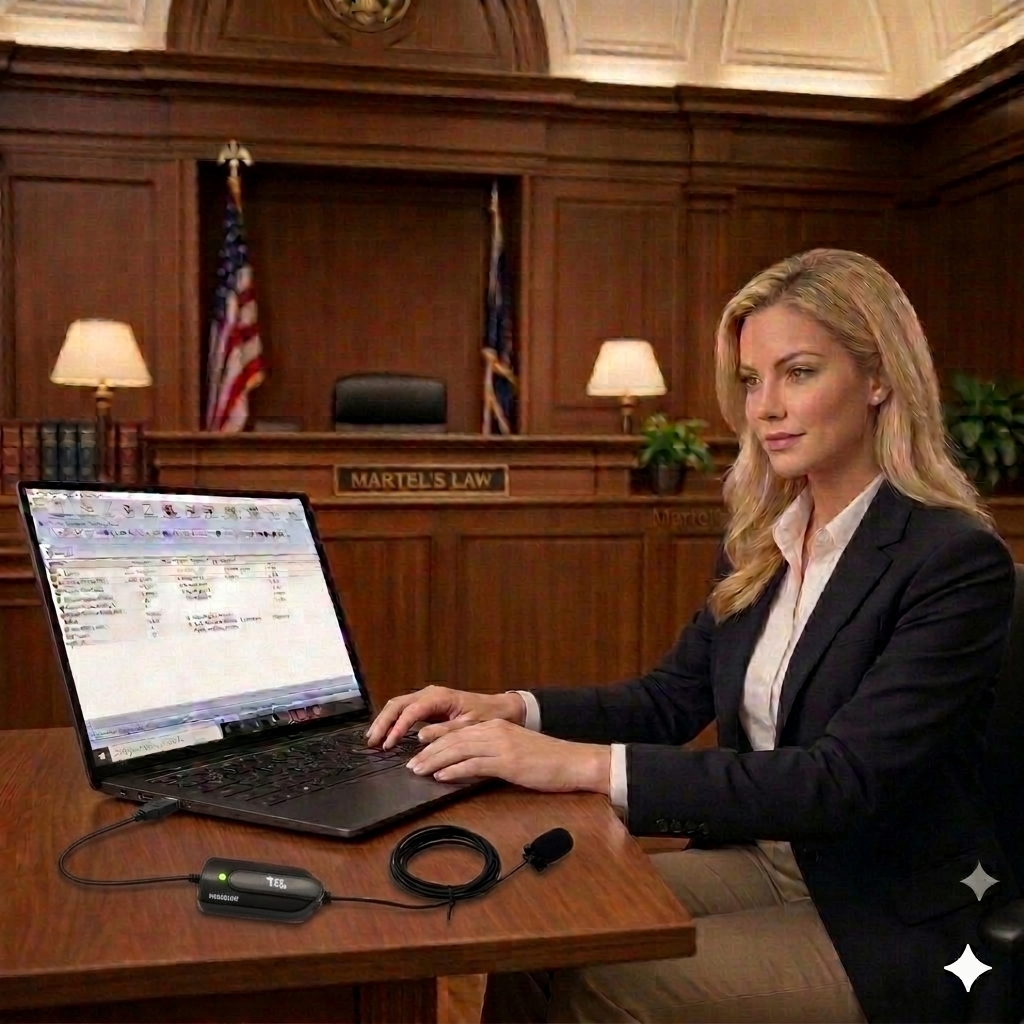
SKU 1277
HGM-USB Microphone
USB court reporter microphone for Audiosync, laptop recording, and professional reporting work.
Best for: clean USB laptop audio and court reporter recording.
View Product
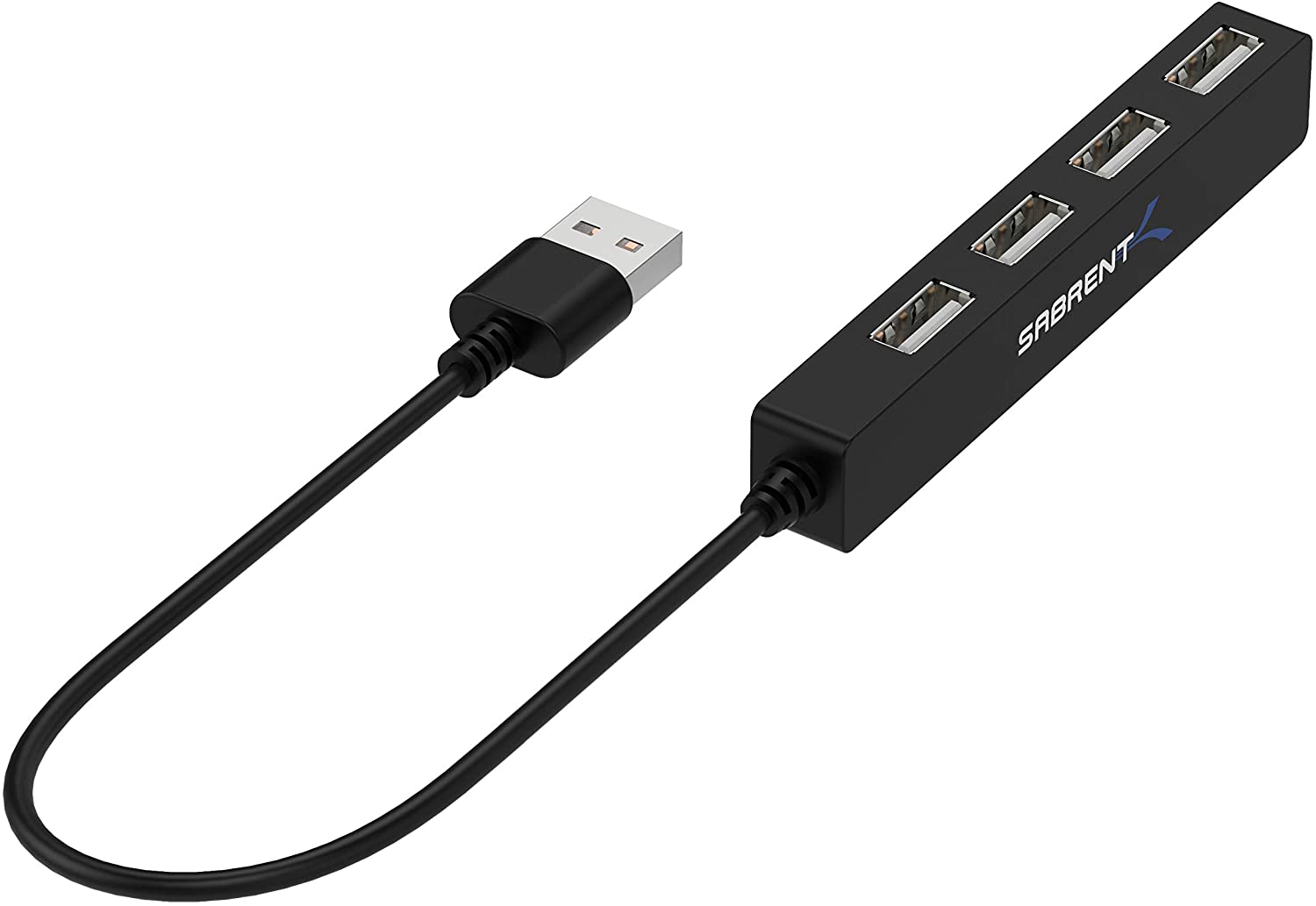
SKU 240
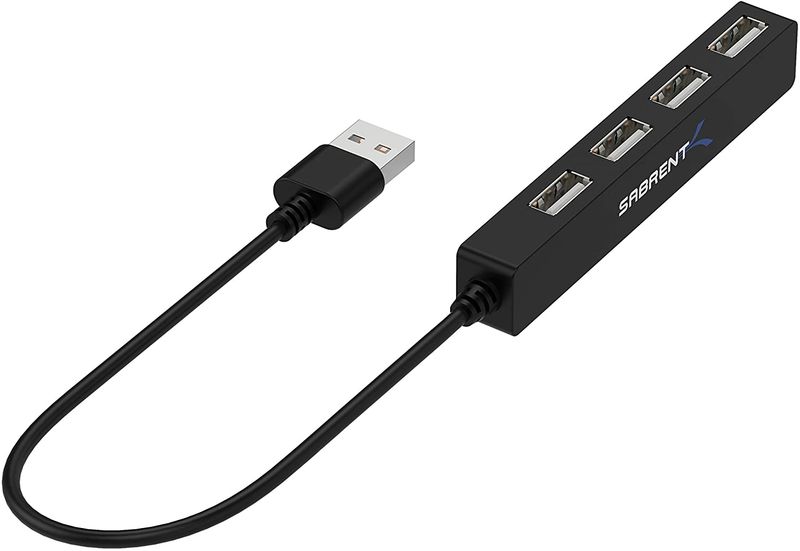
4-Port USB Hub
Add USB ports for writers, microphones, pedals, drives, and court reporter accessories.
Best for: laptops that need more USB connections.
View Product
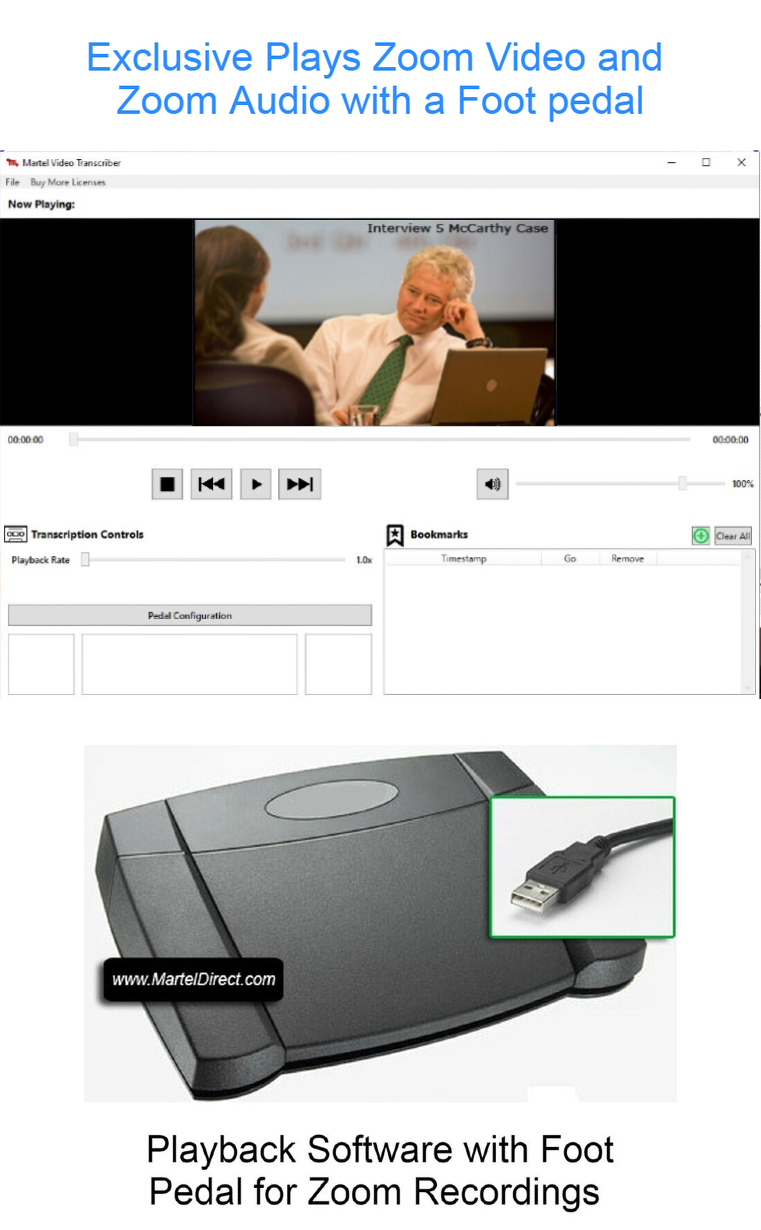
SKU 1515
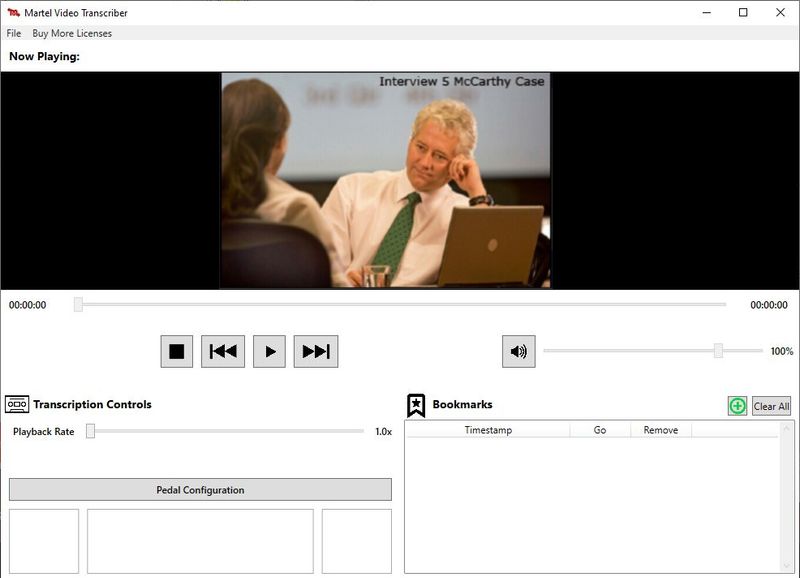
Zoom Video Transcriber
Foot-pedal playback software for Zoom video and audio transcription work.
Best for: reviewing and transcribing Zoom recordings.
View Product
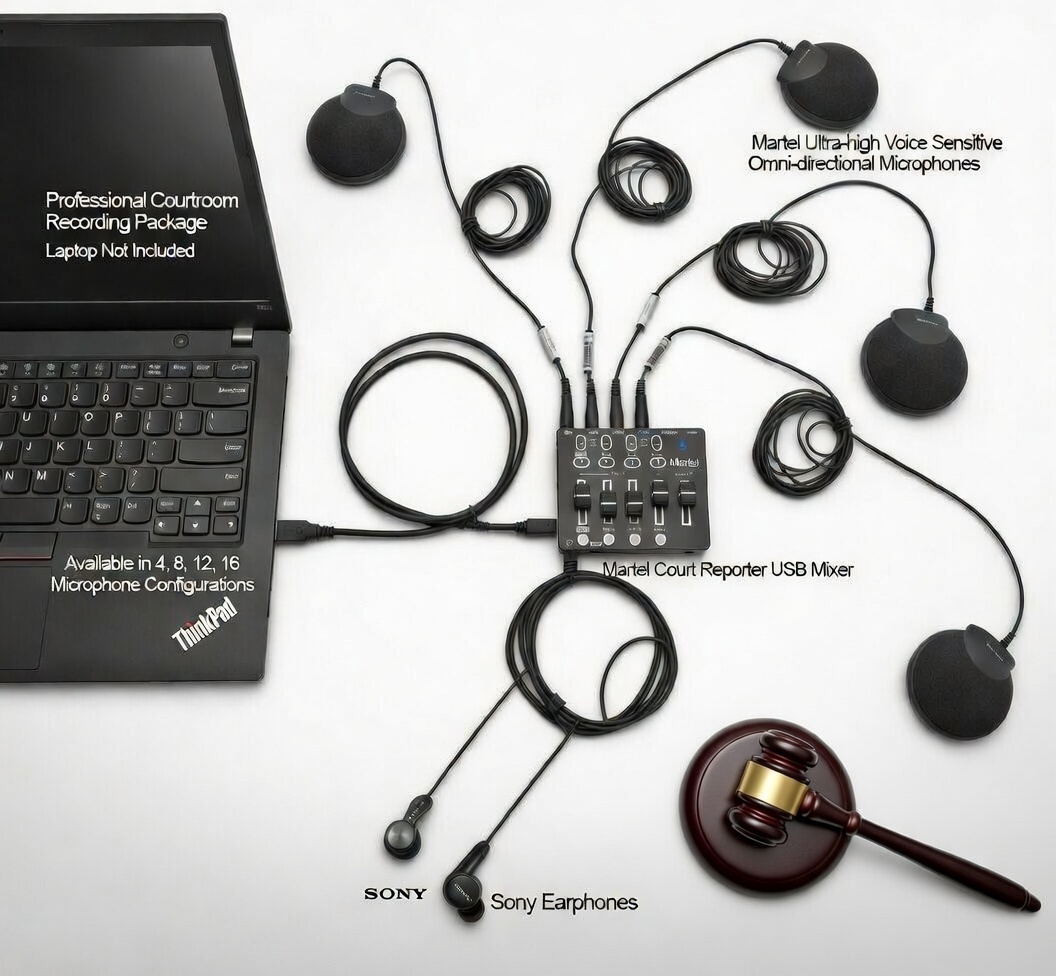
SKU 12
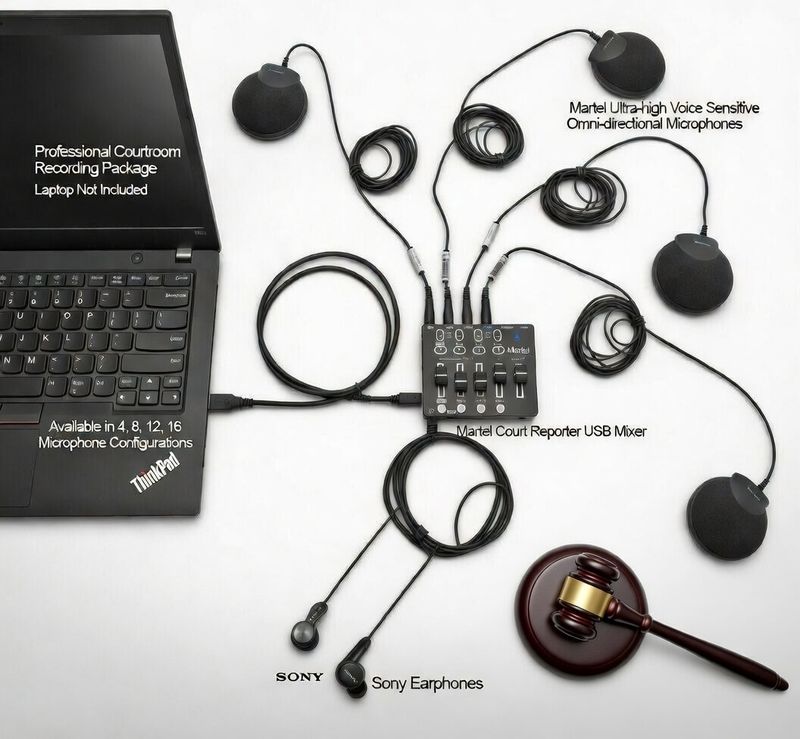
4-Mic Mixer System
Microphone mixer package for courtroom tables, deposition rooms, and hybrid proceedings.
Best for: in-person speakers around a table or room.
View Product
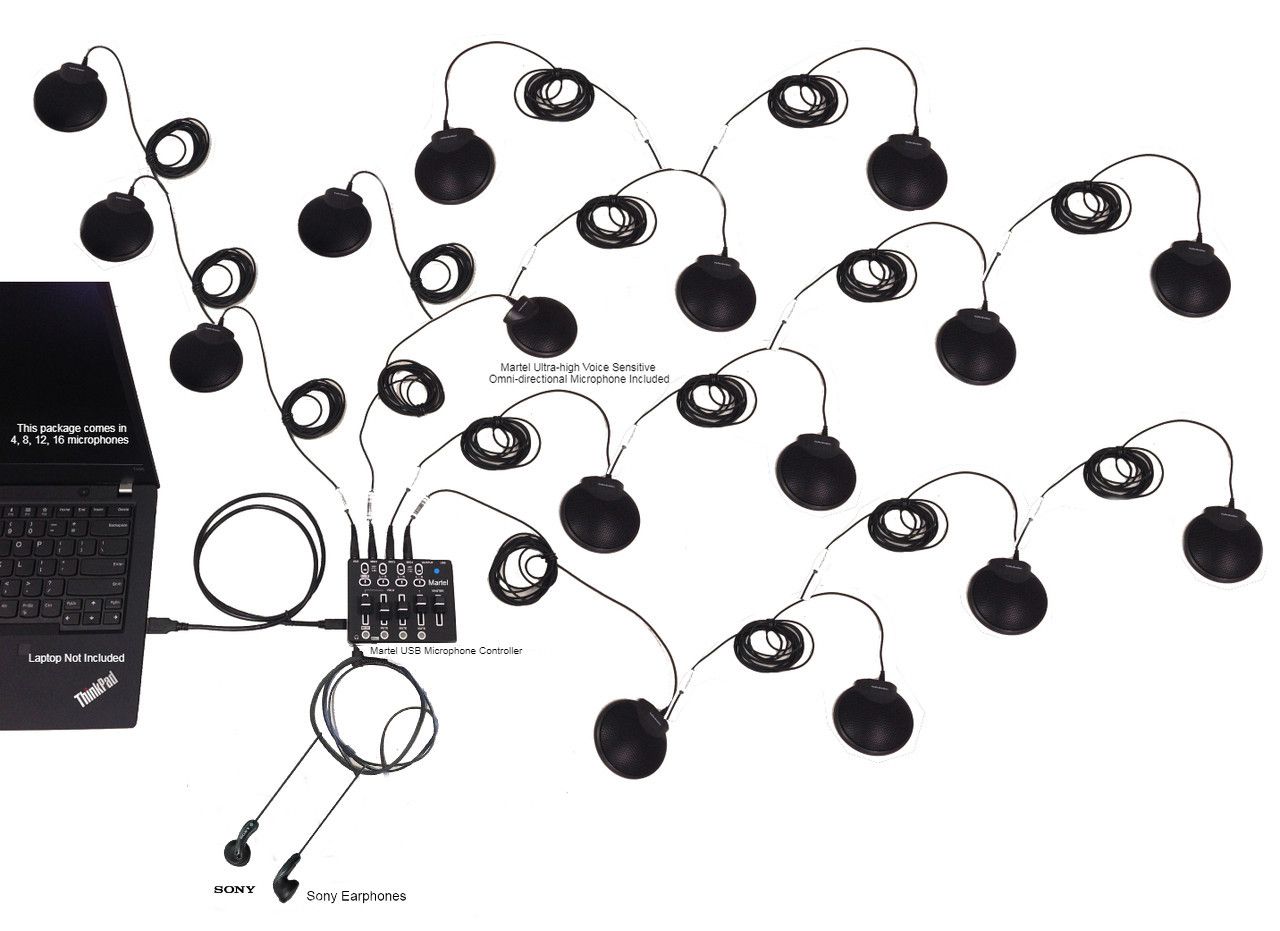
SKU 429
16-Mic Zoom System
Large-room Zoom microphone system for conference rooms, boardrooms, and hybrid setups.
Best for: larger rooms where many people need to be heard.
View Product
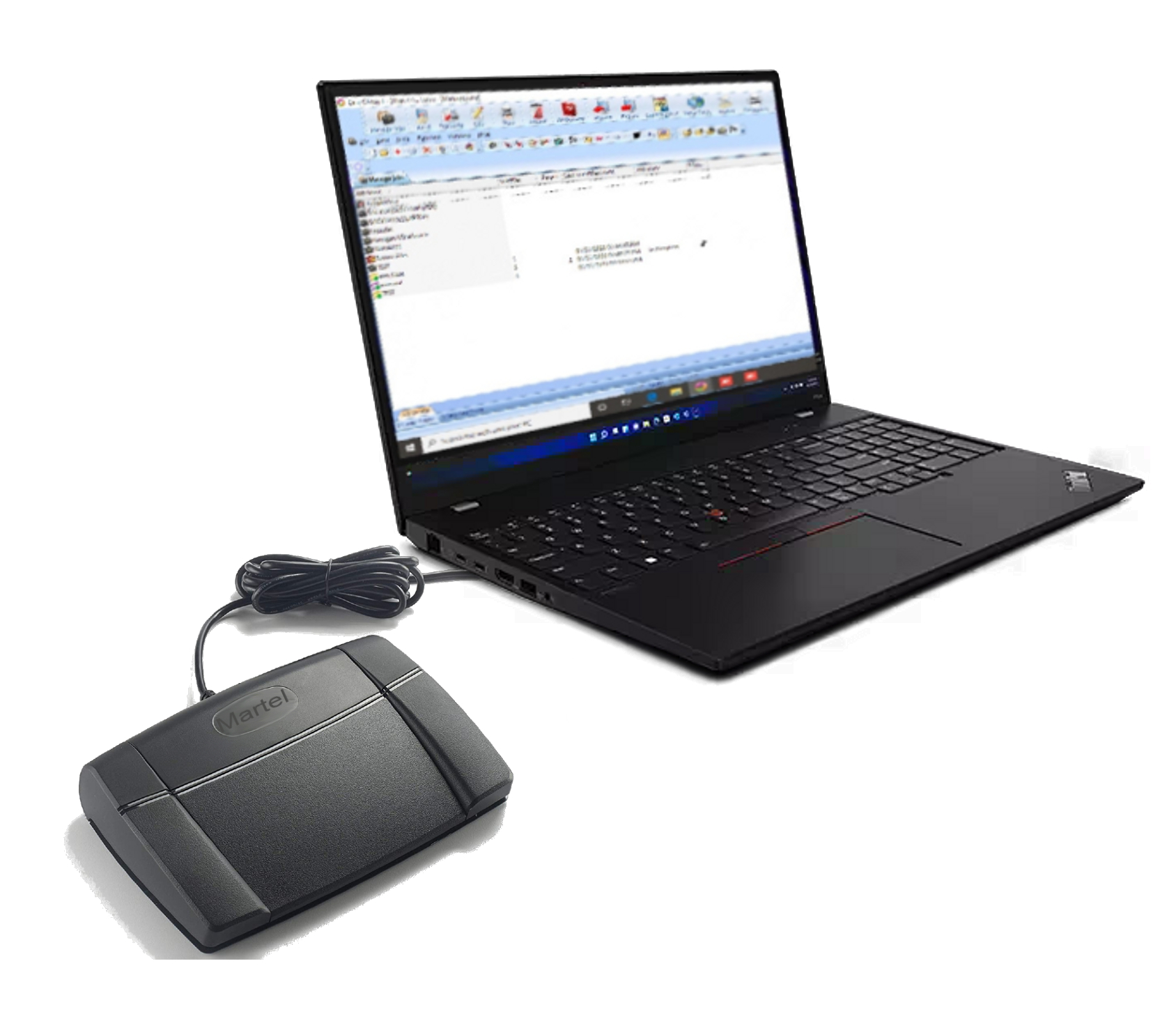
SKU 895
Case CATalyst Foot Pedal
Controls Audiosync playback in Case CATalyst with a foot pedal.
Best for: scoping, playback, and faster transcript review.
View Product
For Zoom Depositions
Start with the main Zoom Kit SKU 403 for the core Zoom-to-CAT audio connection.
For Complete Setup
Add the Elite Court Reporter Laptop SKU 1978 for CAT software, Zoom, Audiosync, and realtime.
For Backup Audio
Add the Backup Recording App SKU 2072Z for a separate recording path.
For Larger Rooms
Use the 4-mic system SKU 12 or 16-mic system SKU 429 for hybrid rooms.
For Court Reporters Working From Home
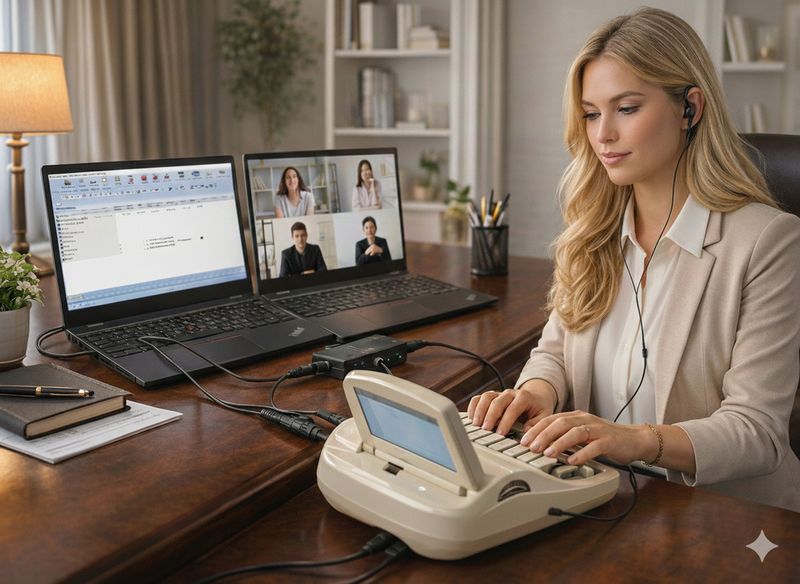
A remote court reporting setup should make Zoom audio easier to hear, easier to monitor, and easier to record into the reporter’s workflow. The goal is a cleaner, more dependable audio path for transcript work.
For Remote Depositions & Hybrid Proceedings
Hybrid jobs can involve Zoom audio, room microphones, CAT software, backup recording, speakers, foot pedals, USB hubs, and laptop connections. Choose the equipment that fits your room and reporting workflow.
Zoom Court Reporting FAQs
Quick Answers Before You Buy
Find the starting point for your Zoom audio connection, laptop, backup recording, or speaker setup.
Which product should I start with?
Start with the Zoom Court Reporter Kit SKU 403 when you need Zoom audio going into CAT software or Audiosync.
Which laptop belongs in this setup?
The Elite Court Reporter Laptop SKU 1978 is the complete court reporter laptop option for Zoom, CAT software, Audiosync, and realtime work.
What if I need backup recording?
Add the Zoom Backup Recording App SKU 2072Z when you want a separate recording path outside your main CAT software audio.
What if I do not want headphones?
Use the Elite Zoom Speaker Kit SKU 20 when you want speaker monitoring during longer Zoom jobs.
Ready to Build the Right Zoom Court Reporter Setup?
Start with the main Zoom Kit, then add what you need: Elite Laptop SKU 1978, hands-free mute control, separate backup recording, speaker monitoring, USB microphone audio, USB expansion, or hybrid-room microphones.
On Sale
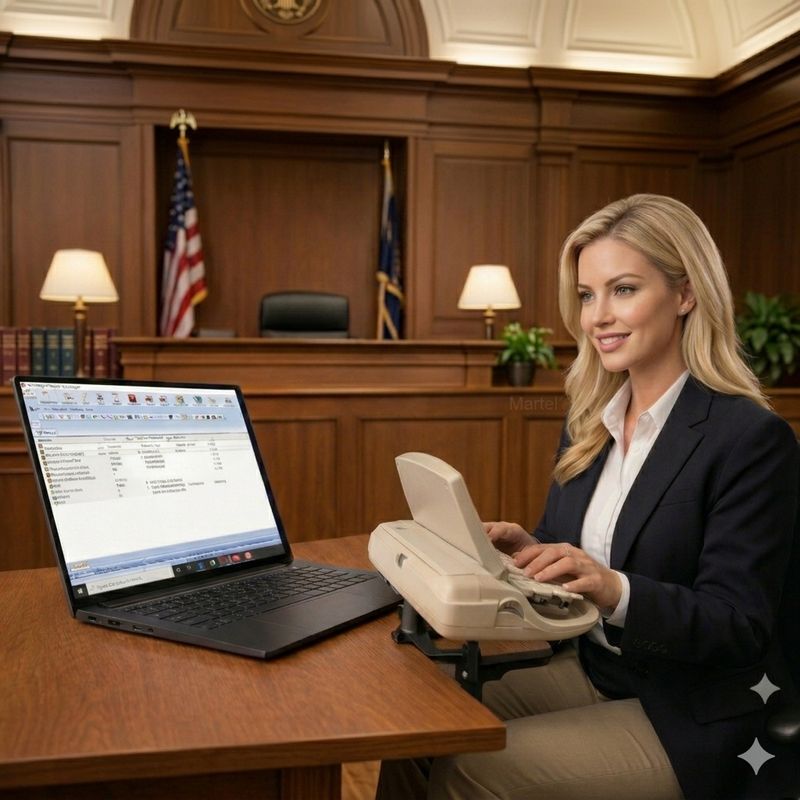
ELITE COURT REPORTER LAPTOP - SUPER COMPUTER - MADE FOR COURT REPORTERS
ELITE COURT REPORTER LAPTOP - SUPER COMPUTER - MADE FOR COURT REPORTERS
#1 Purchased Court Reporter Laptop in the World! | #1 Best Selling Laptop for Court Reporters
was $3,499.99
Save 34%
$2,299.99
On Sale
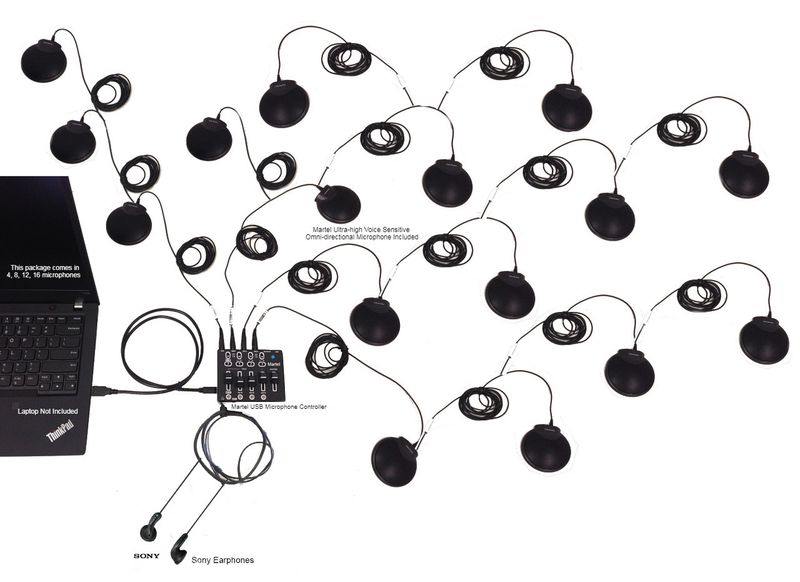
Zoom USB Multiple Microphones System 16 Microphone Mixer
Zoom USB Multiple Microphones System 16 Microphone Mixer
#1 Ordered 16 Multiple Mics Package for Large Meetings | Most Powerful Multiple Mic System in the World!
was $1,699.99
Save 41%
$999.99
On Sale
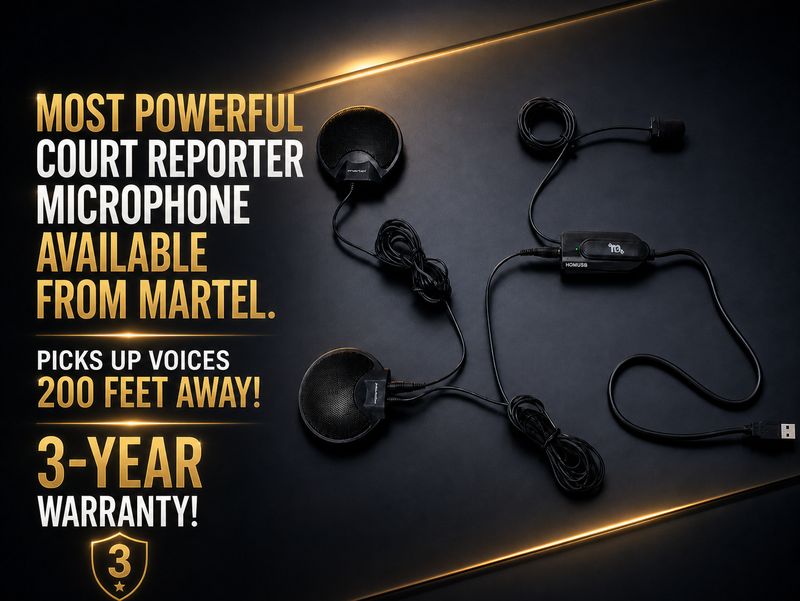
ELITE COURT REPORTER HGMUSB3 MICROPHONE PACKAGE
ELITE COURT REPORTER HGMUSB3 MICROPHONE PACKAGE
#1 Selling USB Court Reporter Microphone
was $799.99
Save 38%
$499.99
On Sale
Zoom Compatible Court Reporter Teleconference and Recording Kit - Compatible with all CAT programs
Zoom Compatible Court Reporter Teleconference and Recording Kit - Compatible with all CAT programs
#1 ZOOM Court Reporter Kit | #1 Order item for Court Reporters
was $499.99
Save 50%
$249.99
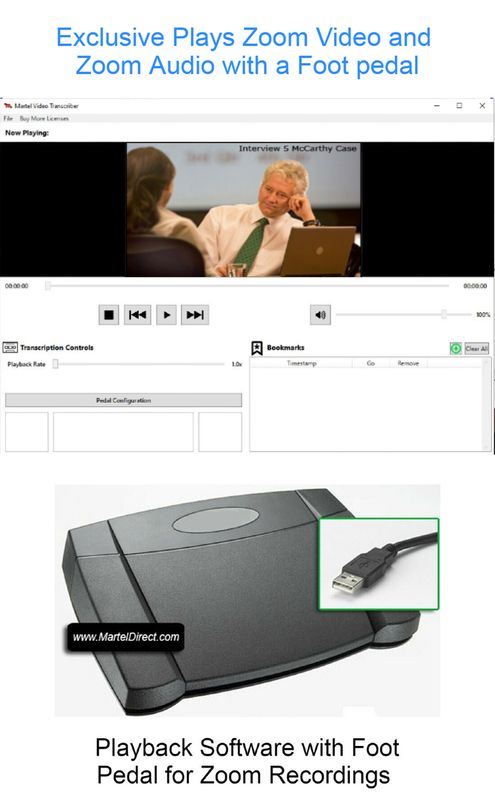
Zoom Video Transcriber w/ Foot Pedal
Zoom Video Transcriber w/ Foot Pedal
#1 Hands Free Zoom Transcriber with foot pedal
$249.99
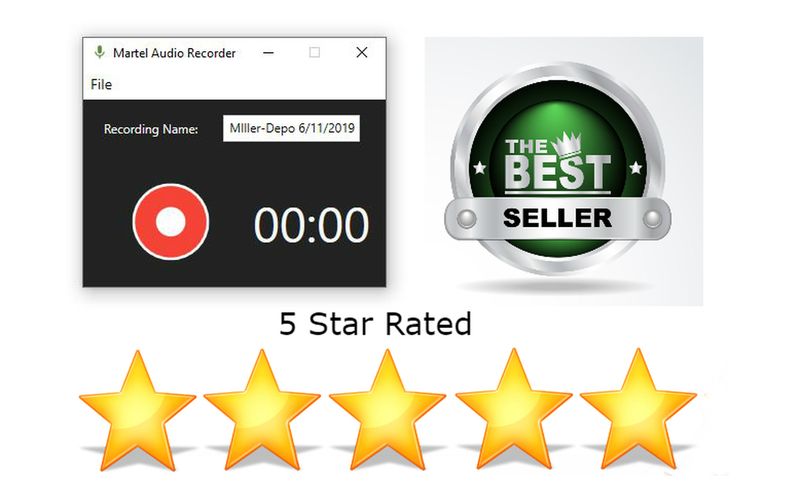
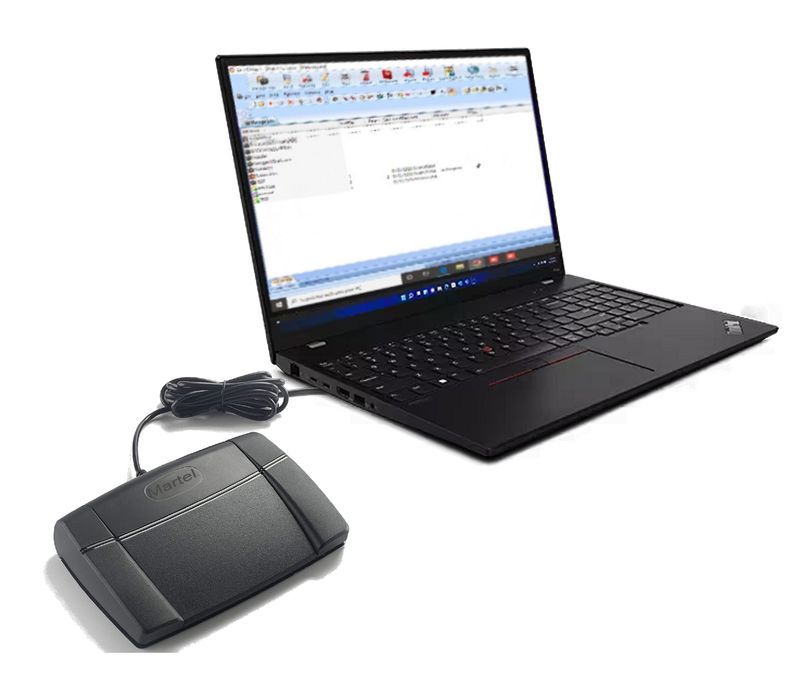
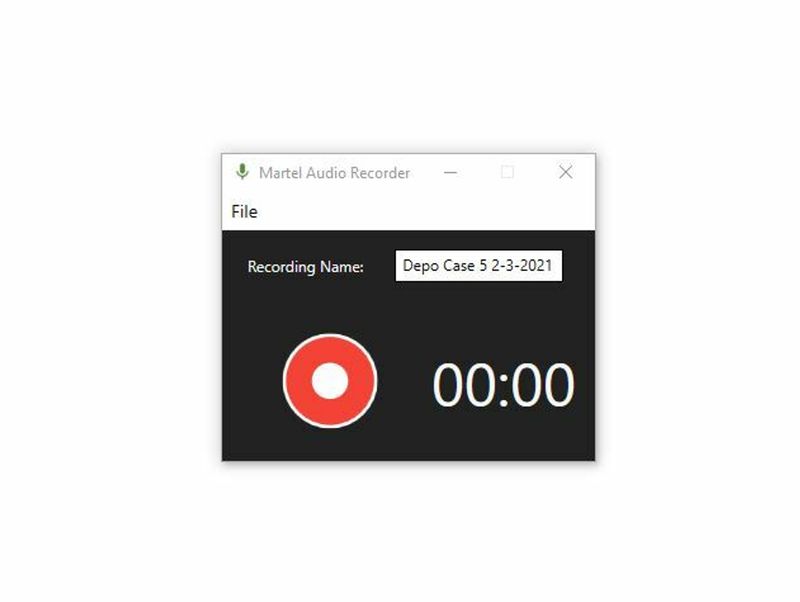
Zoom Court Reporter Backup Audio Recording App
Zoom Court Reporter Backup Audio Recording App
#1 Purchased Court Reporting Zoom Recording Software | Records Privately
$199.99