Updated · By Martel Staff
Before replacing a tape recorder or buying a digital dictation package, check the complete route from spoken notes to the finished document. A recorder, transfer application and transcription kit need to work together. These five questions help compare the options.
1. Do you need recording and editing controls?
A basic voice recorder may suit notes, interviews or meetings. Frequent dictation may call for review, rewind, overwrite, insert or append functions. Availability depends on the model and recording format. A slide switch can make familiar actions easier to reach, but a pushbutton design is not automatically unsuitable.
Compare professional dictation recorders and consumer voice recorders using the tasks you actually perform. Try recording a paragraph, finding an error and correcting it before choosing.
2. Can the transcriptionist open the files?
MP3 and WAV are widely supported, but support still depends on the application. DSS and DSS Pro (.ds2) are professional dictation formats that require compatible software. Editing and encryption features can differ by format. Test a sample file in the exact software your transcriptionist uses.
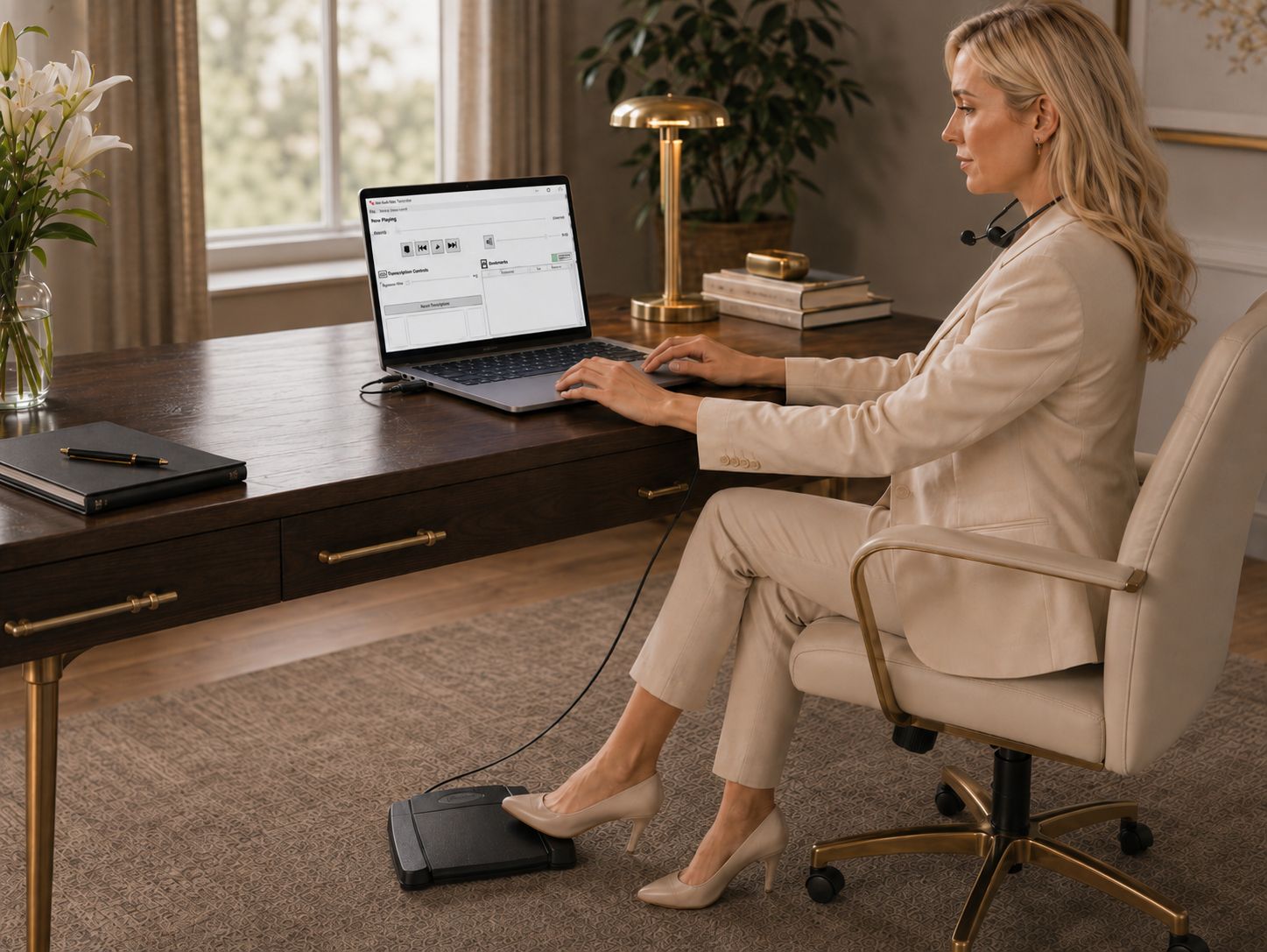
A transcription kit may include software, a foot pedal and a headset. For ODMS R8, choose the Transcription Module for supported foot-pedal playback; the Dictation Module does not provide foot-pedal compatibility. Confirm the exact pedal model as well as the license before ordering. ODMS R8 module documentation. Supported R8 transcription foot pedals. The All N One transcription kit is one package to compare against those requirements.
3. How will recordings reach the person who types them?
USB transfer, docking stations and supported wireless features offer different ways to deliver work. Automatic routing requires compatible software and configuration. Decide how authors, file names, work types and priorities will be identified. Our digital dictation and transcription workflow guide explains the steps.
Transfer a sample, open it at the receiving end and check that it is complete. Keep a suitable backup before deleting the recorder’s copy. Storage or device failures can interrupt work, so plan charging, available space and recovery.
4. Does the package fit the work and budget?
Compare the total equipment and software needed, including transcription licenses, accessories, setup and support. A lower-priced package may be sufficient for a simple workflow; additional features are useful only if they solve a real need.
Review dictation and transcription packages and the entry-level dictation kit. The Philips DPM8000 is a model-specific example of professional slide-control equipment. Check current availability, software support and package contents; historical model references are not a promise of current stock.
5. How will confidential recordings be protected?
Review access, transfer, storage, backups and deletion as one process. Encryption and PIN protection can help when supported and configured, but purchasing a recorder does not establish HIPAA compliance. Medical practices should assess their full workflow against the HHS HIPAA Security Rule guidance.
Before rollout, have the author and transcriptionist complete a small job using the proposed setup. Confirm that recordings are intelligible, files arrive, playback controls work and the final document returns to the right person.
Related Martel equipment
Common Questions and Answers
What comes in a digital transcription kit?
Contents vary by package. Check for compatible playback software and its license, a foot control and a headset, plus any required installation or activation information.
Will any USB pedal work with my computer?
A computer connection is only one requirement. The transcription application must support the exact pedal model, and its version must support your operating system.
How can I check that files reach the typist correctly?
Send a short nonconfidential sample through the intended transfer route. Have the typist confirm receipt, playback and pedal operation, then agree how completed work and file-status updates return to the author.
Does buying a recorder cover the whole system cost?
Check whether the quoted price includes the required author and typist software, licenses, headset, foot control and transfer accessories. Account for any separately priced services your workflow needs.