Updated · By Martel Staff
By Martel Staff. Originally published March 29, 2023. Features and workflows depend on the recorder, software and configuration.
How does digital dictation equipment work, and how can professional dictation recorders from Martel Electronics fit your workflow?
Digital Professional Dictation Machine Information
Martel’s professional dictation systems support the dictation needs of business professionals such as doctors and lawyers. Success begins when your team puts its thoughts into words. Dictation machines and recorders combine recording controls with tools that can fit your organization’s workflow.
Essentials of a Professional Dictation Recorder
The dictation recorder has one essential job: to make it easy to dictate, review and make corrections on the go. A second part of the workflow is moving the dictation audio files to a secretary or transcriptionist. In ODMS R8, routing rules can send dictation through shared storage or email, while Author ID and Worktype tags help the recipient organize it. Set those identifiers before testing the handoff. ODMS R8 module documentation.
Professional Digital Dictation Recorders: How It Works
Here is what happens behind the scenes in a configured professional dictation system. Not every recorder or software package supports every feature.
- Identify the author. Supported dictation devices can be configured with the author’s name or ID. The recording can also include date and time information from the device’s clock.
- Define the workflow. Dictation management software can be set up around your organization. Accounts and routing rules can be configured for authors, secretaries and transcriptionists. The goal is to fit the doctor’s or lawyer’s working style.
- Transfer completed dictation. With compatible equipment, placing the recorder in its docking station can download dictation automatically. Predefined rules can send recordings to a legal secretary or transcriptionist. Some systems can erase recordings from the device after download; confirm that the files have been transferred and retained before enabling that setting. Supported speech-recognition software can also form part of the workflow.
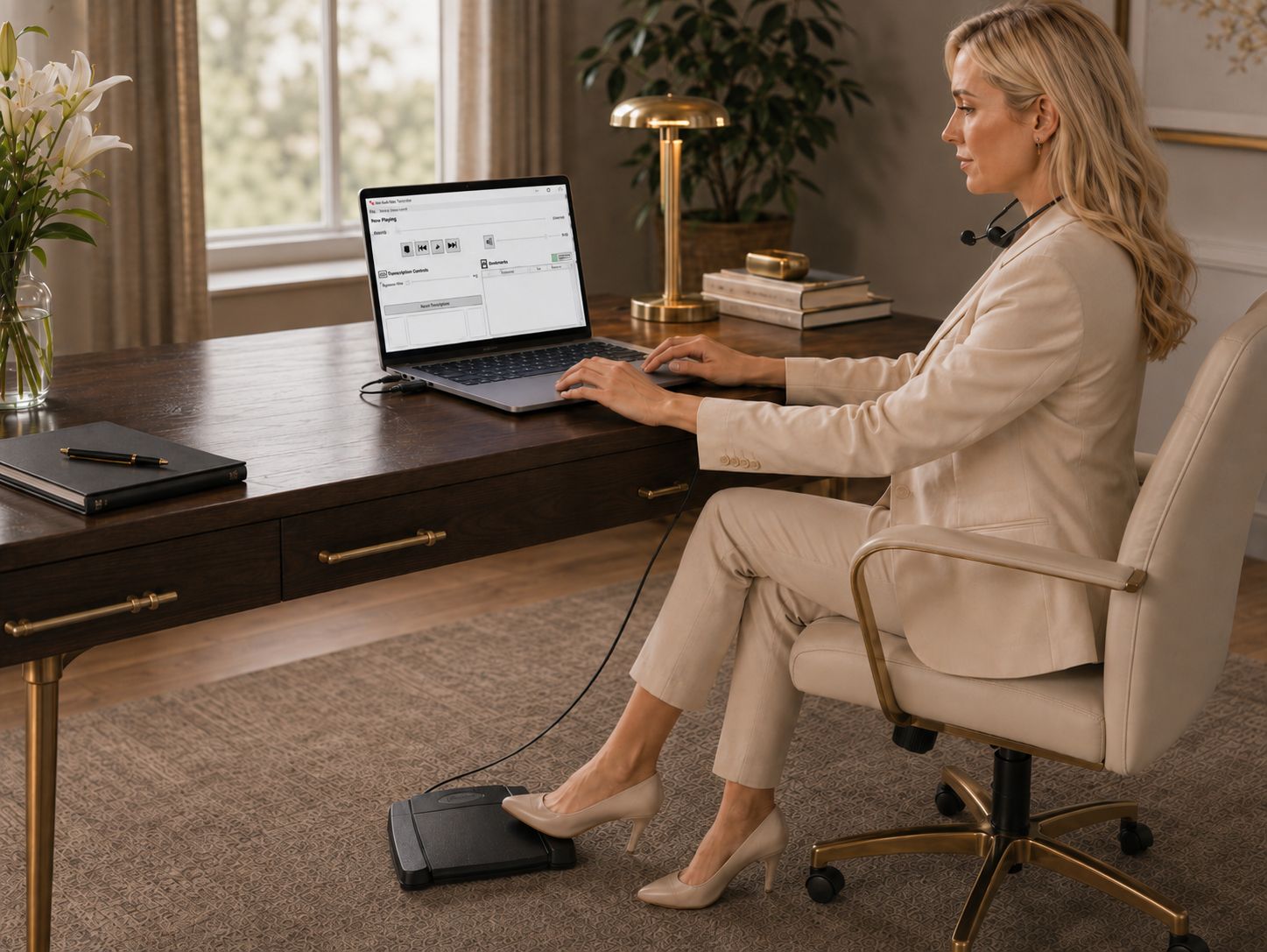
- Transcribe the recording. The secretary listens through headphones and controls playback using a compatible USB foot pedal. Transcription software may provide tone, playback-speed and automatic-rewind settings. Information such as author, work type, dictation date and recording length helps organize the work. Status labels such as pending and finished can track progress.
- Return the finished document. A configured workflow can send the completed document to a predefined person, such as the original author. Depending on the software and organization’s settings, dictation and documents can be exchanged through a network, file-transfer service or email.
- Manage the system. IT and office managers help set up users, maintain the software and apply updates. Check the required licenses, operating-system support and network settings for the chosen package.
- Choose the equipment. Compare professional dictation recorders and check the workflow options included with each package.
Dictation Machines and Transcription Packages for Doctors and Lawyers
Explore dictation and transcription packages or read our dictation recorder buying guide to compare controls, editing and software needs.
Related Martel equipment
Common Questions and Answers
What happens between recording dictation and receiving a document?
The author records and transfers a file through the agreed route. A typist or supported recognition workflow produces text, then the document is reviewed and returned. Each stage needs compatible tools and clear responsibility.
Does a digital transcriber create text automatically?
Traditional transcription equipment supports listening and playback control. Automatic recognition requires a separately supported function or service and still needs review.
Will files route to my assistant automatically?
Only when the supported software and routing rules have been configured. Check author and recipient settings and test receipt rather than assuming that connecting the recorder establishes delivery.
Can I erase the recording after pressing send?
Confirm that the intended recipient received a usable file, then follow the organization’s retention and backup process. Sending and successful playback are separate steps.