Dictation Systems for Multiple Attorneys Sharing a Secretary
Plan dictation for multiple attorneys sharing a secretary: compatible recorders, author identification, priorities, workload, corrections and software checks.
Choose your stenomask by the connections and backup workflow you need. Compare three Martel models, then check comfort, accessories and the complete recording path.
The key difference among these Martel stenomasks is how they connect. Dragon uses a direct USB path. Double Dragon 2 combines USB with a separate 3.5mm microphone path. Stereo MM-ST1 provides two independent 3.5mm microphone outputs. Start with the devices you want to use, then choose the mask that fits them.
This focused comparison covers only these three Martel models. For the rest of the range, use the complete stenomask buyer’s guide or browse Martel stenomasks. A suitable connection and a tested routine matter more than choosing by model name alone.

| Model | Connections | Useful starting point |
|---|---|---|
| Dragon | USB | A direct computer connection without a second mask output |
| Double Dragon 2 | USB + independent 3.5mm output | Computer recognition plus a compatible separate recorder |
| Stereo MM-ST1 | Two independent 3.5mm outputs | A compatible analog or USB-adapter workflow plus a second device |
Each connection must match the receiving equipment. A second plug creates an available path; it does not automatically start a backup recording. You must connect, configure and verify the receiving device.
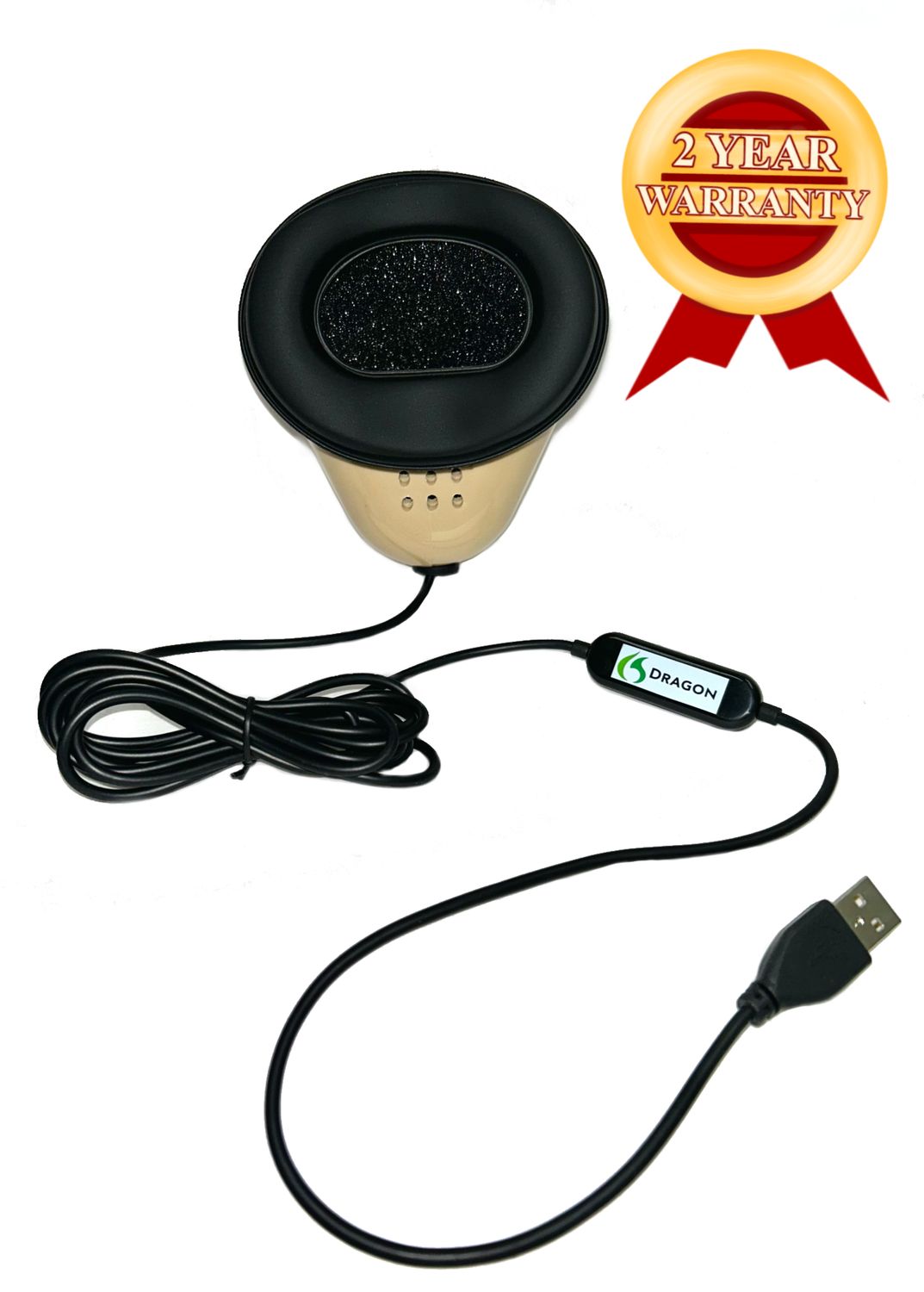
The Martel Dragon stenomask is a direct USB choice for voice recognition. Its digital connection avoids using the laptop’s analog microphone socket. You still need to select the correct input in your recognition and reporting software and check the resulting audio.
Choose this starting point when your planned workflow needs one mask output to the computer. If you also need a separate recorder connected directly to the mask, include that requirement before ordering. Dragon’s single USB connection is a different arrangement from the dual-output models below.
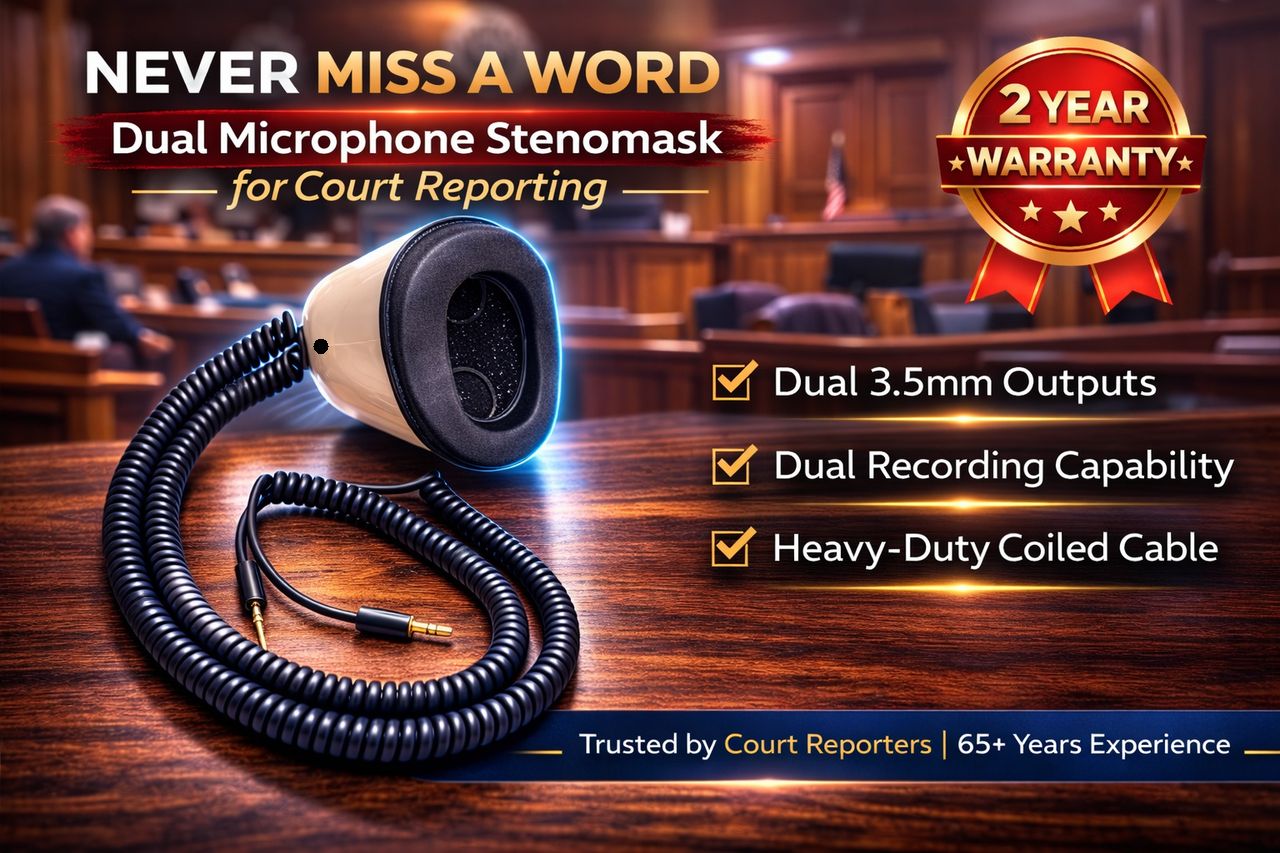
The Double Dragon 2 has two internal microphones with different output paths: digital USB for the computer and an independent 3.5mm analog microphone connection for compatible backup equipment. Its built-in USB audio design means the primary connection does not need an external analog-to-USB sound adapter.
This arrangement is useful when you want recognition on the laptop while recording your repeated speech on another device. Confirm that the second device accepts the analog microphone signal. Keep its power, storage and recording controls in your preparation routine; a connected cable is not proof of a saved backup.
The Stereo MM-ST1 provides two independent 3.5mm microphone outputs. It can suit a workflow built around compatible analog microphone inputs, or a supported USB sound adapter on the computer side with a separate recorder on the other path.
Martel lists the Andrea USB-SA microphone adapter as an option for compatible analog stenomask setups. Verify which input you need and what is included. Do not confuse a USB audio adapter, which contains conversion electronics, with a passive plug-shape adapter.
A repeatable seal and comfortable position help you maintain a consistent speaking routine. Check the mouthpiece fit during realistic practice, including how you hold the mask, where the cable rests and whether your posture stays comfortable through a longer passage.
Martel accessories include the SS4 Soft Seal mouthpiece, replacement foam silencing filter and hands-free Flex Stand. Confirm compatibility with the exact model. Add an accessory to solve a specific fit or handling need, and follow the product’s care instructions.
Ask your school for its current mask, adapter and software requirements. If an instructor teaches an analog sound-card workflow, buying a USB-only mask without checking could change the lesson setup. If the program expects a separate mask recording, confirm the second output and recorder connection too.
Practice a short passage before making several adjustments at once. Keep the mask position and speaking level consistent, listen to the recorded speech, then review the recognition result. Use the voice writing student guide for a fuller practice checklist.
Digital USB and analog 3.5mm outputs enter the computer or recorder through different routes. The analog path needs a compatible input and conversion somewhere before software can process it. USB provides a digital audio input, but software selection and recording settings still matter.
Two outputs can reduce dependence on one recording device, yet both microphones remain in the same physical mask. They are not automatically separate room recordings, and they do not remove every shared risk. Test each saved file independently using the backup recorder setup guide.
Recognition results also depend on software, input settings, speaking consistency and vocabulary. No model guarantees a particular accuracy percentage. When changing masks or adapters, run the software’s supported microphone setup process and compare a familiar practice passage before relying on the new configuration.
Double Dragon 2 combines digital USB with an independent 3.5mm microphone output. The separate recorder still needs the correct input, power, available storage and a verified recording.
It has analog outputs. A compatible USB audio adapter can provide the computer connection. Confirm the adapter and microphone input requirements; a passive connector adapter is not the same device.
Its main purpose is to capture the voice writer’s repeated speech while reducing outward sound. Plan any required room recording as a separate coverage task.
Start with the school’s approved workflow and required connections. Choose the model that matches those needs, then practice fit, input selection and saved-audio checks before adding more equipment.
Compare current Martel stenomask options and microphone connections before completing your setup.
