Updated · By Martel Staff
A court reporting recorder should fit the assignment, microphone setup and playback workflow. Begin by deciding whether you need a backup recording, a dedicated recording system or audio used with reporting software. A recorder’s presence alone does not establish that every voice will be captured or that the recording meets a court’s requirements.
Test speech from the intended positions
Compare intelligibility using quiet and normal speech in a room like the one where you work. Room noise, distance, microphone placement and input settings can matter as much as the recorder. Listen to the saved sample through headphones, including speakers who turn away or sit farther from the microphone.
If using external microphones, confirm connector type, power requirements and input compatibility. Multiple microphones do not necessarily produce separate tracks. Check how many channels the recorder saves and how the playback software handles them.
Check controls, capacity and power
Choose controls you can operate reliably during an assignment. Look at recording indicators, pause behavior, file naming, index marks and protection against accidental changes. Confirm available storage at your chosen recording settings and test the power arrangement before long sessions.
Recording time depends on format, bitrate or sample settings, available capacity and power. A specification under one set of conditions does not guarantee the same duration in every setup. Plan charging and appropriate backup equipment.
Confirm playback and transfer compatibility
Make sure your computer and transcription application can open the recorded format. Check USB transfer or the supported memory-card process, software licenses and any required adapters. If a foot pedal is part of the workflow, test it with the intended playback software.
Audio synchronization with a transcript is a software feature. A standalone recorder does not automatically integrate with every CAT application. Check the exact application version and supported import or synchronization process.
Evaluate a recorder in the complete workflow
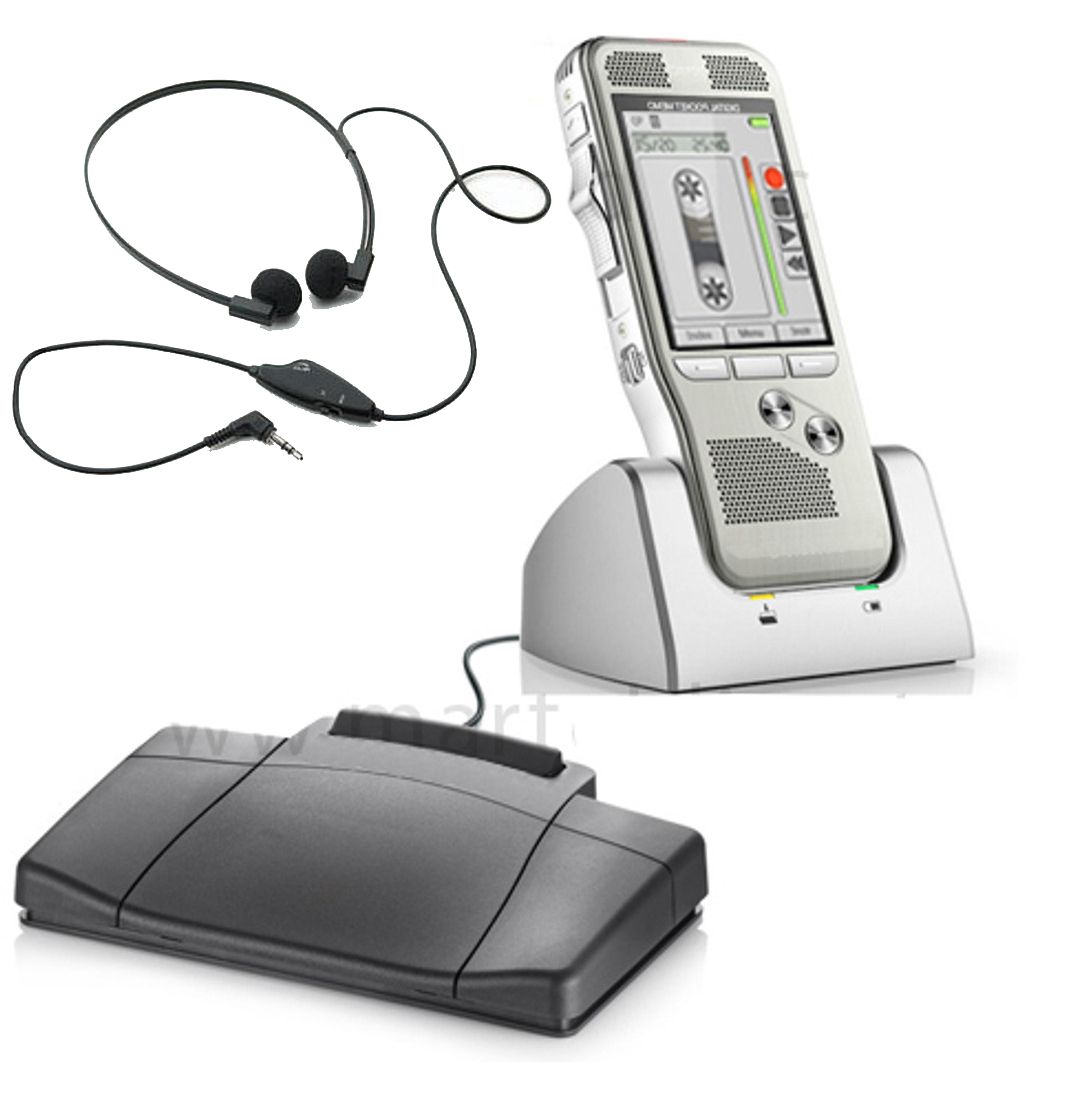
The Court Reporter 5000 is one model to compare. The current Court Reporter 5000 comparison distinguishes Recorder Only, Recorder + Transcriber, Scopist Edition and Courtroom Package configurations. The basic recorder/cradle/foot-pedal workflow belongs to the Recorder + Transcriber package; the Scopist Edition uses computer transcription software. You can also browse courtroom recording equipment to compare other configurations.
- Connect and select the intended microphone or input.
- Make a short recording with realistic speaking positions and levels.
- Stop, save and play back the file to confirm it contains the expected audio.
- Transfer it to the receiving computer and test transcription playback.
- Confirm file naming, storage, access and backup procedures before the assignment.
For microphone selection and troubleshooting, read our court reporter USB microphone guide. Choose equipment on the evidence of a working test, rather than relying only on promotional descriptions.
Related Martel equipment
Common Questions and Answers
What is the first question when choosing a court reporting recorder?
Decide its role: primary capture, a separate backup or another defined task. Then match microphone inputs, required channels, file handling and playback to that role.
Will any microphone work with a recorder’s microphone socket?
Check the connector, input type and any required microphone power. A plug that fits does not establish compatible levels, powering or channel behavior.
Does a recorder automatically synchronize audio with my CAT software?
Synchronization depends on the supported software workflow. A standalone saved recording does not by itself establish CAT-linked playback, so confirm and test the exact arrangement.
How do I check recording time and reliability?
Review storage and power requirements for the chosen settings, then test a representative session and file retrieval. Reopen the saved file and check the backup; a recording indicator alone is not the complete test.