
Martel Video Transcriber Kit or Software Only: Choose the Right Setup
Compare Martel SKU 1515 with pedal and headset against SKU 1527 software with two licenses. Choose the setup that matches the equipment you already own.
Martel field guide · Timestamp essentials
Learn how trimming, removed gaps and combined clips affect elapsed and recording-clock timestamps, and when to reset a Martel timing reference.
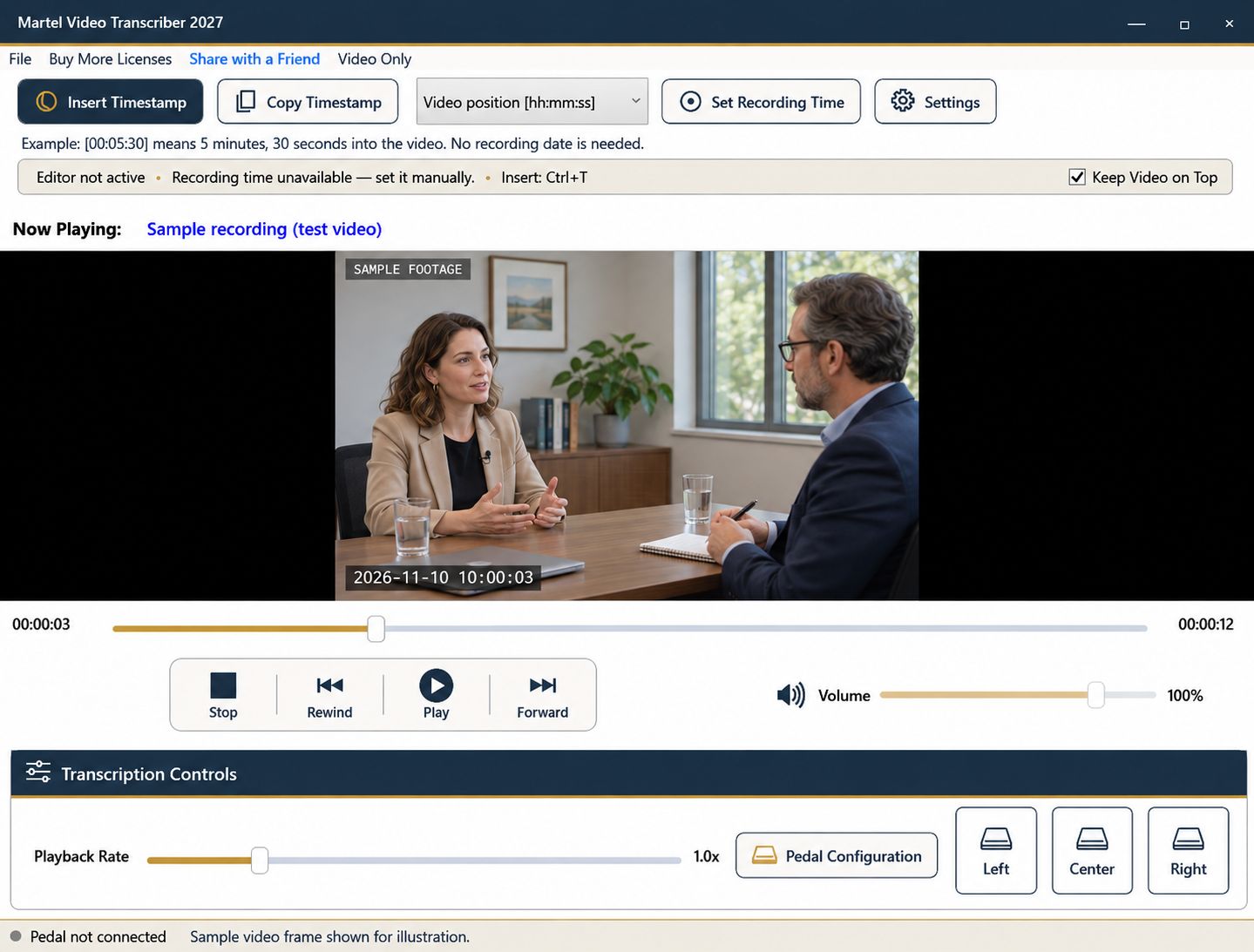
An edited video can play smoothly while its timing relationship to the original recording has changed. A removed introduction shifts elapsed positions. A cut in the middle can break a recording-clock offset. A combination of separate clips can introduce several unrelated timelines inside one file.
Before reusing timestamps or a saved recording reference, identify exactly what changed. The same visible scene does not guarantee the same elapsed position or continuous recording clock.
Suppose the first two minutes are removed from a recording. A scene that appeared at 00:07:30 in the original may now appear at 00:05:30 in the trimmed file. Both elapsed values can be correct for their respective files.
Label the source version in the document. Do not replace an original file with a trimmed export under the same name and assume every existing marker remains valid. Recheck the references against the version the reader will receive.
If a continuous recording loses a ten-minute section, the remaining video position advances across the cut without including those ten minutes. One recording-time reference established before the cut will therefore give the wrong clock after it if it assumes continuous elapsed time.
Pause at a verified point in the next segment and establish a new reference with Set Recording Time. Record where the change occurs. Resetting the reference affects later inserted values; it does not automatically rewrite timestamps already present in the document.
A compilation may join recordings from different dates, cameras, or sessions. Keep a segment list with the original identifiers and the boundaries in the compiled file. If reliable clock information is missing for a segment, use elapsed positions and state the limitation.
Do not infer a camera date from the compilation's export date. That date describes the exported file, not necessarily any event inside it. The current computer time is likewise unrelated to the original recording clock.
After setting a reference, compare another known moment farther into the same continuous segment. Repeat on the other side of an edit. A sudden mismatch can reveal a cut or clock reset; a growing mismatch may require closer investigation of the source and reference information.
Do not hide disagreement by adjusting the reference repeatedly without documentation. The next reviewer needs to understand which reference applies to which portion of the recording.
Martel plays the source and inserts timestamps without modifying or re-encoding the video. It does not reconstruct removed footage or automatically discover every edit. If an assignment requires a new media export, perform that work through the appropriate separate workflow and then verify the resulting timeline.
For ordinary transcription, retaining the original recording and clearly identified working copies often makes later review easier. A plain elapsed marker tied to the right version is more useful than a calendar time whose offset is unexplained.
Include the exact reviewed filename, any segment labels, the timestamp convention, and the known references used. Mark unresolved timing limitations. If both original and edited versions are delivered, explain which one the document follows.
Before finishing, test a marker before and after every relevant boundary. Save the transcript separately and preserve your source list so a future correction can be checked without reconstructing the entire editing history.
Suppose an editor removes a 40-second introduction. A statement at 00:06:10 in the source may move to 00:05:30 in that simple trimmed copy. Confirm the actual scene before updating the log; a later cut invalidates a single subtraction for the whole file. An assistant editor, archive reviewer or journalist receiving a revised export should preserve both version names and the reviewed relationship. Martel leaves the media unchanged and does not create an edit-decision list.
Sources and further reading: U.S. Bureau of Labor Statistics: film and video editors. Sources explain professional tasks and editorial practice; the Martel workflow example is our own.
Only after checking them against the new timeline. Removing material can shift elapsed positions or break a recording-clock offset.
No. It changes future calculations. Previously written timestamps require their own review and correction.
No. The manual reference workflow requires you to identify relevant discontinuities and establish supported references for continuous segments.
No. An export date describes file production. It should not replace the established time of the recorded event.
Identify the compilation and its source segments, explain elapsed and recording-clock conventions, and document relevant discontinuities.
Learn how trimming, removed gaps and combined clips affect elapsed and recording-clock timestamps, and when to reset a Martel timing reference.


