Updated · By Martel Staff
360-degree tabletop voice pickup
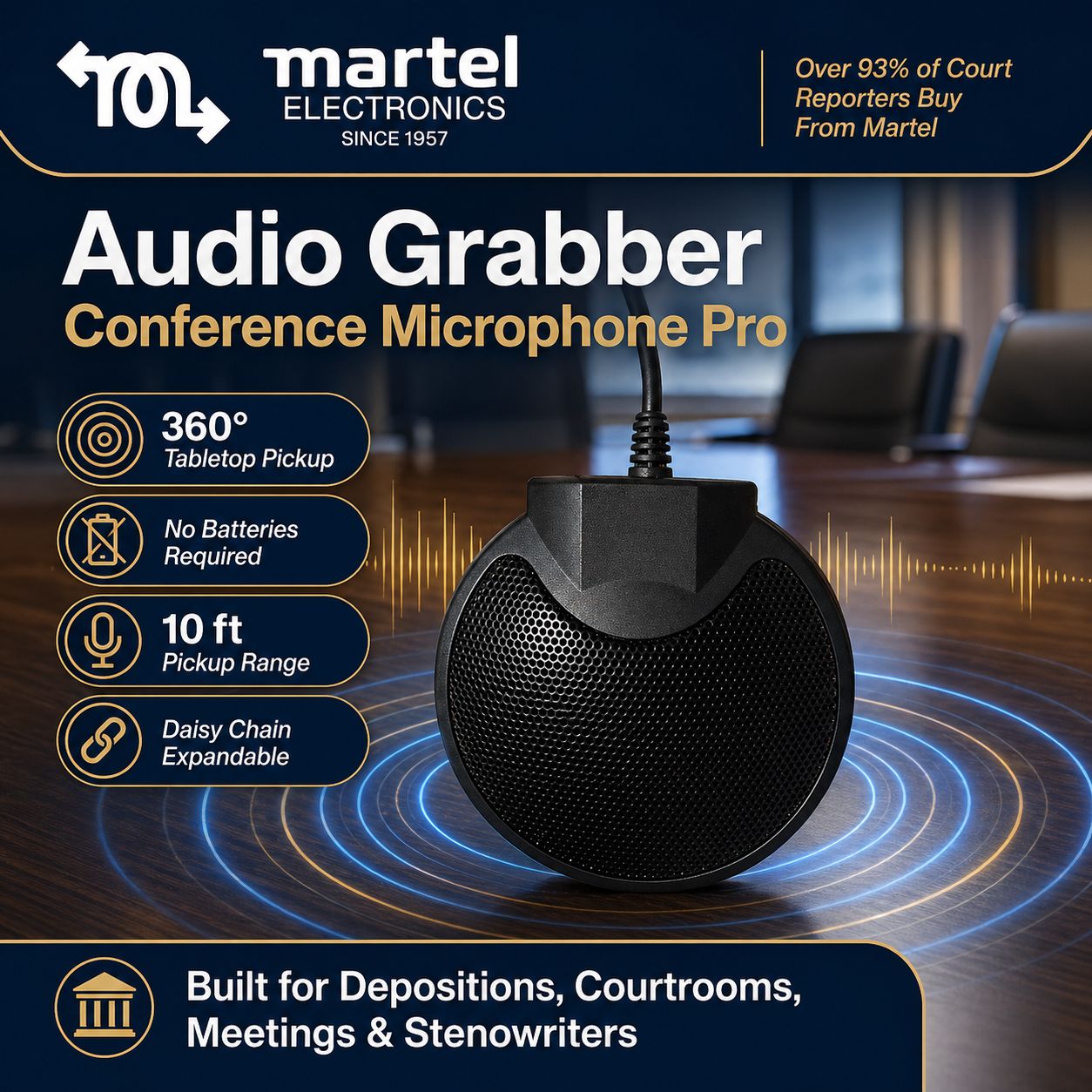
The Audio Grabber Conference & Meeting Microphone Pro is a boundary microphone with an omnidirectional pickup pattern in the space above the table. It can pick up voices from different directions, but room acoustics, background noise, microphone placement and speaking distance still affect intelligibility. A 360-degree pattern does not guarantee that every voice will be equally clear.
Daisy chaining microphones for a longer table
When participants are spread along a conference table, connecting additional Audio Grabber microphones can place pickup points closer to them. Each microphone connects into the chain, reducing the need to run a separate cable from every position back to the recording input.
Martel currently lists support for up to six Audio Grabbers with compatible Luminex and NexGen writers, or up to sixteen through the Martel Court Reporter Mixer. Those limits describe the specified combinations, so confirm the input and power requirements before adding microphones. More microphones do not automatically produce a cleaner recording: listen for room noise and adjust placement before the meeting.
Connecting the microphone to your meeting system
The Audio Grabber uses a 3.5mm connection and receives microphone power from a compatible input; it does not require an internal battery. It is not a USB conference speakerphone. A computer may require a compatible powered microphone interface or mixer, and the correct input must be selected in the meeting software.
For a hybrid meeting, confirm how the room microphone reaches the conferencing computer and how remote participants are heard in the room. The microphone alone does not provide speakers, echo cancellation or a complete conferencing system. Test the complete setup from a remote participant's position before relying on it for a meeting.
Putting the setup to work
Daisy-chain microphones can be useful for discussions, panel sessions and group collaboration where people speak from several positions. Place microphones on a stable surface, keep them away from keyboard noise and loudspeaker output, and make a short test recording. Confirm that quieter speakers and the far end of the table are audible without clipping louder voices.
For a complete room setup, compare Zoom Multiple Microphone Systems for conference meetings and boardrooms. Choose a system for the room size, microphone count, computer connections and meeting workflow you actually use.
Related Martel equipment
Common Questions and Answers
Does the Audio Grabber plug directly into USB?
The Audio Grabber uses a compatible powered 3.5 mm microphone input. A USB computer workflow needs an appropriate supported interface; the microphone itself is not a complete USB speakerphone.
Does daisy chaining give each microphone a separate track?
Not by itself. Chaining adds pickup positions through the supported connection path. Separate tracks depend on the interface and recording system, so verify the channel arrangement you need.
How many Audio Grabbers can I connect?
The supported number depends on the exact microphone model, receiving equipment and available input power. Check the documented combination rather than applying one system’s limit to every recorder or mixer.
What else does a hybrid meeting need?
Plan both local pickup and remote playback, including a compatible interface and speaker arrangement. Test what remote listeners hear and what the saved recording contains, while checking for echo.