Compare the 6-officer package and 12-officer package by included contents and operating plan. Do not compare only the package total divided by the number of cameras; that calculation allocates shared computer and storage equipment across the units and can obscure what is actually included.
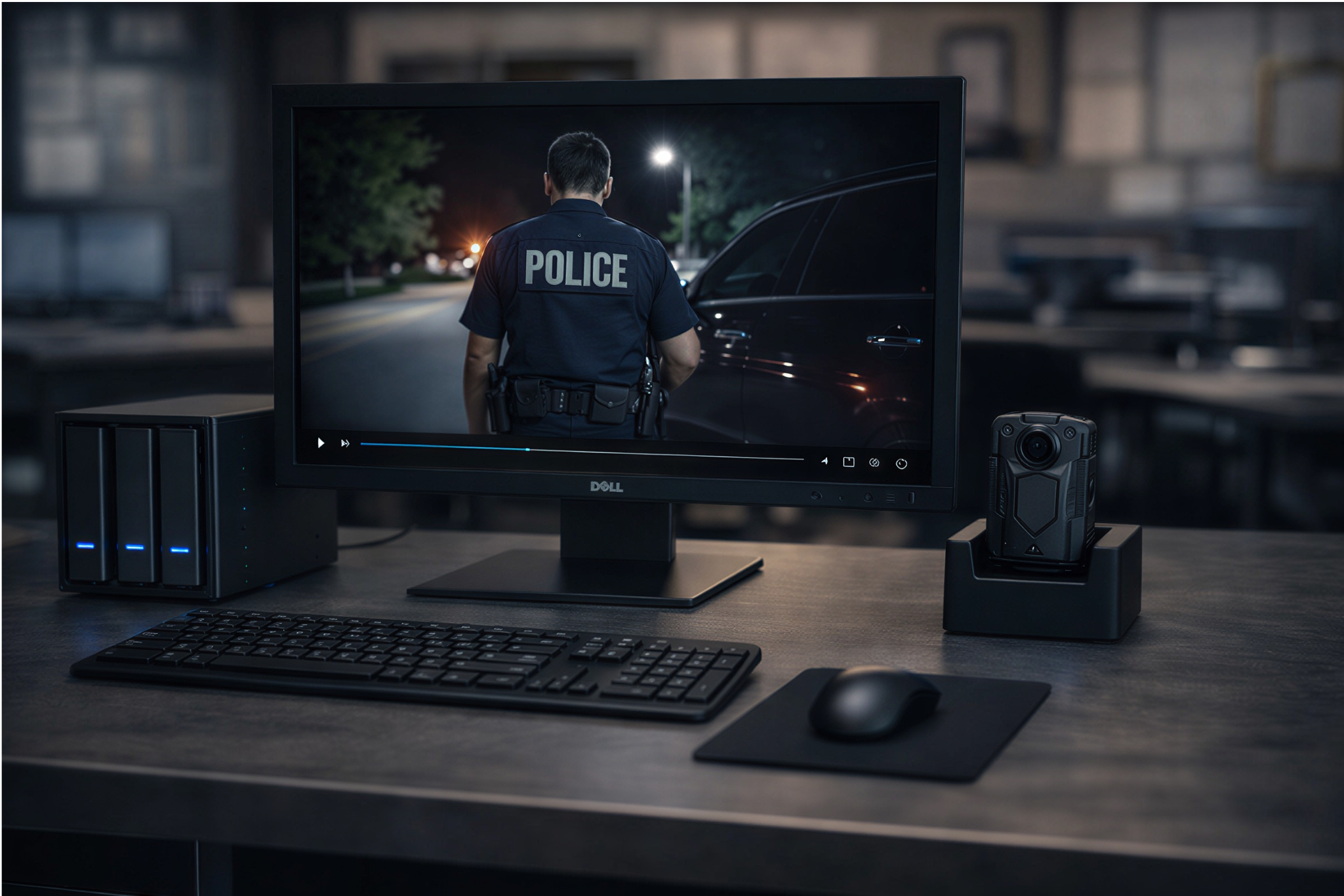
For larger deployments, review the 24-, 50-, and 100-officer choices in Martel’s police camera category. Ask for the current itemized configuration, usable storage, and deployment assumptions. Package names provide a convenient starting point for the conversation.
Budget timing and payment terms
Some Martel product pages describe department quote options that divide an eligible purchase across budget years. Those options are purchasing terms to confirm with Martel for the actual agency and order. They should not be assumed available for every buyer or every package.
An approving official should review the total equipment obligation, payment dates, eligibility, and any conditions in the final written quote. Dividing payments changes timing; it does not reduce the total equipment cost. Keep that distinction clear in a budget presentation.
Do not infer financing terms from an article or a calculator screenshot. Use the current official quote and the agency’s purchasing approval process. The article can help identify questions, while the signed purchasing documents define the transaction.
Build a quote request that gets a useful answer
Provide the department name, intended camera quantity, rollout timeframe, locations, shift-return pattern, and existing receiving equipment. State whether local storage, a computer, mounting options, and training are needed. Include any essential technical functions in ordinary language.
Ask for model and quantity on every line, the supplied onboard capacity, included accessories, usable storage assumptions, warranty, selected services, taxes, delivery, and validity period. Identify optional equipment separately. A complete request makes it easier to compare the proposal with the approved purchase brief.
Use Martel’s written quote page to begin. If you have already tested a unit, include the configuration and any unresolved questions from that trial. A quote that resolves those questions is more useful than a generic price list.
A worked purchasing comparison without invented savings
Consider an agency choosing between adding individual cameras to an existing system and buying a complete package. First, list what the existing system actually provides: receiving computer, supported software, working storage, backup, docks, and staff procedures. Mark each component as confirmed, needs upgrade, or unknown.
Next, list the contents of the proposed package from the written quote. Identify shared equipment that is new and equipment that duplicates an existing approved component. Ask whether configuration adjustments are available rather than assuming a package can be modified.
Then compare the same recording workload and retention assumptions under both choices. Include setup work, testing, daily receiving effort, and the expected support process. If the existing system cannot meet a requirement, price that gap before claiming reuse is cheaper.
Finally, document the reason for the preferred approach. The decision may depend on fewer setup uncertainties, suitable storage, simpler support, or confirmed reuse. It should be traceable to the agency’s requirements and the supplied proposal, not merely to the lowest visible camera price.
A quote-review meeting that uses the same assumptions
Bring the assignment schedule, equipment inventory, recording estimate, and list of required software tasks to the quote review. Ask operations to explain when cameras are used and returned. Ask the records and technical staff to identify the receiving, access, storage, and recovery responsibilities. Purchasing can then compare the proposal with a shared set of requirements.
For each line item, identify whether it is required for the proposed workflow, optional, already owned, or unresolved. An existing computer should remain unresolved until the receiving and playback test confirms it is suitable. A storage device should remain unresolved until its usable capacity and intended role are explained.
Record open questions beside the appropriate item. Examples include the number of data-capable connections, the included mount, the supported expansion path, and the scope of setup assistance. Send those questions with the written quote request instead of relying on assumptions from a product image.
Illustrative cost worksheet
Suppose a department is comparing a complete package with an individual-camera purchase that reuses existing equipment. On the complete-package side, enter the current quoted package amount, selected options, applicable tax and delivery, setup work, and the department’s estimated operating work. Do not subtract equipment merely because it resembles a component already owned unless the quote actually excludes that component.
On the individual-camera side, enter the quoted camera quantity and accessories, plus any needed workstation upgrades, storage, receiving equipment, setup, and support. Include the same operating period and the same approved recording workload. Mark an unconfirmed compatibility or missing cost as unresolved.
The worksheet should not assume that every cost is paid on the first day. Show expected timing when known, and separately record any written budget-year terms offered for the actual order. Keep the full obligation visible even when the agency pays over more than one period.
How to avoid a misleading per-camera number
Dividing a complete package price by its camera count can be useful as a rough allocation, but the resulting figure includes shared equipment. It should not be labeled as the price of an individual camera. The workstation, storage, and supporting components may serve the entire deployment.
Likewise, a camera-only price cannot be called a complete system price until the necessary receiving and storage equipment has been identified. A fair comparison describes what each amount buys and what the organization must add. That clarity is especially useful when a department presents the request for approval.
Plan for an equipment change
Ask what happens if the department changes its receiving computer, replaces a disk, or adds cameras during the planning period. Identify the configuration work, testing, support, and potential downtime involved. A future change may never be needed, but the proposal should make the expected path understandable.
The department should retain the approved configuration, quote, operating instructions, and acceptance results. When a component changes, staff can repeat the relevant test and identify whether a quoted service is needed. This provides a practical foundation for future budgeting without inventing a replacement schedule.
A cost worksheet for six, twelve, and twenty-four cameras
Start by giving each proposal a name and a common planning period. For example, compare a six-camera deployment, a twelve-camera deployment, and a twenty-four-camera deployment over the same five-year period. The five-year period is an illustration for a worksheet; the department may choose a different period. Each column should represent a complete proposed operating arrangement, not just a collection of cameras.
List camera equipment first: the number of Crime Cam units, onboard capacity as quoted, supplied mounts, chargers, docks, and cables. Add the receiving computer and any monitor, storage devices, software, installation, and training that appear in the quote. Identify optional equipment separately and record any hardware the agency already owns.
Next list department responsibilities. Who receives cameras, monitors capacity, handles exceptions, prepares approved copies, and maintains the workstation? Estimate the staff time using an observed trial rather than an assumed savings percentage. If costs are unknown, mark the line as an estimate or unresolved item and identify who can supply the answer.
Finally, document how the agency expects to handle replacement parts, growth, backup equipment, and eventual migration. A line can be zero if no additional cost is expected, but the reason should be visible. That allows the purchasing team to distinguish a deliberate assumption from a forgotten expense.
A six-officer deployment: compare two purchase paths
One possible plan is to purchase the complete six-officer package. The other is to purchase individual cameras and use an existing approved receiving arrangement. The comparison starts with the same six assignments, recording schedule, retention requirement, and test process. It should also use the same treatment of tax, delivery, selected support, and staff work.
For the existing-equipment path, have technical staff demonstrate that the workstation recognizes the supplied camera, the downloading software operates in the approved environment, the selected video format plays, and the destination has adequate usable space. If those requirements cannot be demonstrated, identify the cost and work needed to resolve them. Do not assume reuse is free simply because a computer is available.
For the package path, verify which equipment and services are included, how the storage devices are configured, and which setup steps remain the agency’s responsibility. A package can simplify procurement while still requiring local operating procedures. A clear written proposal makes that division understandable.
Twelve cameras: price the return-to-station routine
When twelve cameras return across shifts, the number of devices connected at once can matter more than the total quantity. Ask the department to draw a normal daily schedule. Mark the busiest return period, the time before equipment must be reissued, and the person who will handle failed transfers or charging exceptions.
Request a demonstration using the proposed number of simultaneous connections and a representative amount of training video. Record connection time, transfer time, review steps, and any extra work needed to identify devices. If the trial reveals a bottleneck, ask for a supported solution and its cost before approving the purchase.
This exercise can also identify a training requirement. An agency may need an alternate receiving employee when the regular operator is absent. Include the time to train that person and document the workstation routine. An equipment price does not automatically account for the labor required to operate it.
Twenty-four cameras: identify shared costs and growth
For a larger rollout, separate costs that grow with each camera from shared equipment and operating costs. Mounts and individual devices may rise with the camera count, while workstation capacity, receiving infrastructure, storage, and support should be sized to the combined workload. The relationship is not always a simple per-officer multiplier.
Use measured recording samples to estimate daily data production. Then apply the department’s approved retention and preservation assumptions, including a separate plan for recovery copies. Ask Martel to specify the usable capacity, disk configuration, and intended role of each supplied storage device. Confirm any differences between the product page, package name, and final quote.
Consider growth during the comparison period. If another shift or facility may be added, ask what expansion would require and how it would be tested. Include a proposed expansion cost only when the agency has a supported estimate; otherwise show it as an open question.
Compare body cameras and police in-car video without mixing quantities
A department may budget for body cameras and vehicle recording at the same time. These solve different coverage tasks and should be listed as separate equipment lines. A body camera moves with the wearer; a vehicle system records from its installed or mounted position. The budget should state the number of people and the number of vehicles separately.
Martel’s DC7 page describes front and rear vehicle coverage, a wireless officer microphone, USB export, and an optional station-upload feature. Its MDP6 page describes a portable vehicle and field camera arrangement with removable-memory recording. Check the current pages and written quote for supplied components and selected options before entering prices.
If both recording types will be received at the same location, include their combined file workload in the storage and staffing plan. Keep the measured body-camera and vehicle-camera rates distinct until the system is sized. Do not assume the products automatically share activation, software, timestamps, or event identifiers without written confirmation and a successful demonstration.
Explain usable storage in the purchasing packet
Storage capacity can be described in several ways. A product title may state the nominal capacity of one or more devices. The configured system may show a different usable amount after formatting and the chosen RAID arrangement. A backup destination may have a different purpose from the working archive.
Ask the supplier to identify the number of devices, disk sizes, configuration, usable working space, and any separately assigned recovery space. Have the agency’s technical staff review the design and identify who monitors capacity. If the organization requires a separate backup arrangement, price it explicitly rather than assuming redundancy alone supplies it.
Keep a capacity worksheet with the request. Include the measured gigabytes per recorded hour, the average recorded hours, number of cameras, approved retention assumptions, held material, reserve, and growth. This gives the approving official an explanation for the storage request without treating a nominal disk label as a guaranteed number of retention days.
Account for replacement and support
A budget should record the warranty and support terms that apply to the actual quoted purchase. Identify the procedure for reporting a camera fault and whether docks, cables, mounts, workstations, and storage devices have different support arrangements. Keep a list of the equipment identifiers and the person responsible for service coordination.
Ask how the organization maintains coverage while a component is unavailable. A spare camera, a spare cable, an approved alternative receiving arrangement, and repair support address different problems. The department should decide which risks require a planned response and request the relevant equipment or services as separate quote lines.
Avoid predicting a component’s service life without evidence. A planning worksheet can include an agency-selected replacement allowance, clearly labeled as an assumption, and revise it after actual experience. The written quote and current warranty define what is supplied, while the department’s budget defines what it plans to maintain.
Prepare a budget narrative for the approving official
A useful budget narrative begins with the operational need: the number of assignments, the expected recording locations, and the workflow for receiving files. It then identifies the proposed package and explains what the quoted equipment supplies. Keep statements about support, warranty, storage, and payment terms tied to the current written quote.
Explain the distinction between the equipment purchase and the organization’s continuing work. The camera and dock may be included in a proposal, while staff still need to manage assignments, check transfers, and review capacity. A budget reviewer can make a better decision when those responsibilities are visible rather than hidden inside a general statement that the system is complete.