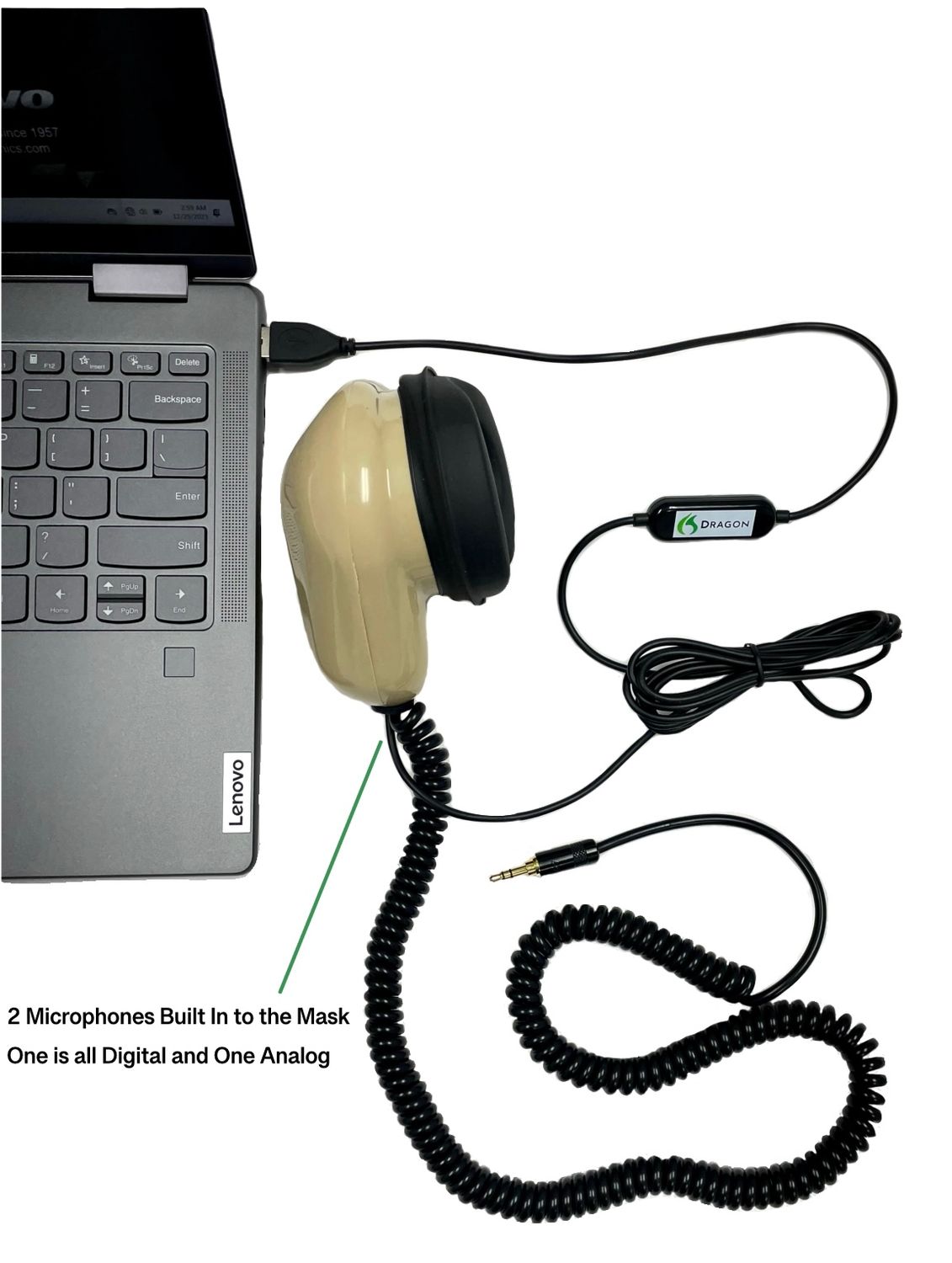
Court Reporter Equipment Compatibility Guide for Martel Hardware and Software
Match 16 Martel models and SKUs to steno writers, Windows 11, recorders or transcription software. Check power, live listening and saved audio for each setup.
Start with the device that must save the audio. The microphone plugged into a stenotype writer, the USB input selected in CAT software and the recorder on the table can each produce a different result. These tables identify the connection, power arrangement, listening point and saved recording to check for each Martel model. Use a practice job with invented names and figures so you can hear exactly which voices reach each destination.
Which device should hold the audio?
Picture the moment you need to hear the last answer again. If you expect to touch a stroke on the writer, start in the writer table. If you expect to click a line in CAT software, start with the computer that runs that job and identify its recording input. If another person will review while you use both devices elsewhere, look at the recorder and transcription table. These choices can coexist, but each needs its own rehearsal.
Write down the model of the receiving device and the label beside its input. A USB socket can connect a microphone, pass files, or serve another purpose according to the device. Two small round jacks can be a microphone input and a headphone output. The device manual tells you which direction sound travels. Where a row calls for a compatible input, use the receiving device’s published specification as well as the Martel SKU. Product detail links appear under the same names and SKU numbers below.
Read the label on a cable from both ends
Suppose a reporter brings a laptop, a Diamante and a microphone in an unmarked pouch to the equipment counter. The first useful question is where the reporter expects to find the recording at the end of the day. If the answer is “with the notes on the Diamante,” put the writer on the counter first. Find the microphone jack in its manual. Compare that input to the actual plug on the microphone. If both are an apparent fit, the next pieces of information are the model number and how the microphone receives power. An adapter description that says only “3.5 mm to USB” leaves both the direction and the intended job of the device open.
Trace the other end just as carefully at a fixed courtroom installation. A labeled output from a room system can be a different sort of signal from a tabletop microphone. Ask the person responsible for the system which connector, signal level and destination are supported at that output. Take the recorder and its input specifications to that conversation. Photograph the printed labels or copy the exact wording so the answer applies to the equipment you will bring. If the approved feed carries some room microphones but leaves out a witness position, a perfectly good connection can still produce an incomplete recording of the exercise.
A short purchase description can settle several questions at once. “I have a NexGen writer and need audio at the strokes when I bring the writer home” points to a different purchase from “I have a Windows 11 laptop and need a file on a second recorder while CAT runs.” Give the person supplying equipment that sentence along with the model number. They can check the connection, the source of power and the place where playback needs to work against a specific request.
For speech saved with a stenotype job
The three writer kits have different Martel item numbers. Match the kit to the name printed on the writer before comparing accessories. On the writer, set the microphone selection, job recording option and format using the guide for that model. Start a fresh practice job after setting the options. Strokes provide a useful listening index only when the writer actually saved the associated audio.
| Martel equipment | Connection and power | Live listening and limits | Software and saved-audio check |
|---|---|---|---|
| Diamante AudioSync kit · SKU 2031 | External microphone input on a Diamante. The kit uses the writer connection and needs no microphone battery. | For listening, use the Diamante’s headphone connection and applicable monitoring settings. The microphone socket receives speech. | Start a practice job with external audio enabled. Write a distinctive phrase, close the job and play from its strokes. Verify the same passage after any transfer to CAT. |
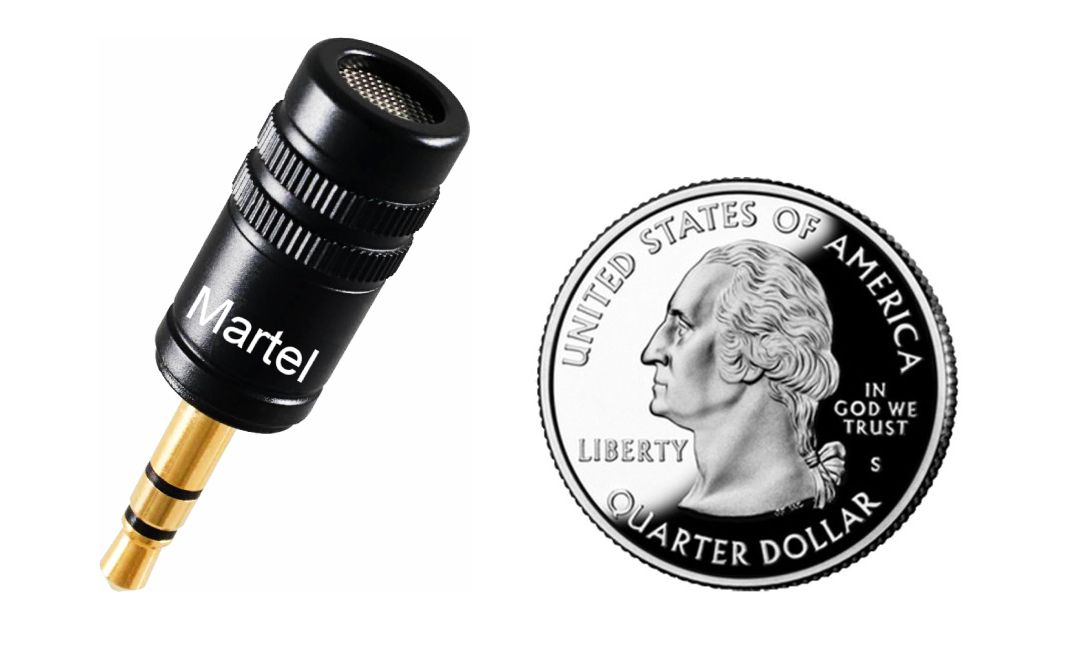
| Luminex writer kit · SKU 2006 | Battery-free external microphone kit sold for the Luminex. Check the writer’s exact model name and microphone input. | Use the writer’s headphone and audio controls if live monitoring is enabled. Plugging in a headset establishes only a listening route. | Record a question and a response as separate strokes. In the saved Luminex job, jump to the response and listen for its first word. |
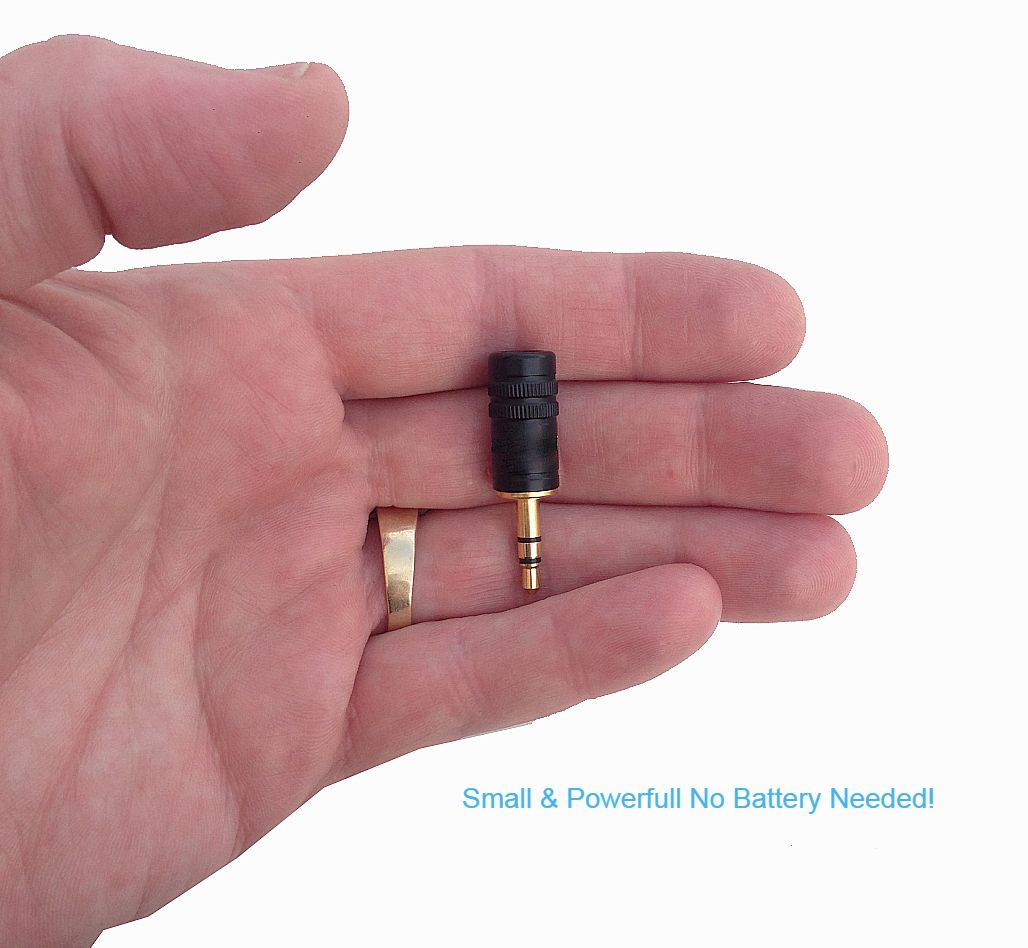
| NexGen writer kit · SKU 351 | Battery-free microphone for the NexGen input. It plugs directly into the writer. A separate three-foot extension is supplied for alternate placement. | Hear the writer’s selected source through its supported monitoring path. Retest after adding the extension or moving the microphone. | With writer recording enabled, write a seat number spoken from the intended position. Close the job and locate the number from the associated strokes. |
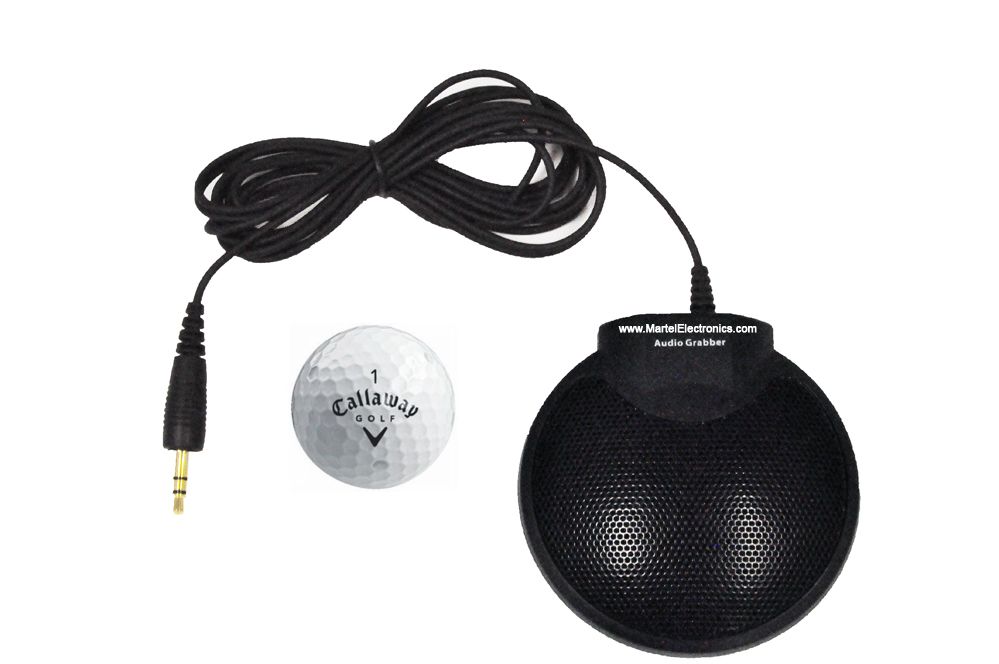
| Audio Grabber · SKU 310 | Battery-free analog microphone. Martel lists a chain of up to six on a compatible Luminex or NexGen. A supported receiving setup powers the chain. | Monitor at the receiving writer. Adding pickup points to one writer input gives you no basis for promising separate speaker tracks. | Have each occupied seat supply a different exhibit number. Reopen the writer job and identify all the numbers by ear. Compare positions if one is softer. |
For a laptop microphone, a recorder input or several pickup points
Use the connector on the receiving equipment to narrow this table. A battery-operated 3.5 mm microphone can be sensible beside a standalone recorder. A USB microphone can feed the computer running a CAT job. If the task calls for sound at two independent devices, look for a product with documented outputs to both. Confirm how the resulting files can be played before buying for a particular layout.
| Martel equipment | Connection and power | Live listening and limits | Software and saved-audio check |
|---|---|---|---|
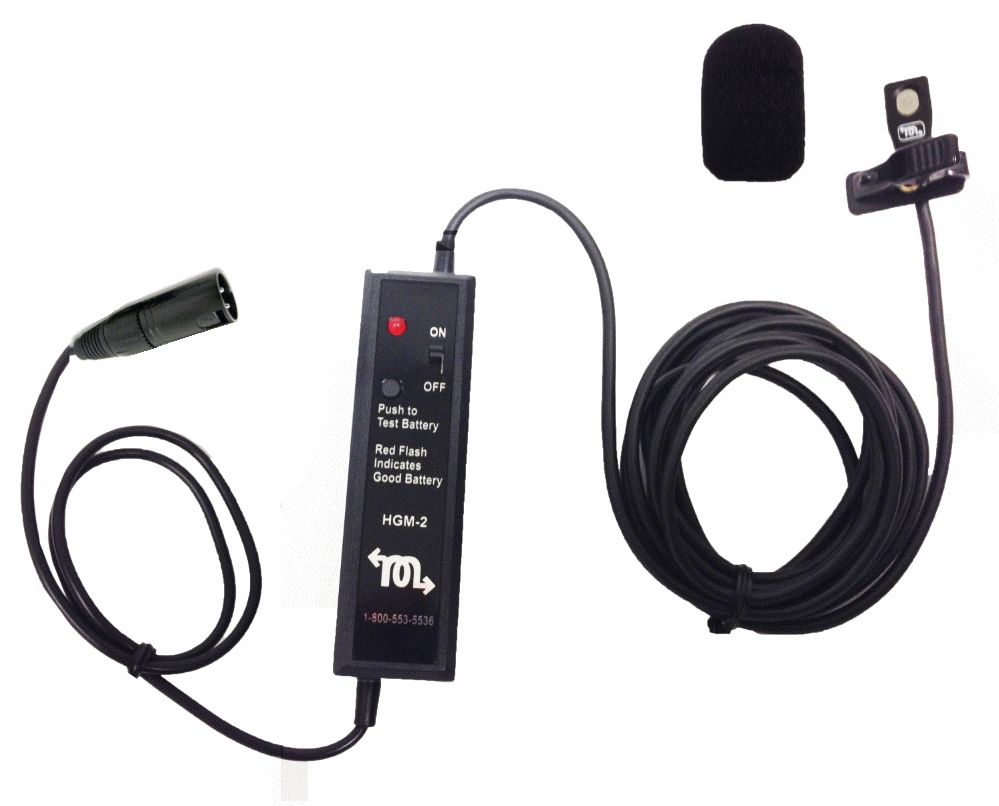
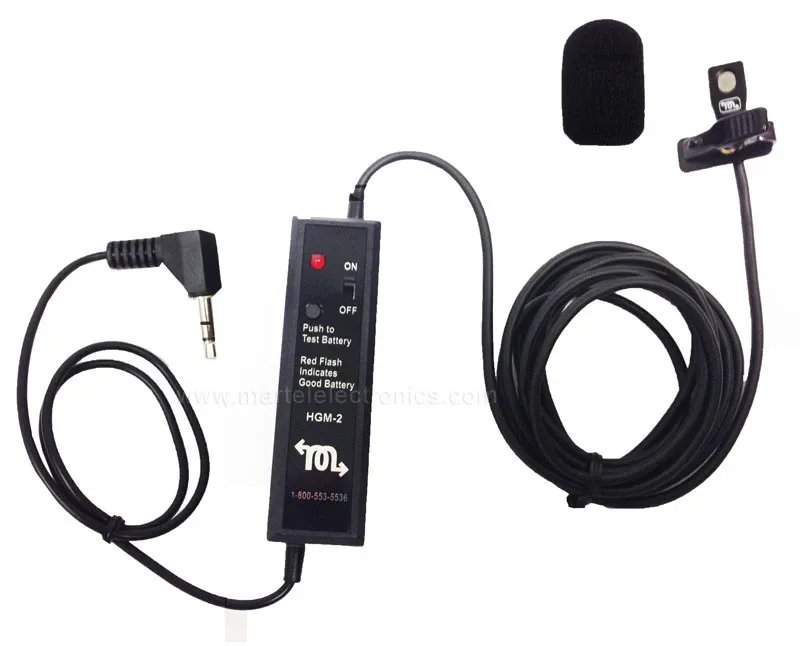
| HGM-2 with battery tester · SKU 1773 | Battery-operated microphone with a 3.5 mm plug. Use a compatible microphone input on the writer or recorder. A laptop needs a suitable mic input or interface. | Monitor on the device receiving the microphone, when supported. Use the built-in tester to check the microphone battery. | On a recorder, reopen the take from its file list. On a writer or computer, open the practice job. Listen for a word spoken near the HGM-2 with the host farther away. |
| XLR HGM-2 · SKU 1931 | Three-pin XLR microphone for a compatible XLR microphone input. Confirm this model’s power requirement with Martel and its match to the recorder or interface before setting input power. | Use the receiving recorder or interface’s monitor output if equipped. Its input must accept the signal from this microphone. | Select the assigned input or track on the receiver or in the recording app. Record a short line, stop and solo or play the saved track that should contain it. |
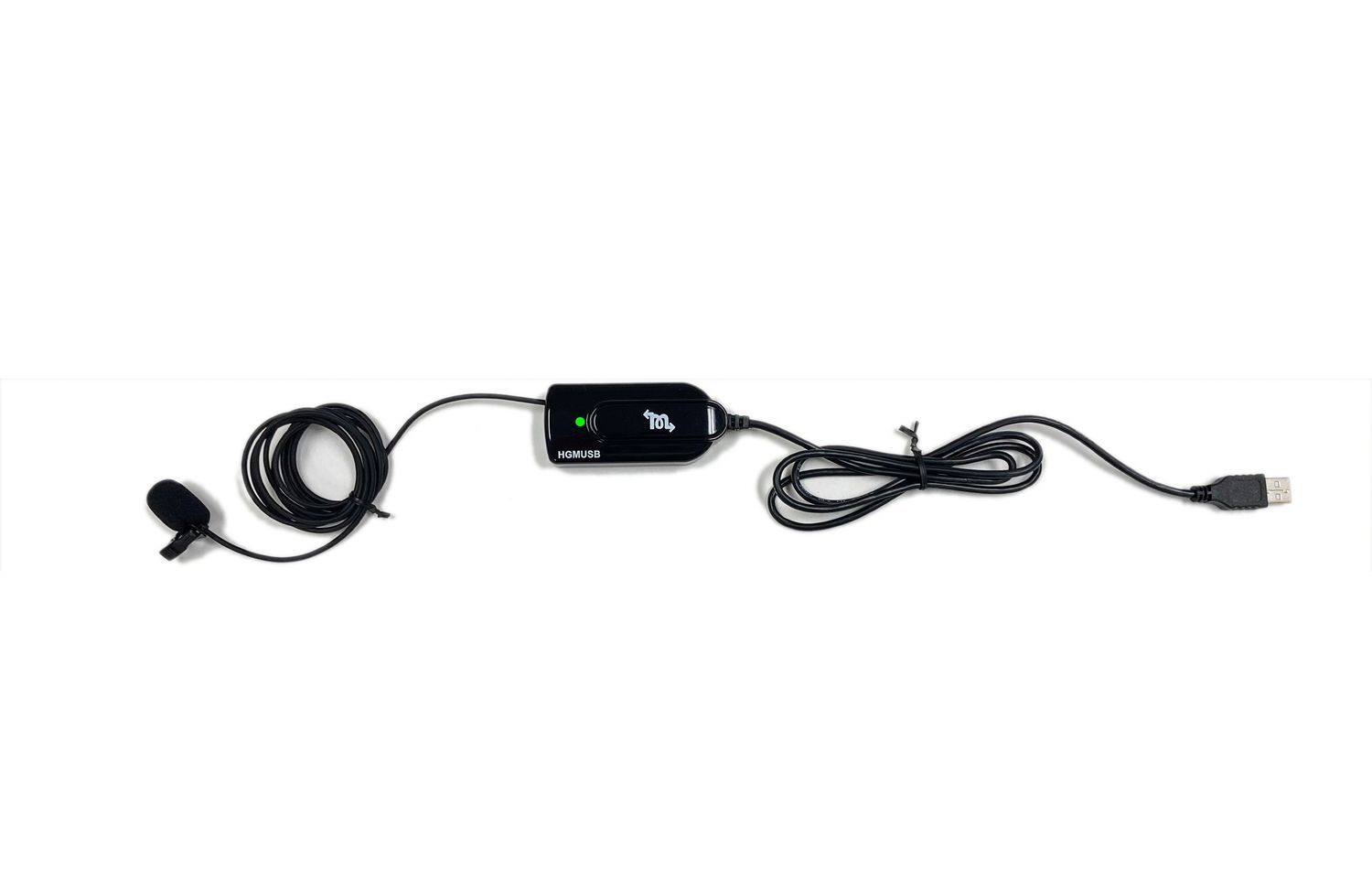
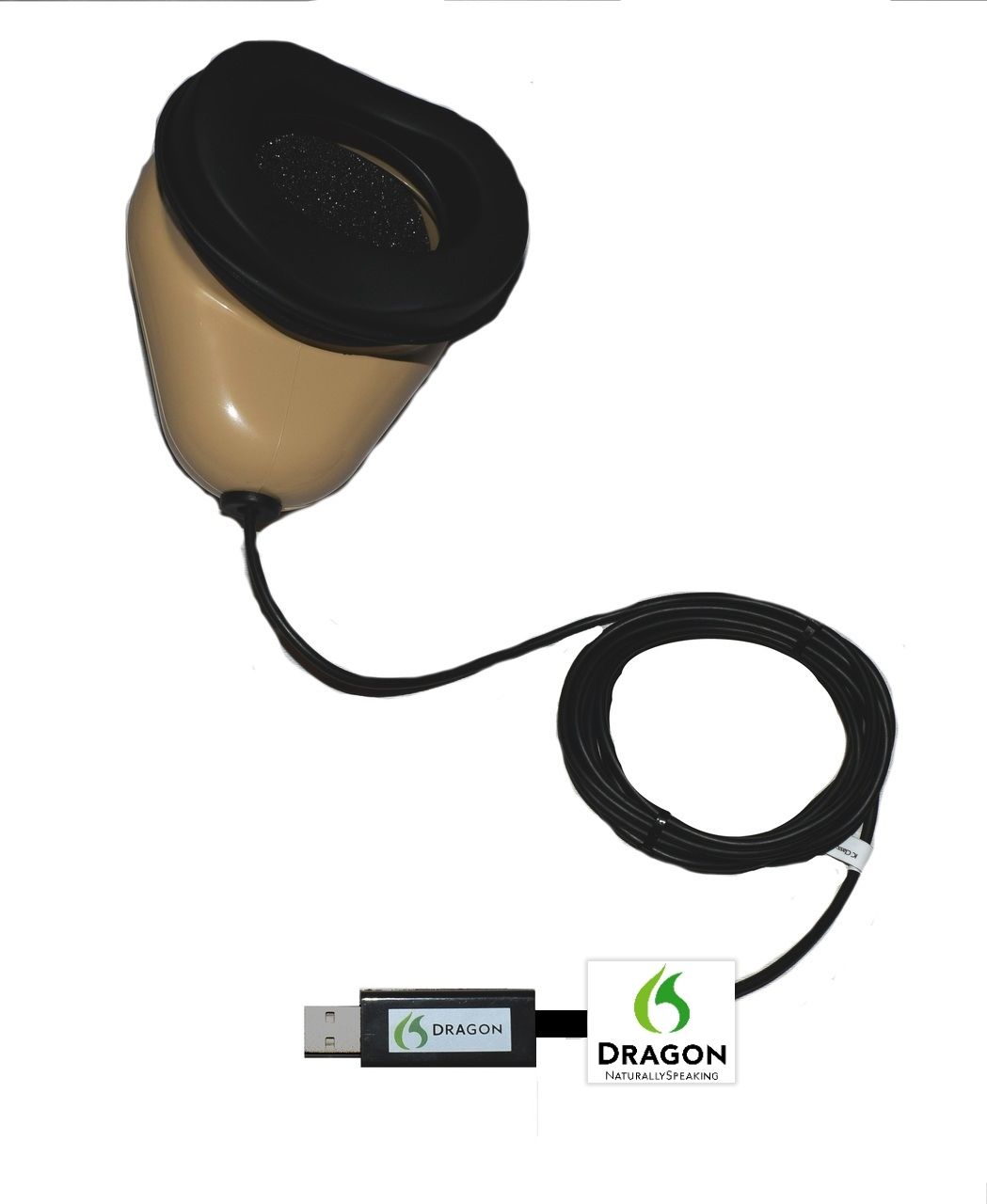
| HGM-USB Elite · SKU 1277 | USB-powered computer microphone. Martel lists Windows 11. Select the HGM-USB device in the program doing the recording. | Martel documents live headphone monitoring with this USB setup. A green indicator can help during setup. Listen again from the finished file. | Create a CAT practice job with audio enabled. Put the microphone near a speaker and away from the computer. Reopen the job and listen from the line you wrote. |
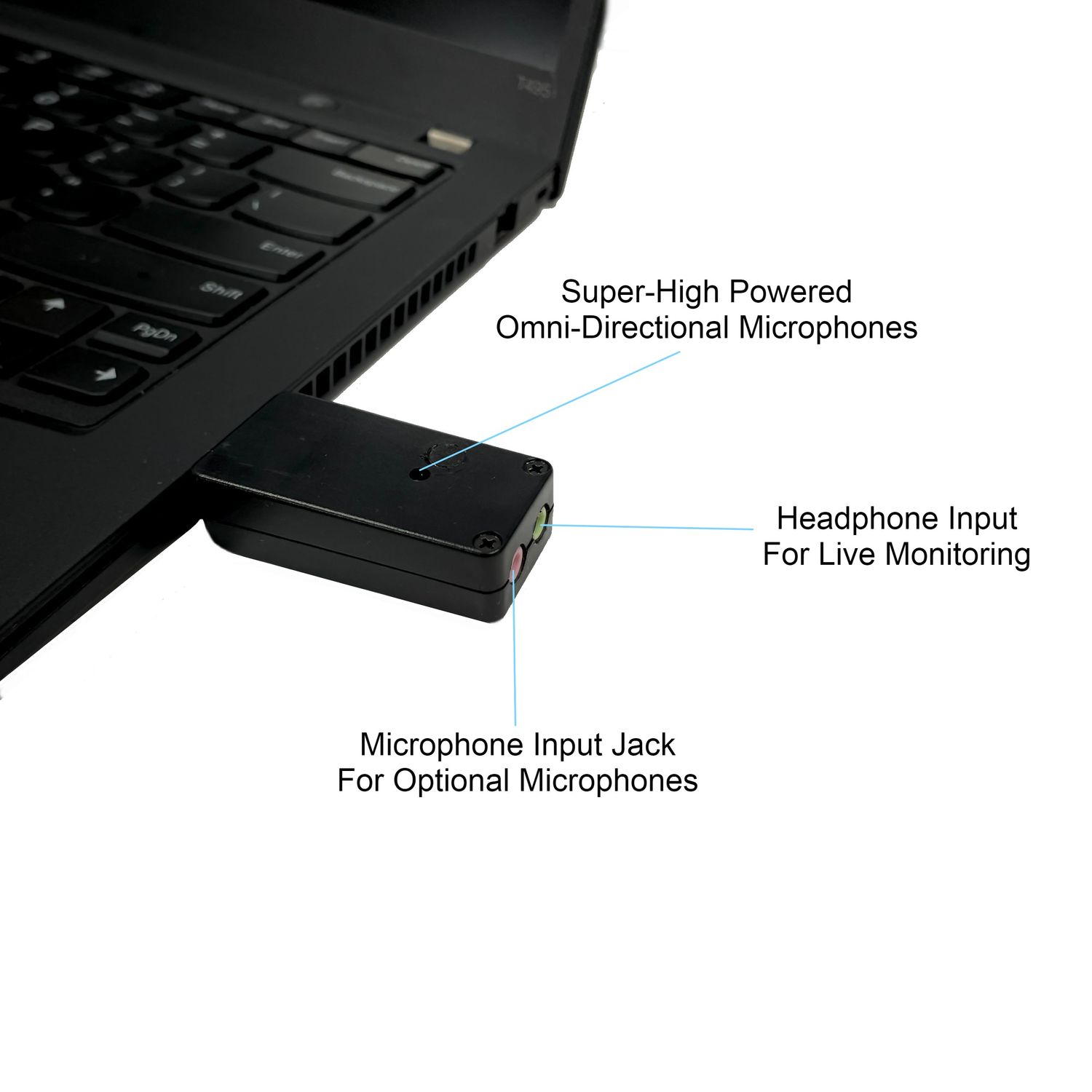
| USB Miracle Mic · SKU 995 | USB-powered computer microphone. Its analog expansion input accepts a chain of up to six compatible Audio Grabber microphones. | Plug headphones into the Miracle Mic for live listening. The expansion input adds room coverage. Verify the file structure if separate tracks matter. | Choose the USB input in CAT or your recording application. Record a word at the main microphone, then another near the last extension. Find both in the saved take. |
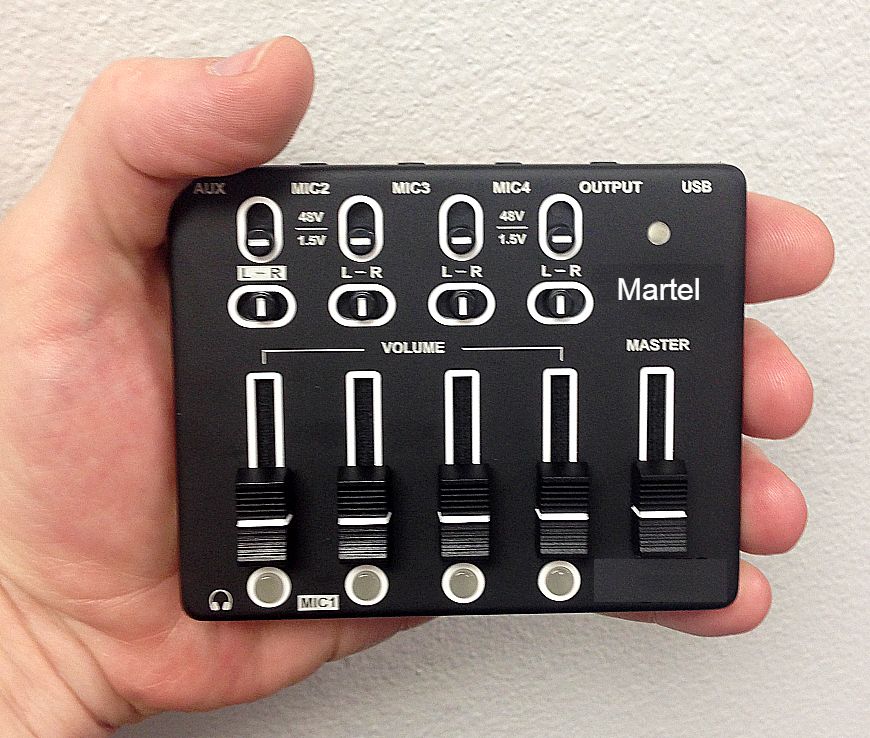
| Ultimate Court Reporter Microphone Mixer · SKU 1179 | Four microphone inputs. Martel specifies an AC adapter or a 9-volt battery. USB can feed the laptop and 3.5 mm analog can feed a compatible recorder simultaneously. | The mixer supports live headphone monitoring. Verify each microphone’s input and power requirements before connecting the group. | Select the mixer in the computer app and the appropriate external input on the recorder. Say a label at each microphone. Replay both saved recordings separately. |