Courtroom Microphones: Choosing One Microphone or a Multi-Microphone System
Compare single and multiple courtroom microphones. Plan speaker coverage, recording inputs, mixed audio versus separate tracks, monitoring and setup tests.
Understand voice recorders with transcription. Compare automatic text with human foot-pedal playback, then choose a practical Martel recording workflow.
A search for a voice recorder with transcription can describe two different purchases. One buyer wants a machine that captures speech and software that produces a first draft automatically. Another wants a recorder plus headphones, playback software and a foot pedal so a secretary can listen and type. Both start with recorded speech, but the equipment, work and review process are different.
For a law office, the useful question is what must happen between the spoken instruction and the finished document. Decide who records, who turns the audio into text and who checks the result. This guide explains those choices and shows where Martel’s recording and transcription equipment fits, without assuming that every product labeled “transcriber” includes automatic speech recognition.
Transcription means converting spoken material into written text. In a human transcription workflow, the secretary opens an audio file, listens through headphones and types the content. Foot control makes it possible to pause or revisit a phrase while keeping both hands available for the keyboard. The person also interprets spoken instructions such as “new paragraph” or “replace the previous sentence.”
Automatic speech recognition uses software to propose text from speech. That software may work live or process a saved recording, depending on the application. It is a separate capability from recording, file transfer or foot-pedal playback. A recorder that makes an MP3 file has not, by that fact alone, produced a transcript.
A hybrid workflow combines a machine-generated draft with human listening and correction. It can be useful when the office already has an approved recognition system, but its value should be measured by the time needed to deliver a checked document. Names, dates, amounts, speaker changes and dictated revisions can still require close attention. Test representative work instead of assuming that an attractive demo predicts every assignment.
| Desired result | Required capability | What to verify |
|---|---|---|
| Audio saved for later work | Suitable recorder and supported storage | Recording quality, controls and file transfer |
| Secretary listens and types | Compatible playback software, pedal and headset | Actual files open and pedal controls respond |
| Automatic draft text | Supported recognition software or service | License, file requirements, handling of audio and correction workflow |
| Reviewed final document | Human review and office document process | Names, figures, instructions, formatting and approval |
Start with the last row when planning the purchase. A lawyer asking for a letter may dictate both the wording and instructions to the secretary. A literal transcript of every spoken word could include editing directions that do not belong in the letter. Establish what the finished document should contain before selecting the method used to create its first draft.
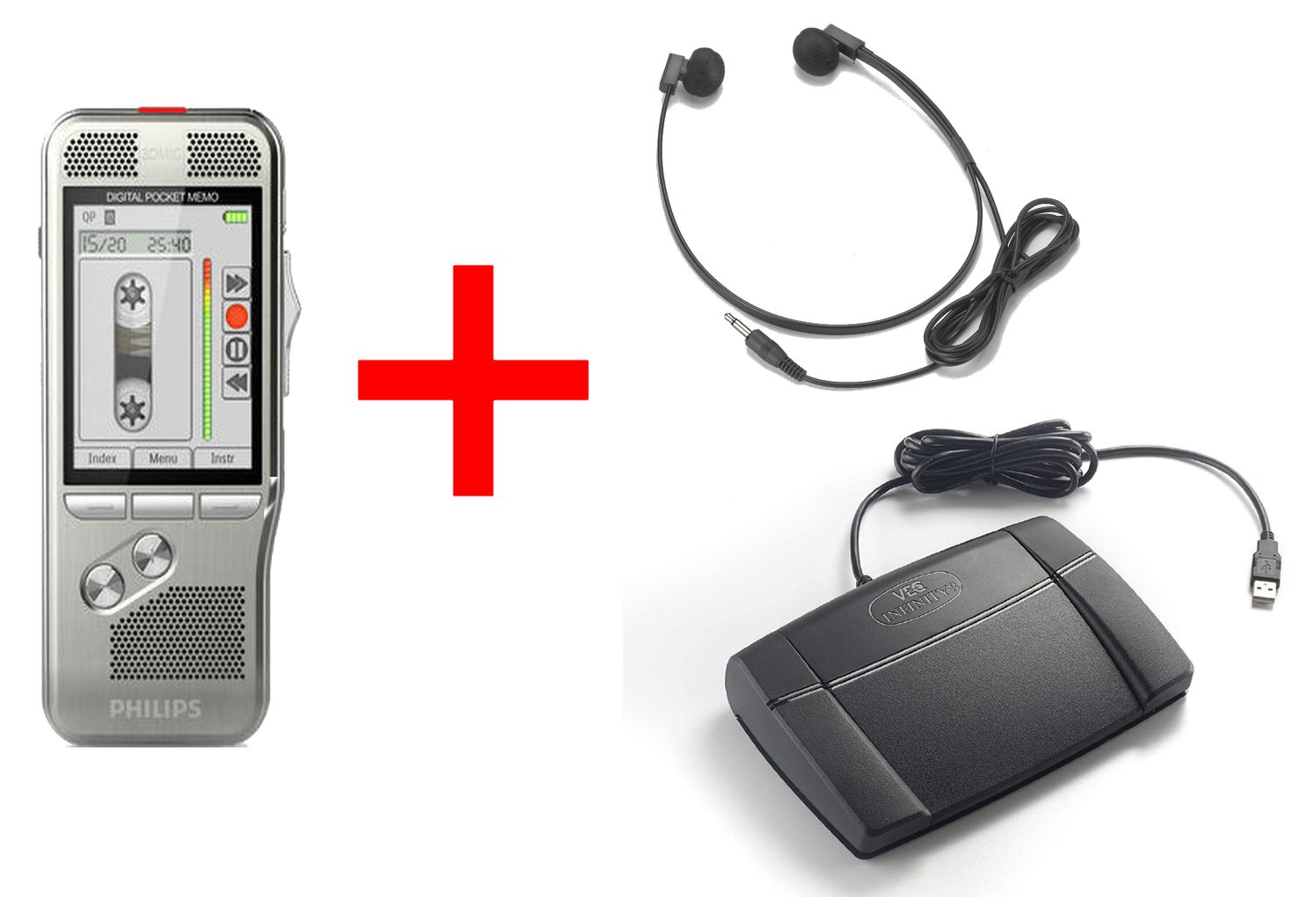
The Lawyer Dictation Recorder + Free Secretary Transcriber package brings an author recorder together with secretary transcription tools. The word “transcriber” in this context should be read as playback equipment and software for a person doing the work. Review the current bundle to identify the supplied recorder, control, headset and software edition.
If you already receive suitable audio files, the Martel All N One Transcription Kit is a playback workstation option. Its listing includes transcription software, a USB foot pedal and a headset. It describes Windows playback with speed, volume and back-step controls. That makes it relevant to listening and typing; it should not be mistaken for an included automatic speech-to-text service.
For an office that prefers recorder-based playback, compare the NO PC Law Office Pro recorder and transcriber set. The audio can move between separate recorder units through supported removable media. A secretary may still use a computer to write the document. “No PC” describes the audio playback arrangement, not a ban on word processing.
These are alternative workflows, so buying all of them is unnecessary for most small offices. Use our lawyer dictation package buyer’s guide to compare the complete handoff. If the office wants automatic text, identify the separately supported recognition application before assuming that one of these packages supplies it.
Create a fictional dictation sample with a short heading, two paragraphs, several unfamiliar names and one correction. Include a date and a number that would matter if transcribed incorrectly. Record at the normal speaking distance and in the room where the author usually works. A test spoken slowly in an unusually quiet room can hide the problems that appear during ordinary work.
Have the secretary produce the expected document using the proposed workflow. Note how long the complete task takes, including locating the recording, correcting text and formatting the final draft. For an automatic system, compare the proposed text against the audio rather than judging it only by how fluent it reads. A grammatically smooth sentence can still contain the wrong name or meaning.
Repeat the test with a second author if more than one lawyer will dictate. Different speech patterns, correction habits and recording techniques can change the amount of review required. Ask the typist which controls caused interruptions. A practical trial often reveals that clear job identification or comfortable playback controls matter as much as the recorder’s headline specifications.

Give each assignment an office-approved reference and a clear status. For example, a fictional job can move from Ready for Transcription to In Progress and then Awaiting Review. Keep the audio reference with the document so a question about wording can be traced back to the correct recording. Do not rely on a recorder filename alone when several authors use similar equipment.
Agree on how corrections arrive after transcription starts. A new recording titled “changes” is difficult to use if it does not identify the earlier job and paragraph. Have the author name the assignment and explain whether the new instruction replaces or adds to the earlier wording. The equipment carries the audio; staff still need a shared meaning for completion and revision.
Confirm that the playback or recognition application accepts the files made by the selected recorder mode. File extensions such as DSS, DS2, MP3 and WAV describe formats, but software support can vary by edition and encoding. Our dictation file-format guide explains the selection questions. Test an actual sample file before a large equipment purchase.
A USB connection can serve different jobs. The recorder may use it to transfer files, while the foot pedal sends control commands to playback software. A charging indicator does not prove that a recording has been copied successfully. Open the saved computer file and listen to its beginning, a middle passage and the end after following the device’s safe-disconnection procedure.
Keep recording level and playback volume separate. Raising headset volume can make a quiet file louder to hear, but it cannot restore missing words or repair severe distortion already present in the source. Listen to a recorded sample, not only a live microphone signal, when evaluating the setup. Preserve the original recording before experimenting with any conversion or audio processing.
If recognition involves uploading audio, establish the office’s approved handling process before introducing real assignments. Ask where recordings are processed, who can access them and which retention settings apply. For local workflows, plan access and backup as well. A file stored on a laptop or removable card still needs deliberate management.
Not necessarily. A package may provide tools for human transcription: playback software, a foot pedal and headphones. Automatic text requires a supported recognition feature or separate application. Read the stated package contents and test the intended result rather than relying on the product category name.
Yes, when the installed transcription application supports the pedal and continues responding during typing. Verify this with the actual computer and software. A pedal being connected to USB does not guarantee that every audio player or browser window can use it.
You may only need suitable playback tools. Test existing files with the proposed transcription application first. Check that the recordings contain clear, complete speech and that staff can identify each assignment. Replacing the recorder is useful when it solves a demonstrated recording or transfer problem.
The useful comparison is total time to a checked document. An automatic draft may reduce initial typing but still require correction, formatting and review. Measure a representative sample, including difficult names and revisions, instead of comparing only the time taken to generate raw text.
Start with dictation recorders for the author and transcription kits for playback. For a coordinated purchase, browse dictation and transcription packages. The right combination depends on who handles the audio and how it reaches the typist.
Record a fictional assignment, transfer it, operate the pedal while typing, check the finished document and find the saved audio again. Include one correction and verify the ending. This complete cycle exposes missing steps that a simple microphone or USB connection test will miss.
For the next decision, read the transcription foot-pedal buyer’s guide and headset guide for legal secretaries. Together they cover the controls and listening tools that make daily review easier.