Will the Court Reporter 5000 Record Over Testimony After a Readback?
Check how the Court Reporter 5000 handles a fresh take after a readback. Use two practice files to verify the original testimony and the next opening words.
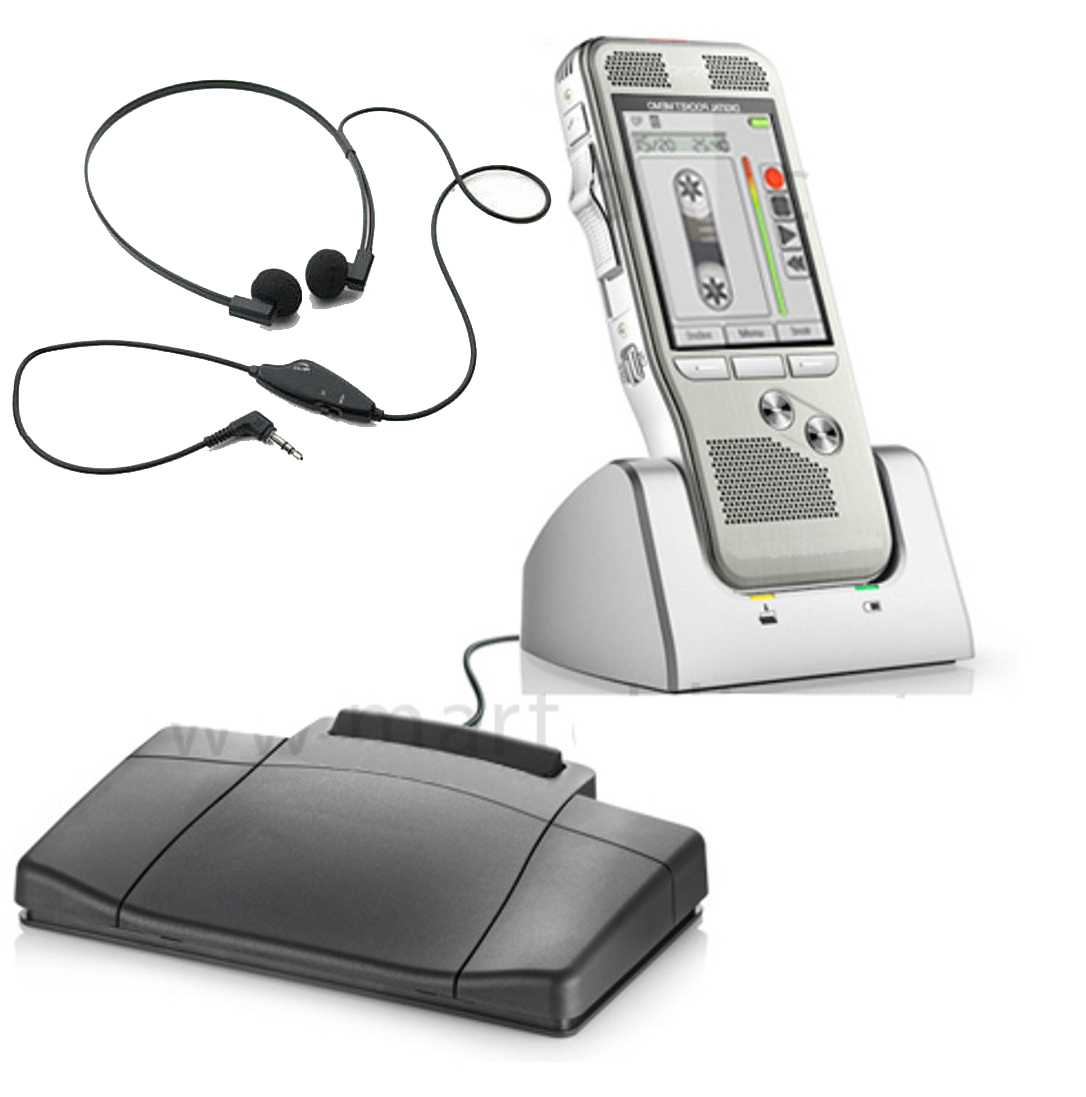
Martel describes Record-Over Protection on the Court Reporter 5000 as a safeguard that reduces the chance of recording over an existing file by accident. If you have just played back the witness’s answer, use the documented procedure for starting a fresh recording on your particular unit. Before relying on it at a job, make a practice file with a recognizable beginning, middle and end. Play the middle, make a second take, and listen to both saved takes. That exercise answers a more useful question than whether a button feels familiar. It tells you where the second answer went and whether you can still hear the entire first one. This guide follows a reporter who uses a separate digital courtroom recorder for backup and wants confidence at the moment a readback ends. You can do the exercise in an empty office with two index cards, a clock, headphones and a recorder you already own. The example words and file labels below are fictional. They give you something specific to look for on playback without bringing a client recording into the lesson.
View the Court Reporter 5000 recorder.
The particular risk at the end of a readback
Picture a morning deposition in which the disputed word is a street name. Counsel asks for the previous answer. You locate it by listening backward, repeat it from your notes, and turn to the next question. On the desk the recorder is still pointing to the answer you reviewed. The writer, meanwhile, is already taking new steno. The two jobs have diverged. One machine may be perfectly ready for the next sentence while the other is set up to review the last one. Which job the recorder is doing matters more than how quickly you can find its controls.
A saved file has an identity, a duration and sound at particular elapsed positions. The selected position is simply where playback is looking within that file. A file can be highlighted while the recorder is stopped. The same file may stay highlighted at the end of playback. Neither situation, by itself, tells you the destination for a future recording. If new material could be opened elsewhere, added to the end or made subject to an editing operation, the result would be a different one in each case. Use only the new-recording workflow identified for your equipment and configuration.
The concern also has a second part. An old answer might remain completely intact while the recorder misses the next answer because it was still in playback, had stopped, or was waiting for another action. Replaying the earlier file proves that earlier sound exists. It says nothing about what the recorder captured while the witness started speaking again. A useful rehearsal therefore checks two things separately. It checks the old answer against an earlier copy, and it checks the opening of the new recording against a line spoken after recording actually began.
Make two practice files you could recognize without their names
Use a recorder and recording media assigned to practice. Start with sufficient available space and power for the exercise. Pick a quiet location where you can speak at normal conversational volume. On one index card write three short statements with plainly different details. Try “The green crate held six brass handles,” “The delivery gate was locked at noon,” and “The final receipt was signed by Inez Bell.” The colors, hardware, time and surname supply four independent details a listener can check. They are easier to recognize than three repetitions of “test one two.”
On a second card write “The next delivery came on Thursday” and “There were nine cartons on the lower shelf.” Keep it facedown until the second take. This small separation works even when you are practicing alone. It prevents you from accidentally saying the new lines during the first take, an error that would let you find the expected words in the wrong file later. A partner can read the second card if you want a change of voice, but the distinctive sentence should identify the take even if the voices sound alike.
Make the first recording with the normal procedure your unit specifies for a fresh take. Speak the opening line, allow a few seconds, speak the gate sentence and finish with the receipt. Save or finish the take according to the unit’s instructions. Before reviewing anything, record the displayed file identifier, the folder if the recorder shows one, and its duration. If the screen uses a short number rather than the complete computer filename, write exactly what you see. Put the number in quotation marks on your note so it stays distinct from your own descriptive label.
Listen once from the opening through the final surname. At this stage you are checking that the intended source was captured and the words actually made it into the first file. If the gate is inaudible because a ventilation fan covered it, move the reader or microphone and restart the exercise with a different practice identifier. A comparison can only show that a phrase survived if the phrase existed clearly at the start. Do this listening check at a comfortable headphone level. Later volume changes can affect what you hear without changing any stored words.
When your workflow supports a finished-file transfer, copy the first practice take to a Windows 11 folder before the readback trial. Use a folder named for the exercise, then a subfolder called Before Readback. Keep the recorder’s supplied filename in that subfolder. A copy made at this moment gives you a reference captured before the next action. An earlier file you merely remember hearing is a weaker reference, particularly if the test contains similar voices or if you finish the second half of the rehearsal later in the week.
Move from a selected answer to a fresh take
Return to the first practice file and locate “The delivery gate was locked at noon.” Listen only to the part you would need for a readback. Use the supported playback controls in the same way you normally would, whether you work on the portable unit or review in its compatible cradle. Then end playback. Observe which file remains selected and where the position is shown. If the display goes back to a list, record that fact. Small differences here explain why two reporters using similar equipment can honestly remember different screens after reviewing a sentence.
With the disposable first take saved and your reference copy set aside, follow the unit’s documented procedure for creating a new recording. Watch the display for the recording state described in the applicable instructions. Begin the “next delivery” line only after that state is present. Speak the ending about the lower shelf, finish the take, and let the recorder complete its normal save process. The purpose of the short delay is to distinguish the first word lost during a transition from damage to the previous take. Those are different problems with different follow-up checks.
Create a small paper diagram of the transitions you actually saw. For example, your observations might read “gate answer selected,” “playback finished,” “new recording active” and “file available for review.” These labels describe states. They deliberately leave room for the real control names, screen symbols or prompts from your own revision. Add those details from your unit. If a prompt mentions an existing recording or offers an editing choice you do not understand, leave the practice file alone and look up that prompt before proceeding.
Now find the earlier recording and listen to all three original lines, including the final “Inez Bell.” Find the later recording and listen to “next delivery” and “lower shelf.” Record each displayed identifier separately and write the phrase found at its beginning. If both takes are present but contained within one longer file, describe exactly where the original receipt ends and the Thursday delivery begins. That arrangement may leave the earlier material audible while giving you a different file organization from the fresh take you intended to create.
Decide what the saved files establish
Seeing an additional file is a good first observation. Hearing the complete older answer and the opening of the new one is stronger. On Windows 11, open your controlled practice folder in File Explorer and show file name extensions if you want to distinguish formats. If the recorder’s screen displayed a short number, connect it to the computer filename by matching a distinctive line and the approximate duration. Two takes made in the same minute can look nearly identical in a date-sorted list. Their original spoken content gives each a second identifier.
Copy the completed test files to a different folder called After Readback. Compare the before and after versions of the first recording. Listen to its opening, middle and ending. If anything seems different, listen through both versions continuously on the same player at normal playback speed. Note whether you hear a missing word, a different continuation or a change in background sound. It is possible for a file damaged in the middle to start and end with exactly the cues you expect. The spot check is an efficient first pass, and a full listen gives you more information when the matter turns on a particular phrase.
Treat the displayed modified date and the total byte count as supporting details. Copying and exporting can produce different dates, and two recordings may occupy similar amounts of space. If you already use a file-comparison tool at work, an exact byte comparison of the before and after copies can answer whether those two files contain precisely the same bytes. A mismatch deserves investigation. Changes in metadata can produce different bytes even when the audible speech is the same. Identify what each type of comparison actually establishes before drawing a conclusion.
Look at the second take on its own. Does it start with the intended word? Can you hear the person holding the second card? Does the final word sound complete? A fresh identifier and increasing duration will not answer those questions. They describe the file container and the passage of time. The content check tells you whether the intended source reached the recorder at the precise handoff. Write down both the file outcome and the opening-word outcome, even when the results are different.
| Observed on the practice recording | What to check next |
|---|---|
| Two files with the intended openings | Listen through the earlier middle passage and its final line. Check the new file’s first and last words. |
| One longer file containing both readings | Find the ending cue from take one. Locate the first word of take two in the same file. |
| Earlier file intact, next take silent | Check the recording state and intended input source during the second reading. |
| New phrase in place of the gate sentence | Compare that elapsed interval with the before copy. Keep both practice versions and log the exact controls used. |