Dictation Systems for Multiple Attorneys Sharing a Secretary
Plan dictation for multiple attorneys sharing a secretary: compatible recorders, author identification, priorities, workload, corrections and software checks.
Choose a Martel dictation recorder package around the way your lawyer and secretary exchange work. Compare computer transcription, one-recorder and two-recorder no-PC packages, with practical buying checks and answers to common questions.
A useful legal dictation package connects two jobs: recording a lawyer’s instructions and letting a secretary or transcriber turn those instructions into a checked document. Buying only the recorder can leave the second job unresolved. Buying a large bundle without planning the handoff can leave equipment unused.
Start with the route the recording will take across your office. Will the lawyer hand over a machine, pass an SD card, or download a file to a computer? That decision narrows the equipment much more effectively than a long list of recording specifications. This guide compares Martel packages around those practical choices.
Ask the person who will type the work to join the buying decision. A recorder that feels comfortable in the lawyer’s hand still needs a playback arrangement the secretary can use throughout the day. Foot control, headphone comfort, file access and a clear signal that dictation is ready all affect the working system.
Write down the number of people who dictate, the number who transcribe, and whether their work overlaps. One lawyer and one secretary may need two independent recording devices if both must use audio at the same time. Several lawyers sharing one typist may instead need additional author recorders and a well-organized computer queue.
Also separate document creation from audio playback. A no-PC package can play dictation without transcription software, while the secretary still types in a word processor. A computer package moves audio into playback software. Neither arrangement automatically produces a finished, reviewed legal document simply because a recorder is included.
| Martel package | Audio handoff | Decision to resolve |
|---|---|---|
| Lawyer Dictation Recorder + Free Secretary Transcriber | Recorder download to computer playback software | Check the secretary computer, software license and supported file format. |
| Lawyers Perfect Digital Dictation Package | Computer-based recording-to-transcription workflow | Match the included playback tools to the office’s actual computers. |
| NO PC Recorder & Transcriber in 1 | One recorder passed from author to secretary | Can the lawyer release the recorder during transcription? |
| NO PC Law Office Pro Recorder and Transcriber Set | SD-card handoff between two recorder units | Does overlapping work justify separate author and playback units? |
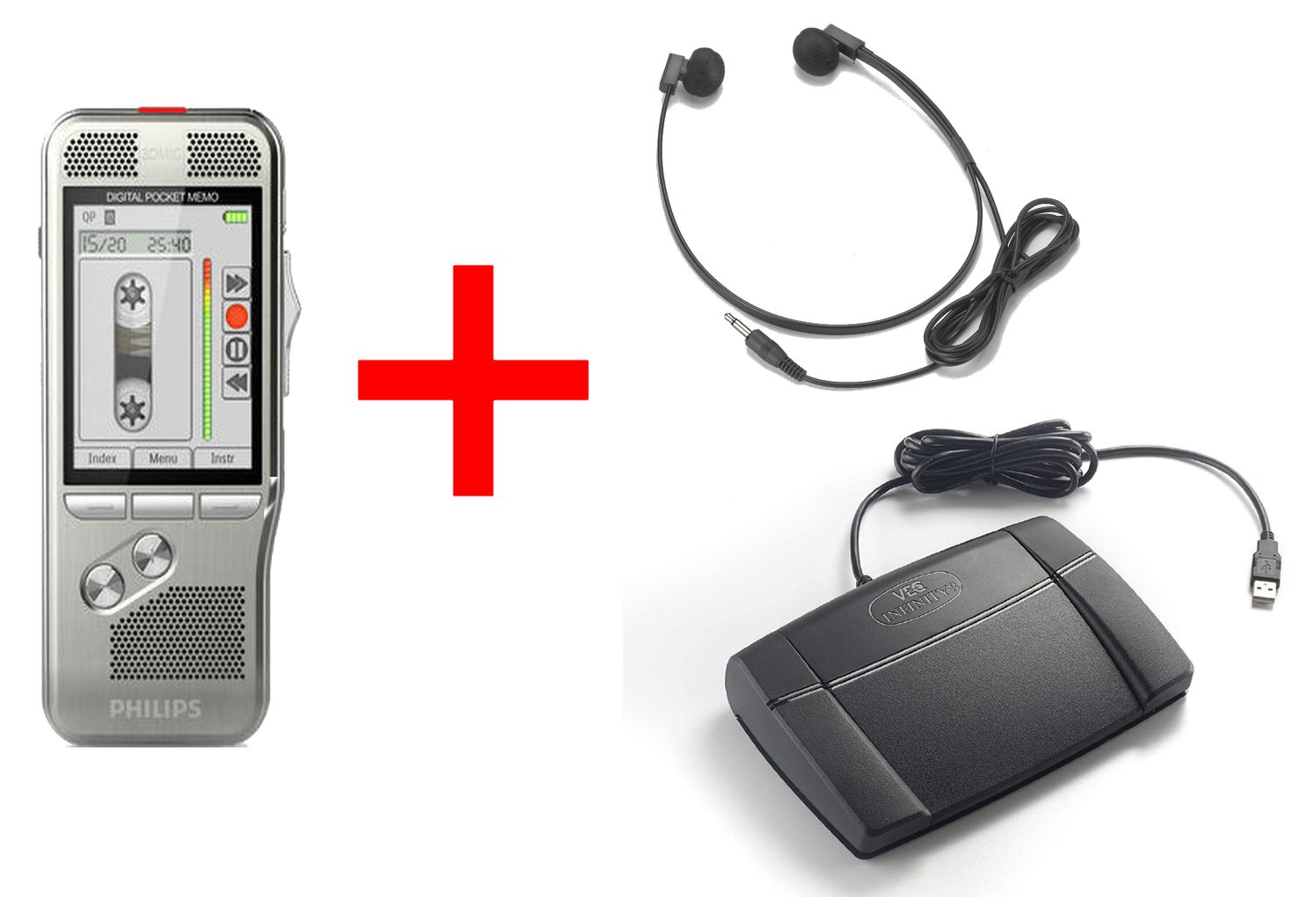
The Lawyer Dictation Recorder + Free Secretary Transcriber listing brings together a slide-switch recorder, docking equipment and computer transcription tools, including a USB foot pedal and headset. The Lawyers Perfect Digital Dictation Package also pairs handheld dictation with a secretary’s computer playback workflow. Compare their current listings rather than treating similar package names as identical equipment.
These options deserve a close look when the office wants to organize downloaded audio alongside its document work. The secretary can control playback while typing, provided the installed application recognizes the pedal and opens the recorded files. Our lawyer-and-secretary computer setup guide explains the installation and acceptance checks in detail.
The NO PC Recorder & Transcriber in 1 uses a single recorder for both sides of the process. The lawyer records, then gives the recorder to the secretary for dock-based playback with the matching foot control and headphones. This makes the handoff easy to see: possession of the recorder tells you where the audio is being used.
The tradeoff is availability. While the secretary uses that recorder, the lawyer cannot take the same unit elsewhere to dictate another job. A solo office with scheduled dictation periods may accept that easily. An office where new instructions arrive throughout the afternoon should consider whether that shared resource becomes an interruption.
The NO PC Law Office Pro set has separate recorder units for the lawyer and secretary. Its SD-card handoff lets the author retain a recorder while the secretary plays delivered work on the other unit. Plan the card rotation before assuming that two devices alone solve every overlap; the author still needs compatible media available for the next recording.
Use the one-recorder versus two-recorder no-PC guide to walk through those physical handoffs. It covers when to stop recording, how to identify cards and how to return completed media without confusing a new assignment with an old one.
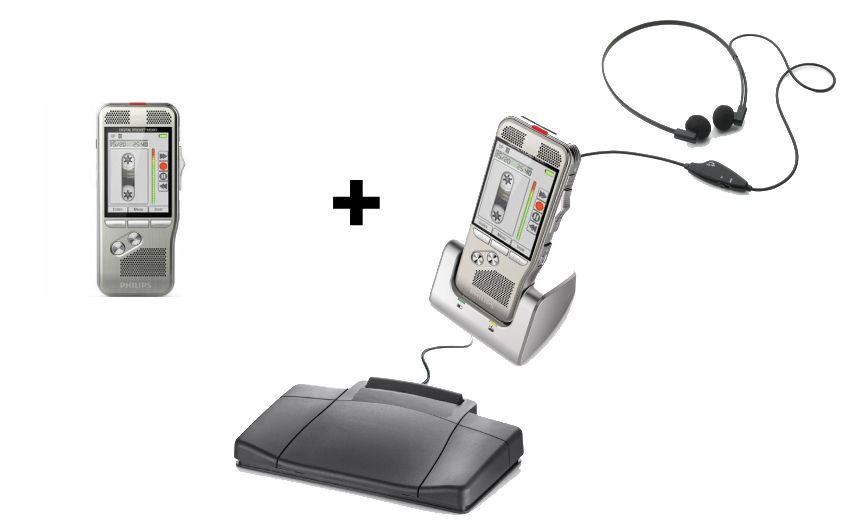
Package price is only one part of the decision. List the items needed at each desk: recorder, charging or docking equipment, compatible media, foot control, headphones, computer playback application and the appropriate software entitlement. Mark every line as included, already owned or still required. This prevents a supposedly complete package from becoming a collection of untested parts.
Do not assume that a USB foot pedal intended for computer software plugs into a recorder dock and works there. Likewise, a dock-compatible control is not automatically a universal computer pedal. The physical connector, device support and application configuration all matter. Ask about the exact combination rather than buying by the word “USB.”
For computer packages, confirm the current software edition and its requirements for your operating-system version. Older compatibility statements can remain on equipment listings. An existing Mac or Windows computer needs an explicit compatibility check for the software being supplied today, along with enough permissions to install and configure it.
Example: a solo lawyer with an afternoon typing block. The lawyer finishes morning dictation before handing the recorder to the secretary. There is little overlap, and the office wants audio playback independent of a computer application. The one-recorder no-PC package is worth evaluating because the shared-device arrangement fits the schedule.
Example: a lawyer dictating while earlier work is typed. The secretary needs continuous access to delivered audio, but the lawyer keeps recording new instructions. Compare the two-unit no-PC set against a computer package. The first separates devices through removable-media handoff; the second separates the author’s recorder from downloaded playback files.
Example: three attorneys and one secretary. The issue extends beyond recorder count. The secretary needs an identifiable queue, priorities and a way to return corrections to the right author. Start with the shared-secretary dictation system guide before adding recorders. A shared playback station still needs an organized method for accepting each attorney’s work.
Keep the answers with the equipment order. When the package arrives, use a fictional assignment to test recording, handoff, playback, typing and review. Check the beginning, a middle correction and the ending. Do this before real work depends on the new workflow, so a missing cable or an unexpected software requirement becomes a setup task rather than a deadline problem.
A file extension identifies the recording format, not the entire workflow. Verify that the actual secretary software opens files made with the selected recorder settings. Editing functions such as insert or overwrite can depend on the recorder and recording mode. Our DSS, DS2, MP3 and WAV guide explains why a familiar extension alone does not establish compatibility.
Recording quality should be judged by understandable speech at a workable level. A louder playback setting cannot restore words that were never captured clearly. Test normal dictation distance, quiet speech and corrections using the supplied headphones. If one person sounds faint, check recording technique and settings before replacing the entire package.
Finally, decide where the authoritative audio will live after transfer and when it may be removed from the recorder or card. A completed-job flag is a workflow signal; it is not a verified backup. Local recording also does not eliminate risks from lost equipment, misplaced cards or overly broad computer access.
They need an author recording device, a tested handoff method, and a playback arrangement with suitable headphones and foot control. Computer playback also needs compatible software and licensing. Choose those parts as one working system rather than selecting a recorder first and hoping the remaining equipment fits.
No. In this package context, it refers to secretary transcription equipment or software supplied with the recorder offer. Human transcription and automatic speech recognition are different functions. Check the current product contents and any separately required recognition software before expecting audio to become text automatically.
Yes. “No PC” describes recorder-based audio recording and playback. The secretary can listen through the package’s playback equipment while typing in a computer word processor. The computer does not have to control the audio for that arrangement to work.
Usually the author side and typist side should be counted separately. A second attorney may need another compatible recorder rather than another secretary workstation. Martel lists an extra lawyer recorder, but verify file compatibility, accessories and software requirements against the existing package before expanding.
Only after its exact model, connection and supported software or recorder dock are checked. Similar-looking pedals can use different interfaces. Test play, rewind and forward in the intended playback environment; detecting a USB device by itself is not enough.
Use the linked Martel product pages and the Dictation & Transcription Packages category. Compare the present equipment list, then ask through the online contact form if an accessory, operating-system requirement or license is unclear. Keep those details with the final purchasing decision.
