How Should a Court Reporter Mic a Three-Arbitrator Panel?
Plan microphone coverage for the chair, both arbitrators, the witness and counsel. Compare three seating layouts and rehearse the questions a panel actually asks.
Seat the three arbitrators on your sketch before assigning a single microphone. Which way will the chair look when asking the witness a question? Where will the two other panelists turn when they refer to an exhibit? Where can the reporter hear counsel's objection while the witness is still answering? Those details decide whether the room needs one pickup point along the panel table, several distributed points, or a different arrangement altogether.
A microphone beside each arbitrator would give the panel three nearby microphones and could still leave the witness unheard. Start by planning a whole exchange. Have someone ask from each panel seat and someone answer from the witness position. Listen back to the beginning and end of each turn. Move equipment during rehearsal where a genuine weakness appears. The layouts and short exchanges here are fictional. Use the tribunal's directions and the assignment arrangements to determine which portions and locations you may record.
Define the listening job before laying out the table
Ask the person arranging the hearing who will be in the room, which positions may speak, and where the participants will actually sit. The chair may lead proceedings from the center, but that tells you little about how often the side panelists will ask questions. A quieter arbitrator who speaks just twice might ask the two questions the reporter most needs on review. Give that seat its own test. Also ask whether the witness remains in a chair, moves to a display, or appears remotely.
Clarify what must ultimately be available. One reporting arrangement calls for a clear reference mix associated with a computerized reporting job. Another calls for a recorder with separately selectable microphone positions. A third uses a hearing-center audio system with an approved feed for the reporter. The same chairs and tabletop layout could support any of these. The signal destination affects the hardware you bring, what gets verified before the session, and which promises about later playback are justified.
Discuss transitions in the run of the day as well. A panel may use the same room for portions with different recording instructions. Establish who gives the direction to start, pause, or resume under the assignment's process. Microphone location cannot determine the status of a discussion. When the room is prepared for a practice exercise, use neutral material rather than hearing facts. Mark the limits of the rehearsal in your notes so the equipment check stays useful to whoever handles the actual session.
Draw the questions, not just the chairs
On a blank sheet, write Chair, Panel at Door, Panel at Screen, Witness, First Counsel, and Second Counsel. Under each, finish the sentence “turns toward…” with a likely target. A panelist may turn away from the table microphone to face the witness. Counsel may lean over an exhibit to address the chair. The witness may look at the large screen rather than at the people asking questions. The exercise exposes positions where a microphone might sit near a person yet have a poor path to the speaking mouth.
Use two colors or two simple marks on the drawing. One marks the place someone sits. The other marks the place their voice is likely to come from during difficult moments. A chair back can stay fixed while the speaker leans forward to compare documents. A microphone on the far side of a tall laptop can be close on a floor plan and acoustically less favorable than an unobstructed point farther to the side. Test with the exhibit display and ordinary work materials in place.
Add the reporter's desk and the actual receiving device. Trace potential cables around furniture, doorways, and chair travel with the room coordinator. If the only allowed route to a proposed microphone would prevent someone taking their seat, discard that location before evaluating sound quality. The best drawing is one someone else can use to set up the practice room without dismantling it when the panel arrives. A slightly different microphone position may be easier to maintain for the full session.
Layout one uses a straight panel table and a separate witness chair
Imagine three arbitrators sitting side by side at a straight table. The witness sits at a smaller table facing them. One counsel table is near the door and the other near the windows. The reporter sits off to the side. Begin with a candidate pickup near the panel group and a separate candidate near the witness, subject to the equipment and placement permitted. Do not spend every available pickup point along the panel table before testing the two counsel positions.
Ask each panelist to speak once while facing the witness and once while looking down at a page. If the two end seats differ markedly, ask whether the centrally placed mic is closer to one than the other, blocked by papers, or closer to a loud air outlet. Move only the approved microphone position and repeat the weak turn. Write down which parts of the question become understandable. A central location can suit a close group yet fail when the panel table is lengthened by an extra section.
Now run a brief exchange with questioning counsel, answering witness, and an interjection from the arbitrator at the screen end. Review the three different entries into the discussion at the same comfortable volume. A fourth pickup point, if your system supports one, might be most valuable near a remote counsel table rather than in front of the chair. Choose its location by testing the exchange your first set of positions failed to capture.
Layout two seats the panel around the open end of a horseshoe
With a horseshoe table, the side panelists may face one another across the opening while the chair faces down the long axis. From the reporter's position, an apparent row of three panelists is really three different directions. Place cards for the possible pickup points on the table before routing any wires. Walk the permitted perimeter and examine each candidate from the speaker's side. The opening in the middle of the horseshoe may be needed for access or displays.
A useful rehearsal for this room is a question that passes along the panel. The chair introduces a fictional diagram. One side panelist asks which edge is shaded. The other asks whether the mark continues around the corner. The witness answers while facing each questioner in turn. Have someone at the desk note which first words and endings they can recover from the recording. When the witness turns between replies, the distance and orientation to the witness mic may change more than the panel's sound does.
If one entire side sounds distant, see whether a different position along that arm can serve both the side arbitrator and nearby counsel. Repeat a near voice as well as the far voice after every move. Improving a distant question by placing a microphone beside a speakerphone that dominates the next turn may trade one problem for another. Keep the room's walking route and sight lines in the decision when evaluating the better-sounding position.
Layout three has a chair in the room and one panelist on screen
A remote arbitrator changes what a “seat” means. Draw the remote position as a meeting connection and identify how the reporter is authorized to receive that voice. A screen shows who is present. The sound could arrive through a room system, a table loudspeaker, the reporter's headphones, or a separate approved feed. Determine the actual path with the organizer. A tabletop microphone may hear a loudspeaker in the room, whereas a person heard only through headphones contributes little or nothing to that room microphone.
Ask the remote practice participant to read a phrase, pause, and listen for a reply from the in-room witness. Then have the witness ask a question back. Those are two different listening tests. The off-site panelist may hear the witness well while the reporter's saved file lacks the remote reply. Conversely, the reporter can have a good saved mix while the off-site participant hears an echo. Give the remote listener a distinct task, then open a permitted practice recording to answer the reporter's question.
Record the meeting arrangement in plain language. For instance, the hearing room's approved computer supplies the far-end feed and the reporter's permitted recorder receives the room mix. Document the arrangement you really observed rather than assuming that description fits the venue. When changing from a remote appearance to an in-room substitute, revisit the flow of speech. Placing a chair in front of the screen cannot demonstrate whether the saved recording now contains that new physical position.
Choose the pickup points by the hearing you can run through them
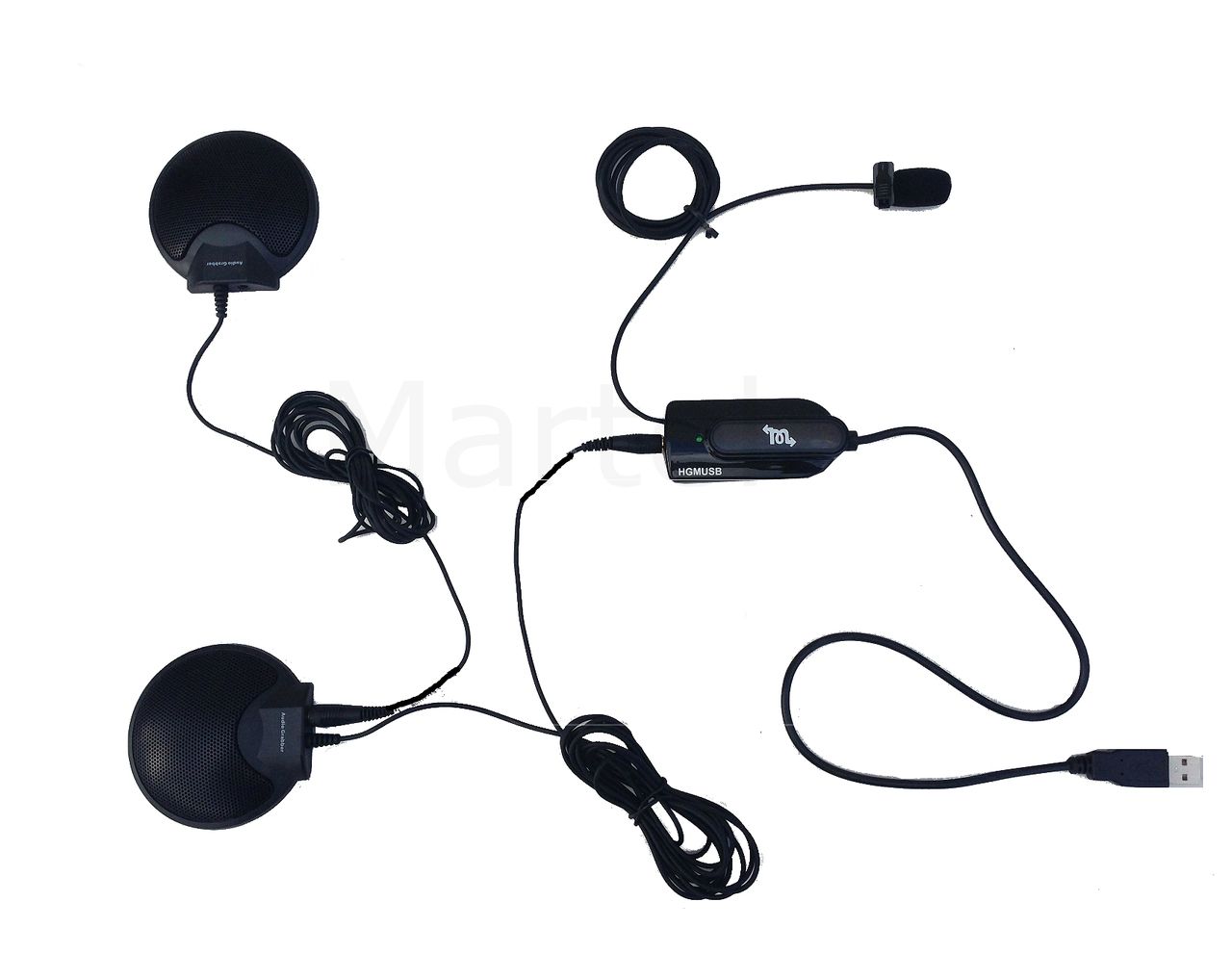
For laptop-based reporting, Martel's Elite HGMUSB3 package, SKU 2037, offers three physical microphone heads for a USB setup. Consider it where you can distribute three pickups among speaking areas and the recording destination is a compatible computer. A starting arrangement might serve the panel, the witness, and a group of counsel seats. If the panel is spread out, a second position along its table may take one of those three. Count the remaining areas and verify them from real seats.
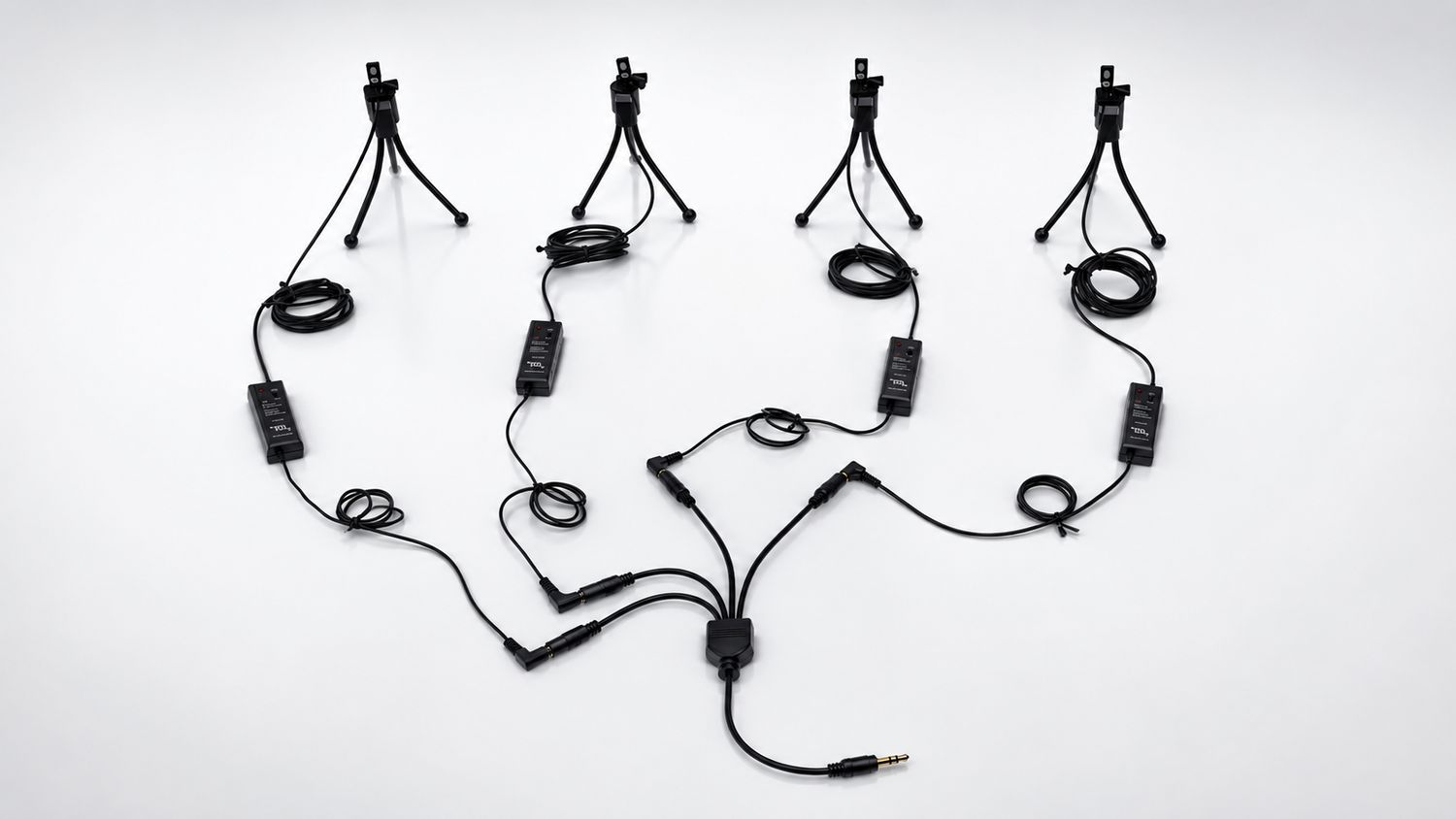
Martel's Ultimate Elite four-microphone system, SKU 5055, gives you four HGM-2 pickup locations to consider. A fourth location can serve a distinct part of the room without moving a functioning witness mic. Before selecting the system, verify the supplied connections for the intended laptop, writer, or compatible recorder and check the actual cable runs. Four pickup locations do not establish how many positions a reviewer can isolate afterward. Trace the exact product configuration through to the software or recorder that will save the audio.
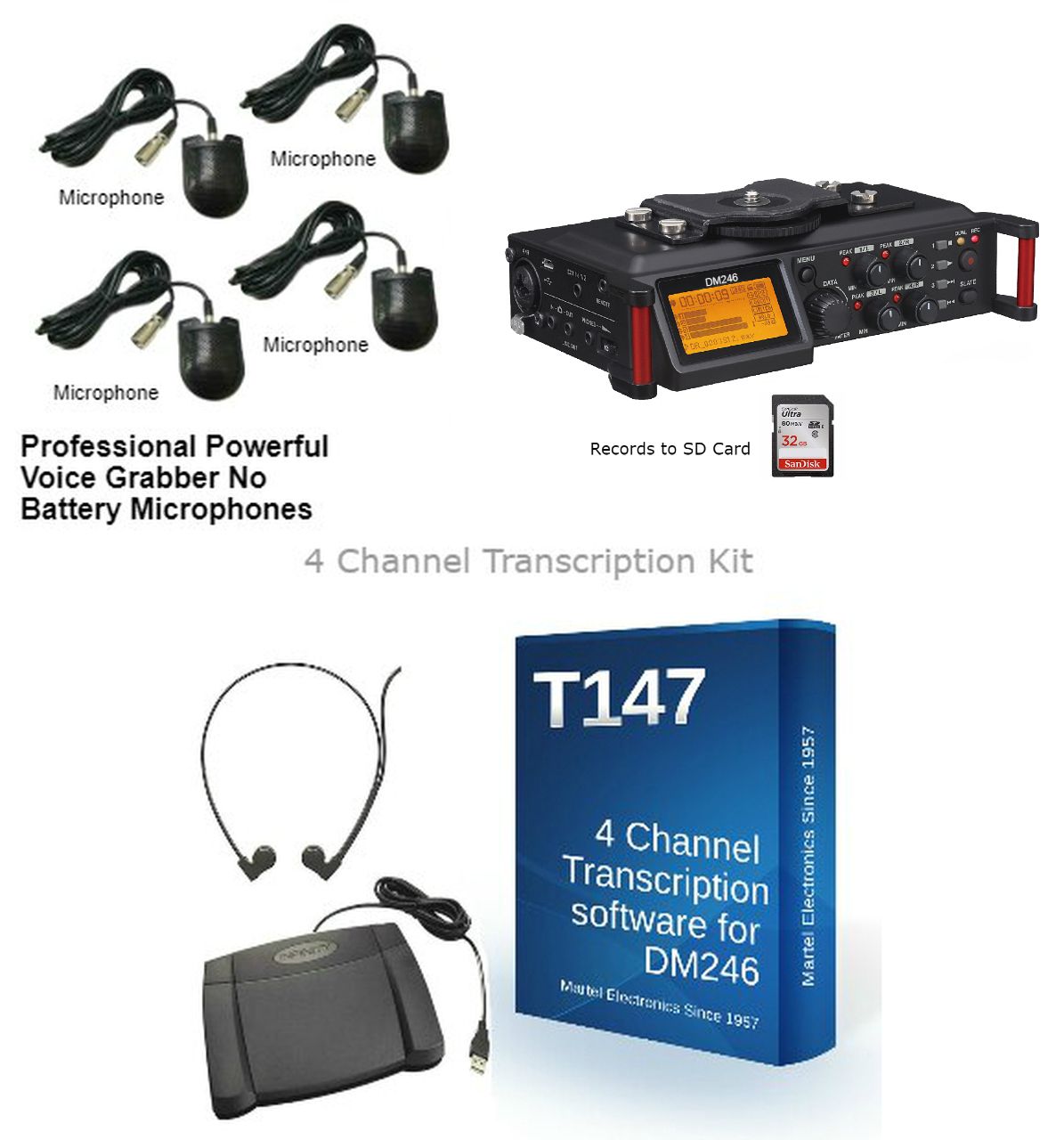
When the assignment calls for independent selection of recorded positions, consider the DM246 four-omnidirectional-microphone package, SKU 1583. Martel describes a mode that saves four WAV files when all four channels are enabled in MONO. The product page explains its compatible transcription workflow. Plan which positions those four inputs will serve, then check a complete practice file set. A mic near two panelists can hear both in one channel. The recording mode solves a file and playback requirement, while physical placement still determines the mix of sounds that reaches each mic.