How Can a Court Reporter Verify a Multi-Day Deposition Copy Before Reusing the Card?
Build a day-by-day deposition audio manifest, compare source and destination, and reopen the copied files before an authorized decision about card reuse.
Before deciding whether a deposition card can be reused, verify the copy from the destination where the office will actually keep it. Compare the source and destination inventories day by day, open the destination files, check their identifying speech and confirm that any required additional copy is independently available. When your office uses checksums, compare the corresponding source and destination file values too. Finally, obtain the release required by the job’s retention procedure. A technically good copy and permission to reuse the original media are separate decisions.
This is particularly important after a multi-day deposition. A reporter can verify Wednesday's opening and closing exchanges perfectly while overlooking Tuesday afternoon altogether. The check should work when two days have similarly named files, when the witness moved to another room, and when a recorder produced multiple source channels or file parts. The practical deliverable is a manifest another authorized reader can follow to the actual audio without the original card in front of them.
Start with what the assignment expected to produce
Before looking at file sizes, write down the sessions the reporter expected to cover. Give each a date, a session label and a source identifier. For example, the morning and afternoon on the first two days and a morning continuation on the third make five sessions. Add authorized notes about a planned stop, a change of media, a second recorder, or the afternoon when questioning resumed in a different room. The goal is a check against what should be represented. A folder inventory alone can only describe what was found.
Use job identifiers appropriate to your office. Shared shipping labels and support questions need not reveal case names or confidential witness details. Within the authorized job record, include enough information for the receiving reporter to distinguish two matters taken on the same dates. A sender who writes “all of Monday” may know exactly what that means. A scopist receiving four folders named Monday at the end of a week needs a stable job and source label. Keep the identifying key where the appropriate people can access it.
Confirm who can authorize the media decision. The person who copies the files may be a visiting reporter. The person who checks them may be a production coordinator. The person who can release the card for reuse may be someone else under the office's procedure. Assign those roles before the next booking needs the card. If the instruction is that the original must be retained, a successful verification produces a better handoff report without making the card available for another job.
Identify every source card, folder and recorder
Record the physical card identifier used by the office and which recorder used it. If one card moved between devices, identify that change with the time or session as accurately as the authorized notes permit. If two cards were used on the same afternoon, give them separate source labels even when they contain folders with identical names. Do not rely on the current Windows drive letter as a permanent identifier. A different reader or workstation may assign another one.
Inspect the hierarchy the recorder created. Capture the relative folder layout and filenames, including extensions, and identify obvious supporting or index files where the documentation explains them. Preserve that organization during the original copy unless the authorized workflow says otherwise. Two files named 0001.wav in different source folders can describe different sessions. Dropping both into one destination folder can produce a replace prompt, create a renamed copy or cause someone to skip the second file. Each outcome makes later matching harder.
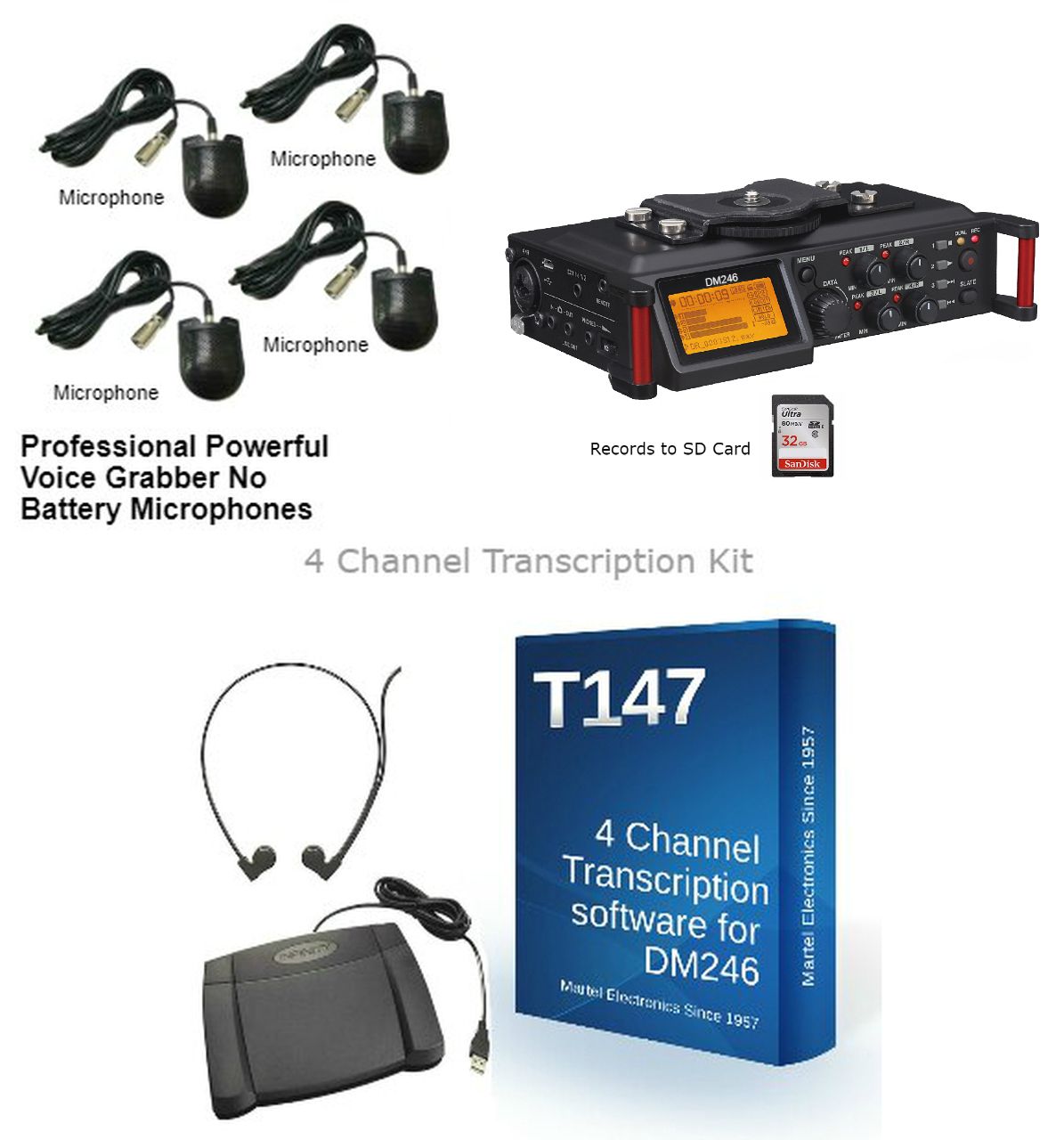
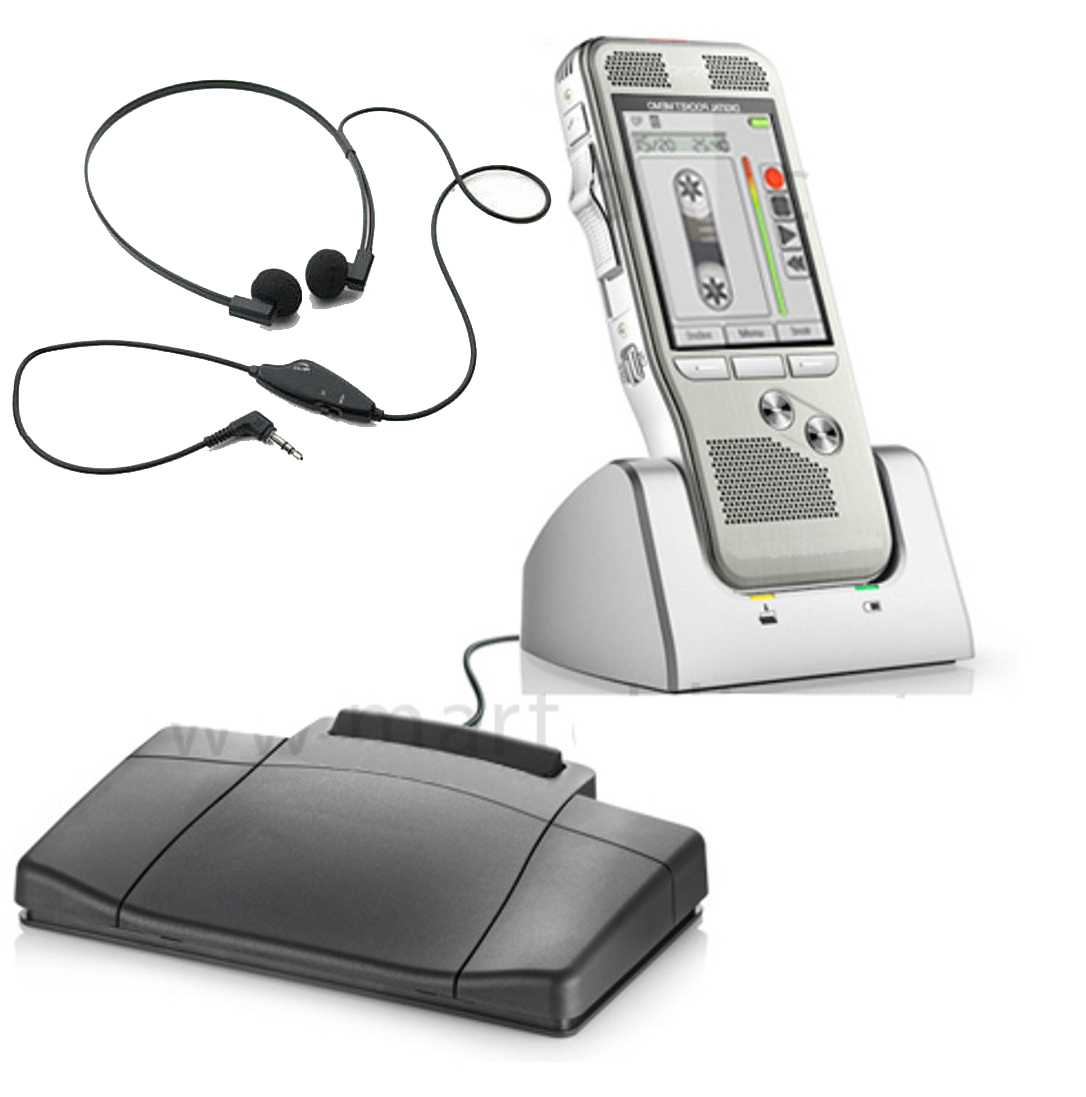
For the Martel Court Reporter 5000 SKU 1491, Martel identifies SD media and MP3/WAV recording with date and time tracking. Its recording and playback workflow can be convenient for a single reporter. The Martel DM246 four-microphone package SKU 1583 can produce separate WAV channel files in its documented four-channel mono setting and can split a long session at 2 GB. A multi-day manifest must therefore accommodate multiple files per session. Neither package’s product listing establishes your agency's retention period or grants permission to erase source audio.
Design a manifest with two levels
Begin with one line per expected session. Put the day and session in the first column, the expected source next, and a short distinguishing opening and closing exchange where the work permits. Use a sample, agreed index cue or restricted reference appropriate to the assignment. Avoid putting sensitive quotations in a billing or scheduling sheet visible to people who do not need the audio. The session-level view can identify that Tuesday afternoon is still pending even if Monday produced dozens of separate files.
Beneath each session, make one child line for each actual device file or required related object. Include source card, relative source path, exact destination path or agreed destination root plus relative path, file size in bytes when available, and the status of the comparison. Add a channel or time-part column when needed. If recording a duration, identify whether it is approximate. A row cannot carry a meaningful “verified” mark until someone knows what was compared and whether the destination file was actually opened.
For a large set, use a consistent short outcome such as copied, matched, reviewed or held for clarification, with a key explaining each term. Copied means the transfer produced an object. Matched may mean a size or checksum comparison as specifically defined by your office. Reviewed means the required playback checks were performed. Held means a question remains. These working labels are examples, not a new retention standard. Choose terms that help the next person distinguish a completed transport step from an unresolved audio or coverage issue.
Copy to an approved destination without merging sessions
Use the transfer procedure supported for the exact recorder, media and receiving computer. Close the recording normally and follow the device instructions before removing a card or switching to a transfer connection. Prepare adequate space at the destination for the complete source and any additional copies required. Check the destination's actual path and whether it is a local disk, managed network volume or approved offline medium. A shortcut with a comforting name is not evidence that the bytes were saved where the workflow expects.
Use one separate parent folder for each card or other unique source if that fits the office's approved structure. Keep session-level organization in a manifest without flattening device folders that happen to share common names. If a copy tool asks whether to overwrite a file, stop and identify both paths before selecting anything. A destination prepared for this job should make collisions easy to spot. When another copy legitimately exists, retain its identity and determine how your procedure handles verification or versioning.
After transfer, reopen the destination through its intended route. For example, a file in an application’s recent list may still point to the removable card. Use the assigned destination folder and open its copy directly. If safe removal is supported and the office's procedure permits it, temporarily keep the source secured separately while verifying destination playback. Do not unplug media during an active write or while a program depends on it. The objective is to make a false pass through a link back to the source unlikely.
Check counts, sizes and playback for different reasons
Compare source and destination counts within each card and session, including all required subfolders. A matching grand total can conceal a missing day if a different day was copied twice. Compare the matching relative names and sizes as well. A smaller destination object is a practical reason to investigate before relying on it. A size match is a useful first screen, but two distinct recordings can have the same byte count. Choose the content integrity method appropriate to the authority and tools involved.
Listen to the items the review plan calls for. For each expected session, confirm that the authorized destination contains the opening exchange, an identifying point within the session when required, and the last complete exchange before the recorded stop. On separately recorded channels, confirm the source identities and required coverage. A file can copy perfectly while containing silence from a microphone that never worked. Document that as an original capture issue if the same issue exists in the source. Copy integrity and quality of the original capture are two different findings.
When checking duration, remember that four channels from one hour are not four successive hours. Add only successive time parts when estimating duration for one source. An opening file that lasts an hour and an afternoon file that lasts two hours do not by themselves establish three hours of continuous recorded testimony. Use the session notes to identify breaks, channels and any deliberate stops. Then give the reviewer source-relative positions for the passages they may need to find independently.
Use checksums when the office supports them
A file hash is calculated from the file's contents by a specified algorithm. Microsoft documents Get-FileHash for PowerShell, with SHA-256 as its default. If your approved workflow uses it or another supported tool, calculate the value for the exact source file and its specific destination counterpart, using the same algorithm. Use the entire value in the actual manifest or approved verification record. A short example prefix may help human readers discuss a row, but comparing only a few characters is not equivalent to matching the full result.
A matching result provides strong evidence that the two byte streams compared are the same. The names of those objects still matter. If the operator accidentally compared the destination to itself, the values will match without establishing anything about the source card. If they compared two copies of Monday morning, Tuesday afternoon can still be missing. Record the independent source root and destination root and compare each intended pair. Hashes do not identify a speaking person, validate a recorder clock, establish legal custody or tell you whether the original captured the final answer.
A mismatch calls for investigation on retained originals. Check the selected paths and algorithm, whether the application exported a new version rather than copying the bytes, and whether the expected file was complete when the transfer began. Repeat an authorized copy into a clearly separate destination as appropriate and retain the first result long enough to explain the discrepancy. Prevent an automated cleanup or naming routine from quietly replacing the material under inspection. A report that identifies the precise mismatching pair is more useful than a generic “backup failed.”