Will Closing Your Reporting Laptop at Recess Stop a Practice Recording?
Test what happens to an active practice job when you close and reopen your Windows 11 reporting laptop. Check strokes, saved audio and the return from recess.
A reporter who closes a Windows 11 laptop for recess needs two answers. Does the practice job keep recording while the lid is closed, and can the reporter reliably tell when recording resumes? The answers can change with the computer’s power source, Windows lid action, audio device and reporting application. The clock on an open transcript is a poor witness. A better witness is a saved practice file containing a phrase from before the lid closed, another spoken while it was shut and a third spoken after the reporter returned. Use the rehearsal below to decide exactly how to handle your laptop when a recess is called.
Begin with the assignment’s intended recess
There are two legitimate rehearsal goals. One reporter needs to end recording when the proceeding goes off the record and verify that a new on-record segment starts cleanly. Another may have an authorized continuous recording exercise in which the laptop display must be lowered without interrupting the mock session. Write down the intended result first. An uninterrupted file can be an unwelcome result if you deliberately meant to stop recording. A gap can be a failure even when the computer wakes quickly and the transcript looks perfectly normal.
Practice only with invented material and with the people participating in the exercise. A lid provides a visual cue to everyone around a conference table. It does not itself establish the recording status of a program, writer, separate recorder or meeting host. Handle on-record and off-record directions under your assignment’s usual procedure. In a rehearsal, give one person responsibility for announcing the boundary and another for logging what the equipment actually captured. That division makes it much harder to confuse a spoken direction with a measured equipment response.
Identify which device actually saves the room audio
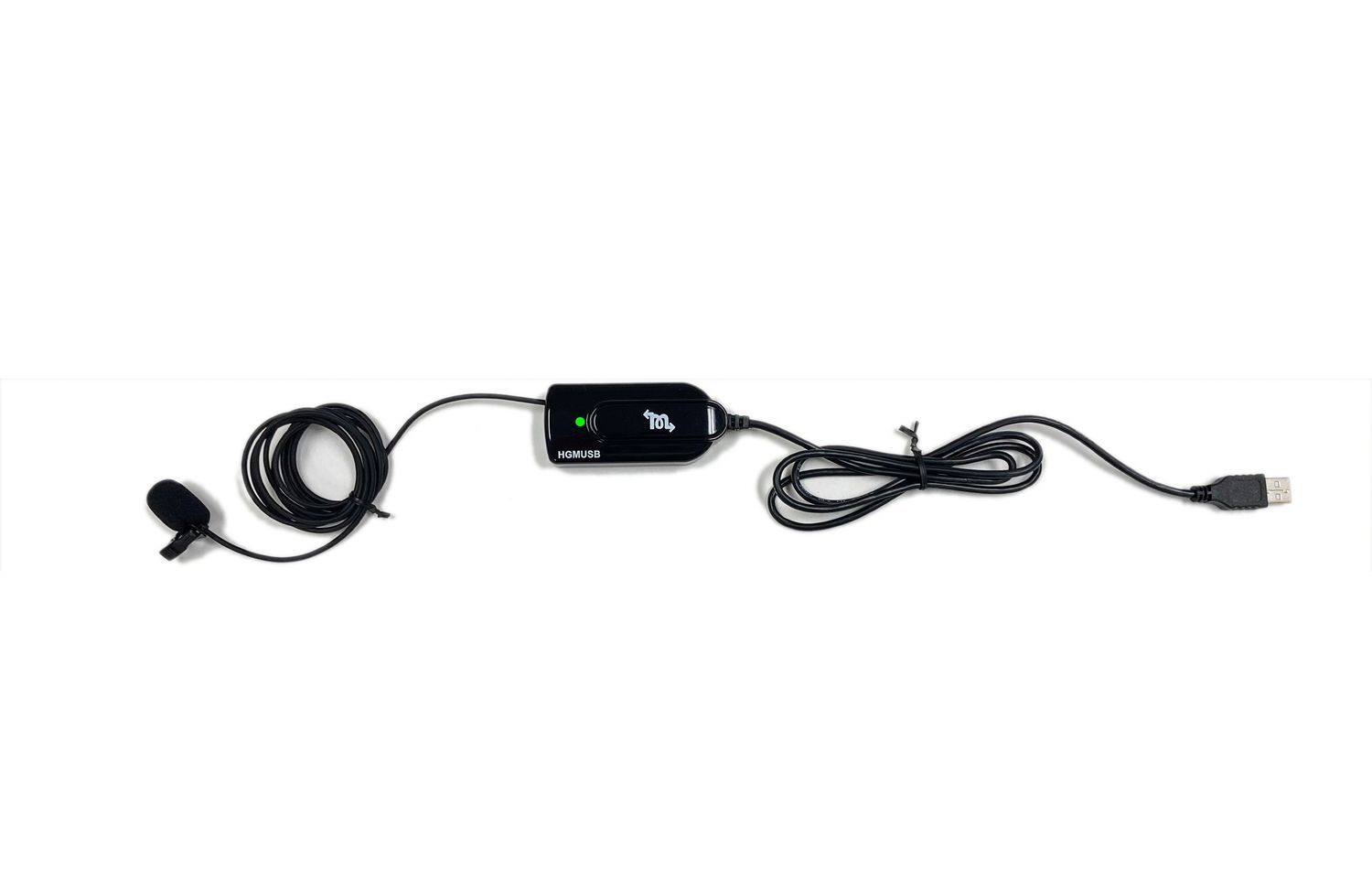
Trace one sentence from the practice witness to the place where you will reopen it. The HGM-USB Elite, SKU 1277, is a USB microphone for a compatible computer. If the relevant recording is made by the reporting laptop, closing its lid may matter to that file. If a writer or separate recorder is also recording through its own microphone, that can create a second file with a different start, gap and ending. Label the files by their origin before you compare them. Shared testimony does not make them the same recording.
On the Martel Elite CSR, SKU 1978, note whether the HGM-USB is plugged into the laptop or its included USB hub. Keep that route fixed through the lid exercise. Label the microphone selected in Windows and the input chosen by the reporting program. Include any headset used to check playback. A remote participant heard through the headset might reach a different recording path. Establish that the path you chose captures the practice voice with the lid fully open before making the lid the subject of your test.
Record the power configuration in enough detail to repeat it
Start with the Windows 11 power and battery settings, then consult the Microsoft lid-action instructions for the choices available on the specific computer. Record the action shown for closing the lid on battery and while plugged in. Some choices may be set by the organization or presented differently across computers. Preserving the labels you actually see is more useful than following a screenshot from another machine. If a setting is managed, ask the person responsible for the computer about the intended policy before making changes.
Also write down the screen-off timer, the sleep timer and whether an external display or dock is connected. These are different observations. A closed lid might put the machine to sleep immediately or allow a distinct inactivity timer to take effect later. An external monitor can remain lit while the reporting application is paused or while a different audio source is selected. Include the power adapter, dock, monitor and microphone in a quick sketch. A future test after a dock is removed is a new condition, even if the Windows account and laptop have the same names.
Prepare a recess script whose evidence can survive reopening
Use three small envelopes or cards for the witness. On the first write an unfamiliar parcel label, on the second a different invented color and number, and on the third a surname and one correction. Keep these details out of the reviewer’s sight. During an authorized mock continuous-capture trial, have the witness say the first item while the lid is open, the second at a specified point while closed, and the third once the reporter has returned to the working position. A helper keeps the actual time of each spoken cue.
During a planned off-record trial, use a silent interval or an innocuous test marker under conditions agreed by everyone in the exercise. The aim is to discover what the setup captures during a control test without gathering anyone’s actual recess conversation. Use the reporting application’s own start and stop procedure where that workflow requires it. Note which control was used and the order of the lid movement. A reader can then tell whether the recovered file demonstrates an application command, a Windows power action or both acting together.
Make an open-lid reference and challenge the assumptions
Create a fresh mock job on the laptop and set the recording input you intend to use. Keep the lid open and run the three cards with the same pauses you plan to use in the real trial. Steno a short practice passage if the software or writer ordinarily coordinates audio with writing. Save the job, close it normally, reopen it and recover the card details through the review method you actually use. Listen separately for the relevant voice and inspect the transcript positions attached to the markers.
If you lose the middle words in this open-lid reference, you have already learned something. Silence detection, a steno-related pause, an application stop, a missing remote route or an inadvertent control might account for that gap. Resolve the discrepancy before testing the lid. Conversely, clear playback establishes only that this particular path handled the reference conditions. It provides a point of comparison for the closed-lid test. Give the reference job an unmistakable name so it cannot be mistaken for the later closed-lid job on your screen.
Test one short closure with power connected
Leave the charger and other accessories connected. In a new practice job, mark the first phrase and note the exact time the lid closes. Keep the laptop on a suitable work surface. Have the helper speak the permitted middle cue after the lid has closed and the opening disturbance has ended. Reopen the computer after a short interval, complete any normal unlock step, return to the job and have the witness read the correction. Note the first visible recording indicator and the first moment the operator was genuinely ready to write.
Now reopen the saved material. List the recovered words in sequence and note any abrupt cut, extended silence, separate file or delayed pickup. A file whose elapsed duration seems continuous can still have an interval in which its intended input supplied no useful speech. A short file can sound continuous if the recording process omitted elapsed time and joined the last and next recorded portions. The separate helper’s timeline gives you a way to tell which kind of difference matters. Keep your observation tied to this one connected-power run.
Repeat on battery at the same desk
Finish the previous job first. Begin the next with the power source changed to battery, while preserving the mic, software choices, display arrangement and speaking distance. Check that the battery level permits the brief test and note the level shown at the start. Treat operating on battery as a separate condition because the configured lid and inactivity settings can differ. Use three new details with the same delivery and timing as the plugged-in run, then reopen and compare the saved practice job.
Do not combine a charger removal, a dock swap and a new microphone with this change of power source if you can keep those variables apart. Some docks supply power and data together, so disconnecting one may also remove the microphone or monitor. If you cannot separate those changes in the real arrangement, describe the whole arrangement that changed. A result from undocking at recess is still useful for the reporter who actually undocks. It simply answers a broader question than a battery-only comparison on an otherwise fixed desk.
Extend the closure beyond the short rehearsal
A brief closure may leave a recording uninterrupted while a longer unattended interval eventually reaches a power setting or a program timeout. Test the intended length of a realistic recess in a fresh mock job. During an authorized continuous-capture rehearsal use multiple harmless markers at separate logged times. During a planned-stop rehearsal, check that recovery remains predictable after the longer interval. Avoid inventing a universal safe number of minutes. The tested duration belongs in your result along with the computer’s settings and power source.
Watch for a gap that begins after the first closed-lid marker. The early portion may suggest that closing the lid alone did not remove the audio immediately. A subsequent sleep transition, power policy, application pause or loss of the external input could still interrupt it later. Repeat under the same agreed conditions and change one relevant setting only when authorized and appropriate. An unrepeatable event deserves a cautious operational choice. You can choose to save and start a confirmed new segment at a permitted break while support examines the unexplained behavior.
Inspect the return to the record, one function at a time
When the lid opens, identify the sequence the reporter must complete. The sign-in screen may return promptly while the job window requires an extra step. The writer may reconnect after the application is visible. A USB input can be listed while the saved file is capturing another endpoint. Have the helper wait for the reporter’s normal ready signal, then speak a short exhibit number followed by a correction. Verify a stroke, an understandable saved sentence and a working audio link where the reporting application supports one.
If the first two words are lost, compare three times on your notes. When did the laptop wake, when did the software indicate that the necessary devices were available and when was the voice confirmed in the job? Those can be separate moments. Build a return routine from the last dependable one. A test that uses a full minute of casual conversation before the first marker can hide the exact startup gap a reporter most needs to know about. Keep the first marked answer close to the working boundary and use harmless practice words.
Choose a workable procedure at this particular desk
If clear test recordings consistently resume only after the external input is reselected, include that selection and a saved test phrase in the permitted return routine. If the ordinary workflow calls for intentionally stopping, rehearse saving the end of the first segment and opening the correct continuation. If closing the lid creates too many uncertain steps during a short recess, use another approved way to protect the workspace and control recording. Preserve the practice observations so a colleague understands why that choice was made for this machine.
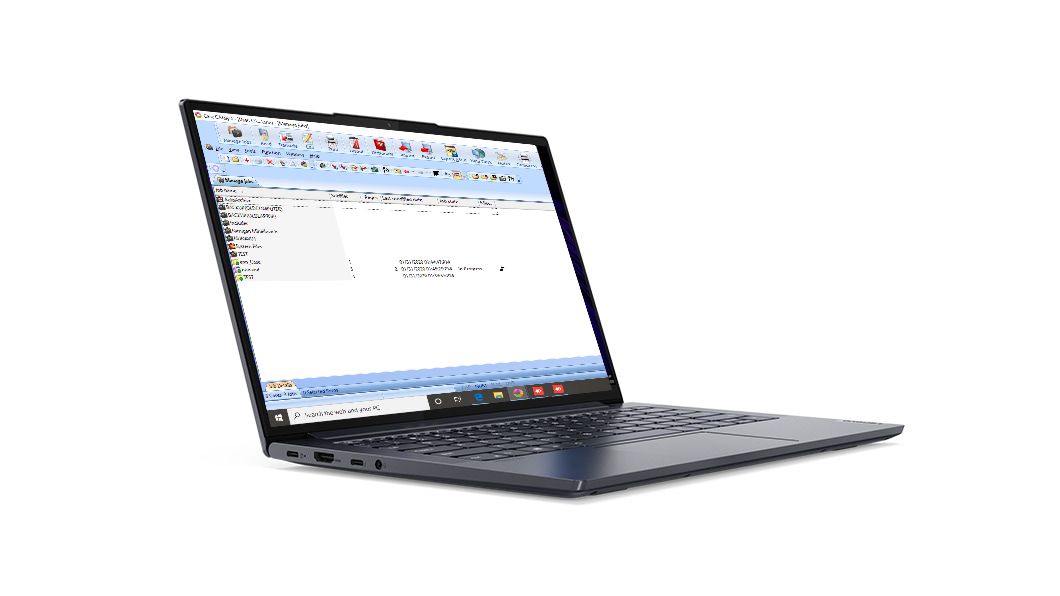
A different laptop may have a useful role if it supports the reporter’s required applications, ports and handling, but no purchase can substitute for the return test. The Elite CSR listing identifies Windows 11, an external monitor connection and an included USB hub. Those features give you a concrete setup to evaluate with the HGM-USB and the actual writer. Ask about the exact configuration being purchased and the supported connection method. Before relying on it for work, repeat the exercise on the unit as delivered, including its own policy settings and your usual power source.