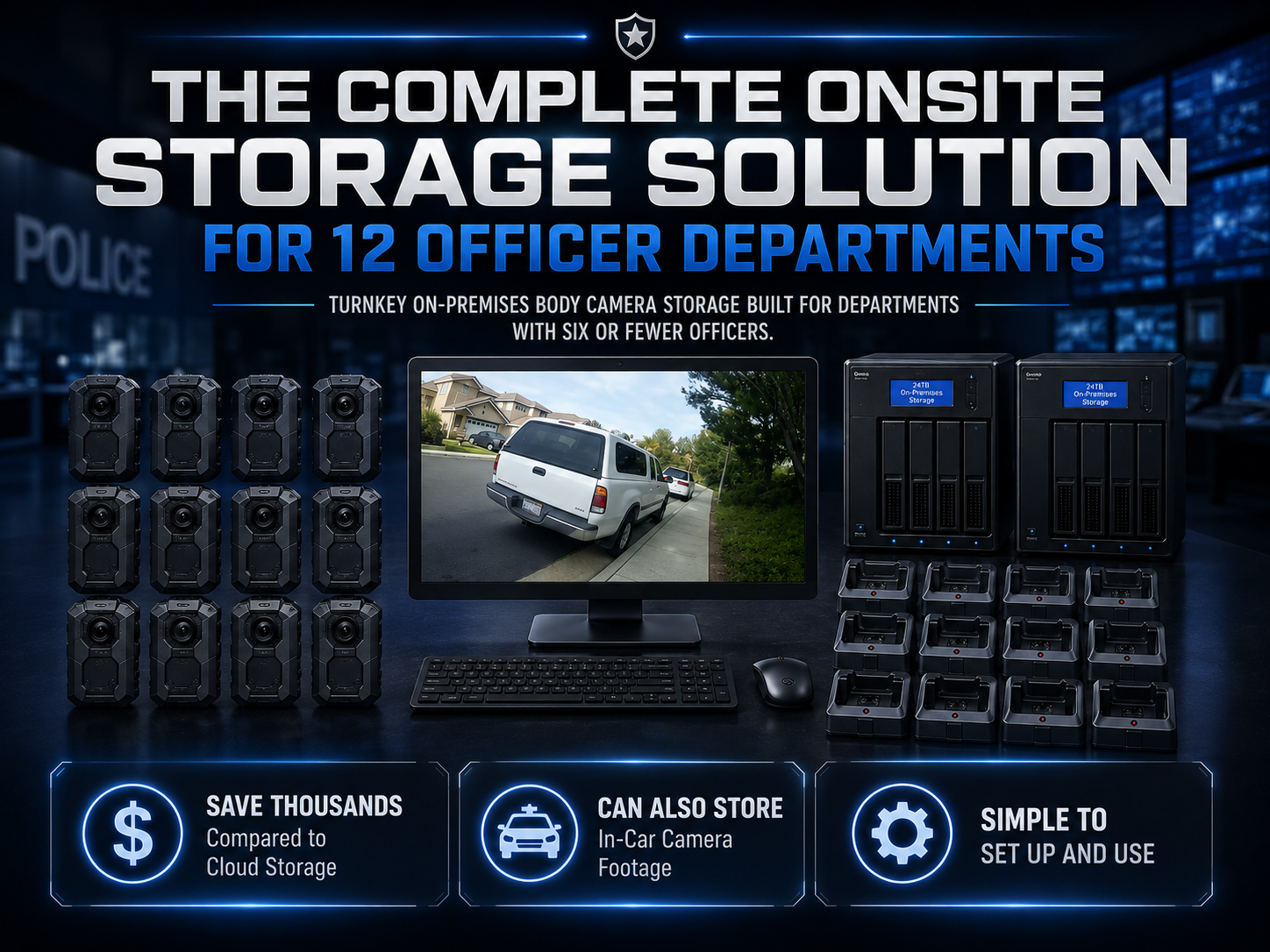
A package count alone does not prove the receiving area is ready. The physical layout, staff procedure, assignment record, and tested transfer destination complete the arrangement.
A short operator exercise
Prepare three training recordings with known spoken identifiers. Assign them to cameras using the approved assignment method. Have an operator connect the devices, receive files, and identify the outcome. Give a second employee a request for one of the recordings and ask that person to find and play it.
Next, repeat a supported failure exercise with a harmless unavailable destination. Have the operator explain the notification and recovery procedure. Confirm that the training material arrives completely after recovery. Record the steps that required outside help and improve the station instructions.
Finish with a normal restart and readiness check. The operator should be able to explain the difference between connected, charging, transferring, transfer verified, and ready for assignment. Those distinctions turn a row of docks into an understandable daily process.
Body camera docking stations for a six-camera return
Consider a department trial in which six training cameras return to one workstation at the same time. The trial should reproduce the intended physical arrangement, account, software, and storage destination. Give each camera a distinct training identifier and record the approximate amount of video created. The purpose is to discover how the complete receiving arrangement behaves when several devices need attention together.
Before connecting anything, have the operator identify the expected cameras and their assignment periods. Ask which devices should be connected first and whether the supplier provides a recommended connection sequence. If there is no required order, record that answer in the instructions. Do not create an unofficial sequence merely because it happened to work once during a demonstration.
Observe what the software shows as cameras are connected. Can the operator distinguish the devices? Is a completion indication associated with the correct camera? If one camera needs attention, can the employee continue tracking the others? Record the observed behavior without assuming that the product has a fleet-management feature that has not been demonstrated.
At the end, compare the expected training clips with the received material through the approved verification process. Have another employee retrieve one specified clip without help from the wearer. The result connects the physical docking arrangement to the department’s actual goal: usable recordings that remain identifiable after a shift change.
Plan a twelve-camera shift overlap
An agency with twelve cameras may return them in two groups, or it may have a concentrated period when nearly every device arrives together. Draw that schedule before choosing the receiving layout. Include ordinary late returns, staff breaks, and the time at which cameras must be available for another assignment. These details explain why camera quantity and simultaneous receiving demand are different numbers.
Ask Martel to confirm how many devices the proposed computer and connection arrangement are intended to receive concurrently. Include the actual docks and cables in the demonstration. A successful transfer from one camera does not establish the result when many cameras share the same computer and destination. Test the configuration that the department plans to purchase.
Record the amount of operator attention required during the busiest period. An automated file movement may still require connecting devices, checking recognition, handling warnings, verifying the destination, and updating status. Those actions should be part of the trial rather than treated as invisible work that will somehow fit between other duties.
Use the result to decide whether the proposed return schedule is workable. If it is not, identify the specific bottleneck and ask for a supported adjustment. The answer might involve equipment, layout, staffing, or a different approved routine. The demonstration should resolve the operational problem before the organization relies on the arrangement.
Build a connection inventory
A receiving station should have an inventory of its approved camera connections. Record the dock, cable, charger, computer connection, and any supplier-confirmed accessory used in the accepted configuration. This inventory helps staff recognize a missing or substituted part and gives support a clearer starting point when a device stops connecting.
Label equipment in a way that remains visible during ordinary use. A label should identify the component without covering an indicator, connector, ventilation opening, or camera feature. Follow the supplier’s care and installation guidance. The goal is reliable identification rather than decorative organization that interferes with the equipment.
Keep replacement information with the inventory. If a cable is damaged, staff should know how to obtain an approved replacement rather than assuming that any visually similar cable has the same data and charging characteristics. Have the responsible employee record the replacement and repeat the affected training-file check.
Do not infer technical compatibility from connector shape alone. A connector that physically fits does not establish supported data transfer, charging performance, or operation with a particular accessory. The supplied instructions and confirmed configuration should guide the arrangement. This is especially relevant when a busy desk has spare cables from several unrelated devices.
Separate device status from file status
A camera’s physical state and its recordings’ receiving state can differ. The device may be connected and charging while a destination is unavailable. The file transfer may finish while the battery still needs attention. The operating process should explain those distinctions using the indicators and software actually supplied.
Create plain-language status definitions for the receiving station. For example, awaiting receiving means the device has returned but has not yet completed the approved process. Exception pending means an identified problem requires follow-up. Ready for assignment means the required device and receiving checks have been completed. The exact terms belong to the organization’s procedure.
Each status should have a clear basis. Staff should be able to say what they observed or verified before changing it. A label that says complete without explaining whether it refers to charging, receiving, or both can create confusion. Define the transition between stages in the station instructions.
Test the definitions with an alternate employee. Ask that person to identify which cameras can be issued and which require attention using only the approved station information. If the employee needs an explanation from the outgoing operator, improve the written record before assuming the handoff is clear.
A receiving log with useful fields
Begin with the date, operator, camera identifier, assignment reference, and return time. Add the receiving result and any exception reference. Include the readiness outcome required by the organization. The log can be simple when the organization’s procedures permit it, but the meaning of each field should be understood.
Do not use the log as a substitute for required technical records or evidence controls. It is an operating aid that helps staff connect a device with the receiving task. Responsible records and technical staff should decide what additional records, audit information, or integrity checks are required for the organization’s work.
For exceptions, record the visible symptom and the follow-up owner. A short entry such as camera not recognized at approved connection is more useful than a vague statement that something is broken. Include the software message where appropriate and avoid recording sensitive case details that are unnecessary for equipment troubleshooting.
At shift handoff, review unresolved items explicitly. The incoming employee should know which devices are affected and what the approved next action is. This avoids restarting a transfer or reissuing a camera based only on its physical position on the desk.
Download destination changes deserve a test
A receiving folder may be moved when storage is replaced, a workstation is upgraded, or an organization changes its approved arrangement. Treat that change as a configuration event. Record the old and new approved destinations, the responsible employee, the reason, and the checks required before normal receiving resumes.
Use training clips to confirm that new recordings arrive at the intended location. Check assignment information and playback through the approved process. Have an authorized reviewer locate a specified test recording using the updated instructions. A successful connection to the new destination does not complete the retrieval check by itself.
Confirm how staff will recognize an outdated shortcut or old folder reference. Update station instructions and any approved receiving configuration through the responsible technical process. Do not leave two destinations that look equally authoritative without explaining which is used for new recordings and which contains earlier material.
The organization should also decide how previously received recordings remain findable after a move. That is a records and technical planning question, not simply a camera setting. Preserve the relationship between the original location, any migration, and the approved retrieval instructions.
A staged exception with two different symptoms
In a controlled training environment, the operator may encounter a camera that is not recognized and a separate camera whose destination is unavailable. These symptoms should lead to different questions. The first concerns recognition along the device connection path. The second concerns where recognized files can be received.
Use the supplier’s supported troubleshooting process and disposable training recordings. Record the symptom before changing equipment. Identify whether charging is visible, whether the device appears in the expected software, and whether the intended destination can be reached through the approved account. Avoid interpreting any single observation as proof of a complete diagnosis.
Where a comparison is authorized, change one component or condition at a time. If a cable, dock, computer, and destination all change together, a later successful result provides little information about the original failure. Keep the comparison limited and record its outcome for the support contact.
Finish by receiving and verifying the expected training material through the accepted configuration. Do not leave the exercise with only a repaired connection and no saved-file check. The operating goal remains complete, identifiable recordings at the approved destination.
Protect the physical receiving area
The receiving room should support the organization’s access and equipment-handling requirements. Identify who can connect or disconnect cameras, who can move storage equipment, and who can change workstation settings. A general article cannot define those permissions for every agency, but purchasing should know who will administer them.
Consider ordinary physical interruptions. Cleaning, office moves, a crowded desk, or an unplugged power strip can affect equipment. Arrange components according to supplier instructions and the organization’s facilities requirements. Keep essential identifiers and indicators visible without exposing recordings to people who are not authorized to review them.
Record where an employee should report damaged connectors, loose mounts, missing chargers, or equipment that becomes unusually warm or otherwise appears faulty. Follow the supplier’s care and safety guidance. Staff should not be expected to perform improvised repairs during a busy return period.
A useful receiving layout supports both the normal routine and the exception process. Cameras needing attention should remain identifiable, and their assignment information should remain connected to the issue record. Physical order helps only when it reflects the actual approved status of the equipment.
Camera reassignment during a shift
If a wearer exchanges a device, the receiving process needs to preserve the relationship between both cameras and the assignment. Record the time period and replacement through the organization’s approved method. A device inventory alone may show which cameras exist without explaining which recording belongs to which part of a shift.
Use a training exercise with two cameras and one staged assignment. Have the wearer make a clip on each device, with a planned exchange between them. Ask the receiving operator to receive both devices and record the expected relationship. Then ask a reviewer to find both portions using the normal request information.
Observe whether the process depends on remembering the exchange. If it does, strengthen the assignment record or instructions. Avoid placing sensitive case information into informal equipment labels merely to make retrieval convenient. Use the organization’s approved references and handling process.
The exercise does not require automatic synchronization between devices. It tests whether the department’s records make the relationship understandable. Any desired automatic association or integration should be requested and confirmed separately in the purchasing discussion.
Receiving when a regular employee is absent
An alternate operator should be trained on the accepted configuration and the written instructions. Have that person start the workstation under normal approved conditions, connect a training camera, identify the transfer outcome, and verify the expected saved recording. Note each step requiring assistance.
The exercise should include one ordinary exception chosen with supplier guidance. The alternate employee needs to know when to continue, when to preserve a device’s status, and whom to contact. The goal is an understood response rather than an expectation that every employee becomes a technician.
Keep the support reference and current instructions where authorized operators can reach them. Record any change in responsibility when staff move roles. A receiving process becomes fragile when only one person knows a password, folder convention, or undocumented startup step; responsible staff should address that dependence through approved administration.
After the alternate completes the exercise, update the instructions with missing context. A shorter, clearer procedure that has been tested is more useful than a lengthy document that no one can follow without its author. Repeat affected checks after significant equipment or configuration changes.
What to ask before approving a body camera docking proposal
Ask which exact components provide charging and which provide the data path in the supplied arrangement. Request the supported camera quantity, workstation configuration, required software startup, destination arrangement, and completion indications. Identify any accessory or setup work the organization must supply.
Ask how exceptions are shown and how the operator should preserve the device’s status while seeking support. Request a demonstration with training recordings of an ordinary successful transfer, a supported failure condition, recovery, and saved-file playback. Tie the demonstration to the configuration in the final quote.
Ask how the arrangement will be expanded if camera count or daily recording grows. Include connection capacity, workstation work, storage, training, and support. A simple statement that more cameras can be purchased does not explain the receiving workload after those cameras arrive.
Finally, ask what changes require a repeat test. Replacing a cable, changing a storage destination, updating software, or moving to a new workstation may affect different stages. A clear answer helps the agency maintain the accepted routine over time.
Build a short station instruction sheet
Organize the instruction sheet in the order the operator performs the work. Begin with readiness of the receiving station, then identification of the returned camera, connection through the approved equipment, observation of transfer outcome, required verification, charging status, and readiness for issue. Use the terminology displayed by the supplied equipment.
Put exception guidance beside the step where it can occur. State what information to record and who owns follow-up. Avoid filling the sheet with assumed button names or generic repair steps that have not been confirmed for the supplied version. Attach the current vendor instructions where appropriate.