Dictation Systems for Multiple Attorneys Sharing a Secretary
Plan dictation for multiple attorneys sharing a secretary: compatible recorders, author identification, priorities, workload, corrections and software checks.
Plan local police video storage, transfer responsibilities and total ownership costs when comparing systems without required monthly cloud fees.
Published · Updated · Martel Electronics
A police car camera system without required monthly cloud fees can give a department a different ownership model. It still needs a complete plan for storing, finding and protecting video. Evaluate the transfer routine and continuing department costs before comparing purchase prices.
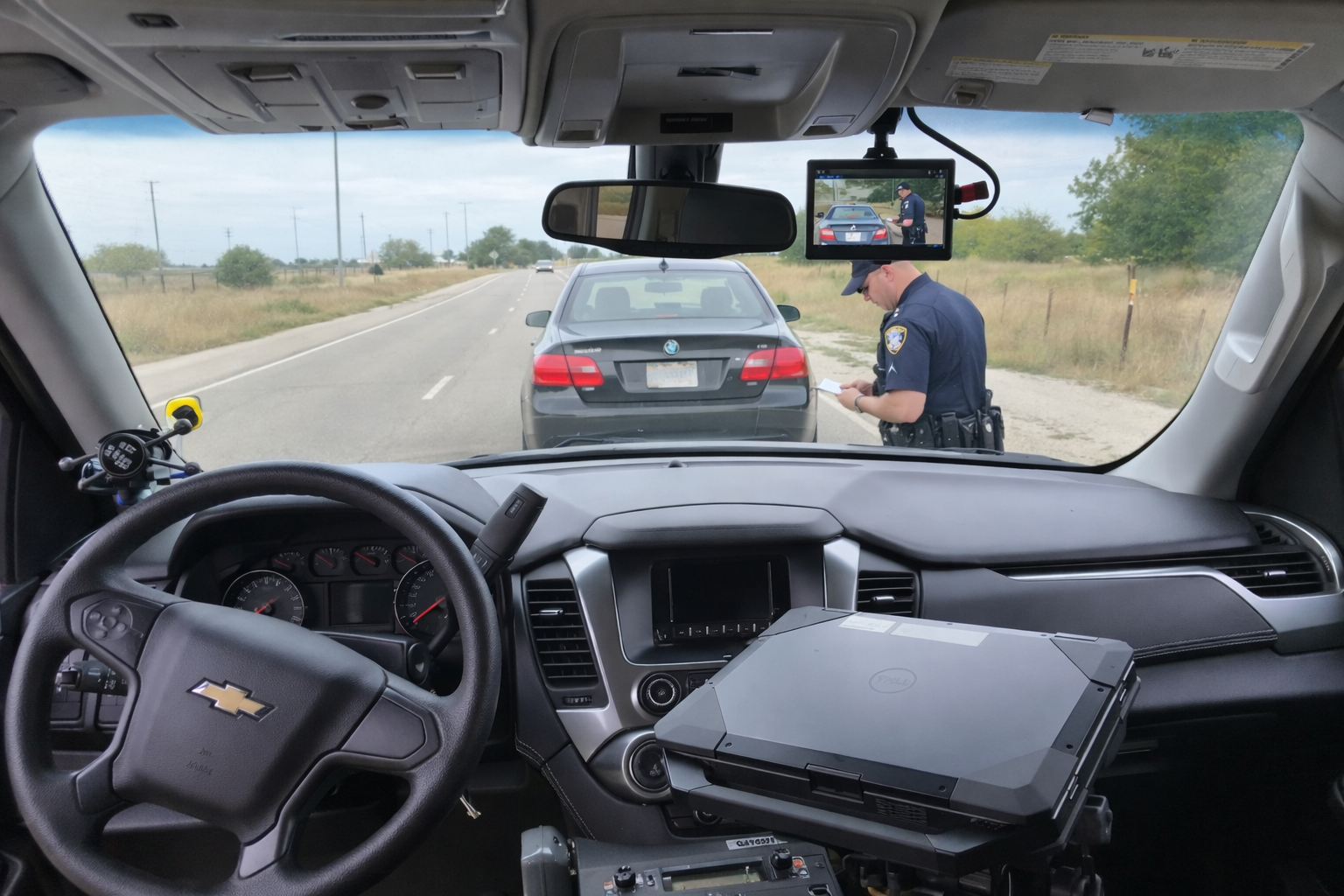
Build an itemized worksheet for equipment, installation, station hardware, storage, backup, training and staff time. Include replacement planning and any software or service options you choose. Ask which costs are required to operate the quoted configuration and which are optional.
The DC7 police car camera system lists USB export and an optional automatic station-upload path. The MDP6 police dash cam records to removable microSD storage. Martel presents both without a required monthly cloud-storage plan. Department-managed storage and administration still need to be budgeted.
For each proposed transfer method, write down who initiates it, where files arrive and how completion is checked. A manual transfer needs a reliable staff routine. An automatic transfer needs a defined way to detect failures and recover from them. Neither is complete merely because the vehicle has returned to the station.
Use a staged event to test the route. Have a staff member locate the event by its identifying details, check its beginning and end and verify the expected views and audio. Then ask another authorized reviewer to repeat retrieval. This reveals naming or access problems before a larger rollout.
Start with sample files recorded at the settings your department plans to use. Measure their total size and duration. Account for all simultaneous views and audio streams; a single sample camera does not represent a multi-camera installation.
For planning in decimal units:
Daily recording data in GB = total recorded bitrate in megabits per second × recorded hours × vehicles × 0.45.
As an illustrative calculation only, 8 megabits per second across all recorded streams, for 4 hours per day in 10 vehicles, produces about 144 GB per day. Thirty days would be about 4.32 TB before backup copies, held events, filesystem overhead and spare capacity. These are example inputs, not DC7 or MDP6 specifications and not a retention recommendation.
Variable bitrate, event length and camera settings change actual consumption. Use measured deployment data to revise the estimate. Add separately for backups, working copies and events that must be retained longer under department procedures.
NIST IR 8387 addresses source documentation, integrity checking and preservation of digital evidence. Give your evidence and IT staff responsibility for choosing the appropriate controls and documenting handling.
SWGDE’s DVR acquisition guidance (17-V-002-1.4) discusses retrieval of native video data and associated information. Keep original exports and relevant accompanying data according to agency procedure. An edited review copy or screen recording should not silently replace the source export.
Test restoration from your backup process. A second drive that has never been checked does not demonstrate that a particular event can be recovered. Assign responsibility for access, capacity monitoring and transfer exceptions.
Compare the same vehicle count, recording workload and evaluation period for every option. Put one-time equipment and installation charges beside recurring selected services and internal staff costs. Request a written equipment quote, then have the department complete its operating-cost assumptions. Avoid claiming a fixed savings amount until both sides use comparable inputs.
A useful storage estimate starts with actual files. Record a measured sample using every required view and the intended settings, then total the resulting bytes and recording duration. Include a realistic mixture of movement and lighting rather than only an empty parked scene. If the system uses variable bitrate, different scenes may produce different file sizes even when the resolution and duration match. Keep the sample conditions with the estimate.
Separate daily routine data from events kept longer under agency procedure. A large event held for an extended period occupies space after ordinary recordings would otherwise leave the working system. Add a planning allowance for held material and review it against actual usage. Do not select a retention period by dividing available disk capacity by a sample day. Retention requirements should determine the storage plan, with capacity adjusted to support that decision.
A storage device’s advertised capacity is not necessarily the space available for recordings. Formatting, operating-system files, reserved space and the selected storage arrangement can reduce the usable amount. A redundant disk arrangement also has a different capacity calculation from adding the labels on every drive. Have IT document the usable recording space and the point at which capacity warnings require action.
Redundancy and backup address different failure conditions. A storage arrangement may continue operating after a drive failure while still being affected by accidental deletion, damage to the whole unit or an account compromise. Decide which events must be recoverable from a separate protected copy and test that recovery. This is a department workflow requirement, not a capability that should be assumed from the word “storage” in an equipment package.
For an illustrative calculation, moving 40 GB through a route that sustains 20 megabytes per second takes about 2,000 seconds, or roughly 33 minutes, before verification and other overhead. Those numbers are hypothetical. They are not a rating for Martel equipment, a memory card or a station network. Measure the complete route with the selected hardware and a representative test set.
Now consider several vehicles returning at similar times. Their combined workload may put pressure on the receiving computer, storage device or wireless network even if one vehicle transfers successfully in isolation. Ask IT to observe the intended arrival pattern and record transfer completion times. Define how staff identify a backlog, which events require attention and how an interrupted transfer is reconciled without creating confusion about complete and incomplete copies.
Assign a person or role to each part of the workflow: receiving, checking completeness, managing access, monitoring capacity and responding to failures. A daily exception list can identify vehicles that have not delivered expected recordings. The list should lead to an investigation rather than automatic reuse of media. A transfer log and a retrievable event are stronger evidence of success than a vehicle’s presence in the parking lot.
Keep operating costs visible after purchase. Track time spent on transfers, retrieval, backup checks, software maintenance and resolving exceptions. Review those figures when planning additional vehicles or a new workstation. This produces a practical ownership comparison based on department experience instead of a speculative savings claim. For the actual handoff steps, use the police camera video export guide; for daily equipment readiness, use the pre-shift inspection checklist.
Its meaning depends on the system and receiving workflow. Ask whether it indicates that transmission ended, that files were received, or that the event was checked and made available to reviewers. During acceptance, locate the event in its destination and inspect all required views and audio. Record how missing or incomplete transfers are reported. A clear definition prevents staff from treating several different stages of a workflow as if they were the same result.
Review actual recording hours, file sizes, held events and retrieval workload at regular planning intervals. Changes in vehicle count, camera views or selected quality settings can alter demand. Set a capacity action point before the storage device becomes full, with a named person responsible for responding. Include the receiving computer, network and backup route in that review. Adding a larger drive alone may not resolve a backlog caused elsewhere in the transfer process.
Count the complete output of a representative event rather than measuring only its largest video file. Additional views, audio, segments and accompanying files can affect both storage and retrieval work. Keep the file set together during measurement and record the total size, duration and selected settings. If the export process creates a separate review copy, budget that copy separately rather than assuming it is the original. This produces a more useful capacity estimate for the actual receiving workflow.
No. It describes a required vendor fee, not every agency expense. Local drives, backups, maintenance and staff work remain part of ownership.
Use the agency’s approved retention schedule and preservation requirements. There is no universal duration that can be selected from a camera specification.
Martel lists an optional transfer path to the department’s station computer. Confirm the equipment, network and selected option in the quote.
Read the police car camera buyer’s guide and DC7 versus MDP6 comparison, then review the current Police camera packages.
