Use the body camera system cost guide to build an itemized comparison. Keep any optional software or selected service separate from required equipment.
Matching Martel packages to local storage needs
Martel offers an individual Crime Cam and packages for 6, 12, 24, 50, and 100 officers. Package listings describe on-premises storage and workstation equipment alongside cameras and docking. The correct choice depends on camera count and storage workload together.
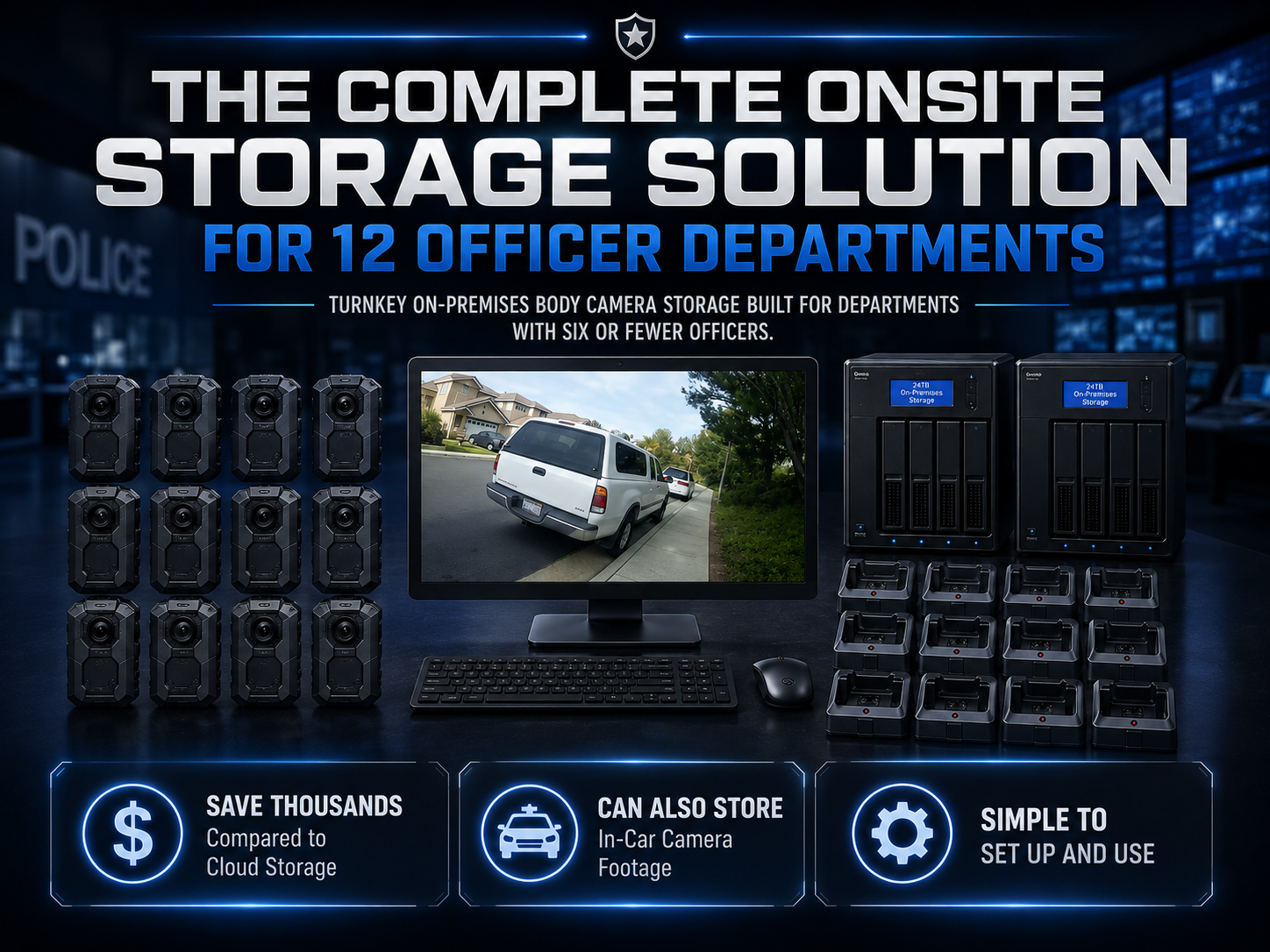
Compare the 6-officer package and 12-officer package for small-agency planning. Ask for the current disk configuration, usable capacity, workstation specification, software functions, included setup, and support scope. For larger deployments, start from the police camera category and request an itemized proposal.
Do not select a package solely because its stated terabytes look large. Define the retention assumptions, daily data production, recovery-copy role, and expected growth. An appropriate quote connects those assumptions to the supplied equipment.
A local-storage acceptance checklist
Before accepting the receiving arrangement, have an operator demonstrate a successful transfer, a failed-destination notification, a complete saved-file playback, and retrieval by another authorized employee. Use training recordings with known content so reviewers can check completeness.
Have the responsible staff confirm the storage roles, usable capacity, backup process, and recovery test. Record where operating instructions are kept and who can request support. Include the procedure for camera reassignment and the handling of an incorrect assignment.
Finally, repeat the workflow after a normal computer restart. A setup that works only during a vendor demonstration is not yet a daily routine. Staff should be able to start the system, connect a camera, identify the outcome, and respond to an exception using the written instructions.
A worked example of a local receiving routine
Consider a small agency with one receiving room and two shifts that return at different times. The agency identifies the receiving operator for each shift and records the camera assignments. In a training exercise, each wearer creates a short clip with a known identifier and returns the camera to the approved station.
The receiving operator connects each device, checks the software’s indicated transfer outcome, and opens the designated sample from the intended destination. The next operator reviews the status record before taking over. A reviewer then searches for one training clip without help from the wearer. The exercise checks transfer, handoff, and retrieval as connected steps.
The agency documents any exception: a camera not recognized, an unavailable destination, a mismatch in assignment, or a file that does not play. It asks the appropriate technical staff or Martel support to help resolve the issue using the supplied instructions. This scenario does not assume a particular software screen or automatic recovery feature.
The same exercise can be repeated after a workstation change. Comparing the recorded steps shows whether a new configuration has altered the receiving routine. Use disposable training material and an approved test environment so evaluation does not disturb actual recordings.
Establish a weekly capacity review
A staff member can record the available working capacity at a consistent interval and compare it with expected growth. The precise interval and warning levels should be determined by the organization’s responsible technical staff. The useful outcome is early awareness of a trend, not a universal number copied from an article.
Include unusual events in the review. A new recording mode, a change in daily operating hours, additional cameras, or a backlog of held material can change the rate at which storage fills. Note these changes beside the capacity observation so the trend has an explanation.
The review should identify who receives a warning and who has authority to approve the response. Adding storage, moving files, and changing retention are separate decisions with different responsibilities. An employee who notices a low-capacity warning should not have to guess which action is authorized.
Verify a backup by restoring a sample
Select a known training file and follow the organization’s approved backup and restoration instructions. Restore it to the intended test destination, open it with the approved playback tool, and compare its identity and duration with the expected training recording. Record the date, operator, source, result, and any problems.
If the restoration does not work, document the failure and assign a follow-up. A visible copy operation is not a substitute for knowing that an authorized employee can recover a usable file. After a storage or workstation change, repeat the checks affected by that change.
The test should also show whether the right people can perform recovery when the usual administrator is absent. Store the approved instructions where those people can reach them. A local system is easier to manage when the recovery process is documented before it is needed.
Separate a purchasing claim from a workflow claim
When comparing systems, an agency can state that Martel’s described Crime Cam workflow has no required monthly cloud-storage contract. The agency should separately state which equipment, software, service, and staff tasks are included in the quote and which are its own responsibility. This keeps a pricing statement from being mistaken for a promise about every possible feature.
For example, downloading files, controlling access, creating a recovery copy, redacting an export, and enforcing a retention schedule are distinct functions. Have the responsible staff identify how each required task is performed. If a function is essential, request written confirmation and demonstrate it in the proposed configuration.
Body camera systems without a subscription: define the required functions
When an agency searches for a body camera system without a subscription, the phrase can describe several different expectations. One buyer wants to avoid a required monthly storage payment. Another needs files available inside its own building. Another wants to keep using recordings after replacing the camera. Translate the search phrase into a list of requirements that can be checked against the proposed equipment and procedures.
Write a row for every essential function. Include the recording itself, connection to the receiving computer, destination selection, file organization, playback, authorized copies, access administration, recovery, and eventual transition to replacement equipment. Beside each row, record the proposed method and who demonstrated it. If a feature is not confirmed, leave that row unresolved rather than assuming it is included because the system has no required cloud contract.
The term subscription should also be clarified in the quote. Ask which charges are required to operate the proposed arrangement and which selected services are optional. Keep the scope, duration, and conditions of any selected service visible. The absence of a required cloud-storage fee is useful purchasing information, but the full written quote should explain the complete commercial arrangement.
An archive should remain understandable after staff turnover
Imagine a department revisiting a training recording six months after its original operator changed roles. The camera number, wearer assignment, date, and folder arrangement need to make sense to someone who did not receive the file. A naming scheme that was obvious to one employee may be unclear to a new reviewer.
Test that situation during planning. Give a trained alternate employee a short request using ordinary assignment information, then observe whether the person can find the known training file using the written instructions. Record where help was needed. This provides a concrete way to improve the archive without inventing a general claim that one folder arrangement is best for every organization.
Keep an explanation of the approved convention with the receiving instructions. Include examples of overnight assignments, reassigned cameras, and corrected information. Identify which record holds the authoritative assignment and who may correct it. The purpose is continuity: later staff should understand why a file is in its location and how it relates to the device’s use.
Receiving locations and storage locations may differ
Some agencies receive every camera at one workstation. Others may have more than one receiving point or a storage destination managed elsewhere in the organization. List each location and the complete connection between the camera, receiving application, working destination, and recovery arrangement. A diagram can help the responsible staff identify where an outage or permission change could interrupt the process.
For a multi-location proposal, ask how assignments remain distinct when two sites use similar camera identifiers or folder names. Determine how an authorized reviewer knows which location received a file. Keep that requirement separate from whether a camera successfully connects at one desk.
Have technical staff approve any network or shared-storage design. Test the proposed route using training files and the actual receiving accounts. Do not assume that a local-network folder behaves like a directly connected drive in every respect. The supported configuration and the organization’s requirements should determine the arrangement.
Distinguish availability from recoverability
Availability means the authorized person can use the working recording when needed. Recoverability means the organization can restore required material when that working location is unavailable. A system may provide one without demonstrating the other, so evaluate them separately.
For an availability exercise, ask a reviewer to open a known training file during normal operations. Record the account, location, playback tool, and result. For a recovery exercise, use the approved restoration method and a designated test destination. Confirm that the restored file is the expected recording and that its picture, sound, and duration are usable.
The responsible staff should define how much interruption the organization can tolerate and how much recent work must be recoverable. Those decisions affect copying frequency, equipment, staffing, and support. They should be stated in the design brief rather than inferred from a storage device’s capacity label.
Plan for a full or nearly full destination
Capacity problems should be handled through an approved procedure established before deployment. Identify how available space is monitored, who receives warnings, and who can approve corrective work. The receiving operator should know how to recognize that a storage condition has affected a transfer without improvising a deletion decision.
Use the vendor’s supported training method to demonstrate an unavailable or insufficient destination where appropriate. Do not fill a live archive to create a test. Observe the message, the camera’s status, and the instructions for recovering the receiving workflow. Verify the resulting training files after the condition is resolved.
Keep maintenance decisions distinct from retention decisions. Adding equipment, repairing a connection, and authorizing removal of recordings are different tasks. An employee who can connect a camera may not be the person responsible for deciding what the archive retains. Clear ownership makes an exception easier to handle.
Police car video and body camera archives
An agency may want to receive both wearable and vehicle recordings into department-managed storage. Plan the combined workload while preserving the differences between the sources. Body cameras, a fixed vehicle recorder, and a portable field camera may produce different files, views, dates, and assignment information.
Martel’s DC7 page describes USB video export and an optional automatic station-upload path. The MDP6 page describes removable-memory recording for vehicle and field use. Those product descriptions do not establish that either system shares the Crime Cam’s software or produces a common event record. Confirm any proposed shared workflow explicitly.
For a staged combined test, assign one training event reference to the exercise and record which source files correspond to each part. Have a reviewer find the expected wearable view and vehicle view using the organization’s approved information. Do not present that manual reference process as an automatic integration feature.
The police car camera storage guide provides related vehicle-specific questions. Keep the body camera and vehicle estimates separate until their measured data production and receiving behavior are known, then combine the confirmed capacity requirements for the proposed archive.
Long-term playback and equipment replacement
An equipment-owned archive should have a plan for future playback and transition. Ask what software is needed to open the selected recording mode, what associated information should accompany exports, and how the organization would move required recordings when a workstation or storage device is replaced.
During acceptance, keep known training files recorded in the approved mode along with their configuration notes. Those samples can later help technical staff check whether a replacement review computer supports the same workflow. Keep the samples distinct from actual case material and use them for compatibility checks.
A migration plan should identify the source, destination, required records, verification method, responsible employee, and exception process. The organization should decide which originals and accompanying information must be preserved through its approved evidence and records procedures. A convenient new folder is not by itself proof that the required material was migrated correctly.
A local-storage quote review in plain language
Ask the proposer to explain the arrangement as a sequence of actions. A wearer returns a specific camera. An operator connects it using the supplied equipment. The software receives the expected files into a named destination. The operator checks the result. An authorized reviewer finds the recording later. A recovery process protects the required material.
For each action, ask what is supplied, what the organization provides, and how a failure becomes visible. Record answers in the quote review. This approach helps a purchasing official understand whether the proposal covers daily use rather than only a list of hardware.
Before accepting the arrangement, repeat the sequence with the actual supplied equipment and training files. Keep the results with the quote and current instructions. An unresolved question should have an owner and follow-up rather than disappearing once the equipment is installed.
Operational questions for the first review meeting
After an approved rollout, compare actual receiving work with the trial. Were cameras recognized consistently? Could alternate staff follow the instructions? Were transfers verified at the intended destination? Did any assignment ambiguity make retrieval difficult? Use documented observations rather than a general impression that the system is working.
Review actual storage growth and compare it with the worksheet. Note additional cameras, changed recording hours, new settings, held material, or extra copies that explain a difference. Revise the capacity forecast before the available margin becomes urgent.