CART Captioning with a Martel Stenomask: Equipment and Workflow Guide
Understand CART captioning, compare Martel stenomask connections, and plan the full path from event audio to the reader’s display. Includes original worksheets and 25 questions answered.
By Martel Electronics · Updated
CART means Communication Access Realtime Translation: spoken communication is presented as readable text while an event is happening. In a voice-writing arrangement, a trained captioner uses a microphone, computer, appropriate software, and a delivery method to produce that text for the reader. A Martel stenomask supplies the captioner’s microphone input. It does not create or deliver professional captions by itself.
The most useful equipment plan starts at the reader's screen and works backward. Decide where the text must appear, how the captioner will receive the event audio, and which supported software arrangement will produce and deliver the text. Then choose the mask connection and accessories that serve that plan. This keeps a microphone purchase connected to the result the audience actually needs.
This guide focuses on Martel equipment and original planning exercises for voice-writing CART. It does not describe a particular school's installation, endorse a named program, promise professional qualification, or report laboratory tests. The hypothetical examples are designed to help you ask precise questions, organize a rehearsal, and make a considered equipment purchase.
What CART captioning means for the equipment decision
CART is a communication-access service, not simply a saved recording with text added afterward. Its purpose is to make spoken information available in readable form during the event. A reader may use an individual display or an arranged shared display. Voice writing is one method used in professional realtime services; the professional explanation of CART and captioning describes microphone-based and machine-based approaches.
The reader's practical requirements should be established with the person arranging the service. Ask where the captions will be viewed, who needs access, and how the reader can report a display problem. Do not assume that a captioner's own working screen is an acceptable substitute for the agreed reader-facing arrangement.
CART and sign-language interpreting are different services. A request for one should not be silently changed into the other. Equipment planning begins after the requested service and delivery arrangement are understood. This article provides a purchasing and rehearsal framework; professional service requirements belong with the qualified provider and the people arranging access.
That distinction affects how you evaluate a proposed kit. A mask, laptop, and recorder may be useful components, but their presence does not demonstrate that the reader receives captions. A meaningful rehearsal must reach the actual display or delivery endpoint. If it ends at a local microphone meter, several parts of the required service remain untested.
Draw four paths before selecting equipment
Use four lines on a planning sheet: event audio to the captioner, captioner voice to the computer, processed text to the reader, and any separately agreed recording or saved-text output. Give each line an owner and a receiving destination. The exercise makes it easier to distinguish a microphone choice from a listening, software, or delivery question.
| Path | Planning question | Evidence to collect in rehearsal |
|---|---|---|
| Event to captioner | How will the captioner hear each required speaker? | The captioner identifies and follows the planned sources. |
| Captioner to computer | Which Martel mask and input carry the repeated speech? | A checked microphone sample from the intended device. |
| Computer to reader | Which supported arrangement delivers the captions? | A reader or helper confirms text at the agreed endpoint. |
| Optional saved material | What is being saved, by whom, and for what agreed purpose? | The intended file is located, opened, and identified. |
Consider a simple hypothetical lecture rehearsal. The presenter speaks into the event's planned audio arrangement. The captioner listens, repeats the material through the mask, and uses the supported captioning workflow. A helper views the same delivery endpoint intended for the reader. If the helper sees nothing, inspect the text-delivery path even if the mask recording is clear.
In another example, the reader receives text but questions from the audience never appear. Start by asking whether the captioner received those questions clearly. An excellent mask connection cannot provide speech that never reached the person doing the captioning. The equipment plan must identify how each source enters the listening arrangement, including remote participants or questions from different parts of a room.
Label each application by its role. A recording application saves audio. Recognition software processes a selected voice input. Captioning or reporting software supports the relevant text workflow. A delivery service or display arrangement makes text available to the reader. Depending on the actual system, some roles may be combined, but they still need distinct acceptance questions.
Understand the stenomask’s specific job
The mask captures the voice spoken into it. In voice writing, the trained user supplies the repeated speech and the conventions required by the chosen method. The receiving software and the user's work determine the text result. Select the mask as an input component in that process, with an appropriate connection and a working position you can reproduce.
A second microphone inside a dual-output mask supplies another path for the captioner's voice. It does not independently listen to the lecturer, audience, or remote meeting. If a recording of event sound is part of the agreed arrangement, establish that source separately. This distinction prevents a dual-output purchase from being mistaken for complete coverage of an event.
Likewise, a mouth-covering microphone design should not be described as a promise of total silence in every environment. Position, fit, speaking technique, and the actual surroundings deserve their own evaluation. Where outside audibility matters to the working arrangement, use the Martel sound leakage and fit guide to organize an observation without inventing a decibel or percentage claim.
Begin with a stable position and the intended receiving input. Capture a short sample of ordinary practice speech and listen back. Once that path is established, examine recognition and caption delivery as additional stages. If words are missing from the recording itself, a text-delivery setting is unlikely to explain that particular observation.
Choose the Martel connection from the receiving equipment
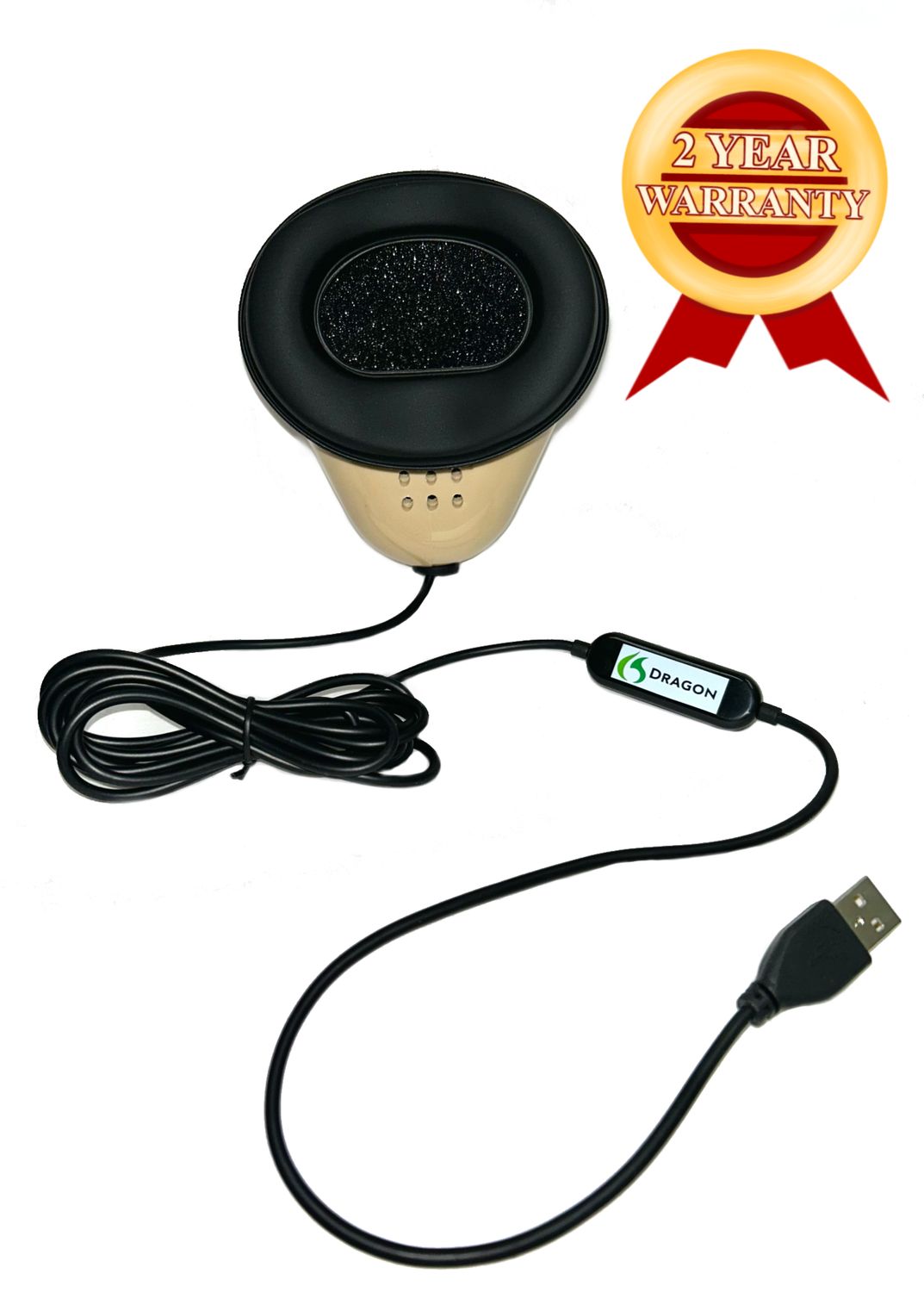
For a direct computer microphone path, review Martel Dragon USB Stenomask. When the arrangement also requires an independent analog destination for the writer's speech, examine Double Dragon 2 with USB and 3.5mm outputs. Confirm the computer connection and any second receiving input before deciding between them.
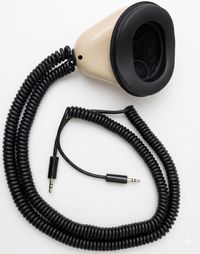
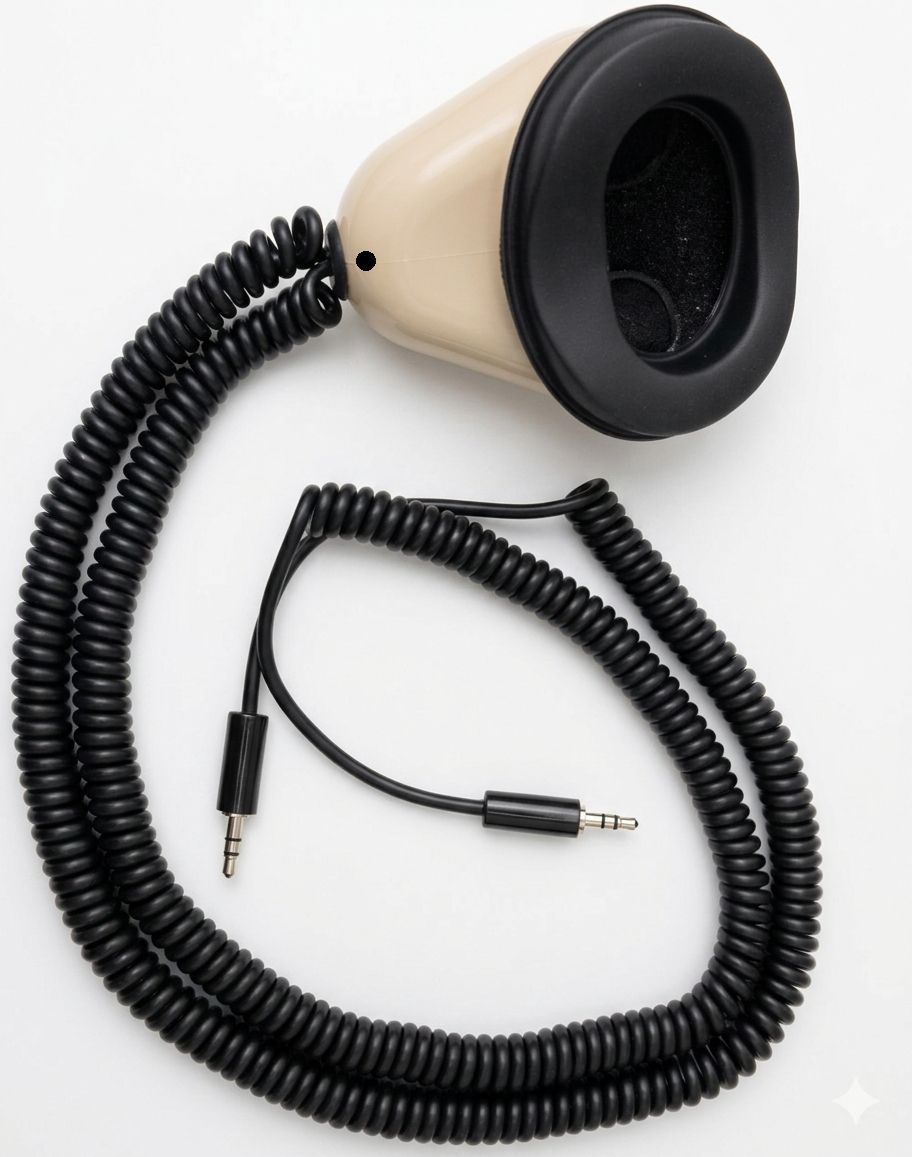
For an established compatible analog path, MM-18 provides one 3.5mm microphone output. MM-ST1 provides two independent 3.5mm outputs. A computer may need a suitable external interface for an analog microphone; do not infer compatibility solely from a socket's physical size.
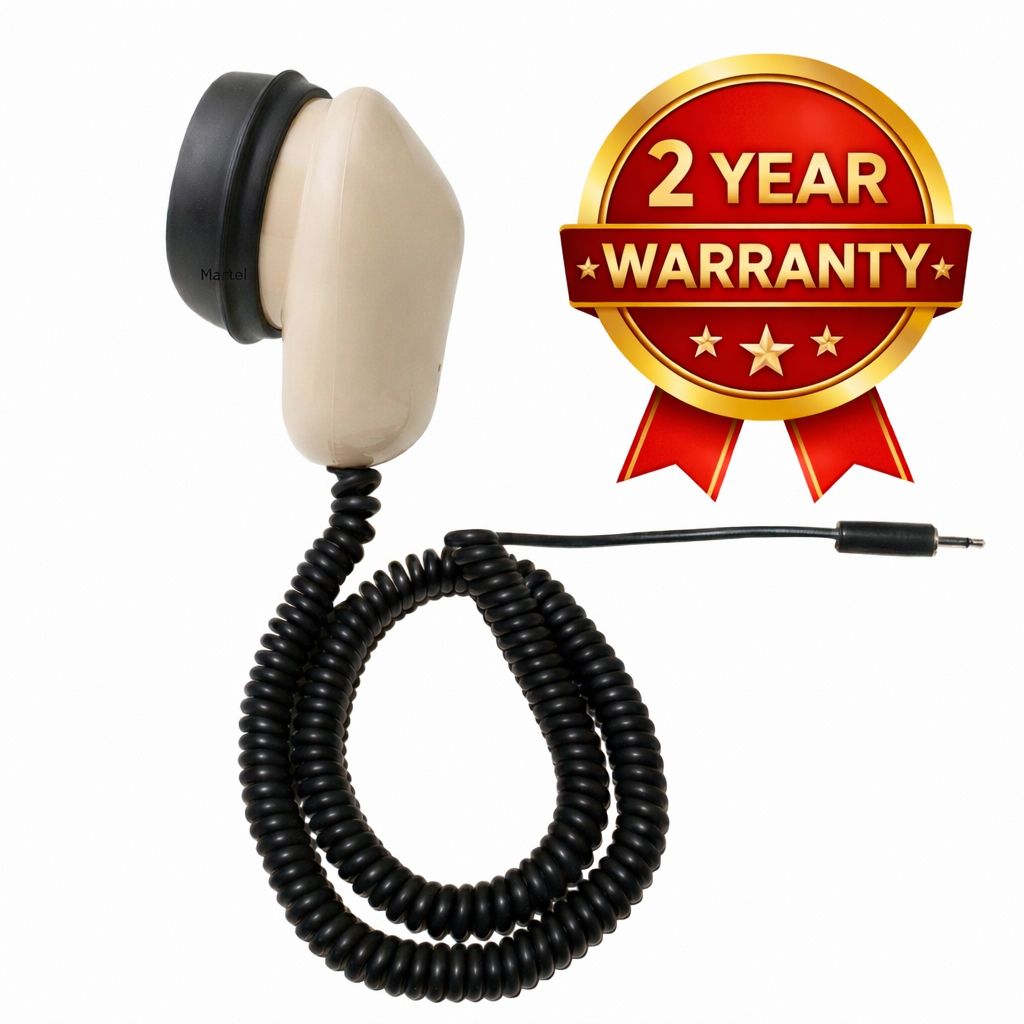
Specialty input arrangements may lead to MM-ST2, which combines independent XLR and 3.5mm outputs, or MM-XLR for a compatible XLR microphone input. MM-14 uses a quarter-inch microphone plug, and its listing states that it is not compatible with USB sound cards. These options belong to specific receiving-equipment plans rather than a general recommendation that one connector is best for all captioners.
The Martel stenomask connection comparison provides the wider model overview. Before purchase, record the exact computer, operating system, application, interface if required, and recorder if used. The phrase “CART equipment” is too broad to settle those details by itself.
Plan an on-site CART workspace from the room outward
For an on-site arrangement, begin by locating the reader, the captioner, the presenter, and the planned audio source. Make a simple room sketch. Show where the captions are expected to be read and how the captioner will hear the event. Include any places from which questions may be asked. The sketch should explain the service arrangement before it lists a mask model.
Ask the organizer to identify who controls the event audio and who can help with the display. A captioner may have a working mask input and still need assistance when a room source is muted or a shared screen shows the wrong material. Write down the contact role and an agreed way to request help during a rehearsal or event.
Place the captioning workstation so the user can manage the mask, keyboard, reference materials, and relevant screens. Route the microphone cable without placing it across normal movement areas. If a stand is used, verify that its mounting arrangement fits the actual table. Make these checks at the intended location rather than assuming that every desk behaves like the practice workspace.
A reader-facing check should include actual viewing conditions. Ask the reader or an appropriate helper to confirm that the intended display is available and readable in the agreed position. If the delivery arrangement offers display preferences, resolve those through its supported controls and the reader's requirements. Avoid making assumptions about a person's needs based only on the room size or a default font setting.
Then rehearse a short sequence with more than one speaking position. For example, use a presenter at the front and a questioner at the planned question location. The goal is to learn whether the captioner receives both sources and whether the reader receives the resulting text. This is a proposed rehearsal, not a claim that one room microphone or mask can serve every venue.
Plan remote CART as two directions of communication
A remote arrangement must bring the event to the captioner and send the resulting text to the reader. Those directions can involve different applications or services. Identify each direction separately, including the person responsible for supplying the event audio and the person responsible for the caption endpoint.
Start the rehearsal with a known speaker and an agreed test phrase. The captioner confirms that the intended event source is audible. The reader or helper confirms that the resulting text arrives at the agreed endpoint. Do not stop at the captioner's local screen; that only confirms one stage of the arrangement.
Keep the captioner's communication with the organizer distinct from the repeated speech supplied to recognition. Establish which microphone the meeting or communication application receives. The mask may be the correct input for the voice-writing application without being the intended input for everyone else in the session to hear.
List the network, power, and software dependencies of the actual configuration. A laptop can use a wireless network while the Martel mask remains connected by cable. The wireless and Bluetooth stenomask buying guide explains this distinction. Changing the mask connector does not establish an internet connection or resolve a caption-delivery setting.
If captions stop appearing, use the four-path drawing to report what still works. The captioner may still hear the speaker and see local text, which helps focus the next check on delivery. If the captioner cannot hear the event, inspect the incoming audio before changing the mask. Give the organizer a concrete observation instead of a general report that the whole system has failed.
Include every planned source in a hybrid rehearsal
Hybrid events combine people in a room with people joining through a remote connection. A rehearsal should include both, plus any planned media or audience-question arrangement. Make a source list before selecting equipment: presenter, in-room questions, remote participants, and any other agreed content. Then identify how each source reaches the captioner.
A convenient source list has three columns: source, route to the captioner, and person who can change that route. For an in-room question, the route may depend on the event's microphone procedure. For a remote participant, it may depend on the meeting arrangement. The mask does not control either source, so the organizer's operating plan is part of the preparation.
Use an original test exchange to make source identification easier. One participant can say, “The room question concerns the afternoon schedule.” A remote helper can say, “The remote question concerns the printed handout.” Have the captioner and the reader report which parts were received. Distinct phrases reduce the chance of confusing two source checks.
Include a planned transition, such as moving from presentation to questions. Confirm how the organizer signals that transition and how the captioner identifies the new source. A system that worked for one seated presenter has not yet been shown to cover an audience discussion. The rehearsal should reflect the event's actual pattern without attempting to simulate every possible failure.
Prepare names and terminology before testing speed
Ask for the materials needed to understand the event: an agenda, names of speakers, subject terminology, and any approved reference documents. Confirm how these materials should be handled and who can answer questions about pronunciation or spelling. Preparation should support the service arrangement without requiring unnecessary personal or confidential information.
Make a short terminology sheet with the exact form of each name or term and where it may appear. When the software workflow supports vocabulary preparation, follow its documented process. Keep a distinction between a list for personal reference and changes to a software vocabulary or dictionary; they are not automatically the same thing.
For a practice event, invent harmless names and terms rather than using a real confidential proceeding. An example might include “Cedar Workshop,” “Unit Seven,” and “the evening session.” Test those items in sentences, not only as isolated words. The purpose is to discover how the actual workflow handles the material and how the user will review or correct it.
Do not use a short rehearsal to claim a universal recognition rate. A small passage can reveal an input problem or a repeated term that needs attention, but it does not establish performance across every speaker, topic, pace, and environment. Use the recognition evaluation guide when you need a consistent method for comparing your own audio and text evidence.
Make the reader’s endpoint part of acceptance
Write the acceptance question in terms of the agreed service: can the reader access the intended captions through the planned display or delivery route? Assign someone to check that endpoint during rehearsal. The person writing captions is not always in a position to see what the reader sees.
Confirm how access starts. The reader may need a supported link, an application view, or an on-site display arrangement. Resolve that before the opening remarks. A correctly functioning text workflow can still be ineffective if the reader has not received the access instructions or the display is showing something else.
Agree on a practical way for the reader or helper to report a problem. Keep that communication separate from assumptions about what the captioner can infer. If the display stops updating, a clear report that includes the last visible phrase can be more useful than a general complaint that the text looks wrong.
At the end of rehearsal, record the endpoint that was checked, the person who checked it, and any unresolved requirement. This creates a useful preparation note for the actual event. It is evidence about the tested arrangement, not a guarantee of future uninterrupted service or a substitute for professional readiness.
Use an original four-stage rehearsal
Build a small practice session around four stages: source identification, ordinary speech, a transition, and completion. Keep the material short enough to review carefully. The following exercise is an original planning example; it is not a certification exam, a professional accuracy threshold, or evidence that any product has achieved a particular result.
Stage one: identify the sources
Have each planned source introduce a distinct label. A presenter might say, “This is the main presentation microphone.” A questioner might say, “This is the audience question position.” A remote helper might say, “This is the remote participant connection.” The captioner confirms the sources received, and a helper checks the reader endpoint. Note any source that is absent or unclear.
Stage two: use recognizable practice content
Use a short passage such as: “The morning workshop begins at ten twenty. Please bring the blue folder to table six. The next speaker will explain the sample schedule. Questions will follow the second example.” The content is fictional. Include terms from the approved preparation list if appropriate, and keep a reference copy so the rehearsal can be reviewed consistently.
Stage three: rehearse a normal transition
Move from the main presenter to a question and then back to the presenter. If the actual event includes a break, include a planned pause and resumption in practice. Check that the captioner understands the transition and that the reader's endpoint resumes as intended. Do not introduce disruptive experiments into a live event merely to test the equipment.
Stage four: finish and identify the outputs
End the practice session using the normal procedure for the chosen software arrangement. If saving text or audio is part of the agreed test, locate the intended output and open it. Identify what the file contains and who is responsible for it. A saved file and a successful live reader display are different outcomes; record both when both are required.
Afterward, sort the observations by path. Mark an incoming-audio issue against the event-to-captioner line. Mark a mask-input issue against the microphone line. Mark a missing reader display against delivery. This makes follow-up more specific and helps avoid changing a functioning component while the actual problem remains elsewhere.
Agree on a response to interruptions before the event
Choose a simple communication procedure for an interruption. Identify who can pause or clarify the event, who can check the incoming audio, and who can check the reader's endpoint. The captioner should know how to reach those people through the agreed arrangement. A written contact role is useful even when all participants are in the same room.
Keep interruption descriptions factual. “The remote participant stopped reaching my headphones” identifies a different problem from “I can hear the event and see local text, but the reader's display is not updating.” A specific description lets the appropriate person inspect the relevant part of the setup.
For a planned break, confirm what happens to the input, the text stream, and any agreed recording. Do not assume that stopping one application stops every other destination. Rehearse the resumption so the reader knows when captions are available again. Follow the professional and organizational procedures established for the service.
After an interruption, preserve an accurate note of what occurred and what was checked. Do not label unobserved material as successfully captured or silently describe a partial practice result as complete. The purpose of the note is to support a better preparation decision, not to produce a flattering equipment score.
Build the equipment budget by function
A clear purchasing worksheet separates the mask from the computer, software, delivery arrangement, listening equipment, optional recording, and positioning accessories. For each item, mark whether it is already owned, confirmed suitable, required to purchase, or optional. This prevents a microphone quote from being mistaken for the cost of a complete CART service arrangement.
| Function | What to specify | Buying boundary |
|---|---|---|
| Mask input | Martel model and receiving connection | Choose the output needed by the actual device. |
| Computer | Supported operating system, ports, and application requirements | A prepared computer does not establish every software license. |
| Software | Recognition, captioning, delivery, and recording roles | Confirm the actual editions, licenses, and integrations. |
| Event listening | The agreed route from each event source | The mask does not supply event audio to the captioner. |
| Reader access | Display or delivery endpoint and access instructions | Local text is not proof of reader access. |
| Optional second mask path | Compatible receiving device and agreed purpose | A connected second output does not save a file on its own. |
| Positioning and spares | Stand fit, applicable mouthpiece, and appropriate consumables | Buy accessories for the chosen model and workstation. |
For a laptop purchase, review the Martel voice-writing laptop buyer’s guide alongside the software requirements you actually intend to use. List any existing profiles, personal vocabulary resources, and configuration details that need consideration during a change. Do not assume that replacing a computer automatically transfers or validates those resources.
For positioning, the Martel stenomask flex stand can be evaluated as a support accessory. For a mouthpiece selection, review the SS4 Soft Seal product details and confirm applicability to the mask. These are separate choices from caption-delivery software and should appear separately in the budget.
Use the live product pages for current price, package contents, and availability. If a deadline matters, state it when requesting a quote. This guide does not promise stock, delivery dates, bulk discounts, or a particular institutional purchasing arrangement. Ask for the exact configuration and quantity you need.
Create a station record someone can understand later
After the equipment has been selected and rehearsed, make a one-page station record. Put the mask model and receiving input at the top. Follow with the computer, application roles, event-audio source, reader endpoint, and the location of any agreed practice output. Use the names actually visible on the equipment and in the application's input selection.
Add a short sequence for starting the arrangement. Begin with the physical connections, continue with the selected inputs, and finish with the reader-facing check. The record should make clear which observations confirm readiness. “Everything connected” is less useful than a note identifying the source heard by the captioner and the text received at the agreed endpoint.
Leave room for the date of the last rehearsal and for changes made afterward. A different laptop, an updated application, a new receiving interface, or a changed delivery route may require revisiting the relevant check. The station record provides a reference for that conversation without implying that an older successful rehearsal covers every later configuration.
For shared equipment, identify who maintains the physical kit and who controls the software configuration. Keep personal profiles and resources appropriately assigned. A handover should describe the equipment's condition and the checks performed, while leaving private event content out of an ordinary inventory record. This helps the next user understand the workstation without confusing equipment history with service records.
Apply the worksheet to two different purchasing situations
In a hypothetical individual workstation purchase, the captioner already has a supported computer and a confirmed caption-delivery arrangement. The remaining question is the microphone route. The purchasing discussion can focus on the Martel mask, the laptop connection, and any positioning accessory needed at the desk. A short rehearsal then verifies the input and the established delivery endpoint together.
In a hypothetical program purchase, several people will practice on assigned workstations. The program first needs a consistent equipment specification and a method for identifying each station's components. It should also decide how learners will receive practice material and how instructors will view the resulting text. A quantity of masks alone does not define that learning arrangement.
For that second situation, use the Martel school purchasing guide for quantity planning and receiving checks. For an individual learner, the student stenomask guide covers the initial equipment conversation. These examples do not imply that a named institution uses or endorses a particular configuration.
Plan a Martel mask purchase around your CART workflow
Compare Martel stenomask models, then contact Martel with your computer, software, and receiving-input requirements. For a documented equipment request, use the written quote request and identify which parts of the complete arrangement are included.
25 questions about CART captioning and Martel stenomask equipment
1. What does CART stand for?
CART stands for Communication Access Realtime Translation. It presents spoken communication as readable text during an event. For an equipment plan, the essential question is how that text reaches the intended reader. A microphone and computer are components of the workflow, while the complete service also depends on skills, software, and delivery.
2. Can voice writers provide realtime captioning?
Professional voice writing is one approach used in realtime services. The relevant professional background is described in the voice-writer overview. Equipment ownership does not establish readiness to provide the service. Choose training, qualifications, and the supported workflow for the work intended, then select the microphone connection that serves it.
3. What does a Martel stenomask contribute to CART?
It supplies the microphone input carrying the voice spoken into the mask. In the supported voice-writing workflow, software processes that input and the captioner manages the resulting text. The mask does not independently identify event speakers, produce a completed professional service, or deliver captions to a reader's display.
4. Does the mask hear the presenter directly?
The mask is used for the captioner's own spoken input. The captioner needs a separate, appropriate way to hear the presenter and other required sources. Put that listening route on the preparation sheet so a missing audience microphone or remote source is not mistaken for a mask problem.
5. Which Martel model is best for every CART captioner?
No single model is established here as best for every arrangement. Choose from the required receiving connection and number of independent destinations. A direct USB computer route, a single compatible analog input, and a two-destination plan call for different comparisons. Confirm the software arrangement before treating a connector choice as complete.
6. When is Dragon a relevant option?
Review Martel Dragon when the plan uses a direct USB mask input on a compatible computer. Check the supplied connection, available computer ports, and the application that will receive the microphone. Then rehearse the entire caption workflow, including the reader-facing endpoint, rather than judging suitability from connection alone.
7. What does Double Dragon 2 add to the plan?
It offers USB and an independent 3.5mm microphone output, allowing you to plan two compatible receiving destinations for mask speech. Assign a purpose to the additional route before buying. The second receiving device still requires its own settings, operation, and saved-output check if recording is intended.
8. Can MM-18 be considered for a captioning workstation?
Consider its single 3.5mm analog output when that matches the supported receiving arrangement. The computer or interface must accept the microphone appropriately. The same purchasing discipline applies as with other models: identify the full input path and verify it within the actual software workflow before relying on it.
9. Why might a buyer consider MM-ST1?
MM-ST1 is relevant when two independent 3.5mm mask microphone outputs match the intended equipment. It is not necessary merely because an event is called CART. Determine what each destination does and how it will be checked. Extra connections should answer a defined requirement rather than substitute for a preparation plan.
10. Does a dual-output mask create captions twice?
It supplies microphone outputs; the receiving systems determine what happens to them. A second analog destination may be used for a separate recording arrangement, but that does not automatically create another caption stream. Specify the software and receiving devices involved before assuming any additional text or recording result.
11. Is a backup mask recording the same as event audio?
No. A mask recording contains the speech supplied by the captioner through that path. Event audio has its own source and route. If both are needed for an agreed purpose, label them separately and verify each. Do not assume that a second mask microphone captures everything happening in the room.
12. Do I need wireless equipment for remote CART?
Remote work describes where the captioner is located relative to the event. It does not require the mask itself to be wireless. A wired Martel mask can be part of a computer arrangement that uses a network connection for incoming event audio or caption delivery, subject to the actual supported configuration.
13. Should the mask be the meeting’s talkback microphone?
Identify the intended communication arrangement first. The voice-writing input and the microphone heard by meeting participants can have different jobs. Check the selected inputs during rehearsal and have a helper confirm what participants hear. Avoid assuming that one successful microphone check proves every application is routed as intended.
14. How do I prepare for questions from the audience?
Ask the organizer how those questions will reach the captioner and include that procedure in rehearsal. A source that is clear to people sitting nearby may not be available through the planned remote feed. Check a representative question position and define who can assist if the source becomes unclear.
15. What should a hybrid-event source list include?
Include the presenter, planned in-room question sources, remote participants, and other agreed content. For each source, identify its route to the captioner and the person responsible for that route. Use distinct test phrases during rehearsal so the captioner and reader can report which sources were actually received.
16. Is seeing text on the captioner’s laptop enough?
It confirms a local result, not the reader's access. Have the reader or an appropriate helper check the agreed delivery endpoint. Confirm that the access instructions, display arrangement, and text flow work together. Record that observation separately from the microphone and recognition checks.
17. What information should the organizer provide beforehand?
Collect the event schedule, planned speaker and audience arrangements, relevant names and terminology, delivery expectations, and a contact for technical questions. Request only the materials needed for preparation and follow the agreed handling procedures. Resolve unclear pronunciation or spelling through the appropriate contact before the rehearsal where possible.
18. Can a short rehearsal establish an accuracy guarantee?
No. A short exercise can reveal specific issues in the tested arrangement, but it does not prove a universal result across other topics, conditions, or users. Keep the reference material and observed output, describe the conditions, and limit conclusions to what the exercise actually demonstrated.
19. What should happen if the reader’s display stops updating?
Use the agreed interruption procedure and report what is still functioning. If the captioner hears the event and sees local text, say so. Give the person responsible for delivery a specific observation, such as the last visible phrase, while following the service's established communication and continuation procedures.
20. How should breaks be rehearsed?
Check what pauses and resumes in each relevant application and destination. Confirm how the reader learns that captions are available again. If recording or saved text is part of the arrangement, verify how the break is handled there too. Stopping one process does not establish the state of every other process.
21. Is a transcript automatically part of a CART equipment purchase?
No. An equipment purchase does not define the service deliverables or create an agreement about saved text. Establish what will be saved, who receives it, and how it will be handled through the professional service arrangement. Keep those decisions distinct from the mask's connection and the computer's hardware specification.
22. Does a mask stand improve caption accuracy by itself?
No accuracy improvement is established here. A stand is a positioning accessory that may suit a particular workstation. Evaluate its desk fit, the user's speaking position, and the cable route. Judge the actual audio and text output separately rather than assigning a performance claim to mechanical support.
23. How should a program order multiple masks?
Define the station requirements, ownership or assignment plan, quantity, receiving inputs, and initial verification procedure before requesting a quote. Use the school purchasing guide for the equipment-planning details. A matching set of products is useful only when the program has also established the workflow those products are intended to support.
24. Are recognition and caption-delivery licenses included automatically?
Review each specific offer and license requirement. A microphone name, laptop configuration, or accessory bundle does not by itself establish every application needed for the service. List software roles and ownership separately in the budget, and resolve compatibility or licensing questions before making the equipment order final.
25. What is the most useful first question for Martel?
Explain the receiving arrangement you need: the computer and application, the intended mask input, any second device, and the workstation conditions. State which parts are already confirmed and which remain uncertain. Martel can then discuss the relevant equipment instead of trying to infer a complete CART workflow from a general product request.
Updated by Martel Electronics on November 13, 2026. The linked professional resources support the CART definition and voice-writing background; they do not endorse the equipment examples in this guide. Martel product listings support the connection descriptions. Rehearsals, worksheets, and purchasing scenarios are original educational material, with no invented customer results or performance measurements.