Dictation Systems for Multiple Attorneys Sharing a Secretary
Plan dictation for multiple attorneys sharing a secretary: compatible recorders, author identification, priorities, workload, corrections and software checks.
Plan a practical court reporting kit for school, depositions and courtroom work. Match your writing method, audio connections and backup workflow before you buy.
Browse Court Reporting Equipment
A useful court reporter equipment checklist starts with the work you need to complete. A student practicing voice writing, a stenographic reporter at a deposition, and a team covering a courtroom have different needs. Build around your writing method, then connect the computer, microphones, recorder and review tools into a system you can test.
This guide focuses on equipment available from Martel. Start with court reporting recorders and microphones, and use the checklist below to identify the connections and accessories your particular setup needs.
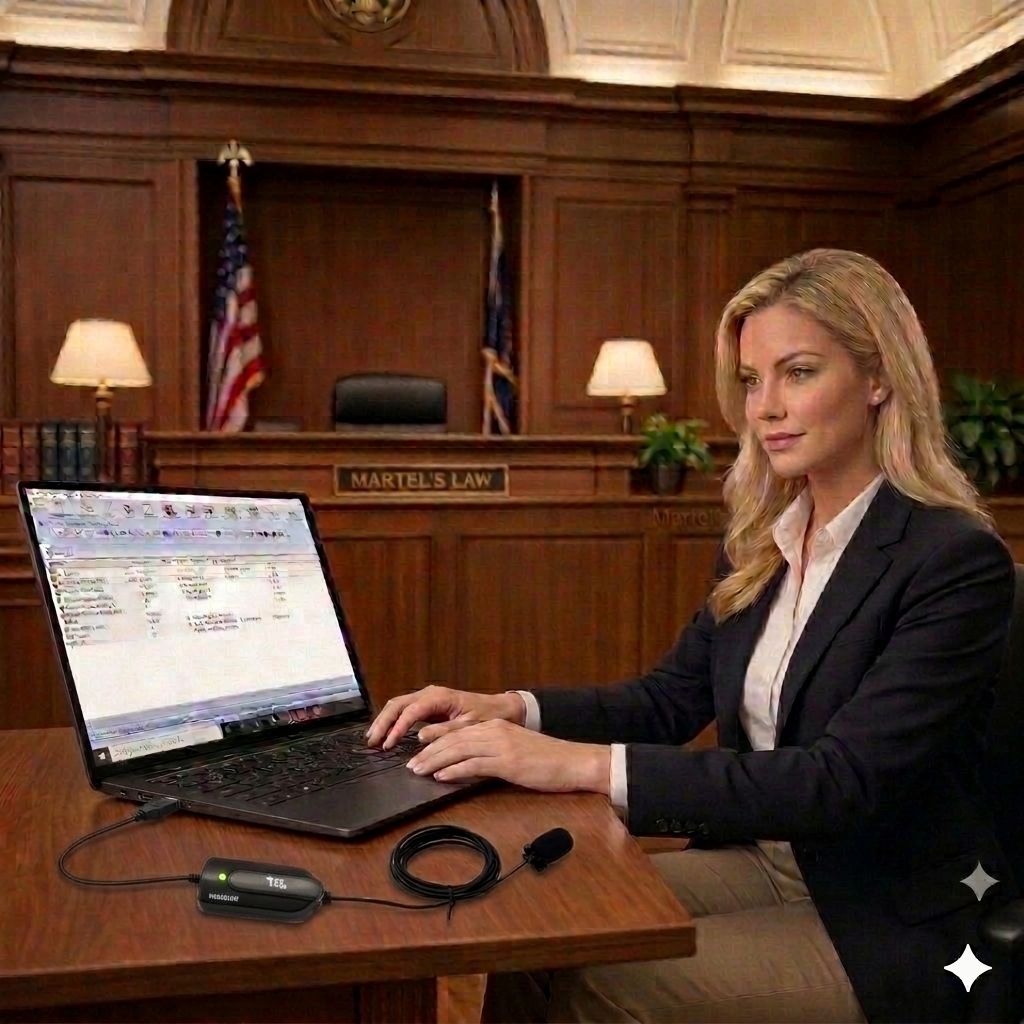
Before ordering, write down your software name and version, computer operating system, and the inputs on your writer or recorder. Students should request their program’s current equipment list. A school may teach a particular connection or recording workflow, so buying first can mean paying twice.
Stenographic reporting generally centers on a steno writer and compatible CAT software. Voice writing centers on a stenomask, recognition software and the reporting application. These are separate workflows; a room microphone does not replace the voice writer’s mask, and a mask does not replace room coverage when that coverage is needed.
Check your software vendor’s current requirements before choosing a computer. List every connected device, including the writer, microphone, recorder transfer cable, foot pedal, headset and external display. Count the ports they need together rather than looking at each accessory in isolation.
Browse Martel’s Elite Court Reporter Laptop for a stenographic setup or Vox Dragon laptop packages for voice writing. Confirm the exact configuration and included software on the listing. Plan access to power and leave time to test the complete setup before taking it to a job.
The HGM-USB Elite microphone connects to a computer through USB. A writer microphone instead needs to match the writer’s supported microphone input. Do not assume that a microphone becomes compatible because an adapter makes its plug fit.
For a small deposition room, begin with sensible placement near the speakers and away from paper handling or keyboard vibration. Larger tables or separated seating may call for multiple microphones. Compare the options in court reporter microphones, then read the USB, 3.5mm and XLR connection guide before adding adapters.
A second saved copy protects a file after it exists. A separately running recorder can also help when the primary computer stops recording. Those protections solve different problems. Decide where the backup gets its sound and power, and identify what it still shares with your main system.
The Court Reporter 5000 recorder and transcriber package combines backup recording with a cradle, headset and foot-pedal review workflow. The Scopist Edition serves a computer transcription workflow. Compare package contents instead of assuming every version includes the same accessories.
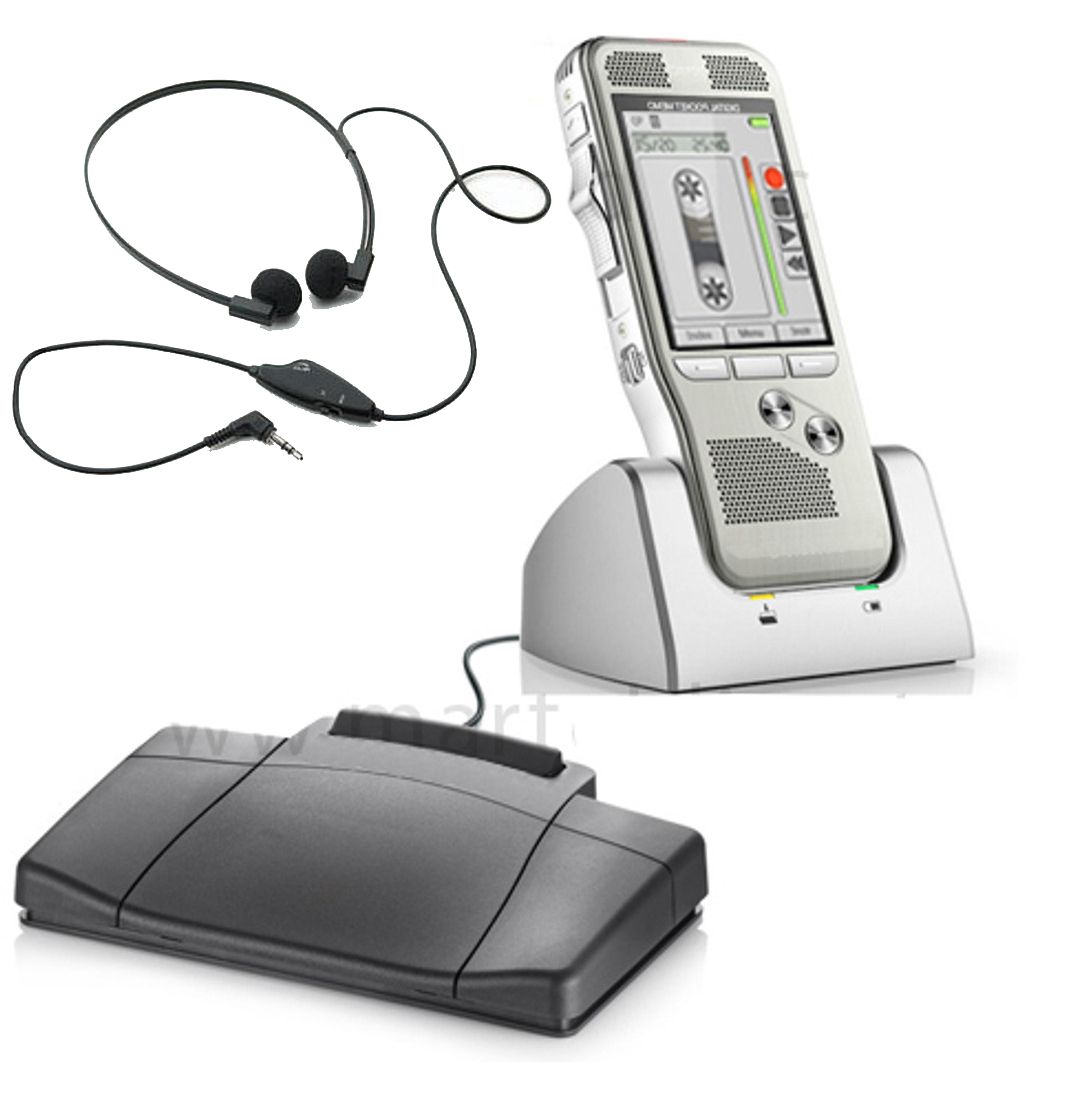
Keep a short packing list inside your case. Include the small parts that are easiest to overlook: the USB-C adapter, headphone connector, recorder cable and power supply. A spare is useful only after you have tested it with your actual equipment.
For students: prioritize the school-approved writing setup, a suitable computer and repeatable practice recordings. Add accessories when they solve a demonstrated need. Voice writing students can use the stenomask student guide to prepare questions for their instructor.
For depositions: plan around the table, soft speakers and any remote participants. Check that your saved file includes the voices you need. Hearing a remote speaker through your headphones does not establish that your recording application captured that speaker.
For courtrooms: evaluate seating and channel requirements. The Martel DM246 V2 four-channel courtroom recording system is a different type of setup from a portable backup recorder. Confirm the microphone package, channel routing and review process for the specific room.
Draw the signal path in plain words: microphone to input, input to software, software to saved file. Repeat it for the backup. This reveals shared failure points, such as both recordings depending on one computer or one upstream mixer.
Set recording levels using ordinary and louder speech. Leave room for louder moments rather than driving the meter to its limit. Stop, save, reopen and listen to a test file. Verify the quieter seat and each required channel. Use the recorder setup and backup guide for a fuller rehearsal.
Start with the school’s current list. Confirm the writing method, software, computer requirements and microphone connections before buying. A complete, tested basic setup is more useful than a large collection of unverified accessories.
They can serve different roles. Computer audio may support your reporting workflow, while a separate recorder can provide another recording path. Decide which failures your backup is intended to cover.
Room size, seating, distance and noise change the result. Test quiet speech from each important position. Add coverage when the saved sample shows that your existing placement is insufficient.
No. Equipment supports your work; training, qualifications and the requirements of the assignment still matter. Practice operating and reviewing your complete setup before relying on it professionally.
Explore court reporting equipment at Martel and keep your checklist with your tested setup notes.
