Updated · By Martel Staff
DM246 four-channel courtroom recording
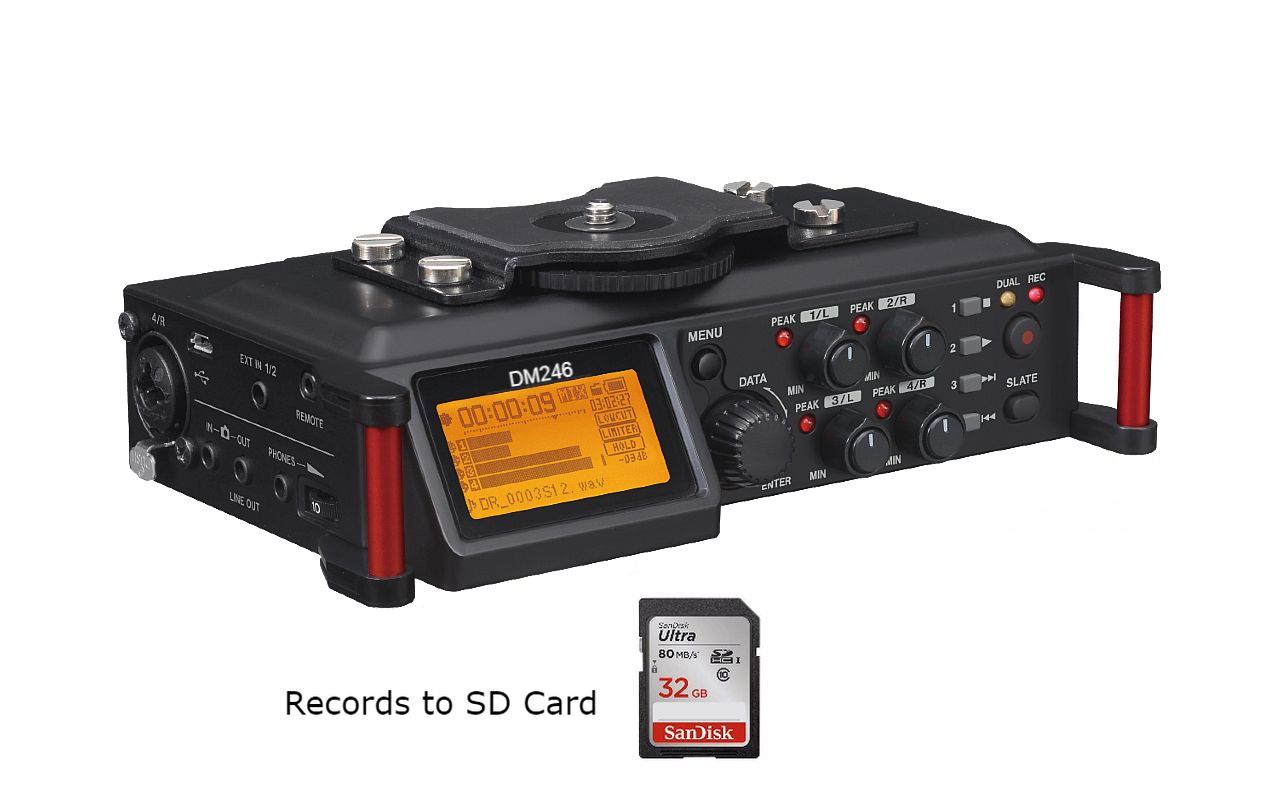
The DM246 V2 records four channels to SD/SDHC media as 16-bit, 44.1 kHz WAV audio and provides headphone monitoring. Check each input on a saved multichannel sample before the first proceeding. Separate channels let the operator organize microphone inputs around positions such as the judge, witness, prosecution and defense. The recording still depends on microphone placement, level settings, power and the recording media; no recorder can guarantee that every word will be intelligible.
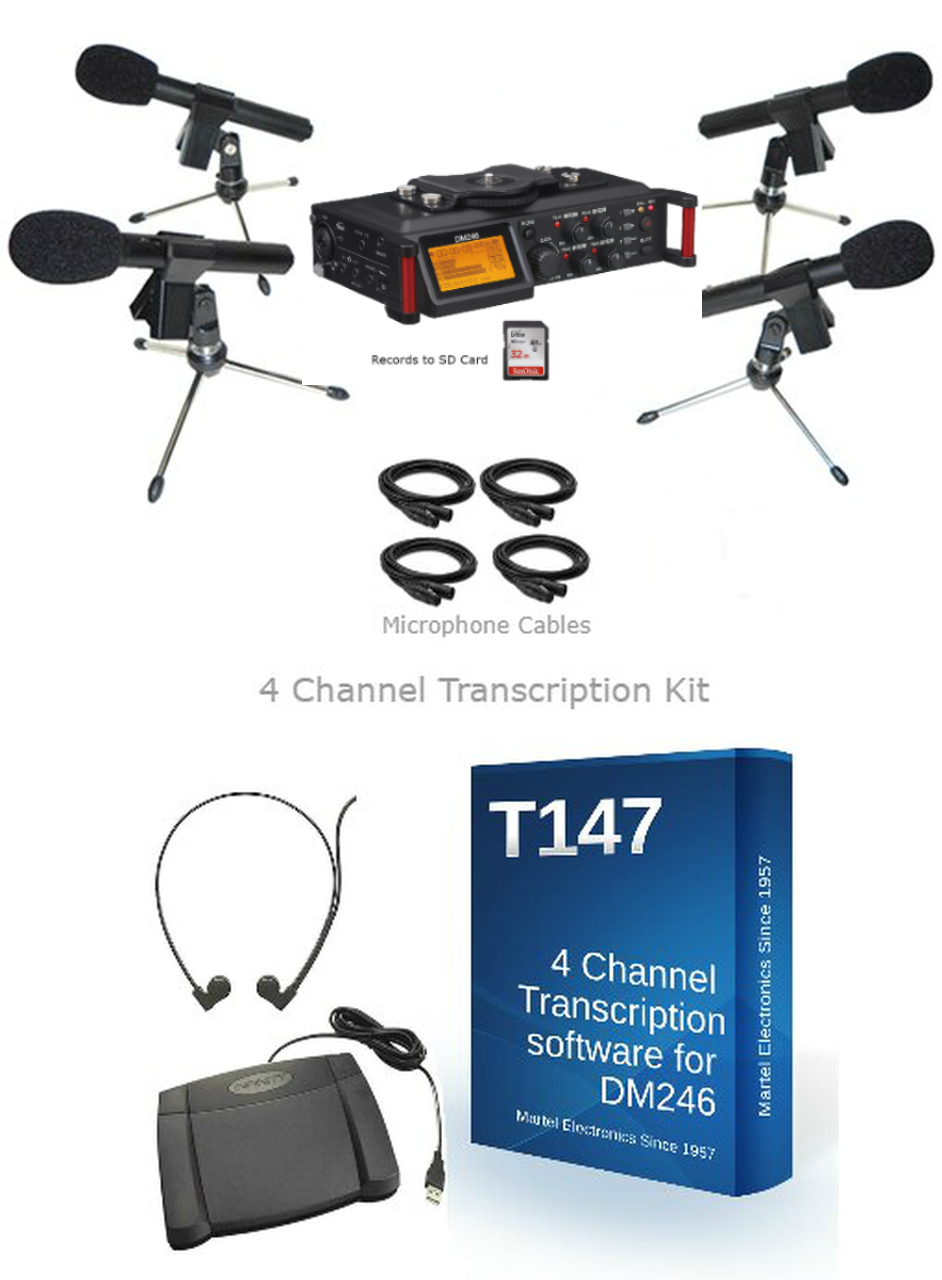
Compare the DM246 courtroom recorder packages to choose the recorder, microphones and transcription equipment for your room. Package contents differ, so confirm which microphones, cables and transcription tools are included.
How separate audio channels help during playback
Multiple microphone inputs
Position microphones near the sources that need to be recorded and assign them to the intended recording channels. Some packages use more microphones than recording channels. In that case, microphones combined onto one channel cannot later be separated into independent tracks simply by using the playback controls.
Selecting a channel
Compatible multichannel transcription software lets the listener select one channel or a combination of channels. For example, listening to the microphone nearest a witness may make that testimony easier to follow than listening to all room microphones together.
Clarity and focus
Channel selection reduces competing recorded inputs, but it does not remove all background sound or separate individual voices already captured by the same microphone. Good microphone placement and a monitored test recording remain essential, especially when speakers interrupt one another.
Transcription and review
The T147 four-channel transcription kit is intended for the DM246 workflow and allows supported recordings to be reviewed by channel. The transcriptionist still listens, identifies speakers and checks the transcript. Channel control is a review aid, not automatic proof of an accurate transcript.
Using a stenomask with the DM246
A compatible stenomask can be assigned to one channel while the other channels record the room. The DM246 stenomask package for voice writers includes equipment for that workflow. Confirm the mask connection, input settings and microphone power requirements before connecting it.
Choosing a microphone package
Martel offers a four uni-directional microphone and transcription package, a four omni-directional microphone package, and an eight-microphone package. Match microphone placement and pickup style to the room, then verify each channel, monitoring, storage capacity and backup procedure before recording a proceeding.
Related Martel equipment
Common Questions and Answers
What does four-channel recording mean on the DM246?
The system records its supported inputs as four channels for later review. Channel count describes the recording paths, not a guarantee that every person in the room will have an isolated voice track.
Can I listen to individual channels during transcription?
Use compatible multichannel playback equipment or software, such as the supported T147 workflow described here. Confirm the exact files and controls before choosing a transcription package.
Can a stenomask replace the room microphones?
A compatible mask can feed the reporter’s spoken voice into an appropriate input. Capturing other participants requires a separate room-audio plan with suitable microphone placement and channels.
Do all DM246 packages include the same accessories?
Read the current package list for microphones, cables, playback equipment and other included items. Check power, storage and backup arrangements, then test every saved channel before relying on the system.