Dictation Systems for Multiple Attorneys Sharing a Secretary
Plan a practical dictation system for several attorneys sharing a secretary. Match recorders and transcription seats, identify authors, organize priorities, manage corrections and test the shared workflow.
When several attorneys share a secretary, the difficult part of dictation is often deciding whose recording has arrived, what it contains and when it should be typed. More recorders can improve author access, but they do not identify priorities or prevent two versions of the same job from entering the queue.
A useful shared-secretary system combines compatible author equipment with a simple intake process. This guide explains how to plan that system using Martel recorders and transcription equipment, with practical examples for author identification, workload, corrections and expansion. The aim is a queue the secretary can understand without interrupting every attorney for clarification.
Map author equipment separately from transcription equipment
Count authors and typists as different roles. Three attorneys may need three available recording devices while sharing one secretary playback workstation. Conversely, one attorney with two people transcribing at different desks may need more than one properly licensed playback installation. Headcount alone does not determine the package count.
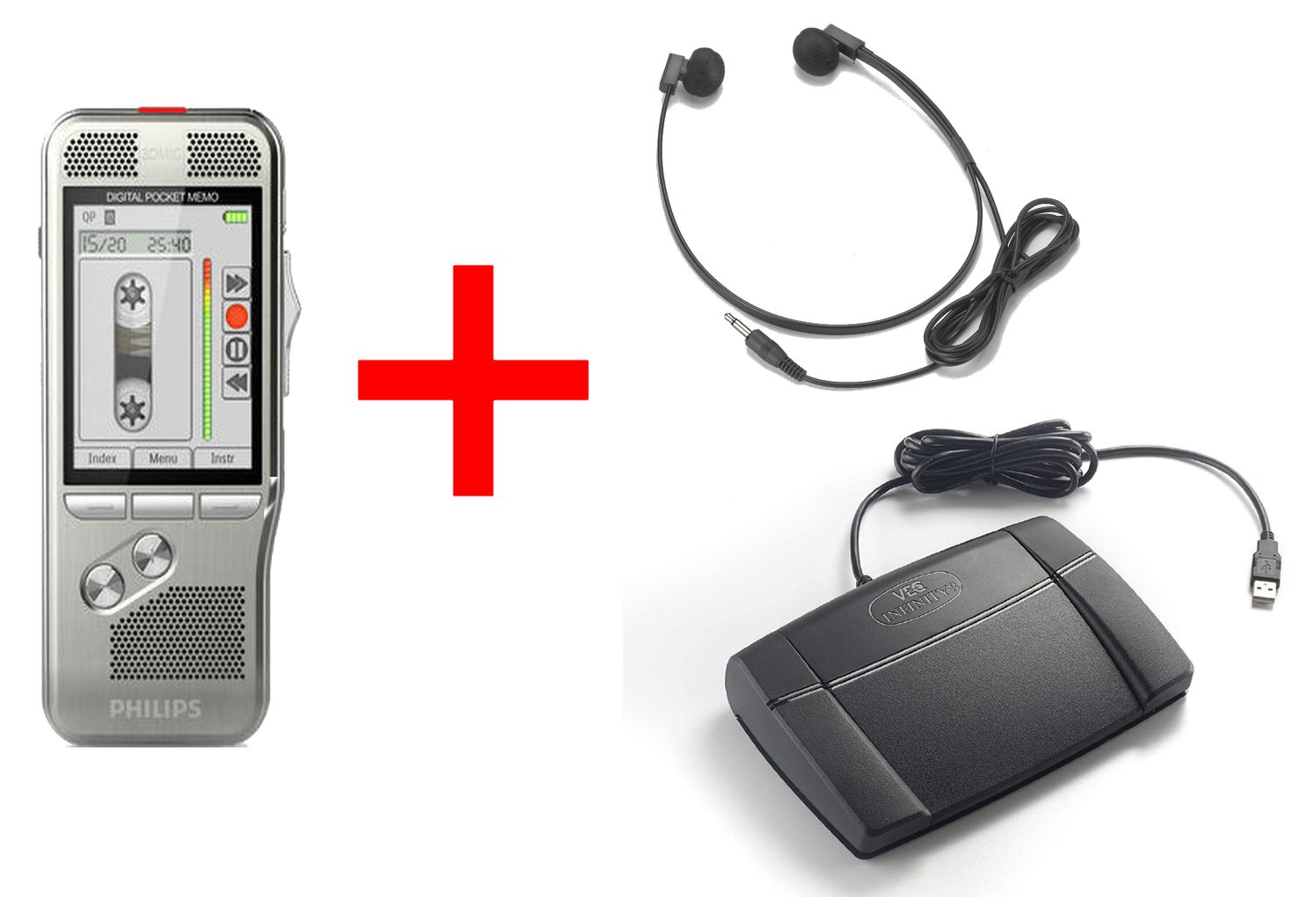
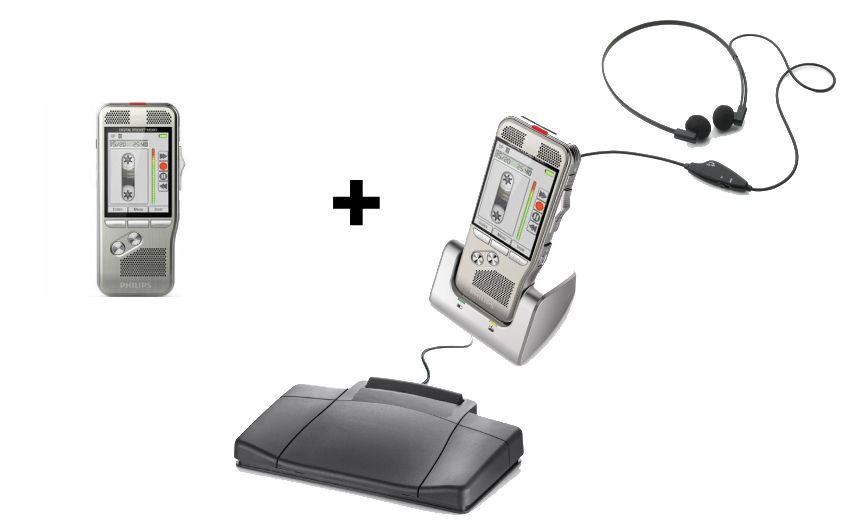
Martel’s Lawyer Dictation Recorder + Free Secretary Transcriber combines author equipment with computer transcription tools. The site also lists an extra lawyer dictation recorder for expansion. Before adding it, verify its current contents, recording formats, download method and fit with the secretary’s existing software. A product’s name does not replace that compatibility check.
A recorder-and-transcription package can establish the first author and secretary positions. Additional authors require a separate compatibility and queue plan.
Give every assignment an identity
Agree on a short opening for dictation: author identifier, office job reference, document type and requested completion time. Use the office’s approved matter reference rather than unnecessary personal details in exposed labels. The secretary should hear enough to match the audio to the correct job even if the file name is unfamiliar.
For a fictional example, attorney A records “Author A, DEMO-081, first draft letter, requested for review tomorrow morning.” Attorney B uses DEMO-082 for a separate memo. These identifiers are deliberately simple. Their value comes from consistency across audio, queue entry and returned document, not from an elaborate naming convention.
If the recorder and supported software provide author identification, configure and test it. Do not assume that every package automatically adds an author name or routes files to the correct desk. Confirm what metadata reaches the actual playback application. A spoken identifier remains useful when a file is copied outside the normal import process.
Build one understood intake queue
Choose a single approved entry point for new work. It may be a documented shared folder, a supported software queue or a physical handoff log for a no-PC workflow. Avoid a situation where one attorney leaves a recorder on the desk, another emails files and a third assumes a download folder is monitored.
For each assignment, record the job reference, author, document type, received time, requested completion time and current status. Include a place for missing instructions or an unclear recording. The queue does not have to be sophisticated; it has to be authoritative enough that everyone knows whether a job has been accepted.
Use a small set of status labels with explicit meanings. For example, Received means the secretary has acknowledged the audio, In Progress means typing has started, and Awaiting Author Review means a draft has been returned. Add an exception status for Missing Information rather than leaving an incomplete job invisible at the bottom of a folder.
Fictional job
Author
Requested result
Status
DEMO-081
A
Letter draft for morning review
In Progress
DEMO-082
B
Memo draft after the letter
Received
DEMO-083
C
Revision requiring clarification
Missing Information
Set priorities without creating an emergency for every file
A priority label needs a definition. Decide who can assign urgency, what information must accompany it and how conflicting requests are resolved. “Urgent” without a requested review time leaves the secretary to make assumptions about the attorneys’ competing needs.
Distinguish the time the secretary must return a draft from any later external deadline. That allows time for author review and corrections. For an unusually large or unclear assignment, the secretary should acknowledge receipt and flag the expected constraint promptly through the office’s normal channel rather than silently promising an impossible turnaround.
Do not let file order alone determine the schedule. Copying audio can change visible timestamps, and a recording created earlier may arrive later. Record the actual intake decision in the queue. Keep any change of priority attached to the job reference so a spoken hallway instruction does not become the only record of the new order.
Plan capacity from your own measured work
Audio length is a useful starting point, but it does not equal typing time. Dense terminology, unclear speech, document formatting, interruptions and required checking can change the effort substantially. Measure a representative sample of the office’s own work before promising a fixed turnaround based on recording minutes.
Planning example: Three attorneys submit 12, 18 and 10 minutes of audio, for 40 recorded minutes in total. If the office’s own observations show that this type of work takes four minutes of transcription effort per recorded minute, that sample implies 160 minutes of typing effort before separate review and other duties. The four-to-one ratio is an invented illustration, not a claim about equipment speed or a universal industry rate.
Repeat the estimate with your actual observations and available staff time. If demand regularly exceeds capacity, additional recorders will not solve the typing bottleneck. The office may need different scheduling, another authorized typist or a separate evaluation of supported recognition tools. Keep that staffing decision separate from choosing a recorder.
Handle corrections as identified versions
When an attorney revises an assignment, identify the original job and state whether the new audio supplements or replaces it. A secretary should not have to infer that relationship from a file arriving five minutes later. Use a revision indicator that also appears on the returned document.
Keep the original and correction distinguishable until review is complete. If a file is overwritten in place, the typist may unknowingly continue with an older open copy. A queue note such as “DEMO-081 revision 2 replaces paragraph three” provides context without requiring the secretary to listen to every file again to discover what changed.
When words remain unclear, mark the issue against the job reference and return it to the correct author. Do not allow another attorney’s preferences or a previous document’s wording to silently fill gaps. Accurate author identification improves the clarification process as much as it improves initial routing.
Decide whether physical handoff still fits
A small office can share transcription through recorder or card handoff, but multiple authors increase the need to track physical possession. Martel’s two-unit no-PC Law Office Pro set separates author recording and secretary playback within its specified workflow. It does not automatically create a managed multi-author queue.
A physical-media workflow needs a card and assignment log when more than one author contributes work.
If physical handoff is preferred, label compatible media, record who has each card and define when it can be reused. Confirm equipment and card interchangeability before sharing media among different recorder models. Our no-PC one-recorder versus two-recorder guide explains the underlying handoff and availability questions.
Technical planning: formats, routing and software seats
Test a sample from every author recorder on the actual secretary workstation. Verify the chosen recording format, complete playback and foot control. A device using a familiar extension does not establish that all editing features or metadata will transfer as expected. Keep the DSS, DS2, MP3 and WAV reference with the equipment plan.
More advanced software can provide author identifiers and routing rules, but those features depend on the product, module and configuration. For example, OM SYSTEM’s ODMS R8 Transcription Module documents author and work-type information and configurable routing. That does not mean ODMS R8 is included in every Martel recorder package. If considering it, compare the current Martel AS-2700 transcription kit listing and confirm the required entitlement and compatibility.
Count software seats separately from recorders and clarify where each module is installed. Automated routing also needs an exception path for unknown authors, incomplete metadata and duplicate deliveries. Test those cases with fictional jobs before allowing an unattended rule to become the only way the secretary discovers new work.
Roll out the system in manageable stages
Complete one author-to-secretary test, including a returned draft.
Add a second author and confirm that files remain distinguishable.
Submit two fictional assignments with different priorities.
Send a labeled correction and an intentionally incomplete job.
Confirm how the secretary requests clarification and changes status.
Review the workload after a representative period and adjust the process.
Keep the agreed procedure short enough that a substitute secretary can follow it. Include the intake location, supported equipment, status meanings and who handles exceptions. The system becomes useful when the ordinary work is predictable and the unusual work has a visible place to go.
Questions and answers about shared-secretary dictation
Does every attorney need a full recorder-and-transcriber bundle?
Count author devices and transcription workstations separately. An additional compatible author recorder may be sufficient when one existing secretary station handles playback. Verify file support, download arrangements and licensing before expanding rather than buying repeated bundles by default.
Can one secretary receive work from different recorder models?
Potentially, if the actual software supports each recorder’s chosen file format and the handoff method is tested. Use a sample from every model. Do not infer compatibility solely from brand names or assume that every file carries the same author metadata.
Will new recorders automatically organize authors and priorities?
No. Author identifiers, priority fields and routing depend on the recorder, software and configured workflow. A clear job reference and an acknowledged intake queue are useful even where software provides some of those functions.
How many audio minutes can one secretary handle each day?
There is no reliable universal answer. Measure the office’s own work, including formatting, corrections and other duties. Use that evidence to estimate capacity and leave room for review and exceptions rather than treating audio length as elapsed typing time.
What if an attorney submits a replacement recording?
Require the original job reference and a clear statement that the new audio replaces or supplements prior instructions. Mark the new version in the queue and keep the relationship visible until review is finished. Avoid silently overwriting a file the secretary may already have open.
When is workflow software worth considering?
Evaluate it when manual intake, author identification or routing creates recurring problems that the software specifically addresses. Confirm the relevant features, supported recorders, software modules and seat requirements. Add automation only after the office understands the process it wants the software to perform.
First paragraph
Use this space to develop your idea and move the story forward. Add details, examples, or observations that make your point clearer. Keep each paragraph focused around one idea. Add more sections to build your story step by step.
Save this guide with your equipment list, or share it with someone planning a Martel stenomask setup.