Zoom Multiple Microphones
|
MARTEL ELECTRONICS • ZOOM MULTIPLE MICROPHONES Stop Losing Voices
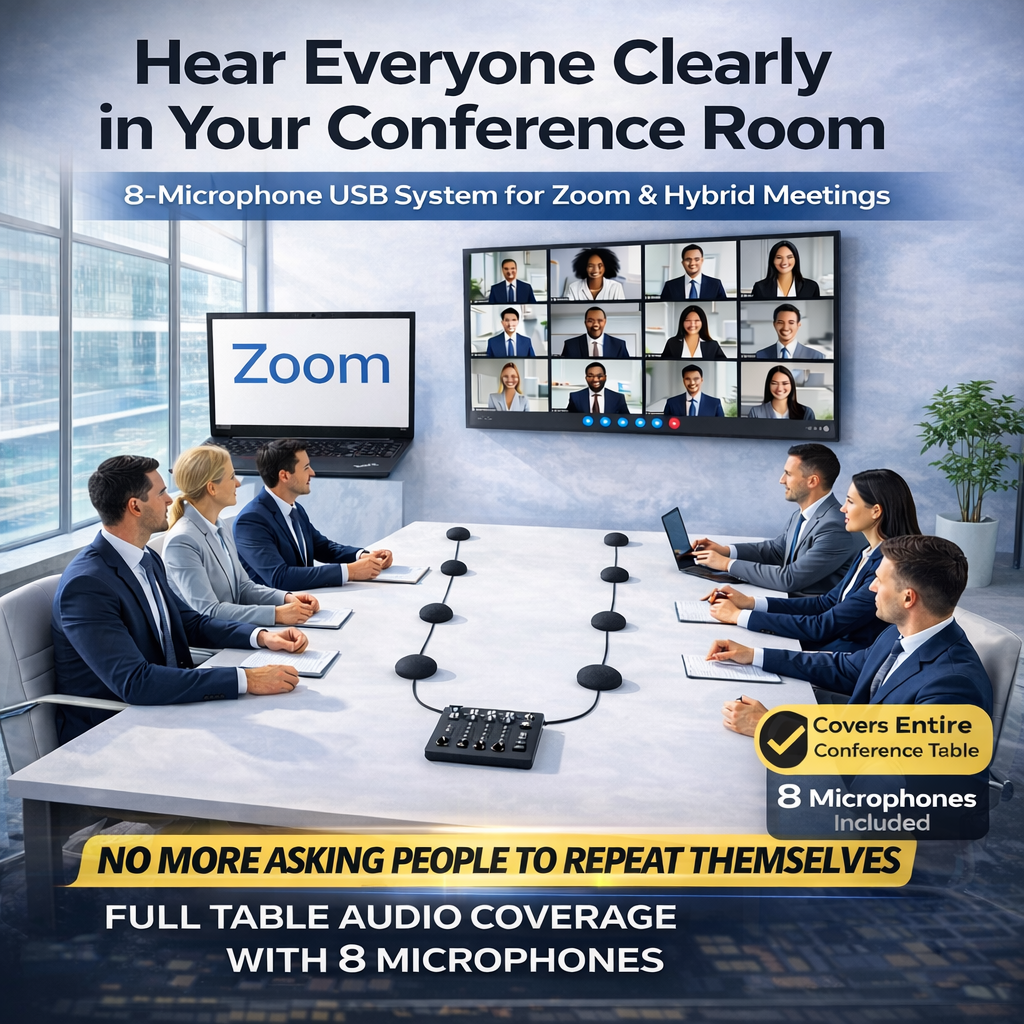
4, 8, 12 or 16 microphones. One USB connection. Give remote attendees a clearer connection to the people in the room. Place microphones around your table instead of relying on one laptop microphone to hear everyone. For Zoom, Microsoft Teams and Webex meetings. Compare the 4 Systems ↓ Email for a Quote
|
||||||||||||
|
One USB Input Multiple microphones. One computer input. Windows Use your meeting computer. Plug & Play No additional system software to install. Martel Setup Support Help choosing and setting up your system. |
||||||||||||
|
FOUR PACKAGES • ONE SIMPLE ROOM-AUDIO SOLUTION Choose the System for Your TableCompare microphone counts and suggested group sizes. Select a package to see complete contents, current pricing and availability. |
||||||||||||
|
||||||||||||
|
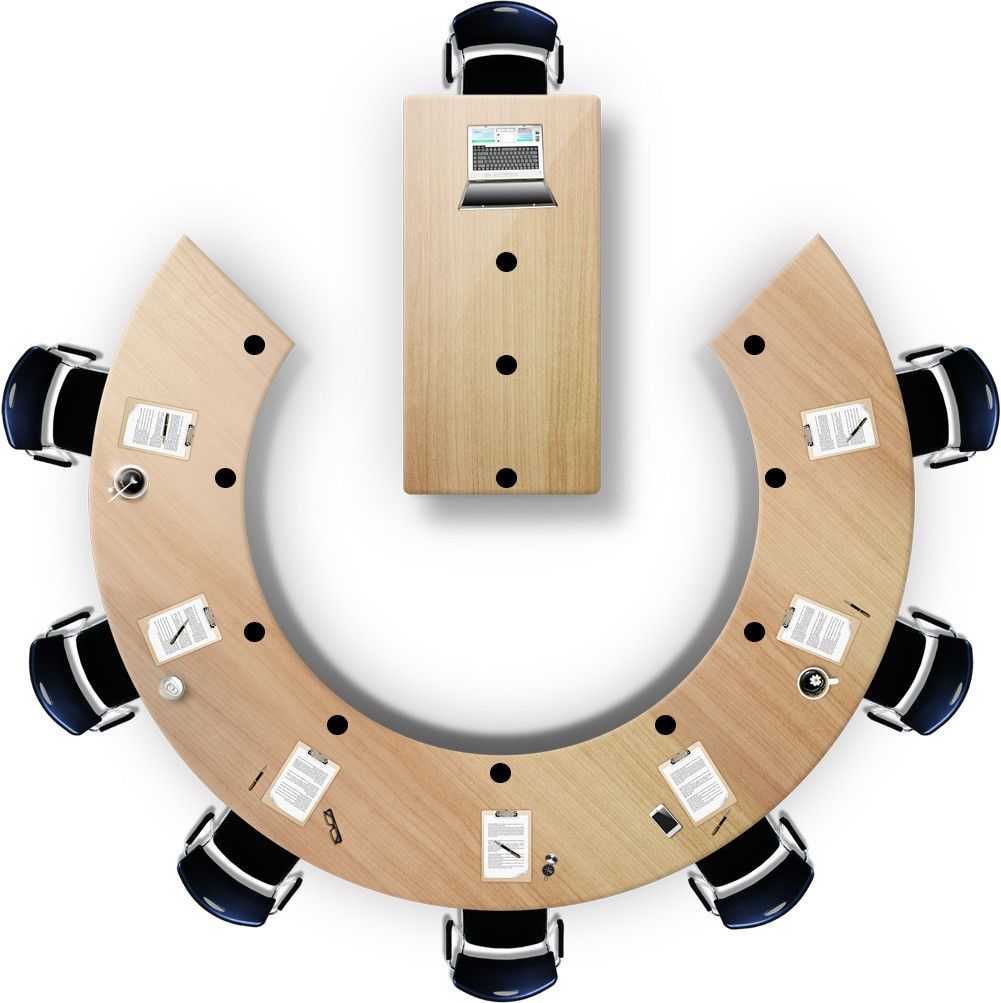
Group sizes are a starting guide, not a guaranteed room capacity. Table layout, microphone placement and room acoustics affect coverage. Prices shown are guide prices; confirm current pricing and availability on the product pages. |
||||||||||||
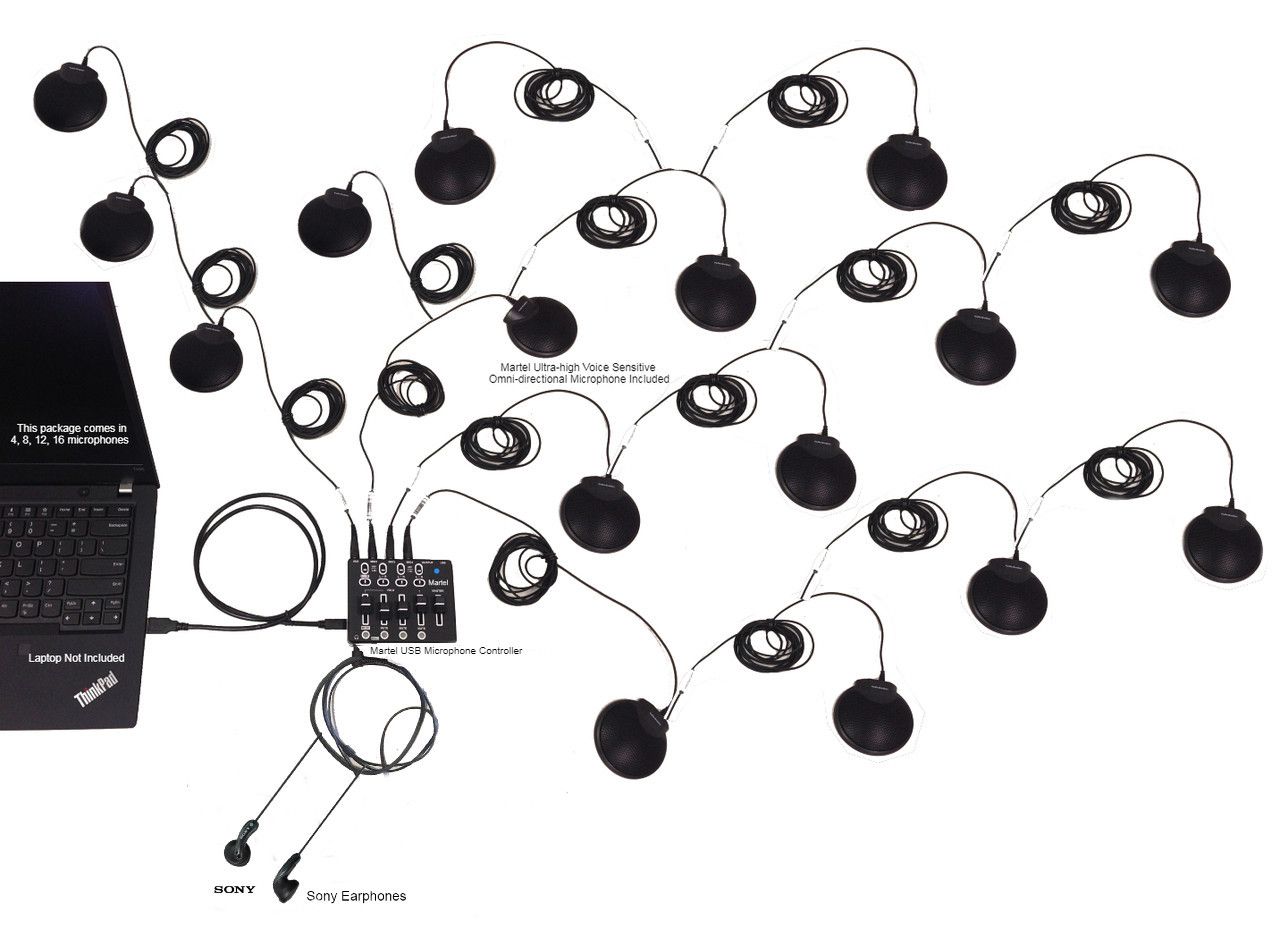
More Than Microphones. A Complete Setup.Each package includes its listed microphones, a Martel USB audio controller, extension cables, USB connection, power adapter and hard carrying case. Need a written quote? Email your room dimensions, table layout and typical number of attendees to law@marteldigital.com. |


Meeting and hybrid audio guides
Compare microphone placement, connections and multiple-microphone setups for remote and hybrid meetings.
- Conference Room Microphones for Zoom and Teams
- Audio Grabber Daisy-Chain Microphones for Hybrid Meetings
- How to Record Everyone Around a Long Conference Table
- Boundary, Gooseneck and Omnidirectional Microphones Explained
- Wired vs. Wireless Conference Microphones: How to Choose
- How Many Conference Microphones Do You Need? 4 vs. 8 vs. 12 vs. 16
- How to Connect Multiple Conference Microphones to One USB Computer Input
- Teams Can Hear One Person but Not the Rest of the Room: What to Check
- How to Troubleshoot Echo in a Hybrid Conference Room
- Conference Microphone Systems for City Councils and School Boards
- Meeting Recorder or USB Conference Microphone System: Which Do You Need?
- How to Review a Microsoft Teams Transcript Against the Recording
- How to Transcribe Zoom Recordings: A Complete Review Workflow
- How to Use a Transcription Foot Pedal: Setup, Technique and Reliable Review
- Testing a 12- or 16-Microphone Conference System
More equipment guides
Explore the meeting recording series · Browse all Martel equipment guides
Portable conference microphone kit guide
Plan meetings away from your office with current Martel kit prices, room layouts, setup checks and original questions and answers.
Portable Conference Microphone Kits: Setting Up Meetings Away From Your Office
On Sale
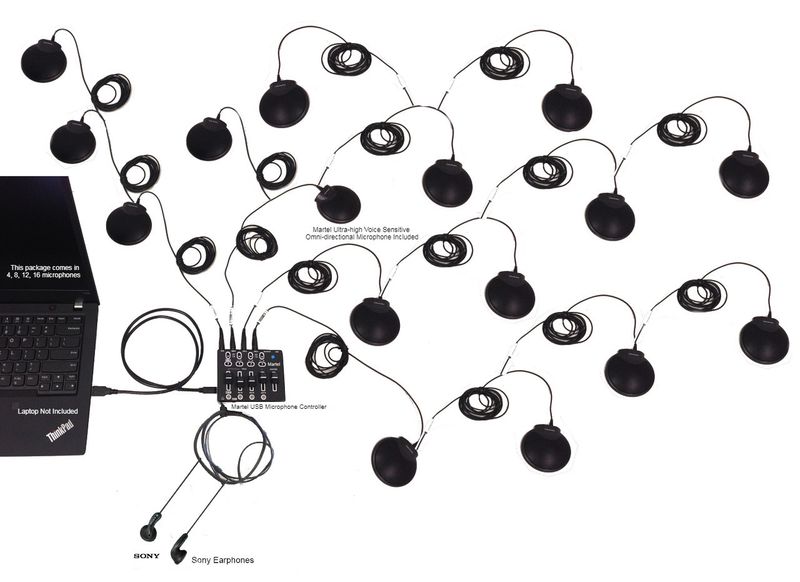
Zoom USB Multiple Microphones System 16 Microphone Mixer
Zoom USB Multiple Microphones System 16 Microphone Mixer
#1 Ordered 16 Multiple Mics Package for Large Meetings | Most Powerful Multiple Mic System in the World!
was $1,699.99
Save 41%
$999.99
On Sale

Zoom USB Multiple Microphones System 12 Microphone Mixer Package Boardrooms
Zoom USB Multiple Microphones System 12 Microphone Mixer Package Boardrooms
#1 Selling Zoom Multiple Mics System in the World! | #1 Choice for Large Board Rooms
was $1,199.99
Save 33%
$799.99

On Sale

Zoom USB Multiple Microphones System
Zoom USB Multiple Microphones System
#1 Multiple Zoom Microphones system
was $699.99
Save 43%
$399.99