Choosing a VOX laptop for EclipseVox with Dragon or Speechmatics
If you are buying a court reporter laptop for voice writing, ask one question before you choose a package. Where will your speech be turned into text? In EclipseVox, the answer can be Dragon Professional on your Windows laptop, Speechmatics Enhanced through a cloud service, or Speechmatics Enhanced on hardware designated by the software publisher. Each answer identifies the equipment, software access and setup to include in the order. A complete first-day plan brings those items together for the student’s chosen class.
This guide walks through those three purchases using a sample order, a first-day practice exercise and questions you can send to a school or support office. The worked examples use invented students, schedules and passages. You can use them without bringing a client name, a proceeding or a real transcript into a demonstration.
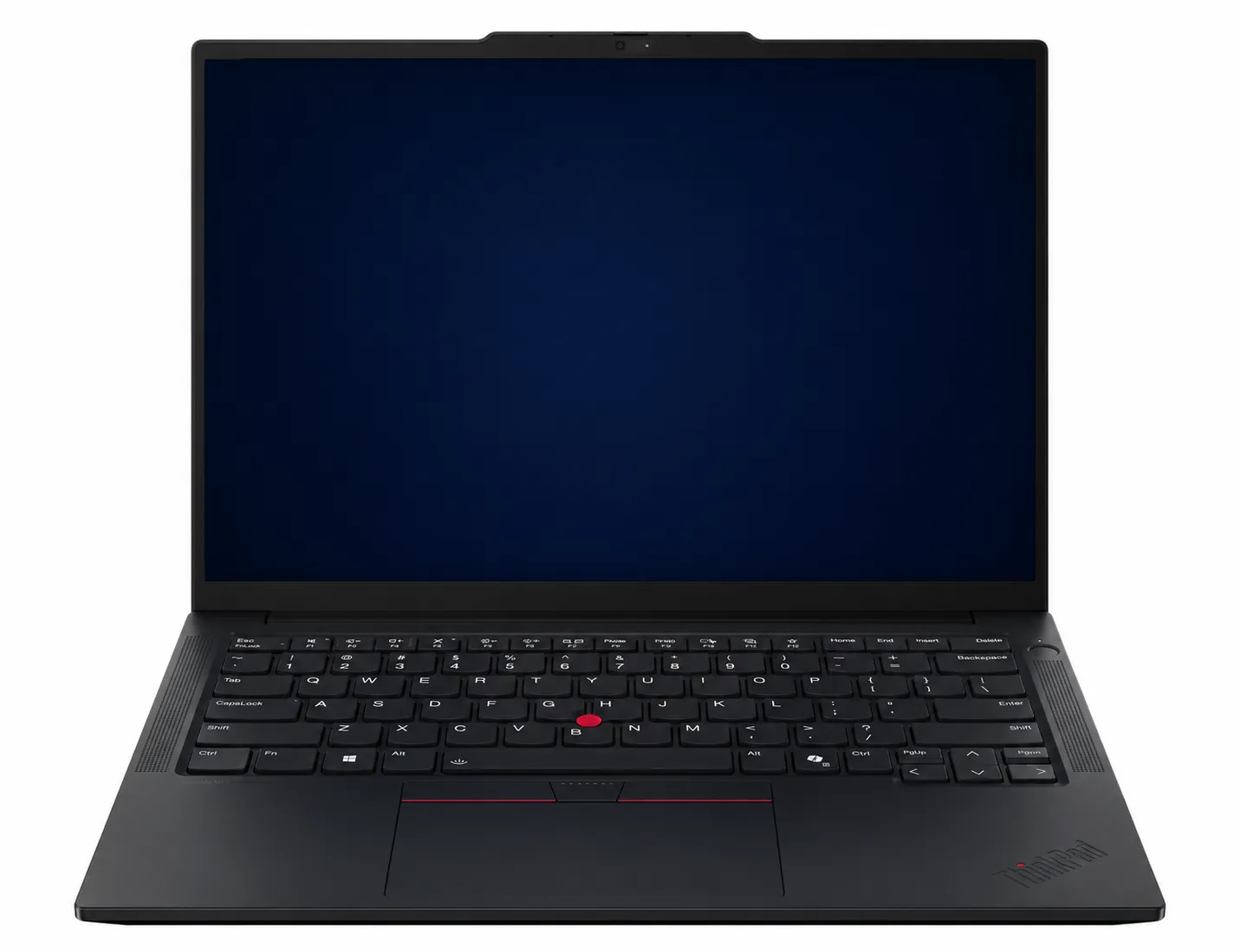
The Martel gallery photograph shows a VOX Elite voice-writing laptop. Current package details belong on the selected product listing and your dated order. A picture of the computer cannot tell you which recognition license, service or processing arrangement has been ordered. View the Martel VOX Elite Voice-Writing Laptop Package.
Three ways a spoken sentence can reach a transcript
Think of the sentence “Mark the green folder as exhibit seven.” You speak into a mask. A microphone and its connection deliver a signal to the intended input. The selected recognition system attempts to turn the sounds into words. Your reporting software uses that input within a job. Finally, a person can read the result, make a correction and save it. When you look at a laptop quotation, follow that one sentence all the way to the saved job. Label the computer, the program, the recognition arrangement and the person who will configure the input.
With Dragon Professional, establish the version and who supplies the license. The EclipseVox publisher recommends Dragon Professional 16 for Windows 11 and describes Dragon as a separate purchase. Check the selected Martel package options and written order for software inclusion. A package can include installation help even when the student supplies the software. If you already use Dragon, identify the license you own and check the permitted way to use it on the new machine. A working installation on the old computer is useful evidence for identifying your setup. It does not answer the licensing question for the replacement.
With Speechmatics Enhanced in the cloud, start with the release named on the order. The publisher makes Speechmatics available in both cloud and local forms for Eclipse 12. For Eclipse 10 or 11, the documented Speechmatics arrangement is local. Then record which account supplies cloud access, who will enable it and which practice locations your class permits. A school may arrange access or ask the student to arrange it in advance. Keep the dated course instructions with the laptop order so the software access and setup appointment are ready together.
With local Speechmatics Enhanced in EclipseVox, the publisher requires purchase of its Boost Box or a qualifying laptop supplied by the publisher. Include that supported local arrangement and its connection to the reporter workstation in the written order. Keep the setup instructions with the laptop quote. If the arrangement uses a separate Boost Box, identify its supplier, the required connections and the person who will prepare the combined setup. This gives the buyer, installer and instructor the same clear description of the local workflow.
This distinction matters to someone searching for a “VOX laptop.” Martel uses VOX in the names of its voice-writing laptop packages. EclipseVox is reporting software. A word shared by the two names tells you which kind of work the equipment is intended for. It leaves the software order and the recognition route to be specified. When you repeat your order back to a salesperson or instructor, say the full names once. A mistaken assumption is much easier to catch on a quote than at the beginning of a timed class.
Put the purchase on one sheet of paper
Make four columns headed Item, Supplied by, Evidence and First-day check. In the first column write the laptop, the reporting application, the recognition license or service, the mask and its connection, and any local processing equipment your selected route requires. Add a line for setup help. Keep the terms of support in that row. The person who prepares a Windows laptop need not be the same person who issues a school login or approves the use of a cloud service at a particular venue.
Under Supplied by, use real names of organizations or roles you can reach. “I own it,” “school technology office,” “Martel package,” and “software publisher” identify very different responsibilities. Under Evidence, enter a quote line, a current equipment-list date, a license receipt, or the title and date of a written reply. Leave passwords, license keys, client materials and personal account details off a worksheet that may change hands. The purpose is to show who can verify the item.
The last column turns a purchase list into a usable decision. For the computer, a first-day check could be opening the named reporting release in a practice job. For the mask, it could be hearing your particular practice phrase from the saved input. For the recognition route, it could be seeing that phrase enter the intended job and reopening the saved result. For a promised service, it could be confirmation from the person who administers it that the correct account is ready for the class start date.
Suppose the laptop and mask rows are filled in, the school confirms an EclipseVox class, and the recognition row says only “included with training.” Write the question that would complete it. “For the Tuesday evening section, do I use Dragon Professional or Speechmatics Enhanced, and who supplies that access?” The response may settle two lines. If it mentions Speechmatics, follow up about the cloud or local route because those routes lead to different procurement decisions. Keep the answer in the same place as the original quote.
Read a Martel package as a buyer
Start with the product page for the package under consideration. The Martel VOX Elite Voice-Writing Laptop Package and other current Martel VOX Elite package listing provide the equipment and service details to confirm when ordering. Available models and options can change. Keep the selected listing, its date and the accepted quote together so the buyer and installer are working from the same order. A product-family name helps you find the right kind of package; the dated written offer tells you what is being supplied for your own workflow.
Keep the computer, the software entitlement and the recognition route on separate order lines. For EclipseVox or Speechmatics training, record the software release and the recognition option taught in the class. When that option is local Speechmatics Enhanced, include the publisher’s designated hardware in the order. When it is cloud Speechmatics, identify the supported cloud access and connection arrangement. Ask the supplier or instructor to connect each order line with the practice task that will demonstrate the student’s selected workflow.
Also write down which accessories you already own. A student replacing an older laptop might have a mask, an audio adapter and a headset that have served well. Record how the mask actually attaches and who will verify the complete chain with the chosen computer. Two black plugs in a bag may perform very different jobs. Taking a clear picture of the ends beside the accessory labels can make a remote consultation more efficient. Use photos of the equipment against a plain background without case paperwork or a login visible.
Package preparation and ongoing support deserve two different questions. First, what will be done before the appointment or shipment? Second, who handles a problem with an account, school-specific translation settings or the recognition service after setup? Turn vague words such as “ready” into an observable event. “I can open the class practice job under my user and dictate a short passage with my own mask” describes a useful acceptance point. It also reveals which part must wait if the instructor issues credentials on the first day.
A worked order for a student starting with Dragon
Imagine Elena is starting a Windows 11 voice-writing section. Her equipment sheet says “EclipseVox with Dragon Professional.” She owns a mask from an earlier course and has a recorder she uses to dictate office notes. She has two weeks before orientation and wants to know which current laptop package fits her class. The best first use of her time is to identify the software she will actually be asked to run.
Elena copies three entries to her worksheet. The approved reporting application and course section go on the first software line. The Dragon edition and the instructor’s required version go on the next line. Her mask goes on the hardware line with the name of its adapter. For her recorder she writes “separate office use.” A file saved on a handheld recorder will not, by itself, establish that the live microphone and recognition route for her class is ready. She can compare the two workflows later without buying a duplicate recorder for orientation.
The first quote describes a prepared voice-writing laptop with a setup appointment. The second describes another laptop package and mentions Dragon compatibility. Neither fictional quote spells out who supplies Elena’s license. She sends the same short question to the relevant party for each offer. “I am taking the evening voice-writing section using EclipseVox and Dragon Professional. Is the license I need to supply my own, included in this written offer, or provided by my school?” She writes the reply on each quote instead of comparing two ambiguous package labels.
Now consider two possible replies. If the school provides the license, Elena gets the date and the person responsible for activation. The two laptop quotes can be compared on the computer, the applicable preparation, and whatever is still missing from the accessory list. If she must buy or transfer her own license, she obtains the permitted activation procedure and includes it in her calendar. An offer that includes an earlier setup appointment can be valuable only after the necessary items are present.
For orientation, Elena chooses an invented name and two ordinary sentences. She opens a practice job, speaks, makes a correction, saves and reopens it. Her copy of the marked passage records the observed result and the version used. If a word is wrong, she writes down which word and where it appeared. If the program never takes input, she leaves the recognition result blank and investigates the microphone path first. This record is more informative for support than a note that says the laptop felt slow.
A worked order for a class using cloud recognition
Marcus receives a course notice that says “Speechmatics Enhanced in EclipseVox, cloud option.” His admissions paperwork lists the software requirement and the first date on which the class account becomes available. His home internet works for ordinary video meetings. He intends to practice at home and at another approved location. The route calls for two separate checks. His machine must accept the mask input, and the selected service must be usable under his account from the intended practice setup.
On the worksheet he labels the recognition row “school-issued cloud access.” Under First-day check he writes “use the school practice login in the designated section and return a line to the open training job.” He asks the school whether its policy permits his second practice location and what to do if the connection is interrupted during an exercise. This is a classroom arrangement. Any later reporting assignment requires the permissions and procedures applicable to that assignment.
Marcus uses two passages in the exercise so helpers can identify the source. He reads “The green notebook stayed on the desk” into his mask. A classmate, if the exercise calls for one, reads “The yellow binder went on the shelf” in the room. In the practice job, Marcus expects the words he supplied to the recognition path. A separate room recording, if there is an authorized one, serves a different purpose. Finding the yellow sentence where the green one should be gives him a specific input-selection question.
Suppose the local practice recording contains the green sentence clearly, while the cloud service reports that access is unavailable. He preserves that observation in one line, adds the time and the wording of the service message, and asks the account administrator to check the entitlement. Ordering different equipment immediately would leave that account question unresolved. If he cannot hear the green sentence in the local practice recording either, he returns to the input selection and the physical connection before drawing a conclusion about the service.
Before Marcus decides the setup is ready for daily work, he closes the practice job normally, reopens it, and reads back the line in context. He records whether he can locate the job again after stepping away. Receiving a line once is a welcome milestone. A class or work routine also asks him to find the corrected material and continue the exercise. Reopening a harmless training file takes a few moments and makes the acceptance record much stronger.
A worked order when recognition must operate locally
Dana is told that her planned assignment calls for local speech processing. She has a Martel VOX package in mind and has seen references to Speechmatics training. Before paying, she writes “local recognition required” across the recognition row and asks for the exact supported deployment. She needs to know whether she should use the publisher’s qualifying laptop or whether its approved Boost Box can work with her chosen reporting laptop. She keeps this decision separate from an ordinary cloud training arrangement.
She asks for a drawing simple enough to explain on a phone call. Which device receives the mask input? Which device performs recognition? Where is the reporting application open? How are the required devices connected? Which component is supplied by each party? She reviews the drawing with the people supplying the equipment and software, using the publisher’s local Speechmatics Enhanced instructions to identify the approved connections. Each answer becomes a useful setup note for the first practice appointment.
Imagine one offer lists the Martel laptop and preparation but leaves the processing device out. A second confirms the publisher’s local appliance but leaves reader-facing software setup open. Dana does not add the two quoted prices and assume the combination is supported. She obtains confirmation that the actual devices and software releases work together, asks who will perform the integration, and adds the missing appointment to the comparison. She also records who can service each part if only one is unavailable later.
Dana’s acceptance exercise has a different emphasis from Marcus’s. She wants someone authorized to identify the configured processing route and demonstrate the agreed practice workflow in that configuration. She may also need an approved plan for working when an external service is inaccessible. Unplugging a network cable without knowing where software entitlements, job storage or a separate local device sit can interrupt several things at once. A meaningful local-mode demonstration follows the publisher’s documented procedure under agreed practice conditions.
She ends the exercise by reconciling what was ordered with what was delivered. If the support plan names a separate appliance, that item receives its own inventory line, connection note and contact. If it names a specific workstation, she keeps the matching configuration and entitlement information together. Months later, when she changes desks or arranges service, she can tell the difference between a portable reporter workstation and the full local recognition arrangement that must accompany it.